Choose your screenshot workflow

Shipshot vs Figma

A short, source-backed comparison for shipping store screenshots tomorrow. We leave gaps visible when a public page does not state the answer.

10 checked toolsSource pages checked September 6, 2026Not stated means not found on that page

Shipshot vs Figma

Compare Figma and Shipshot for app-store screenshot design: custom layouts, export setup, language review and the work of maintaining the next release.

Try Shipshot free
Read the comparison5 of 5 practical points
Features and terms stated on public pages
What matters tonightS Shipshot Figma
Templates and composition223 template sets / 1,784 pages; 6 sets on the free plan, the other 217 on Pro and ScaleA general design document with exportable objects and frames; the cited export guide does not define a store-template catalog.
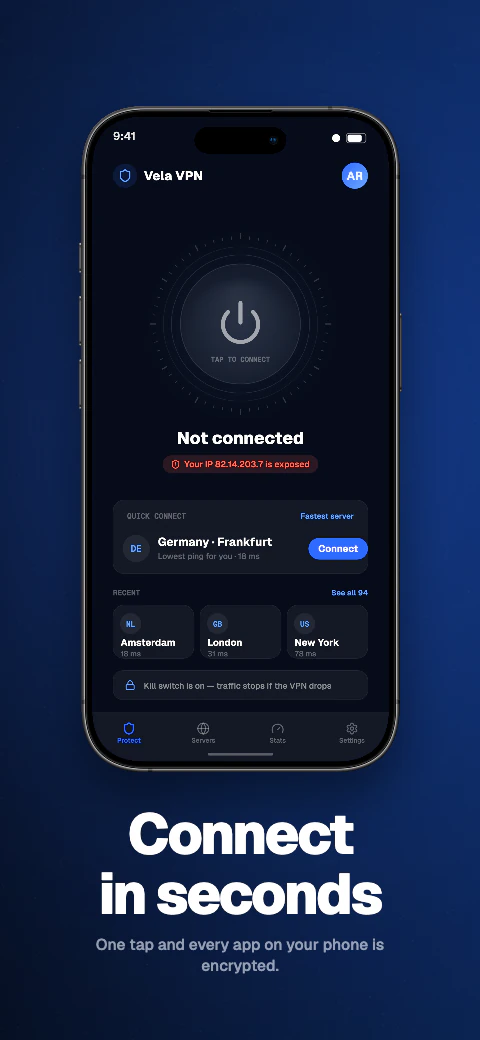
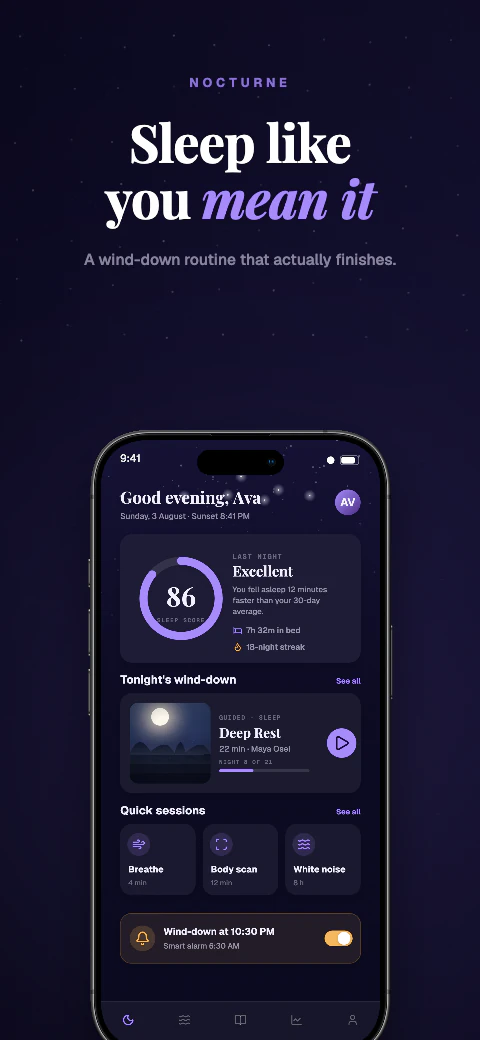
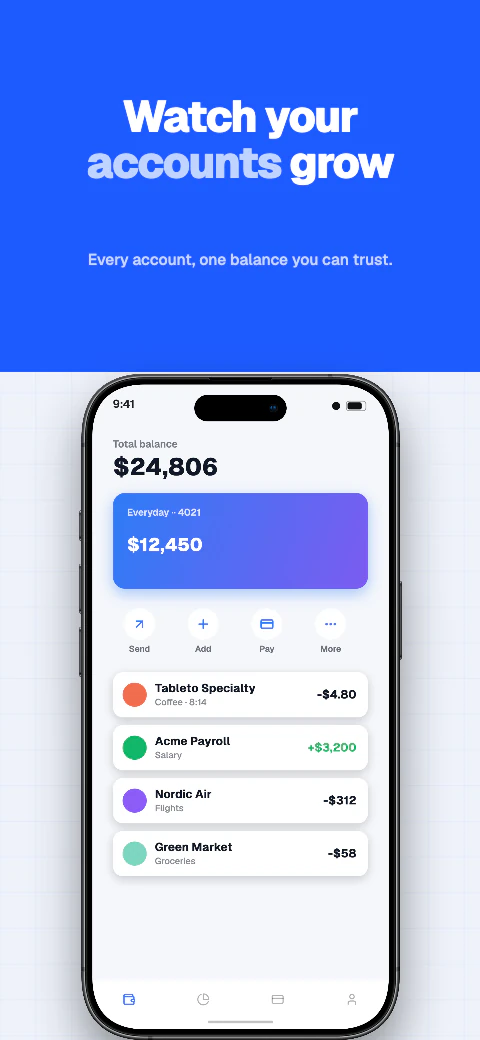
Store output targets5 core store screenshots (iPhone 6.9", iPhone 6.5", iPad 13", Android phone, Android 10" tablet), plus Play feature graphic, Apple Watch, Mac/desktop, Huawei AppGallery, Amazon Appstore, Microsoft Store, Chrome Web Store, and custom canvasesExport settings are configured for the selected content. Check your frame dimensions and resulting output against the current store specification.
Localization workflow85 caption languages (8 curated core languages featured in the editor) with AI translation of missing editable captions, reviewable editing, text-expansion warnings, and Arabic RTL layoutAutomated screenshot localization is not documented in the cited export guide. This is not a claim about every Figma plugin.
Export detailsTarget-size store exports without an alpha channel and an embedded sRGB profile, plus a launch kit from the same storyboard: 16:9, Product Hunt gallery and thumbnail, Twitter/X 1200×675, and LinkedIn 1200×627PNG, JPG, SVG and PDF export are documented. Choose a store-supported format and inspect the final file.
Store publishingStore-ready ZIP download on every plan; you upload it manually in App Store Connect or Google Play ConsoleThe cited guide describes downloading exports; direct store submission is not described there.

Shipshot may suit you if…

  • You want named store targets and screenshot templates in a dedicated editor.
  • Your recurring job is replacing app captures and reviewing localized captions.
  • You want to download the finished files and perform the store upload yourself.

Figma may suit you if…

  • Your team already maintains its product and brand design in Figma.
  • You need a freely composed design document alongside other launch artwork.
  • You are comfortable defining and reviewing the frames and export settings for each store deliverable.

Trial the change you will make next month

Use the same three source screens and headlines in both workflows. Finish one layout, then replace the second capture and lengthen its title. Record the places that need manual attention. An initial design can look equally good while the update process takes very different amounts of work.

Choose according to who owns the source

A design team may prefer to keep screenshot artwork beside its other Figma files. A release owner may prefer a dedicated store-asset project with named targets. Agree who will reopen the source, make the next language correction and verify exports before choosing a tool. Keeping both tools for different stages can be a reasonable outcome.

Check the output, not just the canvas

Download one representative image and inspect its dimensions, sharpness and text. A canvas that looks correct at a comfortable zoom can hide an unreadable caption or a stretched source capture. Use the store preview as the final handoff check, regardless of the editor you select.

How to check this comparison

Figma documents exports from selected objects or frames, multiple export settings, and PNG, JPG, SVG and PDF output. This comparison covers its documented native export workflow; community plugins may add other capabilities and were not evaluated.

Public source checked September 6, 2026. Unstated capabilities were not inferred; this is a documentation comparison, not a hands-on benchmark.