

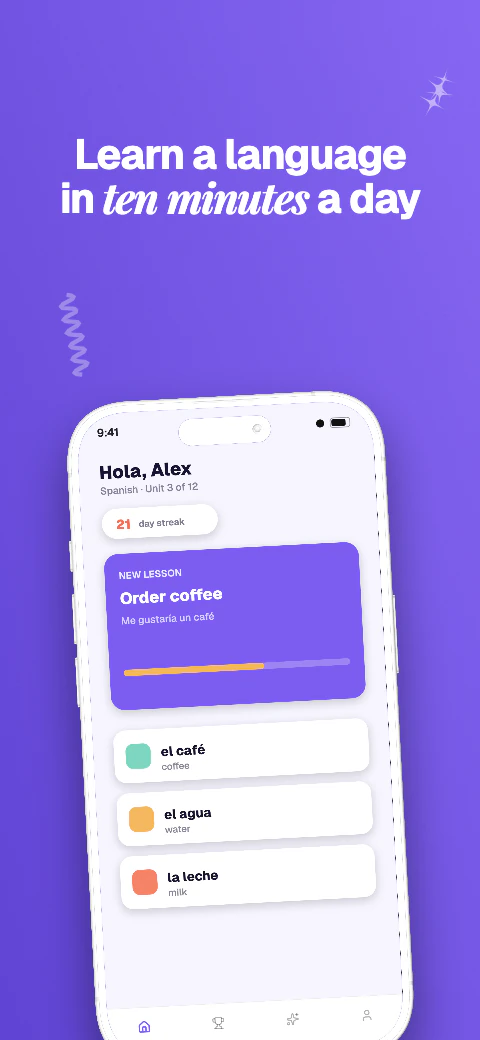
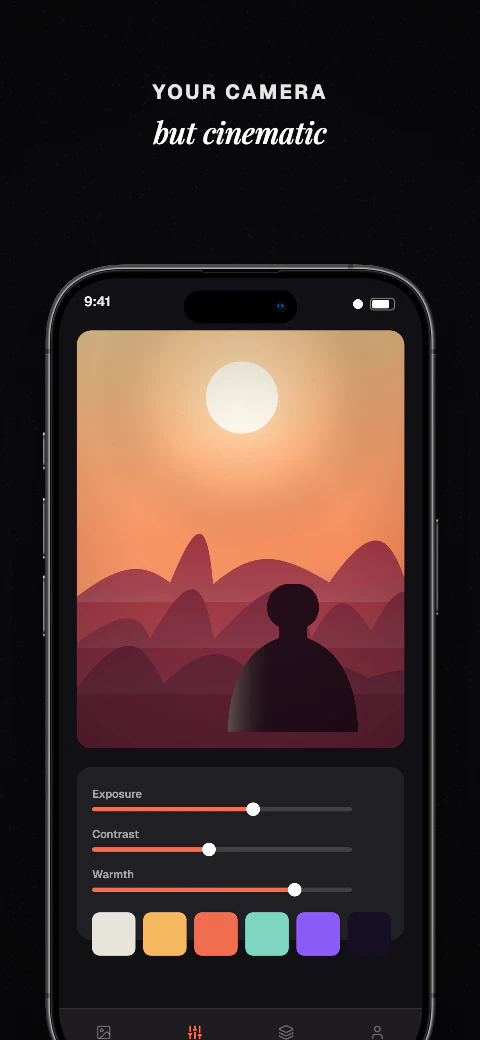
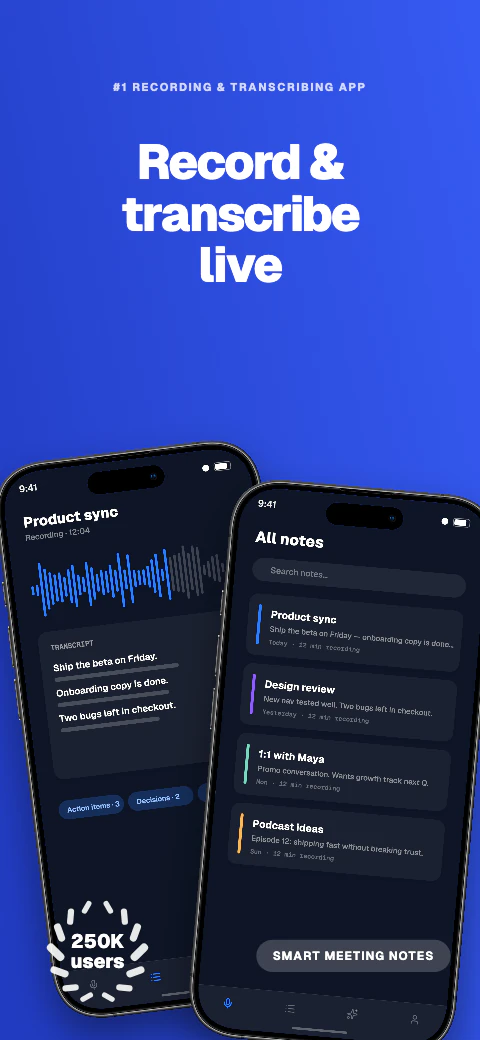
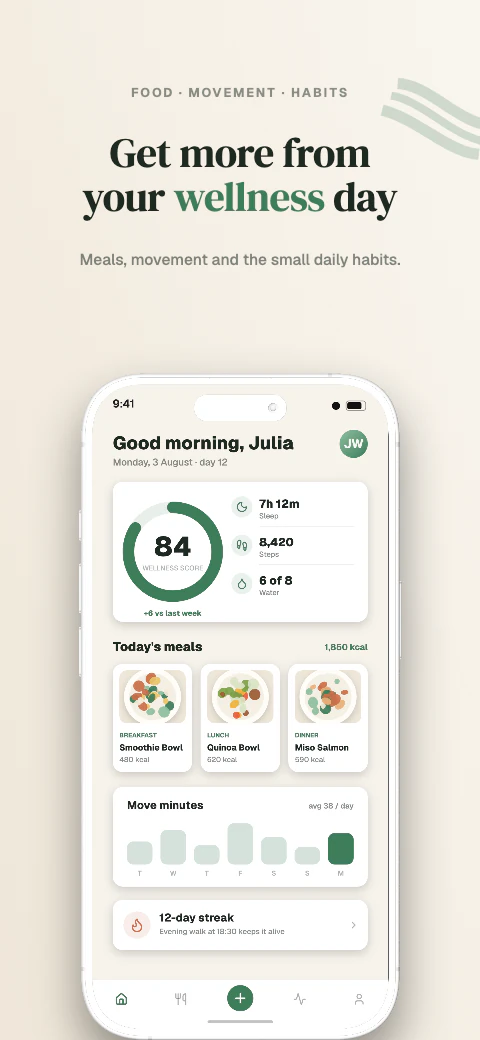
Responsive layouts
Adapt one design across all 17 named export targets in 7 stores, plus custom canvases from 200 to 7680 px per side.
Android phone and Android 10-inch tablet exports
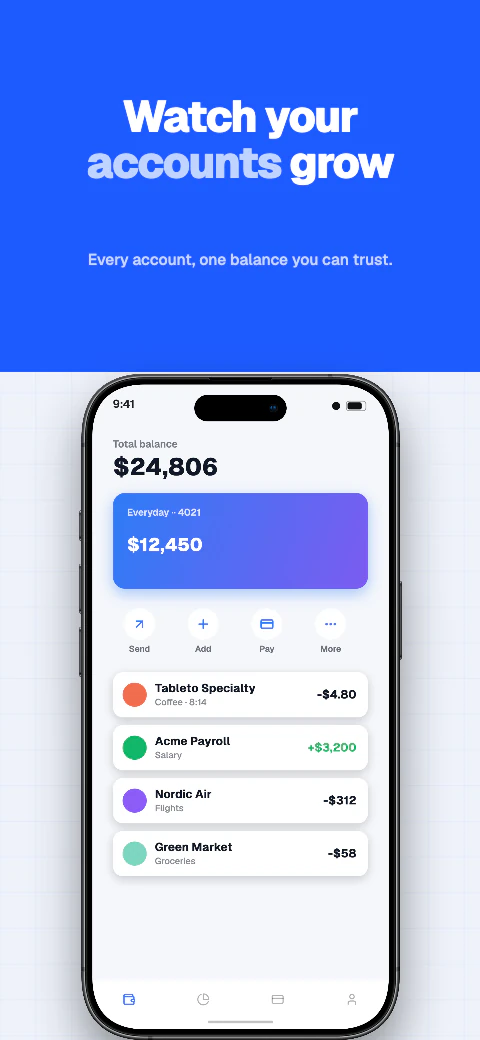
Create Google Play screenshots for Android phone and Android 10-inch tablet. Use templates, preview 85 languages on a paid plan, and download store-ready files for manual upload.
Android phone and Android 10-inch tablet exports
Design for Android phone and Android 10-inch tablet, then download store-ready screenshots and language folders.
Template library
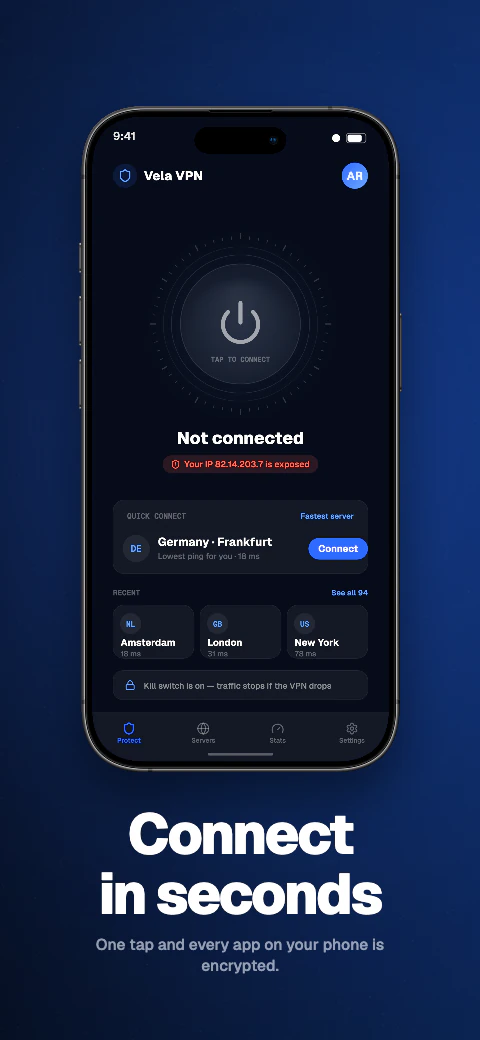
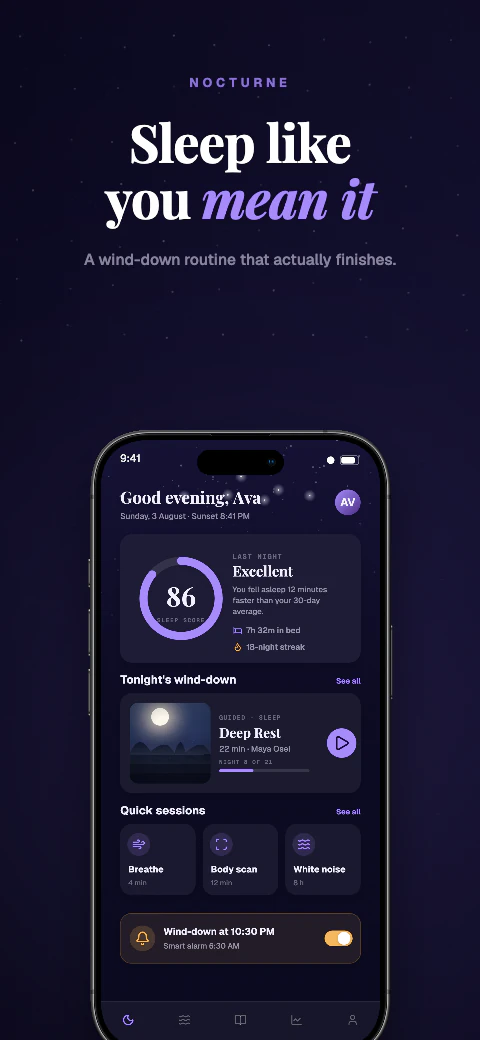
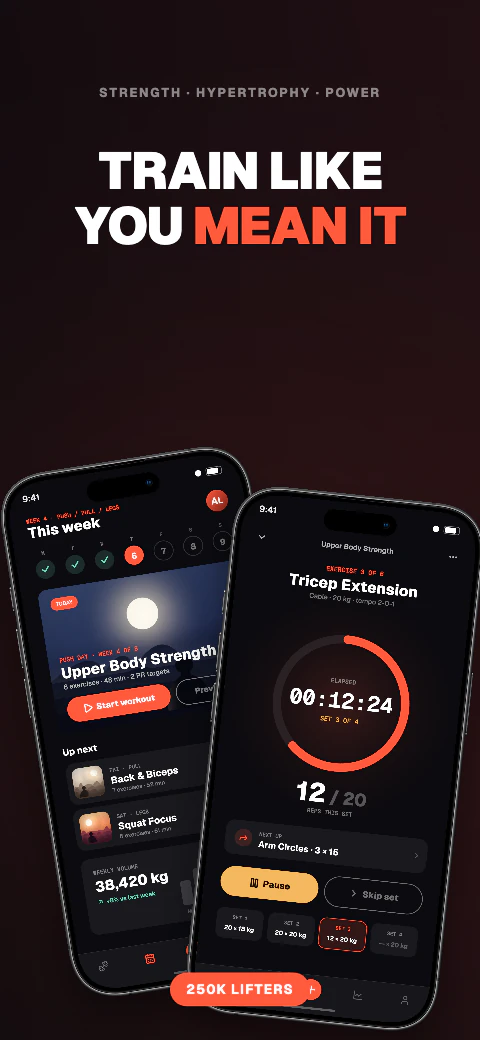
Choose from 223 unique template sets covering 1,784 pages, replace the sample screens and captions, then adapt the same design across supported export targets.
Android phone and Android 10-inch tablet exports
Design for Android phone and Android 10-inch tablet, then download store-ready screenshots and language folders.
Add your app metadata to begin.
 Google PlaySelect your app
The store rules, verified
Play Console judges a screenshot differently from App Store Connect: it accepts a range of sizes but caps how tall a file may be for its width, and that ratio rule is what rejects most Android uploads. Here is what a Google Play screenshot generator has to produce, and what Shipshot produces. Check the current requirements before export because Google can change them.
Any side between 320px and 3840px is acceptable to Google, which sounds generous until the second rule applies: the longest side may be no more than twice the shortest. 1080×2400 is the native resolution of a great many Android phones and it is 2.22 times taller than it is wide, so Play Console refuses it. 1080×2160 sits exactly on the 2:1 limit and passes; 1080×1920 passes with room to spare.
Files must be JPEG or 24-bit PNG. Google spells out that the PNG must carry no alpha, which rules out the default PNG export of most design tools even when the artwork is fully opaque.
Both targets are inside Google's limits as downloaded, and each one goes into its own Play Console slot.
| Export target (portrait) | Long side ÷ short side | Play Console device type |
|---|---|---|
| Android phone — 1080×2160 | 2.0 — exactly at Google's cap | Phone |
| Android 10-inch tablet — 1600×2560 | 1.6 — comfortably inside the cap | Tablet, 10-inch |
Screenshot slots in Play Console are per device type, so the count multiplies with the devices you support.
Google requires a feature graphic — 1024×500, JPEG or 24-bit PNG with no alpha — before a store listing can be published. It is not a screenshot and it does not go in a screenshot slot.
Studio includes a dedicated 1024×500 Play feature graphic canvas. Design the banner there, export a flattened JPEG or 24-bit PNG, and upload it in Play Console beside your screenshots.
One responsive design covers both Android targets and the three Apple targets at the same time, so an Android listing and an iOS listing come out of a single project rather than two. Start from any of the 223 template sets, replace the sample screens with your own, and edit every caption.
Select a language and Qwen translates the editable captions that are missing one, preserving translations you have already written. Preview each language at full size before exporting — German and Finnish captions expand well past their English length, and Arabic reverses the layout.
Exports arrive flattened, with no alpha channel and an embedded sRGB profile, named and organised per target. You upload them yourself in Play Console, or on Pro and Scale push a saved ZIP into the listing version.
Adapt one design across all 17 named export targets in 7 stores, plus custom canvases from 200 to 7680 px per side.
Qwen translates missing editable captions across all 85 caption languages, with 8 curated core languages featured in the editor; review and edit every result before export. Translation and non-English preview need Pro or Scale; free projects stay in English.
Use real device frames, frameless screens, soft clay renders, and angled poses.
Export store-ready files for manual upload to App Store Connect and Google Play Console. Pro and Scale can also push a saved ZIP into those listing versions.
Write and refine benefit-led captions for each supported preview language.
Basic includes 1 project, up to 5 screenshots per size, and watermarked exports for all 17 store targets. Pro includes 10 projects, 10 screenshots per size, and English + 5 additional locales (6 total). Scale includes unlimited projects, 25 screenshots per size, all 85 caption languages, and an extended licence. Every plan exports the same 17 store targets for manual upload.
Frequently asked questions
Anything from 320px to 3840px per side, provided the longest side is no more than twice the shortest. Shipshot exports Android phone at 1080×2160 and Android 10-inch tablet at 1600×2560, both inside that cap.
Because 2400 is more than twice 1080. The ratio, not the resolution, is what fails. Re-export at 1080×2160 or 1080×1920 rather than stretching the file you already have.
Two in total to publish, up to 8 per device type, and at least 4 on large-screen device types. Games need at least three there.
Yes. Open the Play feature graphic size in Studio (1024×500), design the banner, and export a flattened JPEG or 24-bit PNG for Play Console. It is a separate canvas from your phone and tablet screenshots.
Yes. The same responsive layout exports Android phone, Android 10-inch tablet, iPhone 6.9-inch, iPhone 6.5-inch and iPad 13-inch, with per-target overrides when a layout needs adjusting.
ZIP download is on every plan. Pro and Scale can also push a saved ZIP into the Play listing.