
Shipshot may suit you if…
- You already have captures and want to arrange them with editable captions.
- A designer or release owner needs a visual editor for the store story.
- You prefer reviewing downloaded files before manually uploading them.
Choose your screenshot workflow
A short, source-backed comparison for shipping store screenshots tomorrow. We leave gaps visible when a public page does not state the answer.
Shipshot vs fastlane
| What matters tonight | S Shipshot | ↔ fastlane |
|---|---|---|
| Source screenshots | Import captures taken from your running app; Shipshot does not run UI tests or operate a simulator. | snapshot runs UI-test journeys to capture the app across configured Apple devices and languages. |
| Templates and layout | 223 template sets / 1,784 pages; 6 sets on the free plan, the other 217 on Pro and Scale | snapshot captures the app interface. This comparison does not evaluate other fastlane actions or third-party composition tools. |
| Localization workflow | 85 caption languages (8 curated core languages featured in the editor) with AI translation of missing editable captions, reviewable editing, text-expansion warnings, and Arabic RTL layout | Configure capture languages for the app under test. Marketing-caption translation is outside the cited snapshot workflow. |
| Export review | Target-size store exports without an alpha channel and an embedded sRGB profile, plus a launch kit from the same storyboard: 16:9, Product Hunt gallery and thumbnail, Twitter/X 1200×675, and LinkedIn 1200×627 | The capture run produces image files and an HTML summary for inspection. |
| Store publishing | Store-ready ZIP download on every plan; you upload it manually in App Store Connect or Google Play Console | The snapshot documentation points to deliver for uploading the captured assets. |
If a release engineer spends hours navigating the app into the same states, start by improving capture repeatability. If the captures are already available but the team struggles with captions, crops and different layouts, a design workflow addresses that part. List the actual tasks in your release instead of assuming two products with screenshot features are substitutes.
A useful sequence is to generate or manually take reliable source captures, inspect them, compose the store artwork, then approve the final files. Keep source images separate from flattened marketing assets. A capture change may require a new layout review even when the headline has not changed.
Time one repeat run after changing the app UI and one design update after changing the caption. Record who fixes failures and who approves the results. The best arrangement is the one your team can maintain through real releases, including occasional broken tests, language changes and late product corrections.
Real Shipshot output
These are real template pages from Shipshot’s library. Replace the example screens and captions in the workspace.
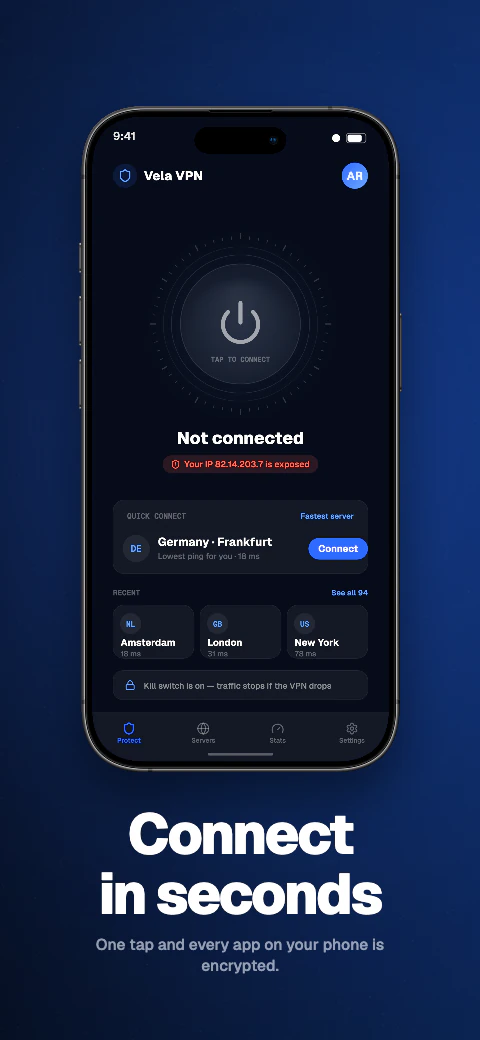
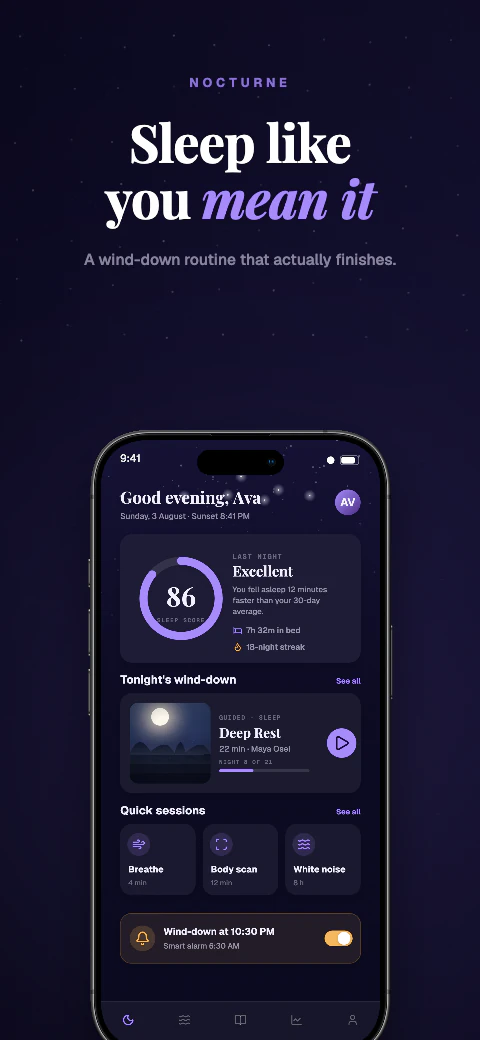
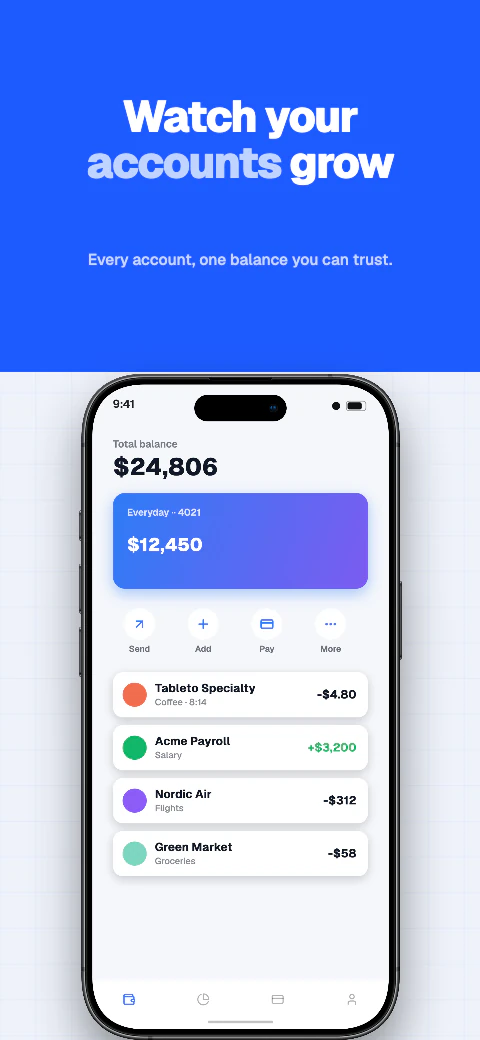
fastlane snapshot automates localized captures using UI tests on Apple simulators. Its documentation describes device and language configuration, a review summary and integration with deliver for uploading. Shipshot is the visual design and manual export stage.
Public source checked September 6, 2026. Unstated capabilities were not inferred; this is a documentation comparison, not a hands-on benchmark.