

Responsive layouts
Adapt one design across all 17 named export targets in 7 stores, plus custom canvases from 200 to 7680 px per side.
Supported Android export targets
See Shipshot's supported Google Play screenshot export targets: Android phone and Android 10-inch tablet.
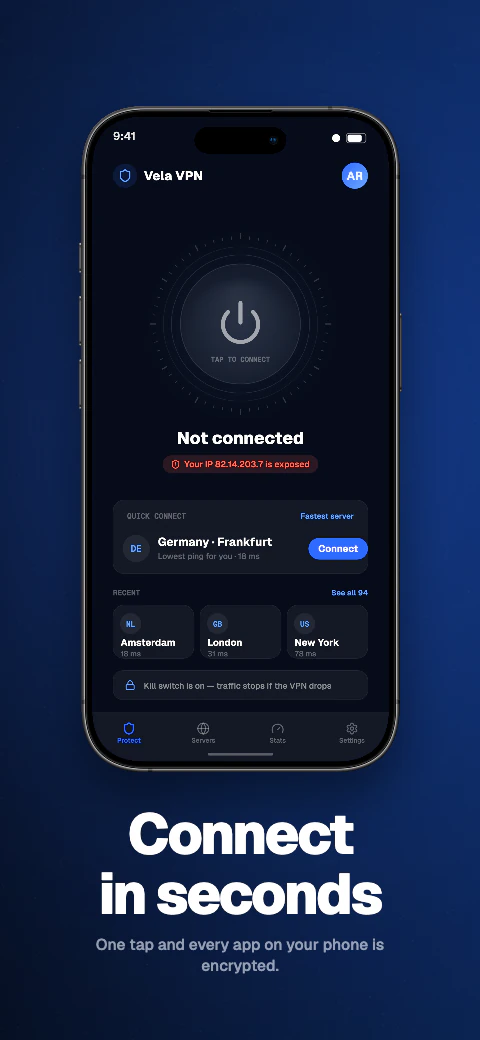
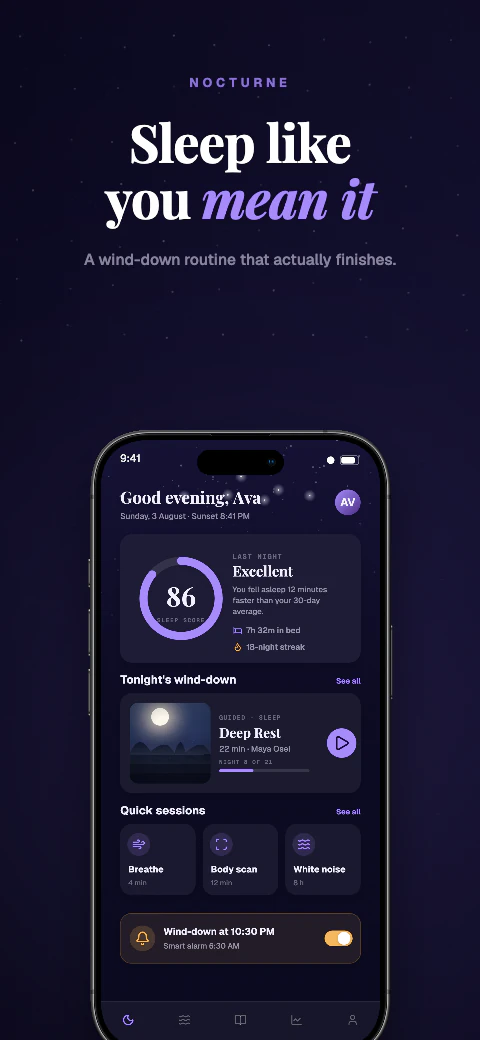
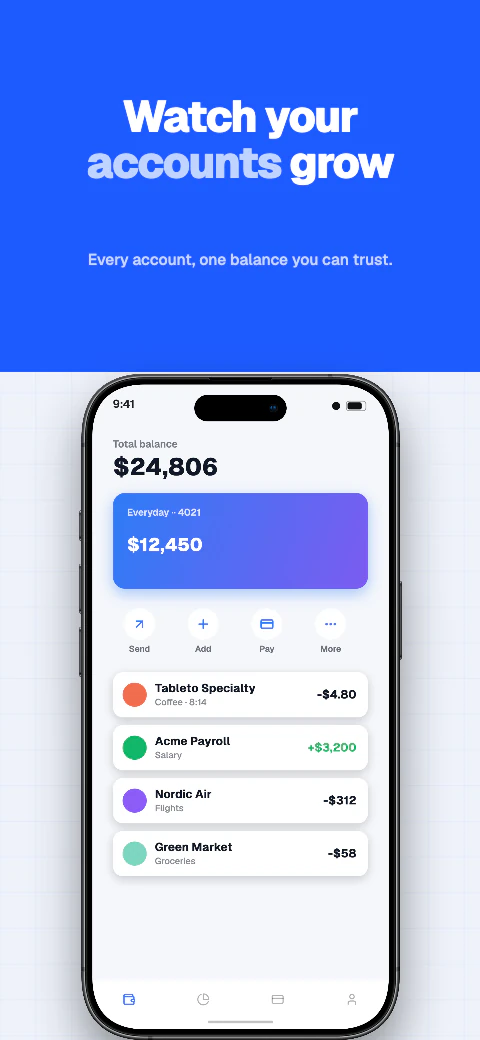
Supported Android export targets
Preview Android phone and Android 10-inch tablet before downloading store-ready files for manual upload.
Supported export targets
See Shipshot's supported Google Play screenshot export targets: Android phone and Android 10-inch tablet.
Create screenshots fast| Export target |
|---|
| Android phone |
| Android 10-inch tablet |
Supported Android export targets
Preview Android phone and Android 10-inch tablet before downloading store-ready files for manual upload.
Add your app metadata to begin.
Google PlaySelect your appThe store rules, verified
The complete Google Play screenshot specification, checked against Google's own documentation: the dimension limits, the aspect-ratio cap that makes 1080×2400 invalid, and the per-device-type upload rules. Check the current requirements before export because Google can change them.
Google Play's published requirements for screenshots.
1080×2400 is the native resolution of many Android phones, so it is the first size most developers try. It is 2.22 times taller than it is wide, and Google caps the ratio at 2:1. Play Console rejects it.
1080×2160 is exactly at the 2:1 limit and is valid. So is 1080×1920 (16:9). But other common phone resolutions fail too — 1440×2960, for example, because 2960 is more than twice 1440. Always divide the long side by the short side before exporting.
Both targets satisfy Google's rules as exported.
| Export target (portrait) | Long side ÷ short side |
|---|---|
| Android phone — 1080×2160 | 2.0 — exactly at Google's limit |
| Android 10-inch tablet — 1600×2560 | 1.6 — within the limit |
Phones, 7-inch tablets, and 10-inch tablets are separate device types in Play Console, each with its own 8-screenshot slot. For large screens Google asks for at least 4 screenshots and recommends a 16:9 landscape or 9:16 portrait frame — both well inside the 2:1 cap.
To qualify for certain Play recommendation formats, Google highly recommends at least four phone screenshots at minimum 1080px resolution: 16:9 landscape (at least 1920×1080) or 9:16 portrait (at least 1080×1920). Games need at least three.
Shipshot exports Android phone and Android 10-inch tablet screenshots inside Google's dimension and aspect-ratio limits, as 24-bit files with no alpha channel and an embedded sRGB profile. You upload them yourself in Play Console, or on Pro and Scale push a saved ZIP into the listing version.
Adapt one design across all 17 named export targets in 7 stores, plus custom canvases from 200 to 7680 px per side.
Qwen translates missing editable captions across all 85 caption languages, with 8 curated core languages featured in the editor; review and edit every result before export. Translation and non-English preview need Pro or Scale; free projects stay in English.
Use real device frames, frameless screens, soft clay renders, and angled poses.
Export store-ready files for manual upload to App Store Connect and Google Play Console. Pro and Scale can also push a saved ZIP into those listing versions.
Write and refine benefit-led captions for each supported preview language.
Basic includes 1 project, up to 5 screenshots per size, and watermarked exports for all 17 store targets. Pro includes 10 projects, 10 screenshots per size, and English + 5 additional locales (6 total). Scale includes unlimited projects, 25 screenshots per size, all 85 caption languages, and an extended licence. Every plan exports the same 17 store targets for manual upload.
Frequently asked questions
Any dimensions between 320px and 3840px per side, as long as the longest side is no more than twice the shortest. Common valid choices are 1080×1920 (16:9) and 1080×2160 (exactly 2:1).
No. 2400 is more than twice 1080, so it breaks Google's rule that the maximum dimension can't be more than twice the minimum dimension. Crop or pad to 1080×2160 or 1080×1920 instead.
No. Google specifies JPEG or 24-bit PNG, with "no alpha" stated explicitly. Shipshot exports are flattened with no alpha channel.
Up to 8 per device type — phone, 7-inch tablet, and 10-inch tablet each get their own set. Publishing requires a minimum of two screenshots total.
Only if you want the listing to show them on tablets. Google treats large screens separately and asks for a minimum of 4 screenshots there to demonstrate the in-app experience.
JPEG or 24-bit PNG with no alpha channel, between 320px and 3840px per side.