
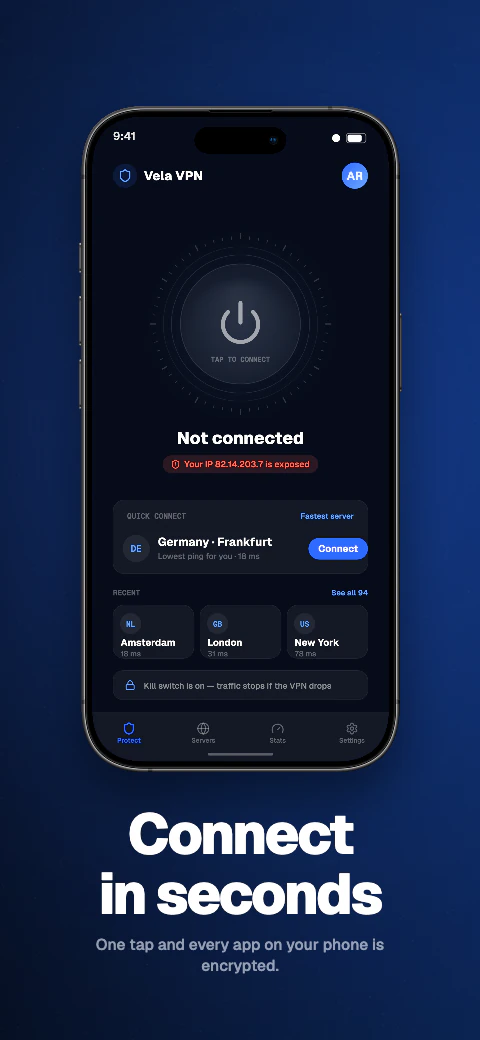
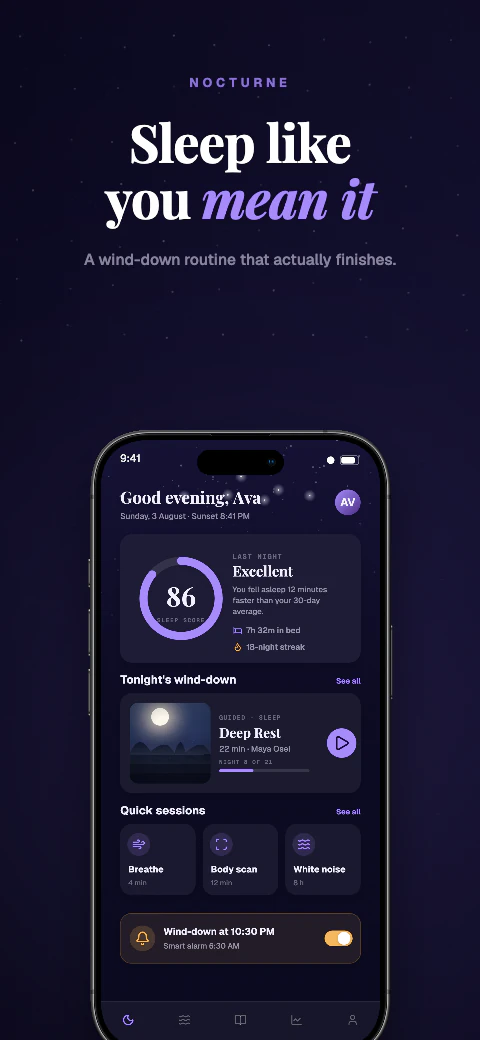
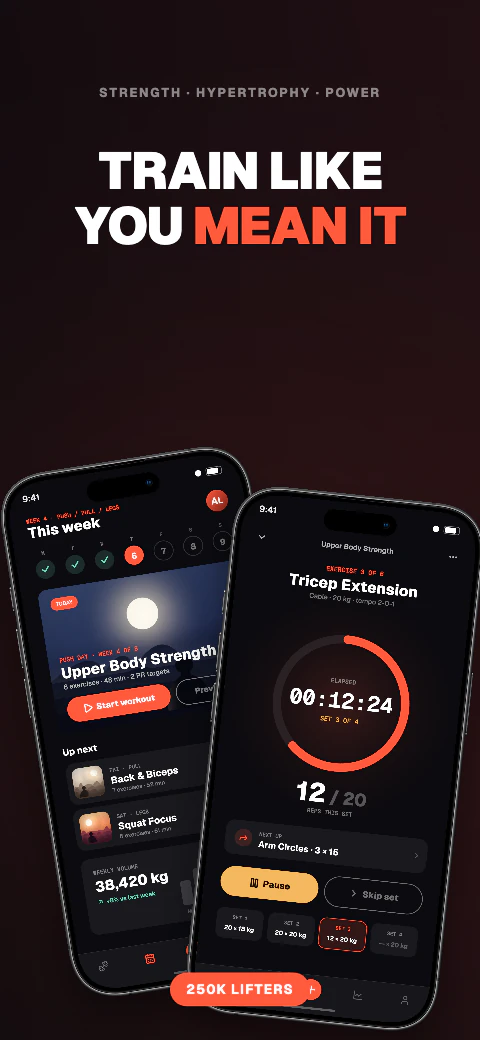
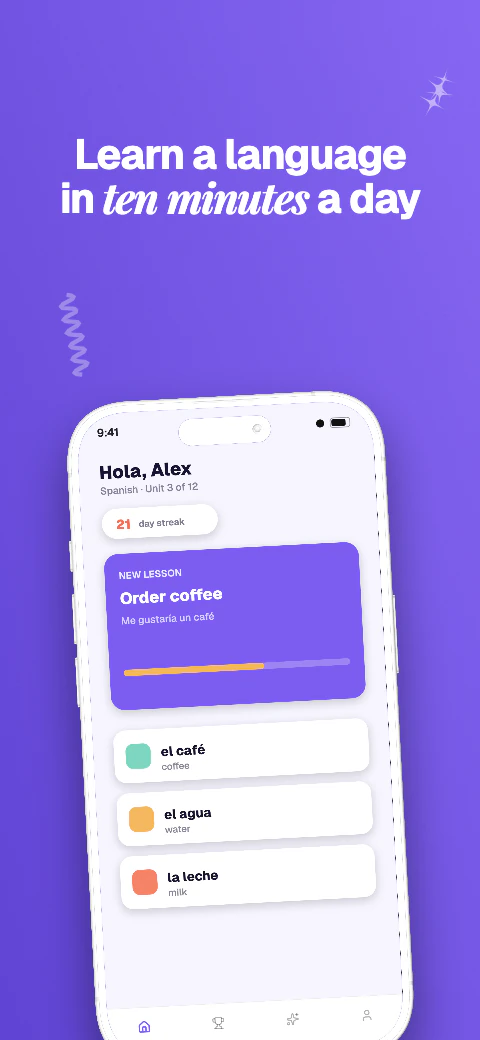
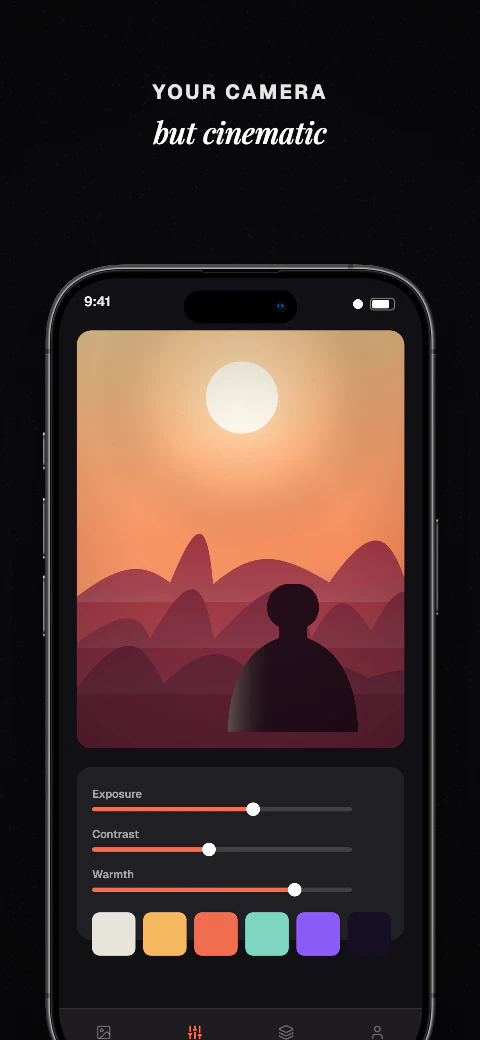
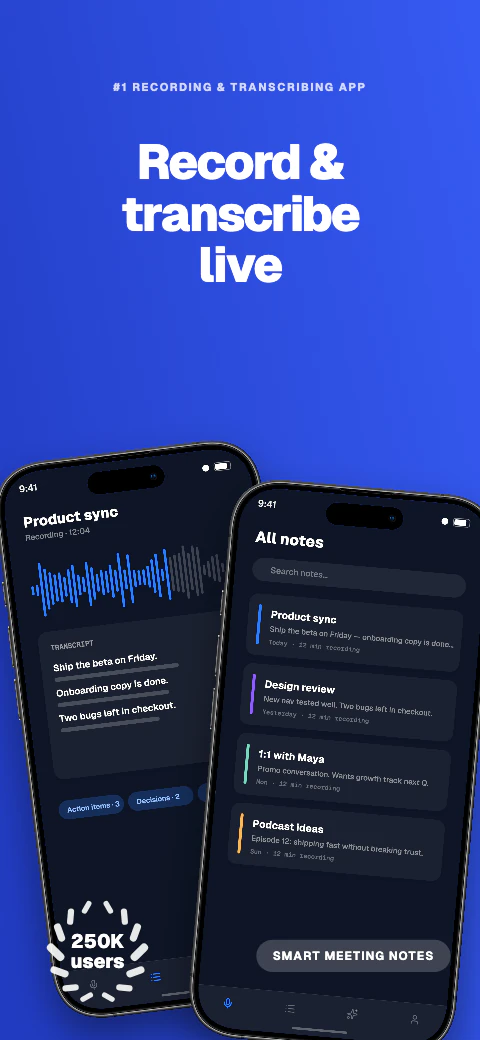
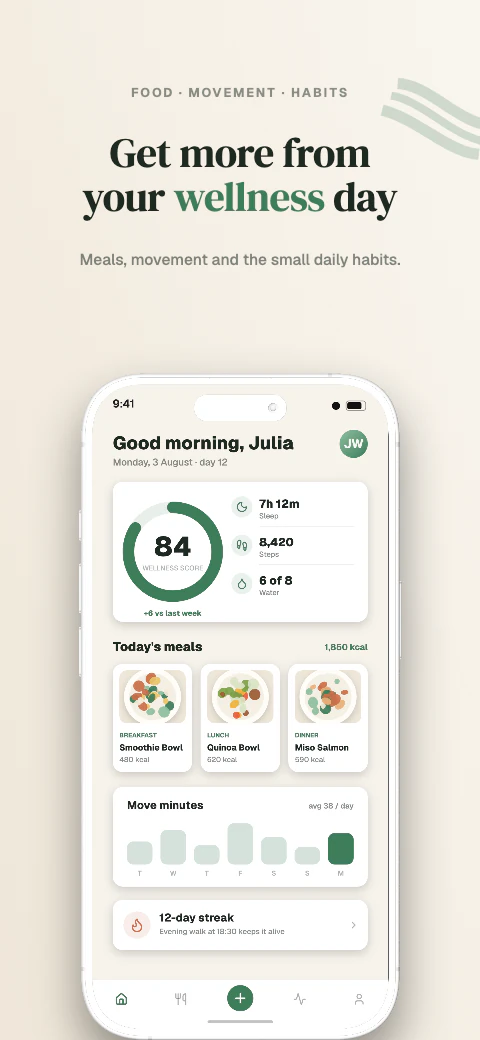
Responsive layouts
Adapt one design across all 17 named export targets in 7 stores, plus custom canvases from 200 to 7680 px per side.
A responsive AppLaunchpad alternative
Considering AppLaunchpad? Compare Shipshot's 223 unique template sets covering 1,784 pages, responsive editing, 85-language caption preview, and manual store-ready downloads for supported Apple and Google targets.
A responsive AppLaunchpad alternative
Compare the workflows that matter for creating, previewing, and downloading store screenshots for manual upload.
Template library
Choose from 223 unique template sets covering 1,784 pages, replace the sample screens and captions, then adapt the same design across supported export targets.
A responsive AppLaunchpad alternative
Compare the workflows that matter for creating, previewing, and downloading store screenshots for manual upload.
Add your app metadata to begin.
 App StoreSelect your app
The store rules, verified
A comparison built only from what each product publishes. Shipshot's numbers come from the product; AppLaunchpad's come from its live public site, checked on August 5, 2026. Where that page did not state something, this page says so instead of guessing.
On the checked date AppLaunchpad's live product site was https://theapplaunchpad.com. The homepage presents AppLaunchpad as a free App Store and Google Play screenshot generator for customised store images in the resolutions Apple and Google require.
Pricing amounts, exact export targets, template counts and the localization workflow were not verified from a dedicated public pricing page for this comparison, so they are recorded below as not stated rather than estimated. The older applaunchpad.com hostname is not the product site.
Blank answers are real findings: they mean the checked page did not say.
| Aspect | Shipshot | AppLaunchpad, as stated publicly |
|---|---|---|
| Templates | 223 template sets, 1,784 pages, six art directions | Not stated on the checked public page |
| Export targets | 17 named targets across 7 stores — the five core store screenshots (iPhone 6.9-inch, iPhone 6.5-inch, iPad 13-inch, Android phone, Android 10-inch tablet) plus the Play feature graphic, Apple Watch, Watch Ultra, MacBook Air, Studio Display, Desktop 16:9 and 16:10, Huawei AppGallery, Amazon Fire Tablet, Fire TV, Microsoft Store and Chrome Web Store — plus custom canvases from 200 to 7680 px per side | Apple- and Google-required resolutions are described; exact targets are not stated |
| Localization | 85 caption languages, 8 curated core languages featured in the editor, Qwen translation of missing editable captions, text-expansion warnings, genuine Arabic right-to-left layout | Not stated on the checked public page |
| Export files | Target-size PNG or JPEG, no alpha channel, embedded sRGB profile | Not stated on the checked public page |
| Store publishing | ZIP download always; Pro and Scale can push a saved ZIP into the listing | Not stated on the checked public page |
| Pricing | Free plan with watermarked exports; Pro $24.99/month or $99/year; Scale $44.99/month or $180/year | Described as free; amounts and limits are not stated on the checked public page |
These are the questions that decide whether an export survives the upload, whichever tool you end up with.
Shipshot always offers ZIP download. Listing push is optional on Pro and Scale and uses App Store Connect or Play Console keys you supply — it does not take an action on a listing you did not start. It previews the language you are editing, one at a time, rather than rendering every language side by side. Screenshots and the 1024×500 Google Play feature graphic are separate Studio canvases.
If unattended store submission is the thing you are switching for, another tool is the better answer, and this page would rather say that than lose the point in a feature grid.
Adapt one design across all 17 named export targets in 7 stores, plus custom canvases from 200 to 7680 px per side.
Qwen translates missing editable captions across all 85 caption languages, with 8 curated core languages featured in the editor; review and edit every result before export. Translation and non-English preview need Pro or Scale; free projects stay in English.
Use real device frames, frameless screens, soft clay renders, and angled poses.
Export store-ready files for manual upload to App Store Connect and Google Play Console. Pro and Scale can also push a saved ZIP into those listing versions.
Write and refine benefit-led captions for each supported preview language.
Basic includes 1 project, up to 5 screenshots per size, and watermarked exports for all 17 store targets. Pro includes 10 projects, 10 screenshots per size, and English + 5 additional locales (6 total). Scale includes unlimited projects, 25 screenshots per size, all 85 caption languages, and an extended licence. Every plan exports the same 17 store targets for manual upload.
Frequently asked questions
There is a free plan: 1 project, up to 5 screenshots, and exports for all 17 store targets carrying a Shipshot watermark. Pro at $24.99/month or $99/year removes the watermark; Scale at $44.99/month or $180/year adds unlimited projects and all 85 caption languages.
Shipshot publishes all 17 of its export targets and their exact pixel dimensions. AppLaunchpad's checked public page describes Apple- and Google-required resolutions without naming the targets, so the two cannot be compared line by line from public information alone.
ZIP download is on every plan. Pro and Scale can also push a saved ZIP into App Store Connect or Play Console listings.
85, on any paid plan — free accounts stay in English. Eight of them — English, Spanish, French, German, Portuguese, Japanese, Korean and Arabic — are the curated core languages the editor features up front. Qwen translates the editable captions that are missing a translation, you review and edit every result, and Arabic renders with genuine right-to-left layout rather than mirrored text.
Yes. Every plan carries a licence for your own store listings — a free licence on Basic, a standard licence on Pro, and an extended licence on Scale that covers client work.
From AppLaunchpad's live public site, checked on August 5, 2026. Anything the page did not state is recorded as not stated rather than filled in with an assumption.