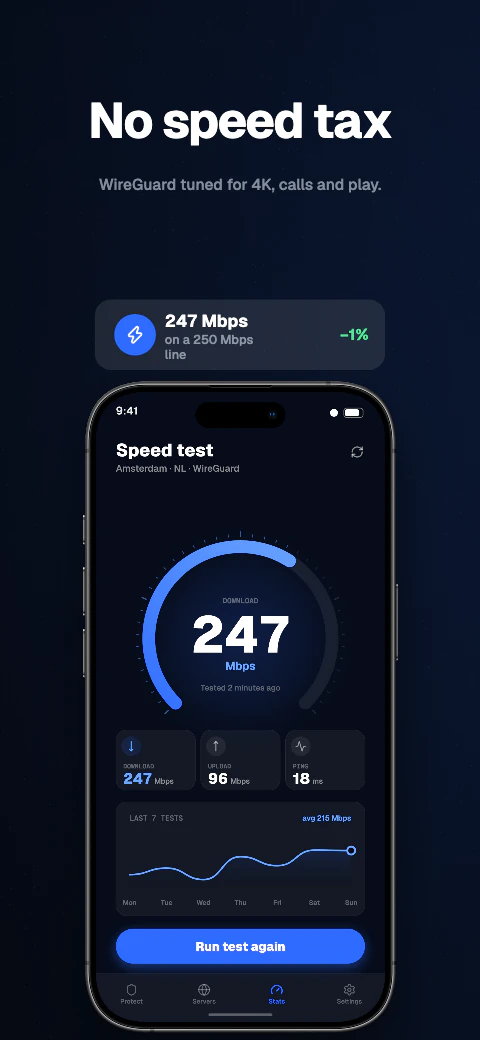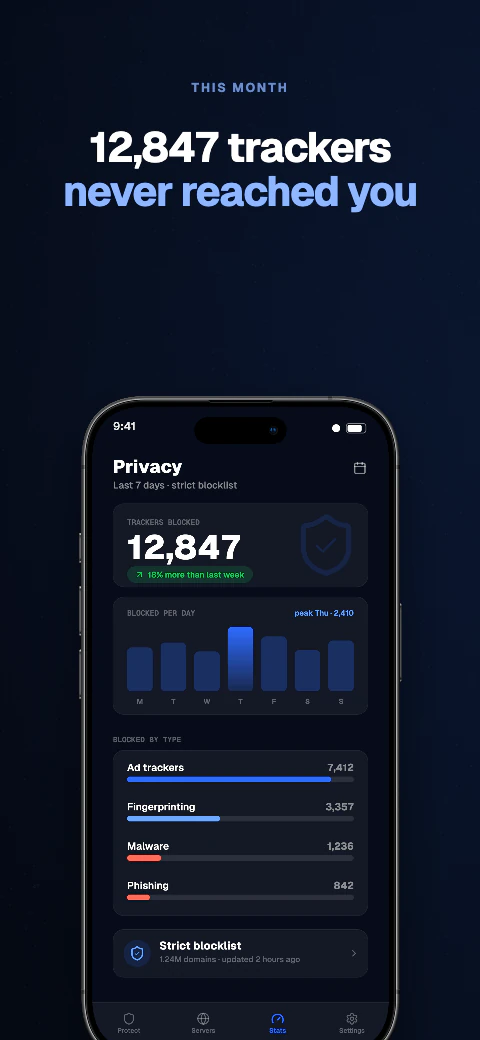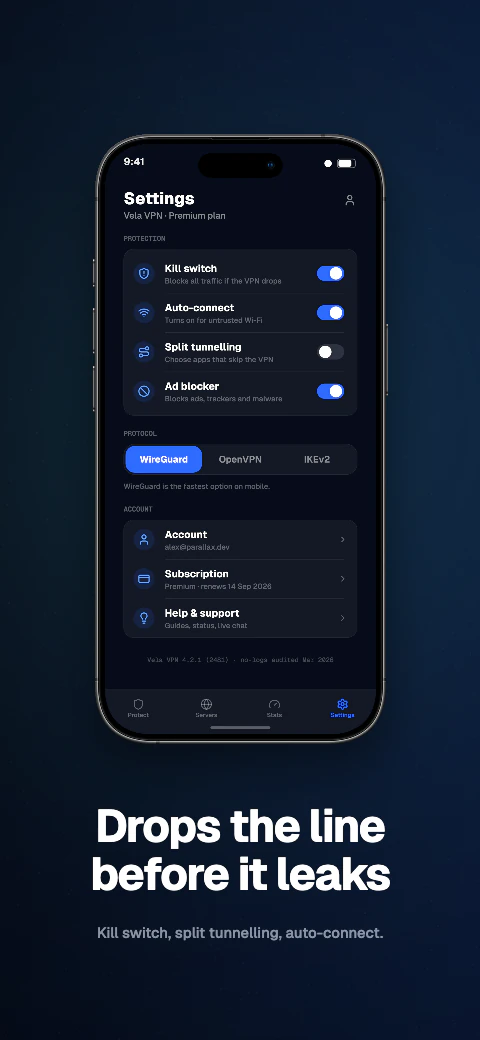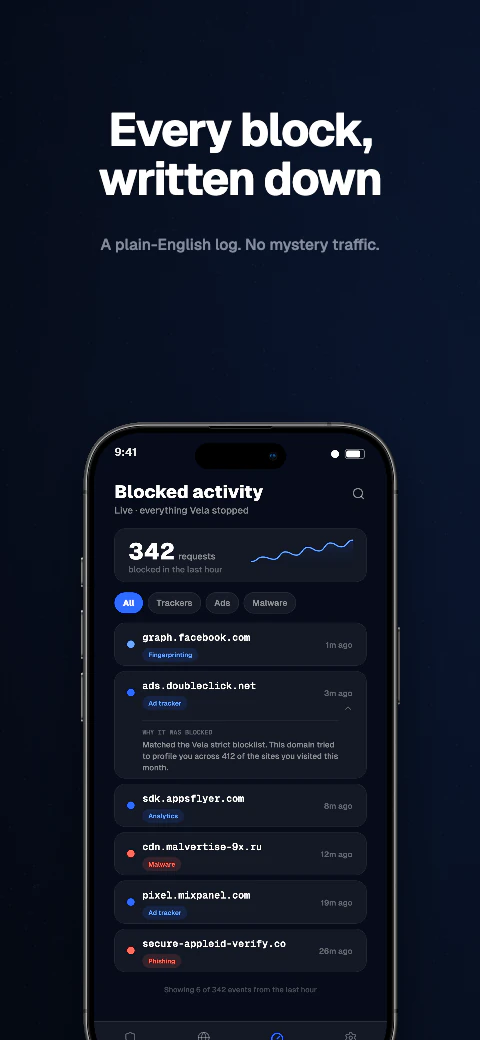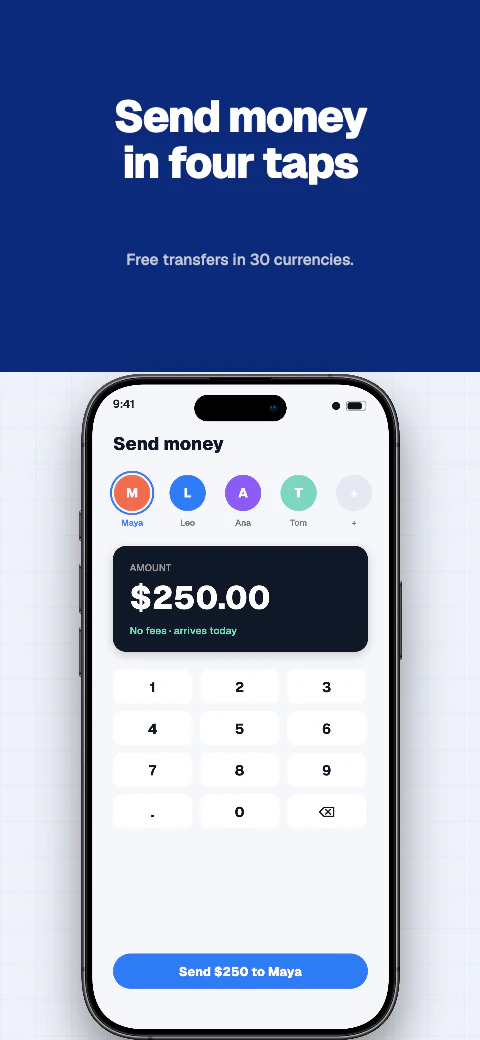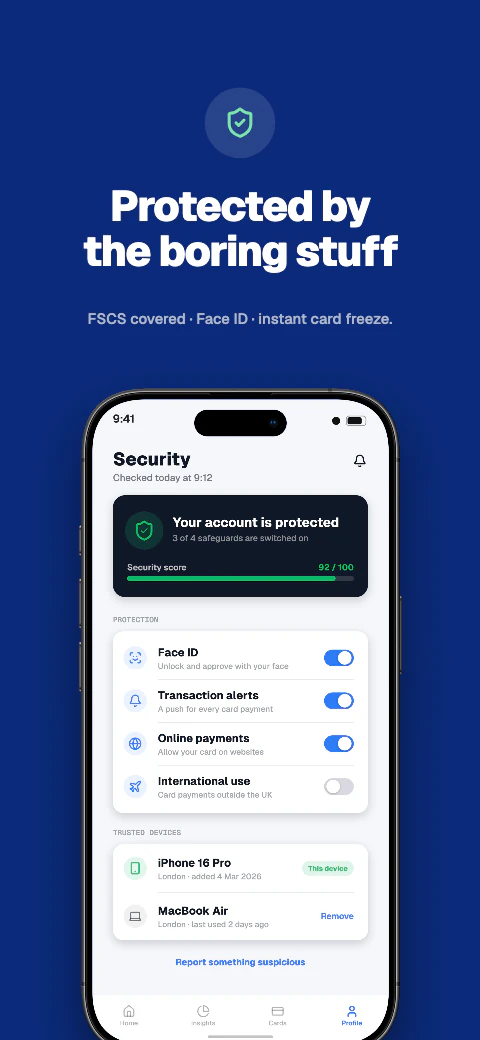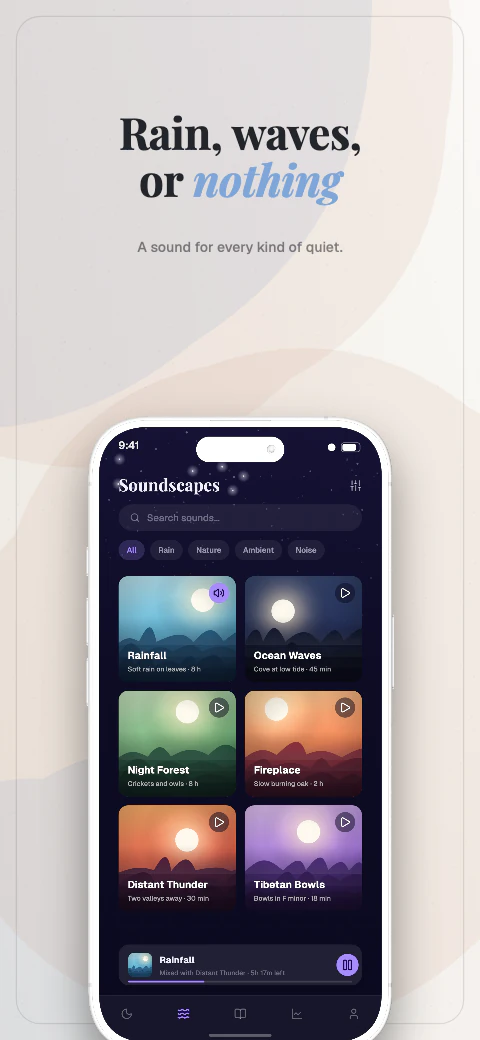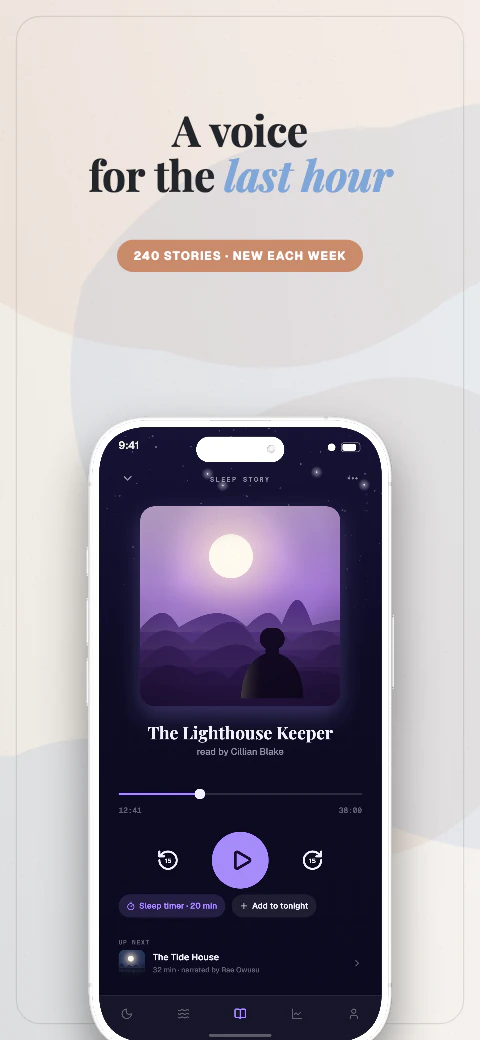
Playful · 8 pagesFree
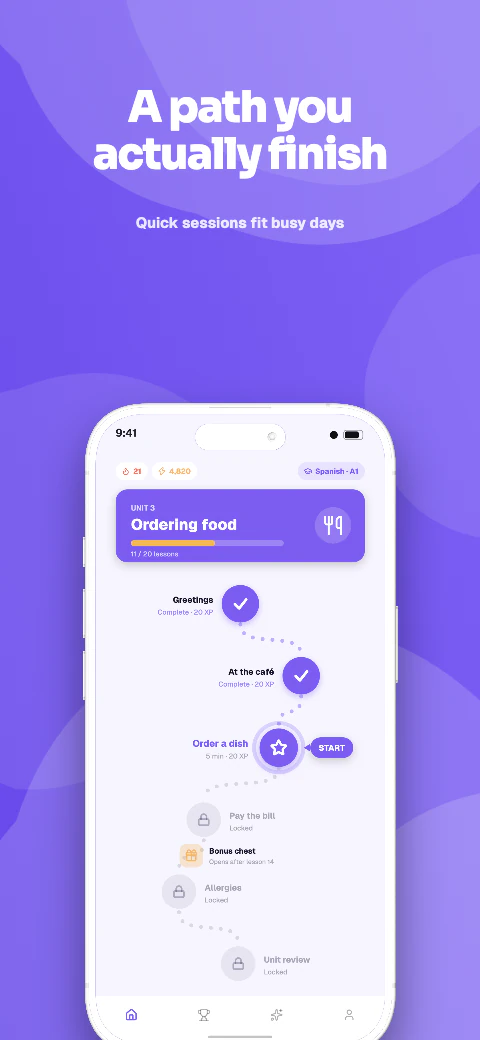 Open story
- Hook
- Path
- Lessons
- Speak
- Free
- Review
- League
- Loved
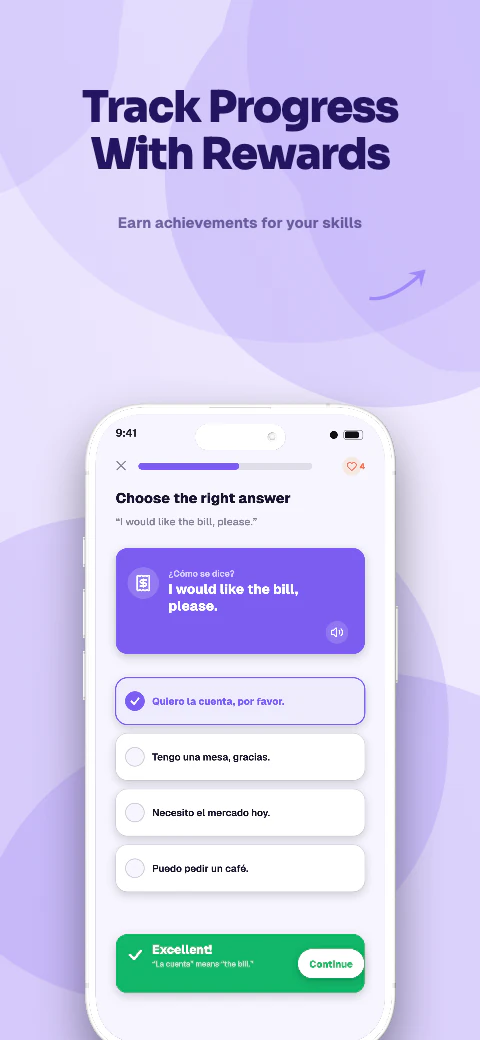
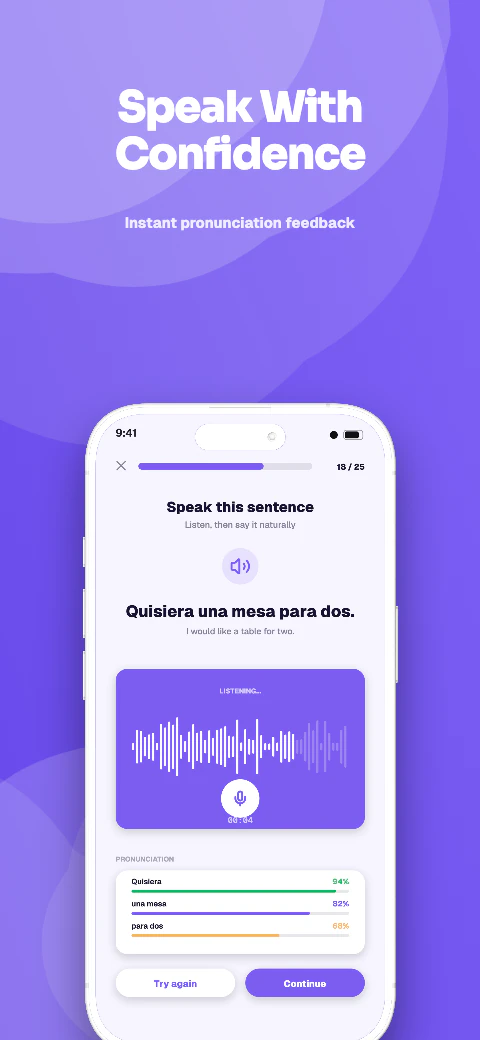
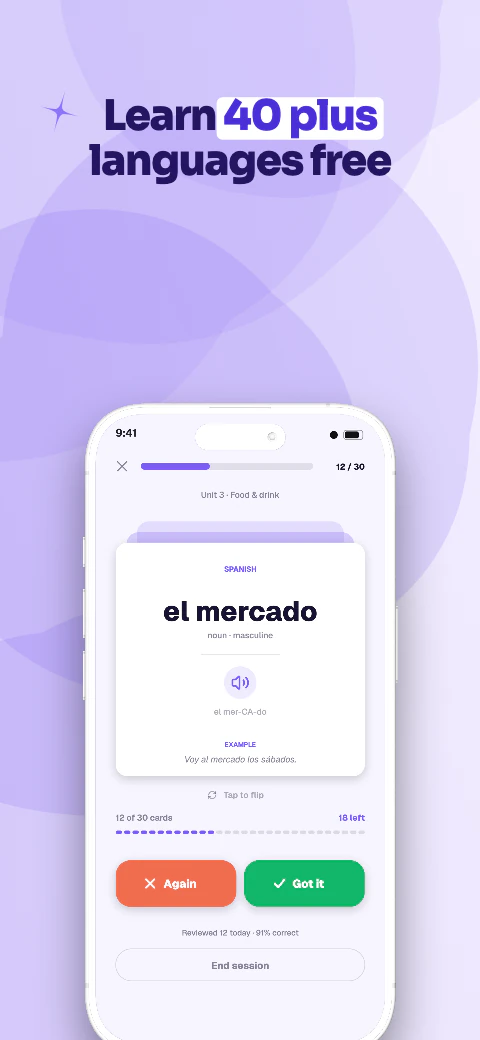
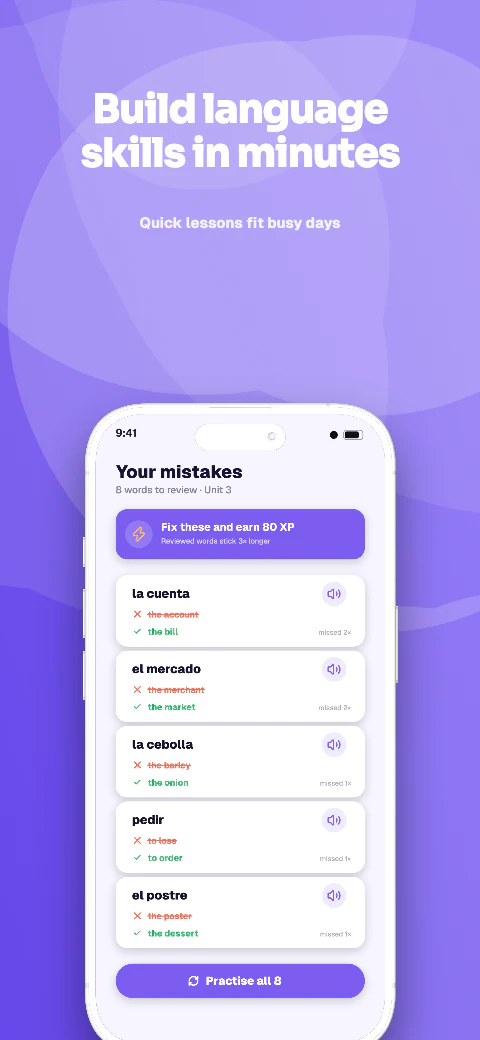
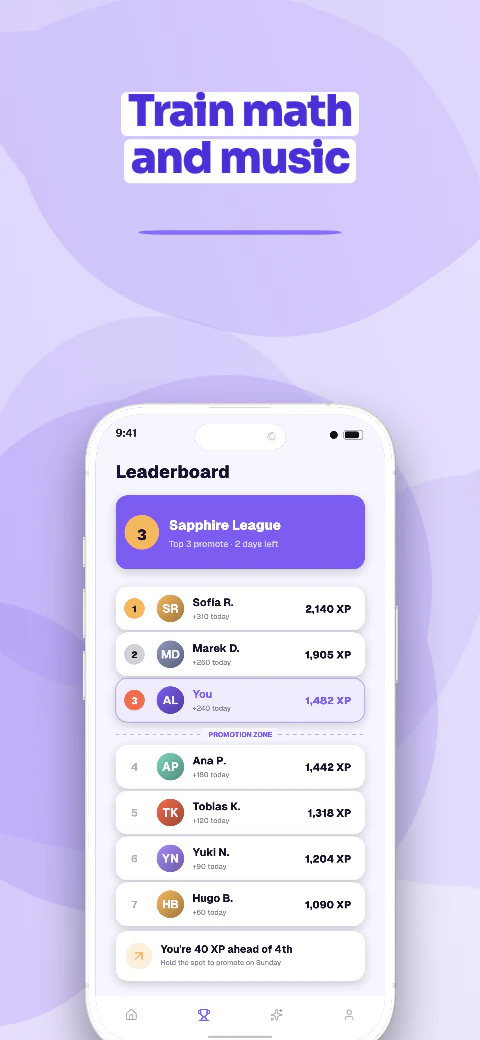
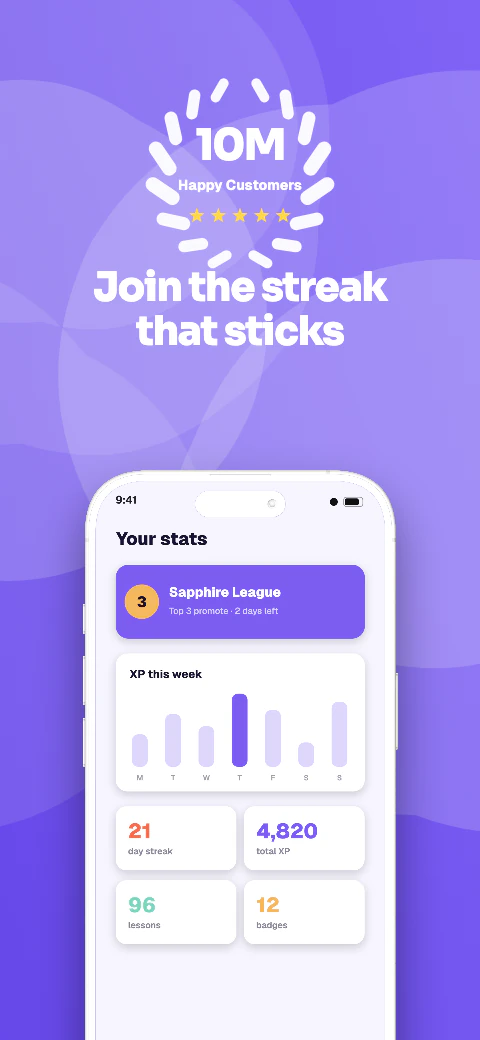
Shipshot story set
Kova
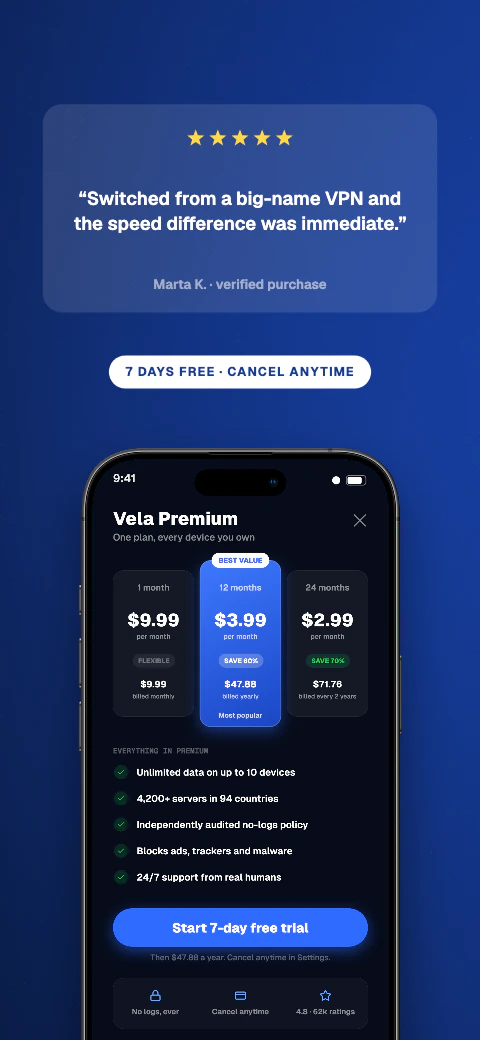
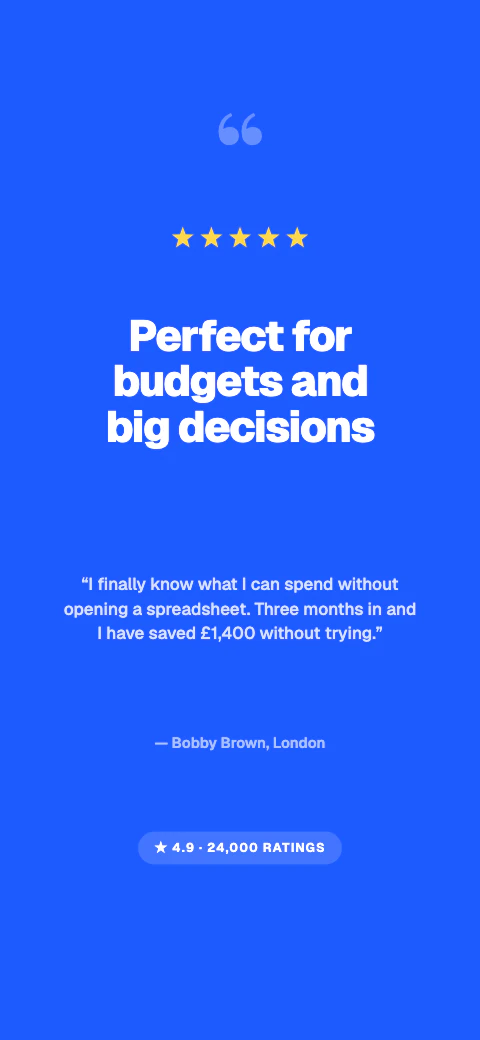
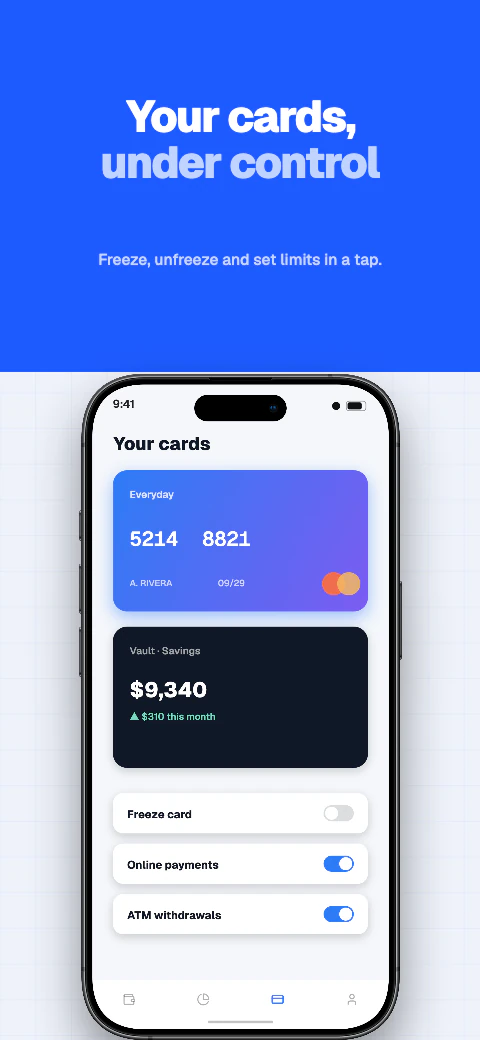
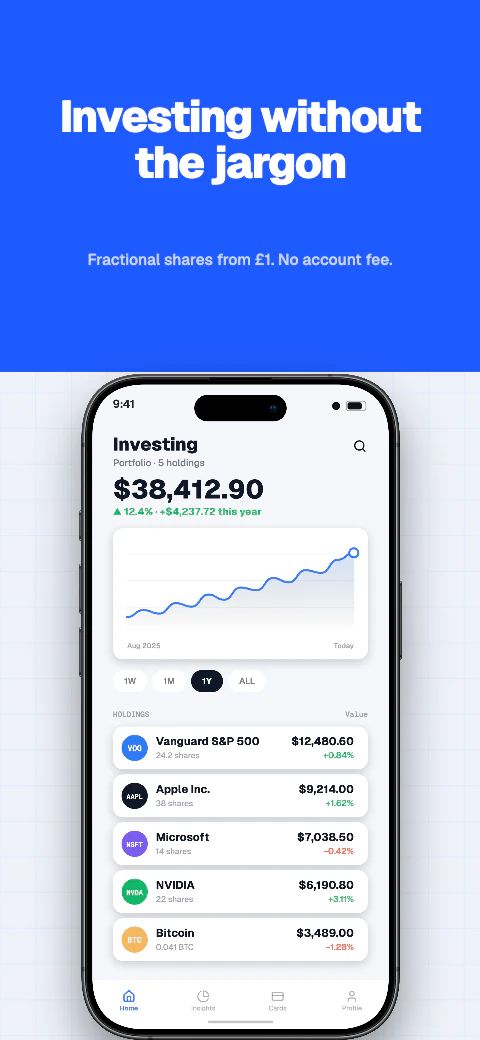
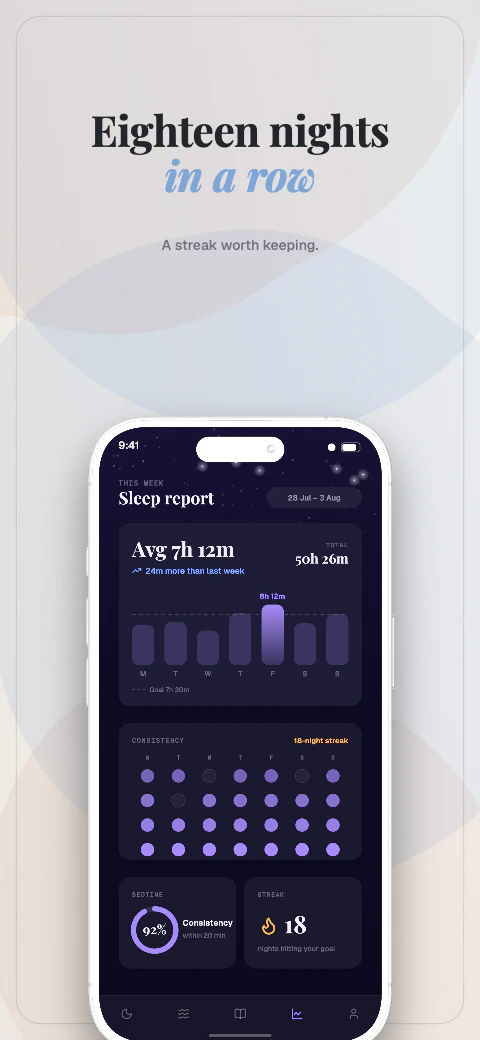
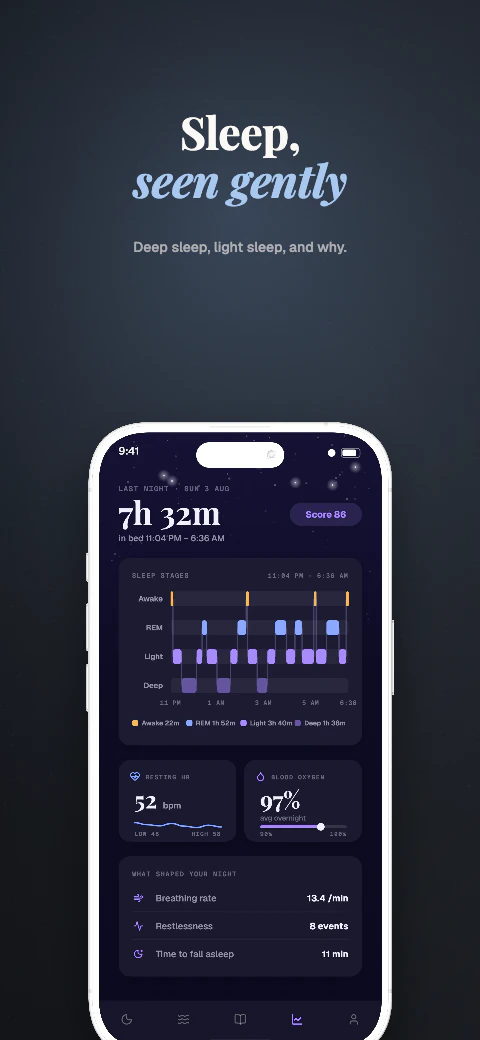
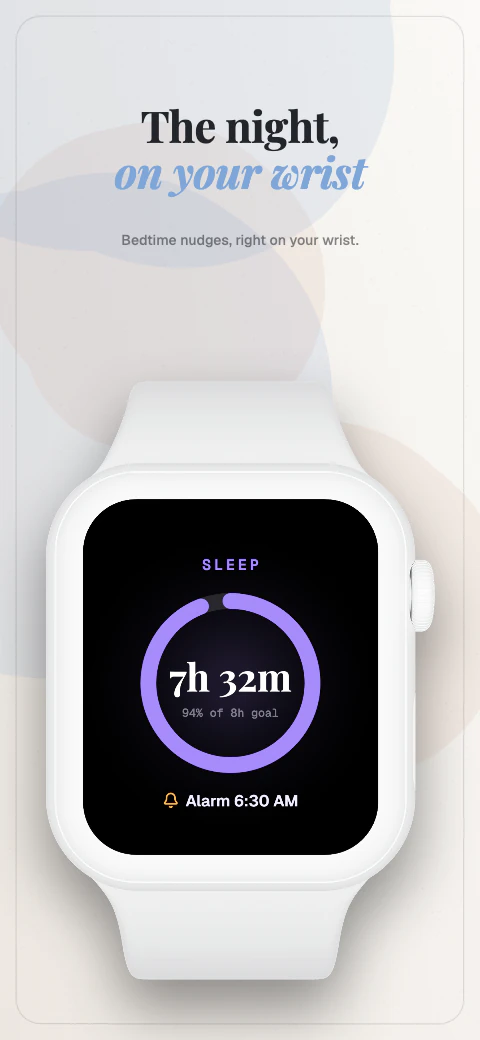
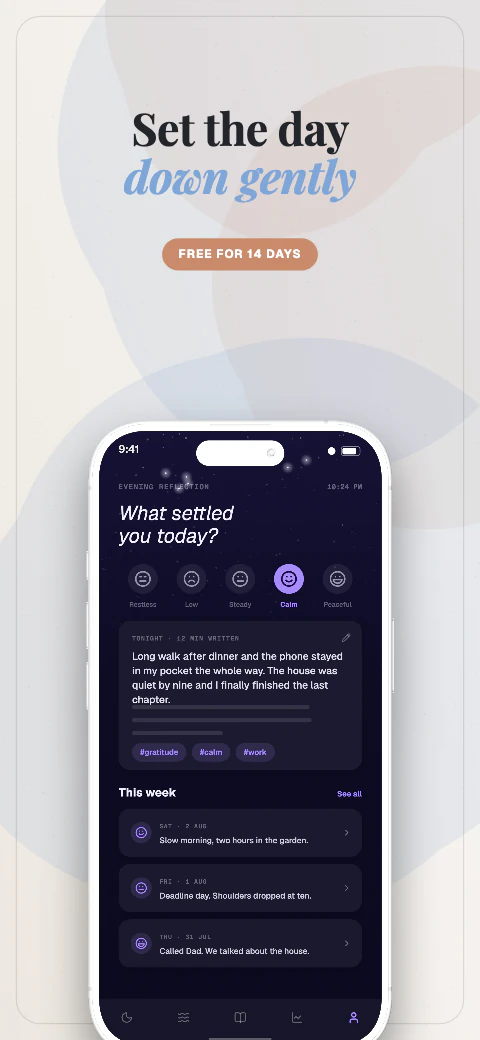
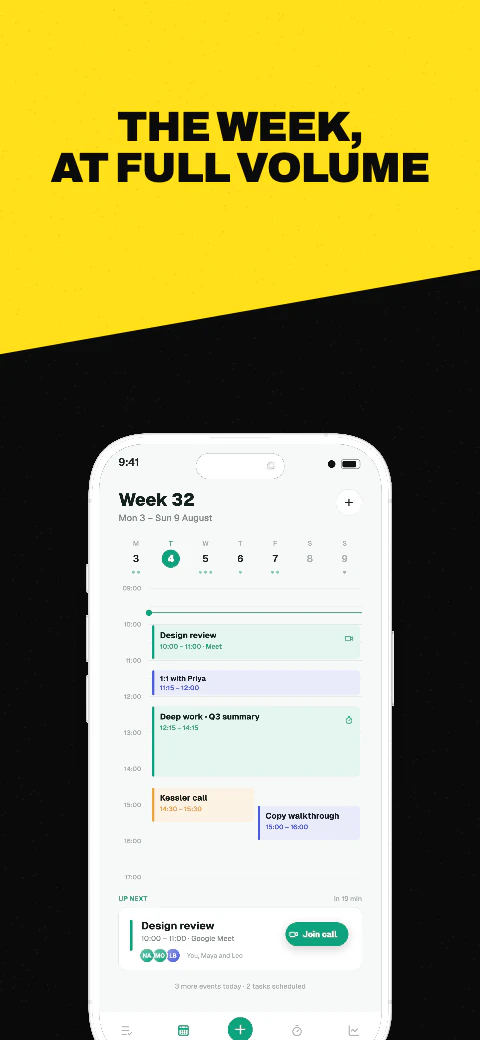
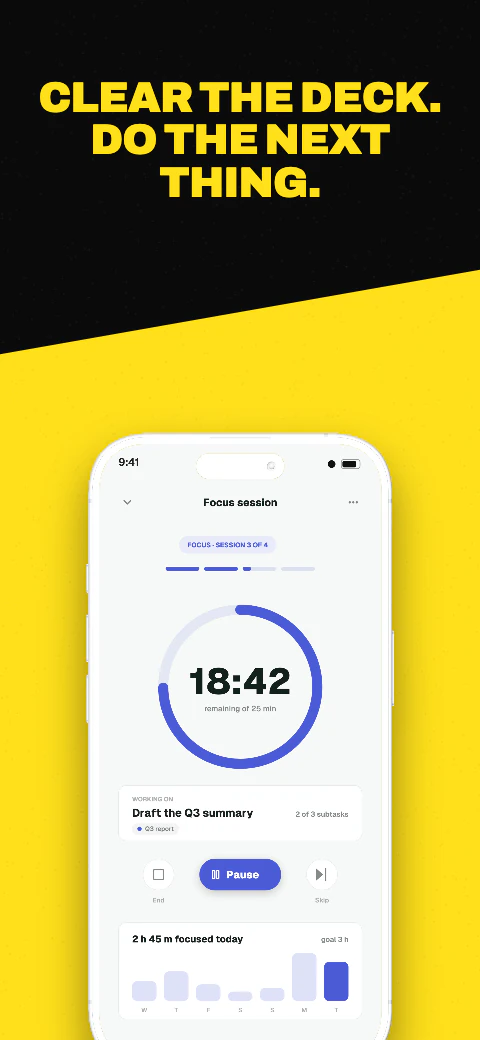
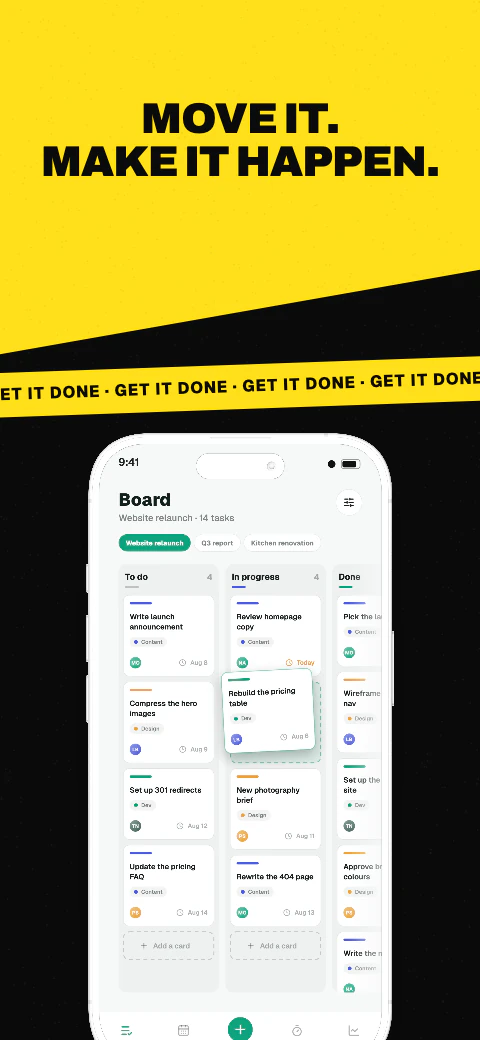
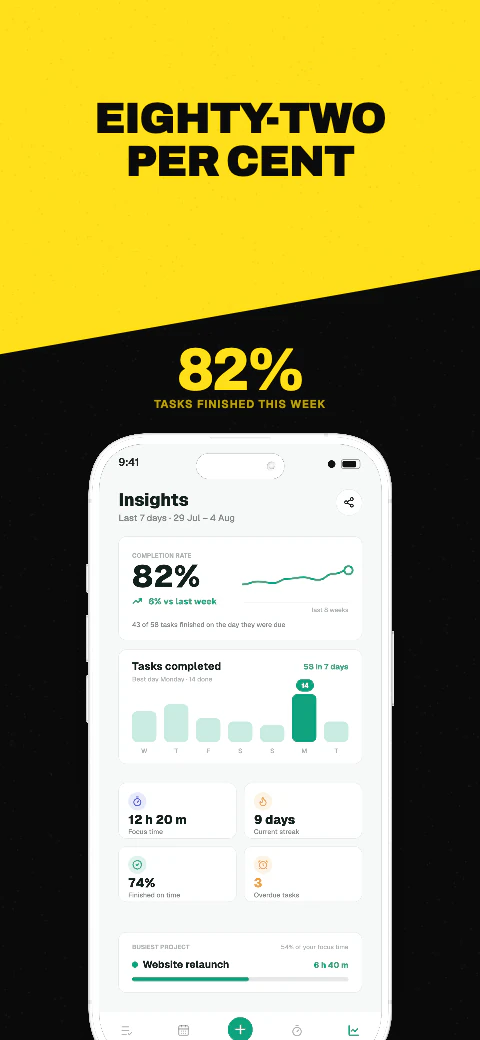
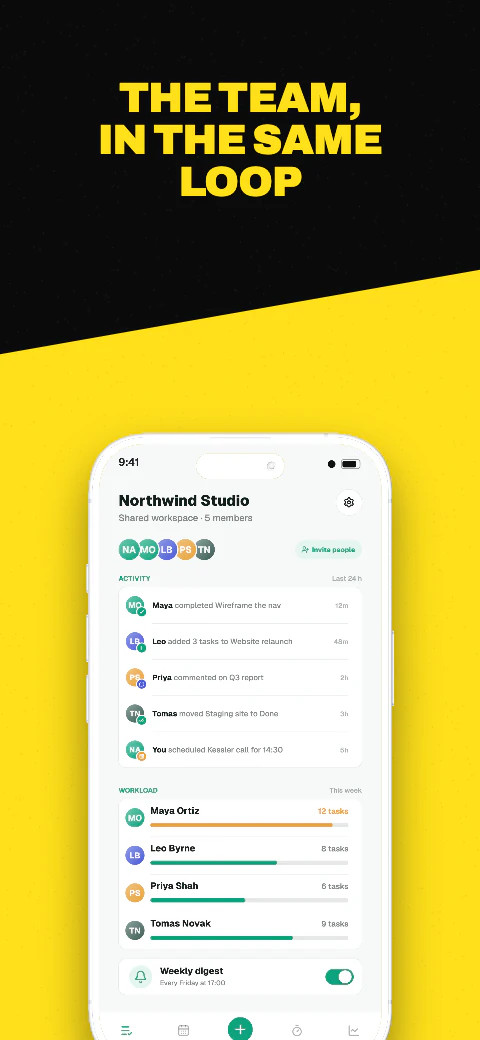
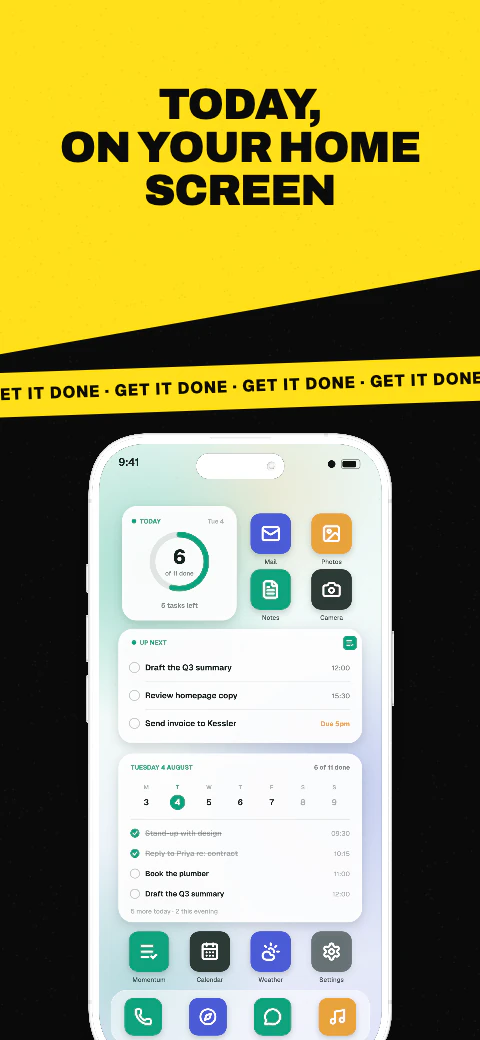
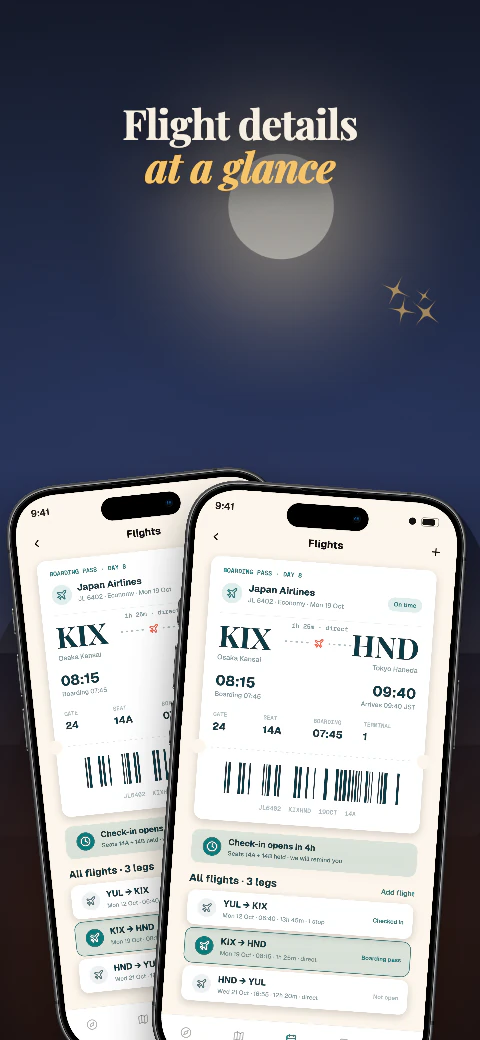
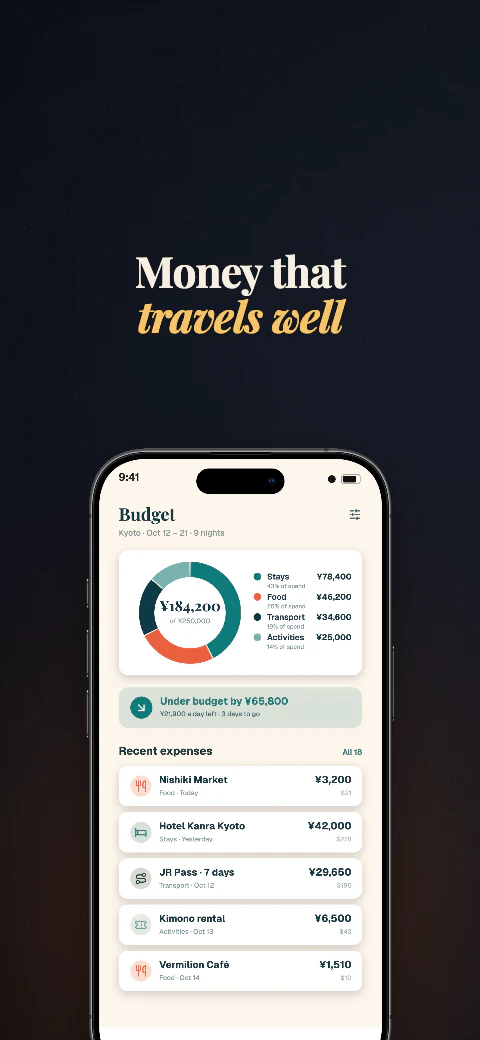
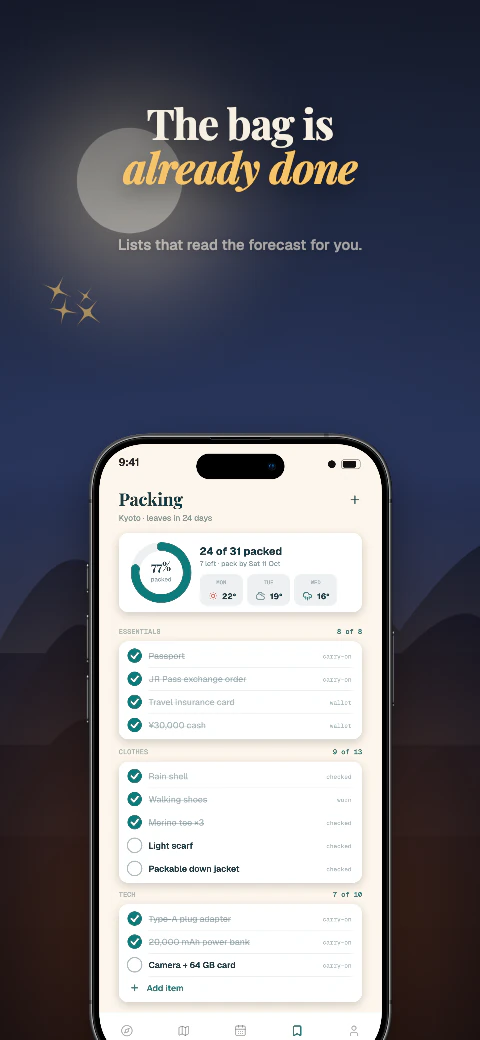
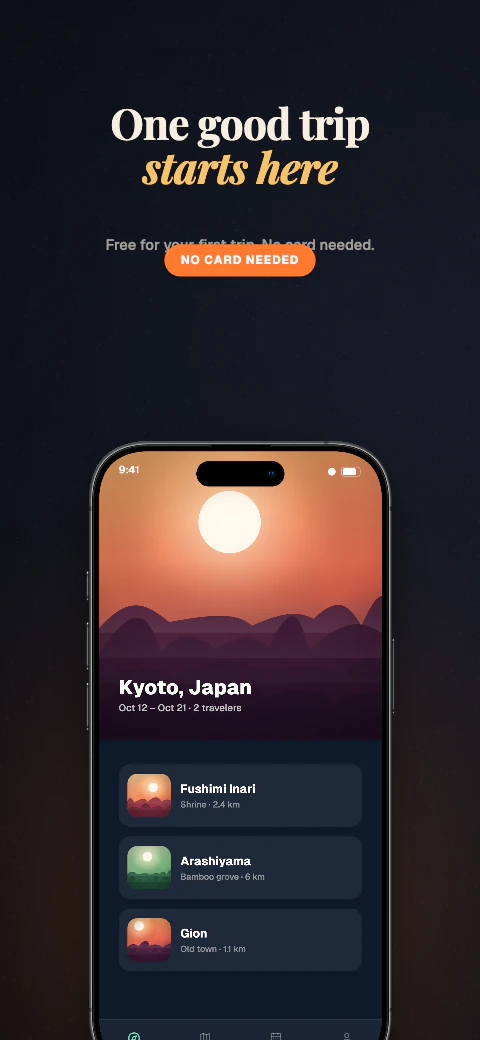
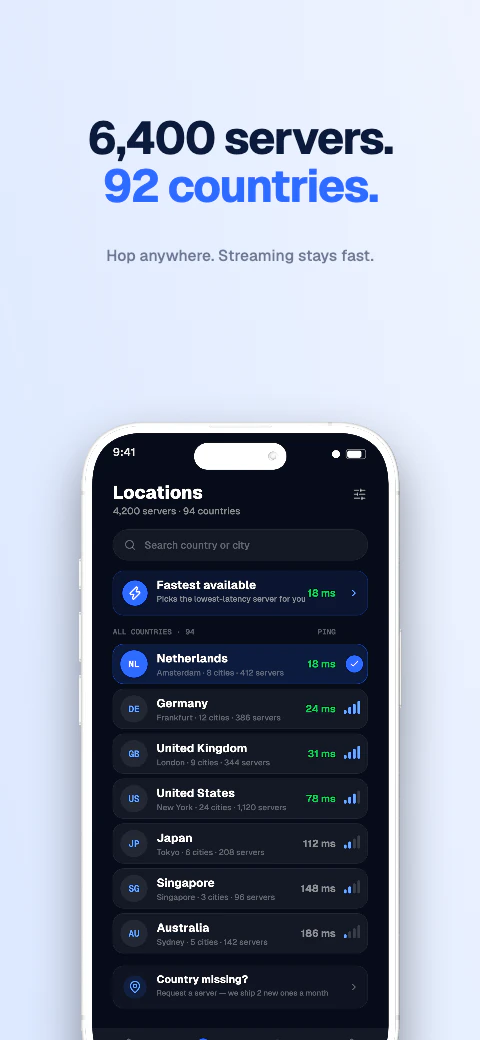
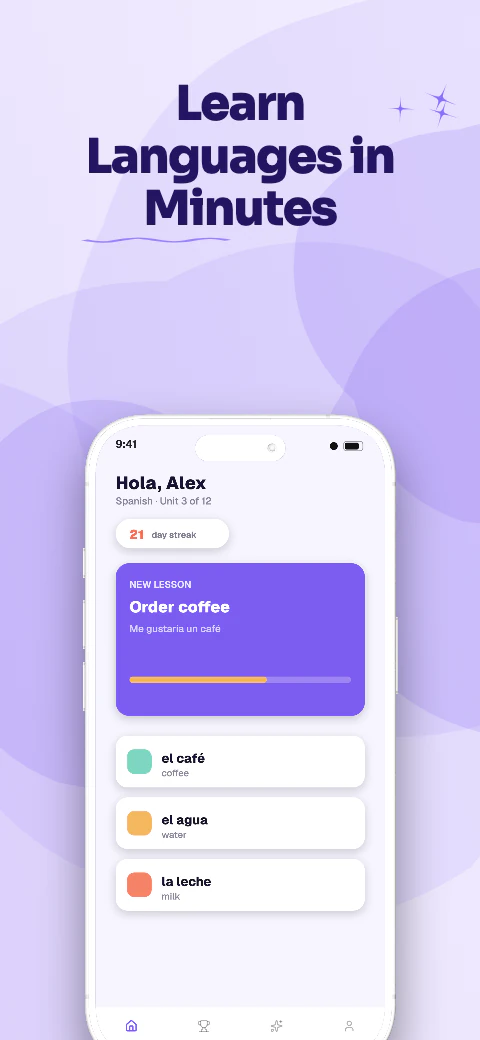
Stickers, doodles and colour pops for apps with personality.
Shipshot template library
Choose a free eight-page screenshot story, replace the example screens and captions, then continue in Shipshot Studio.
A folder or one image is enough. We pick the phone, apply a layout, and write the headlines — then you edit.
The library
6 story sets with eight editable pages each. 6 of the 223 sets are free to use; the other 217 open on a Pro or Scale plan.
Open storyShipshot story set
Stickers, doodles and colour pops for apps with personality.
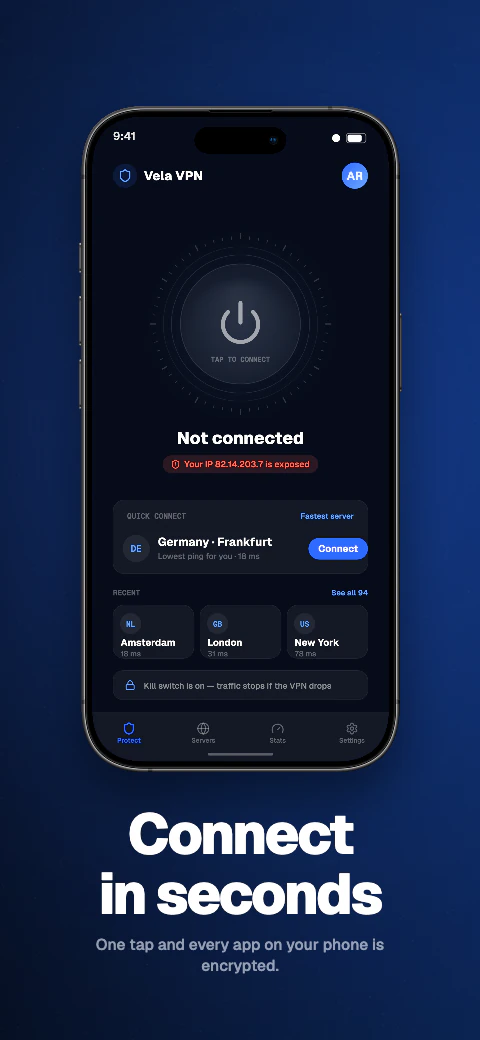
 Open story
Shipshot story set
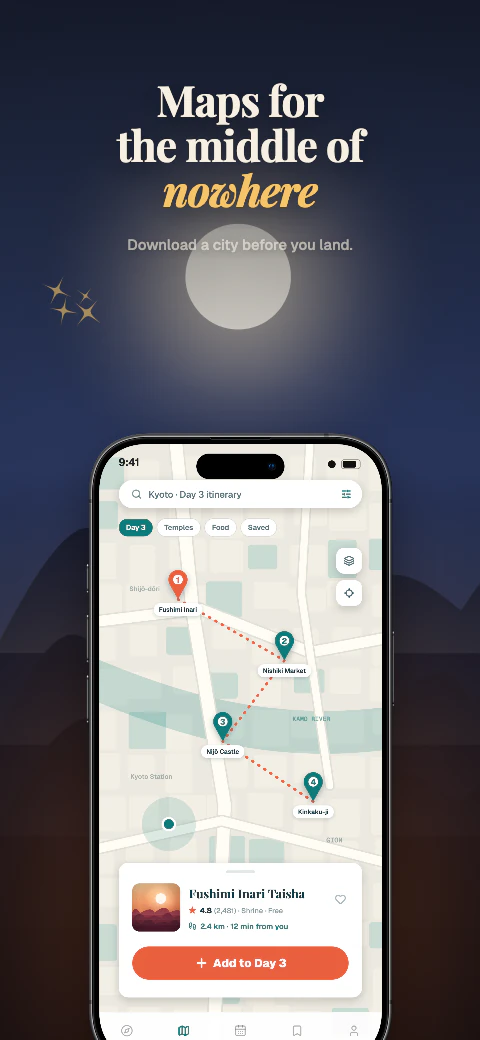
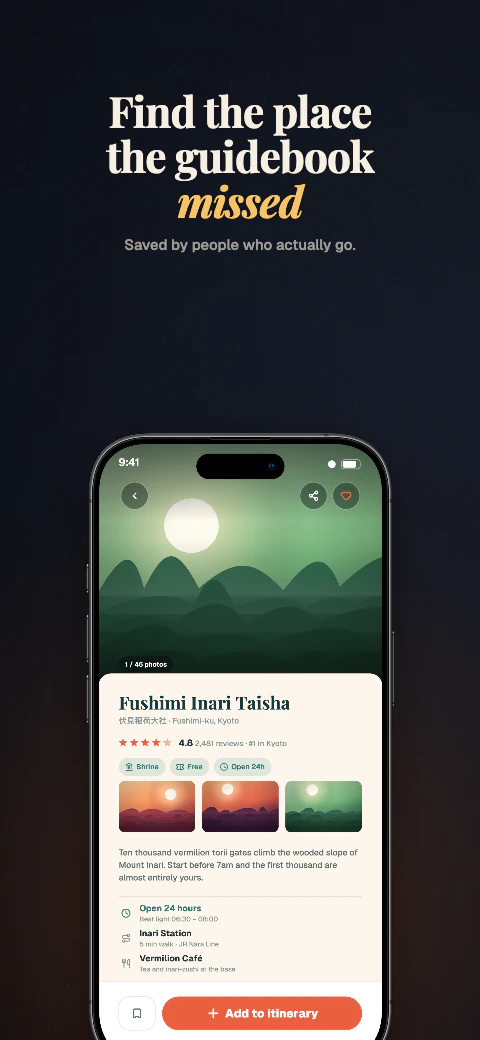
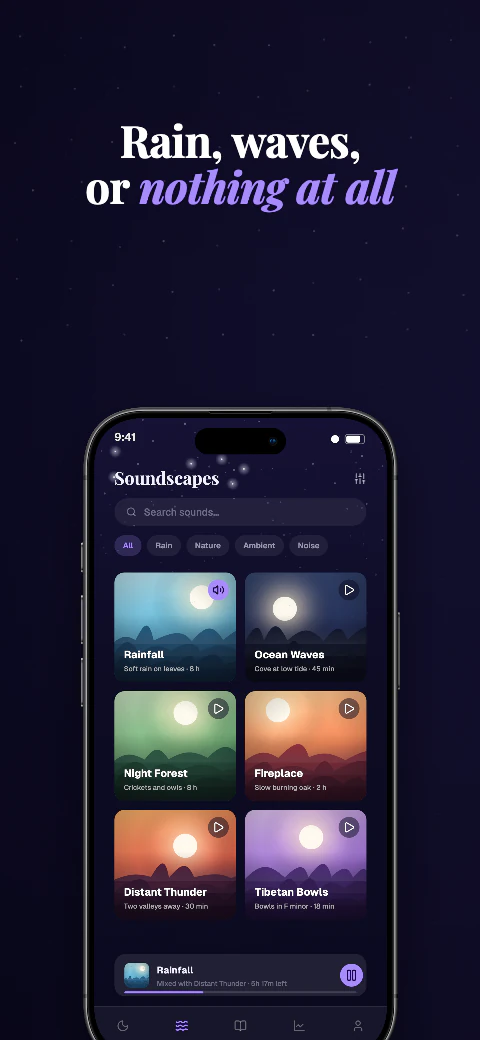
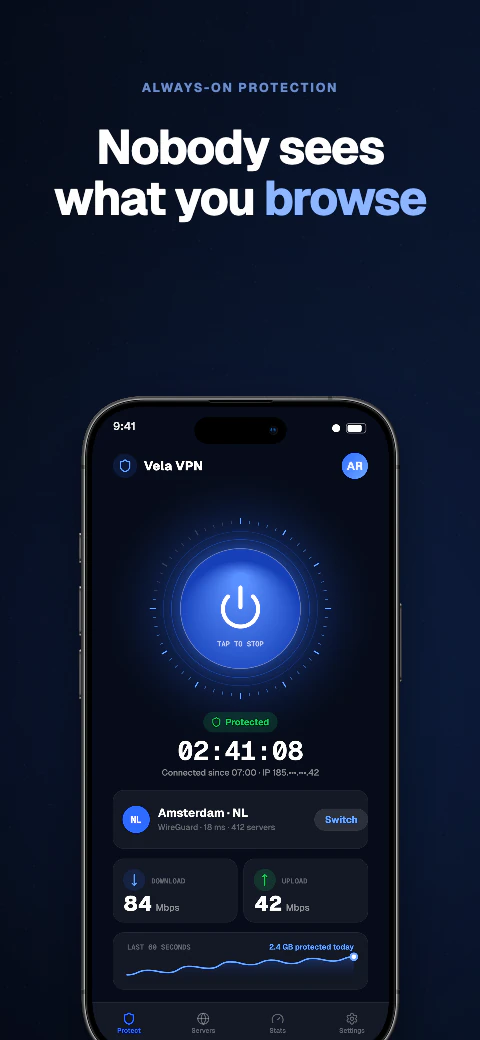
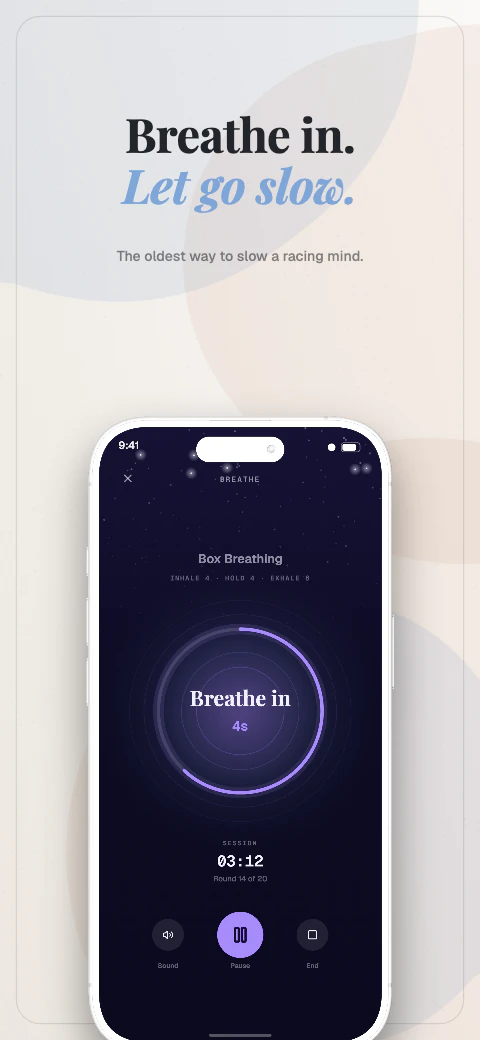
Deep backgrounds with glowing accents, built for apps that live in dark mode.
 Open story
Shipshot story set
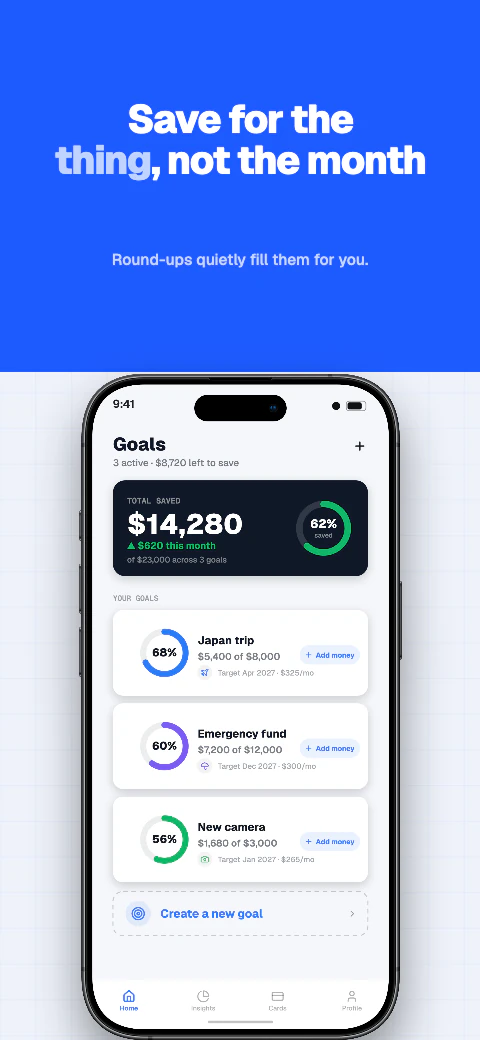
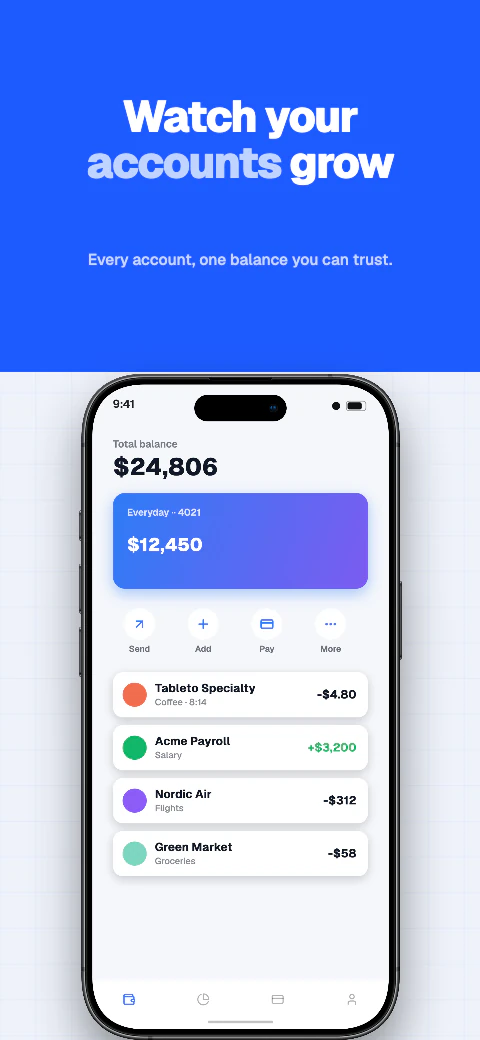
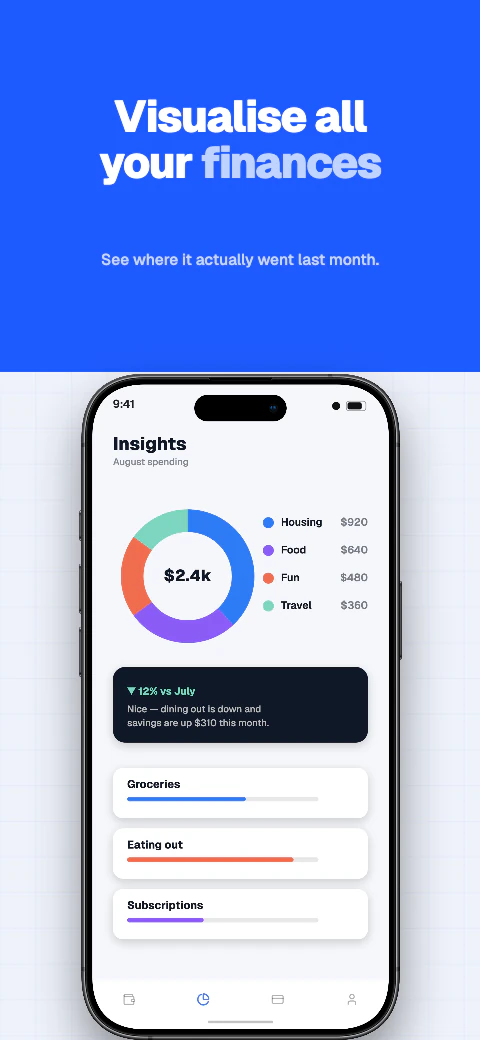
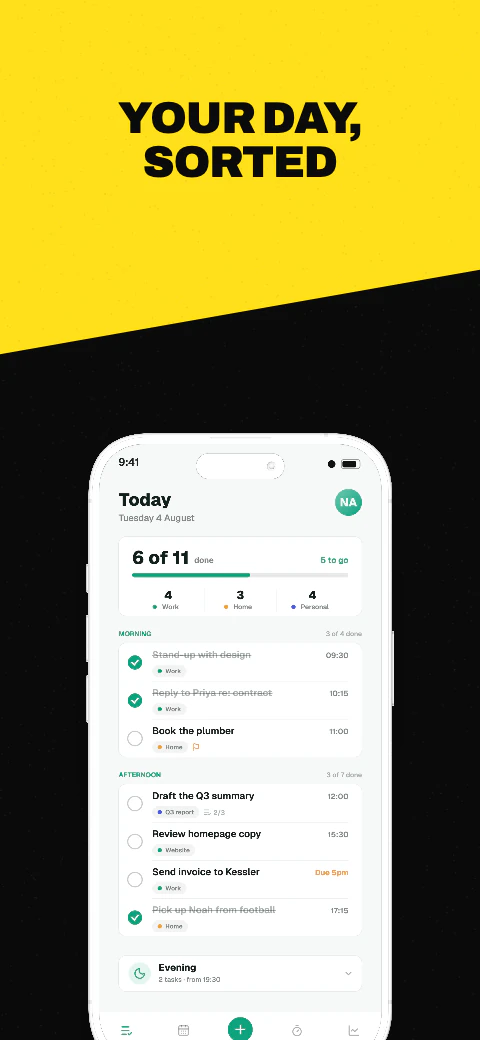
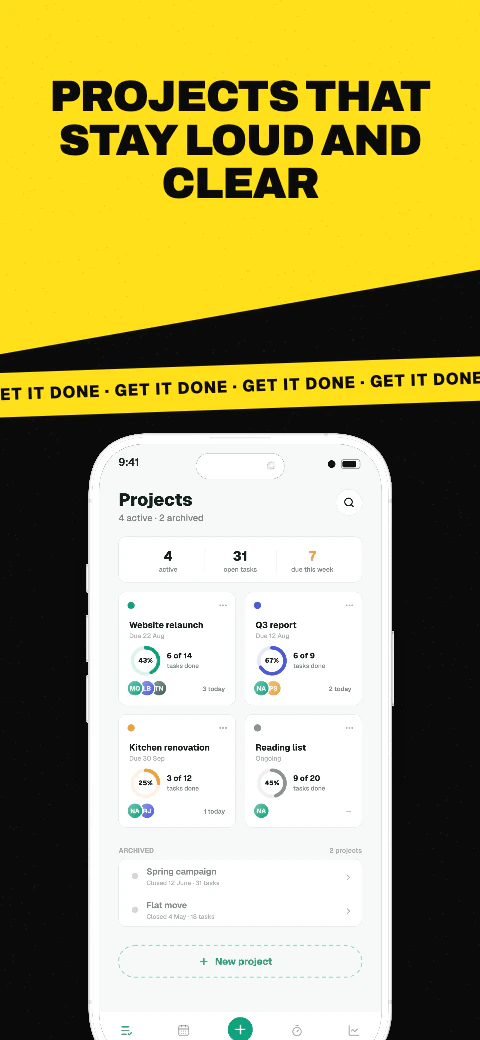
Bright, minimal canvases that let the product screens carry the story.
 Open story
Shipshot story set
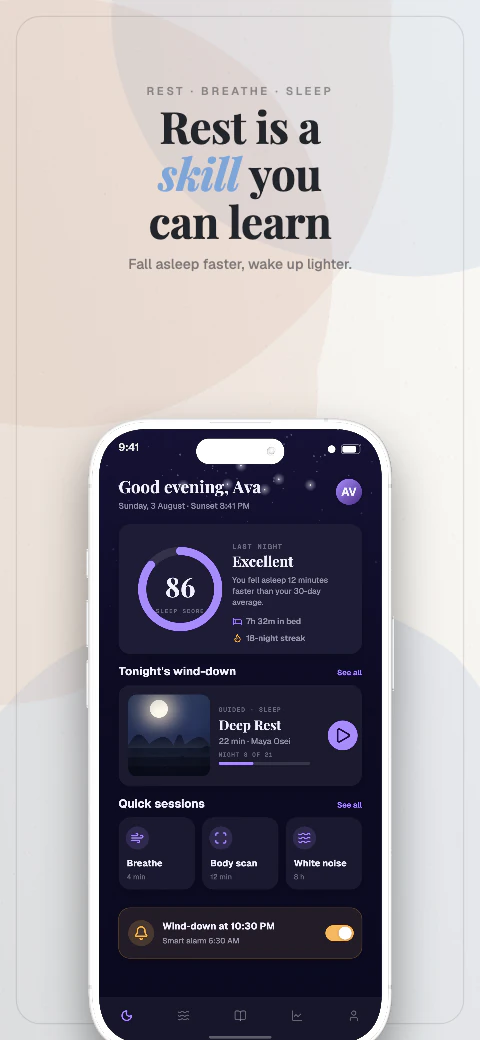
Soft gradients and unhurried layouts for wellness, focus and everyday apps.
 Open story
Shipshot story set
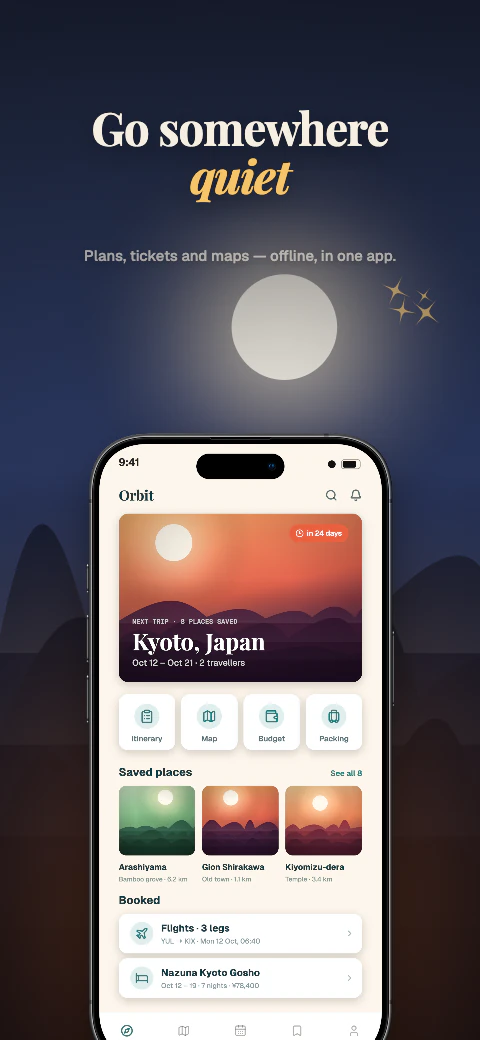
High-contrast backdrops and big type for sets that need to be read at a glance.
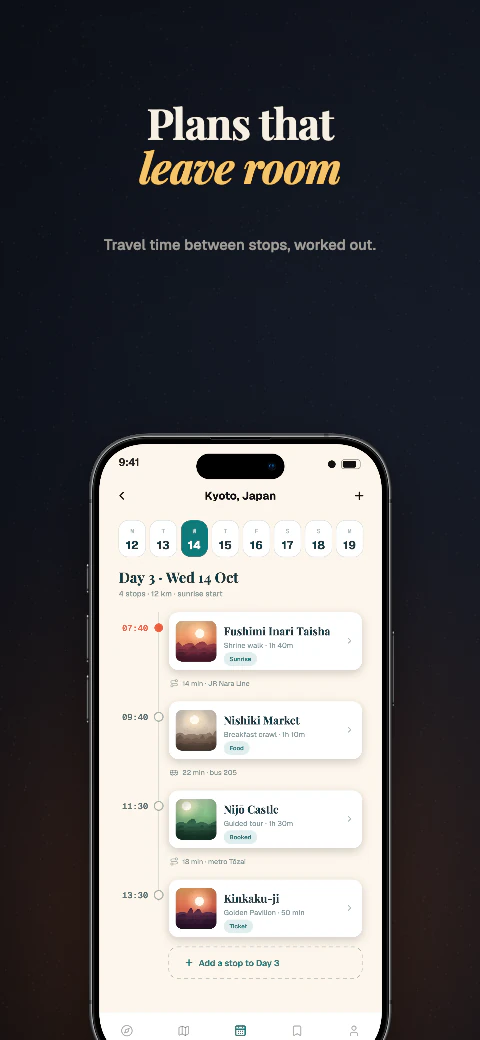 Open story
Shipshot story set
Magazine-style typography and structured grids for feature-rich apps.
A story, not a style sheet
Use the page roles as a practical starting point. Change the content, keep the momentum.
Make the reason to care visible immediately.
Show the useful moments, one clear point at a time.
Close with confidence, outcome or the next step.
Questions
Everything in a story set is a starting point, ready for your app and your words.
A story is an ordered set of eight store screenshots. Each page has a role, from the first hook through the final call to action.
Yes. Open a set in Shipshot Studio to replace screens, captions, colours and device frames while keeping the layout editable.
Shipshot supports iPhone 6.9-inch and 6.5-inch, iPad 13-inch, Android phone and Android 10-inch tablet output sizes.
Yes — 6 of the 223 sets. Every card here is marked Free or Pro, and the Free filter narrows the library to those 6. The other 217 open on a Pro or Scale plan; the editor, every device frame and every design tool are on the free plan either way.
Need a different direction?