
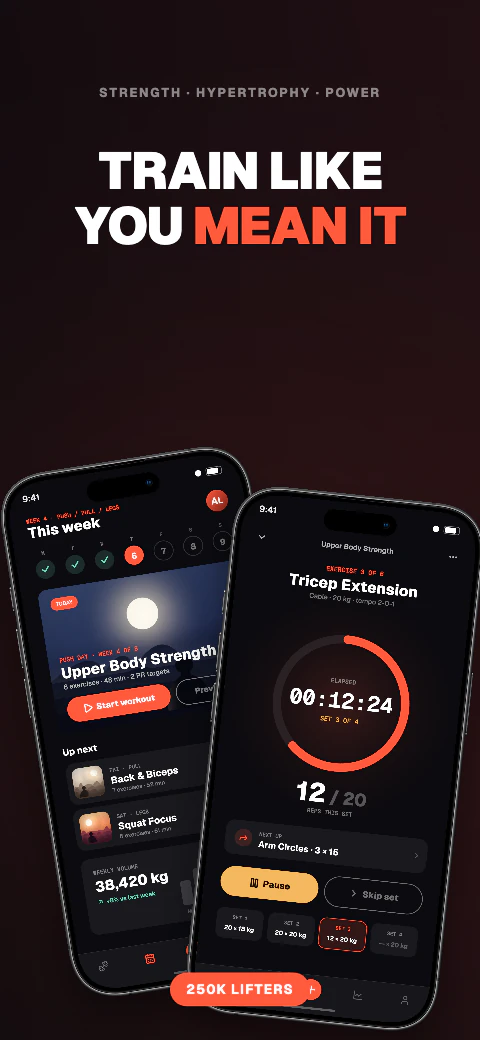
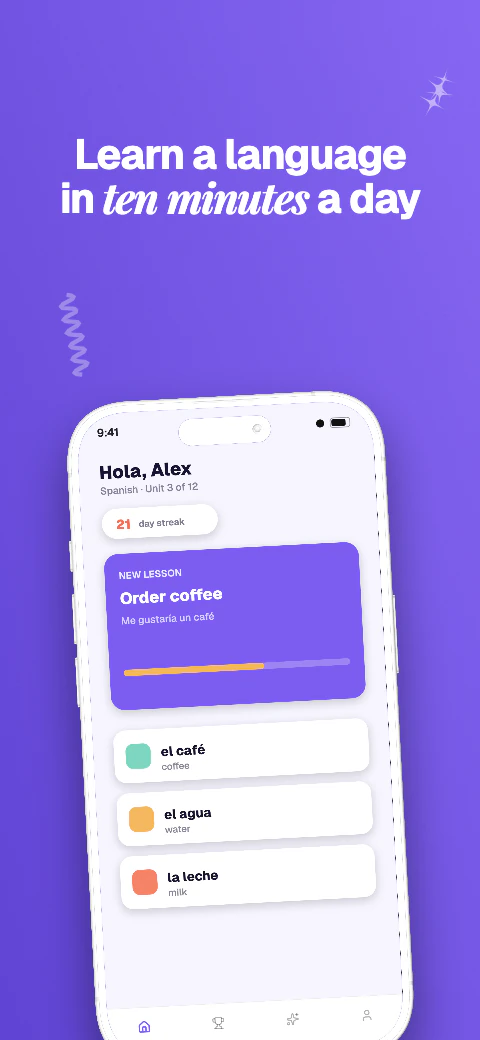
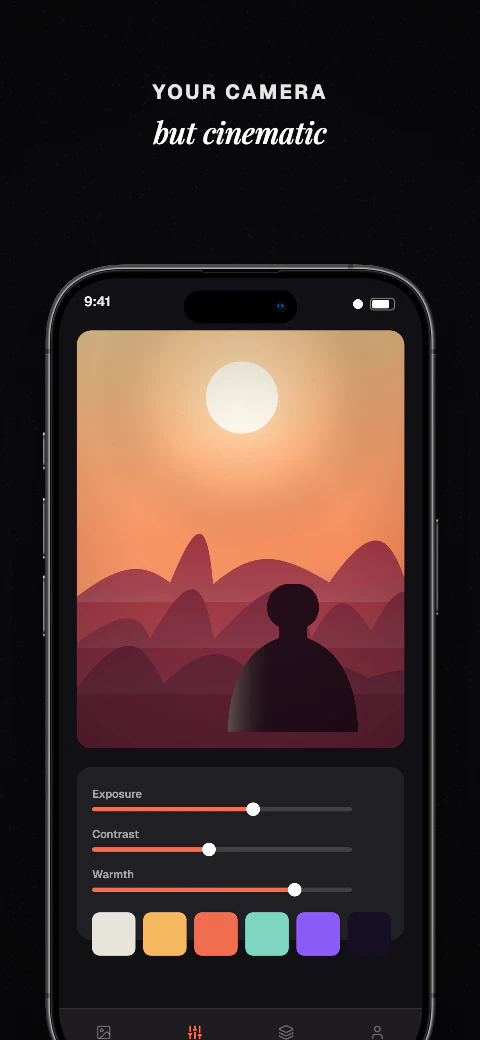
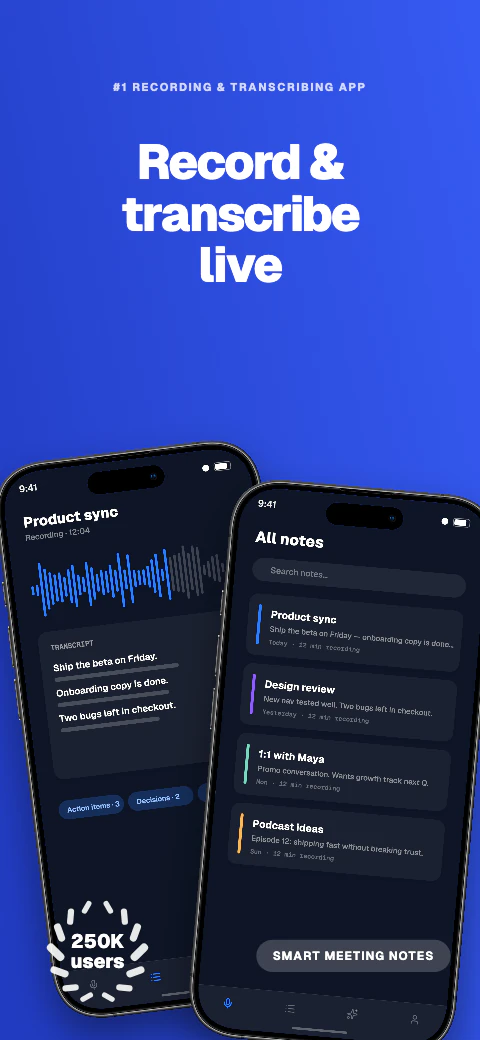
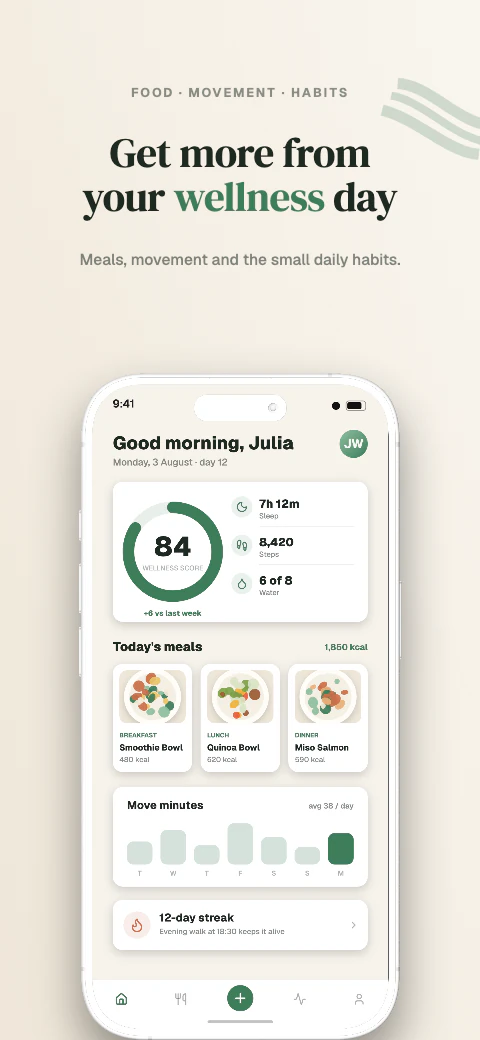
Responsive layouts
Adapt one design across all 17 named export targets in 7 stores, plus custom canvases from 200 to 7680 px per side.

iPhone 6.9-inch, iPhone 6.5-inch and iPad 13-inch exports
Create App Store screenshots for iPhone 6.9-inch, iPhone 6.5-inch, and iPad 13-inch. Use templates, preview 85 languages on a paid plan, and download store-ready files for manual upload.
iPhone 6.9-inch, iPhone 6.5-inch and iPad 13-inch exports
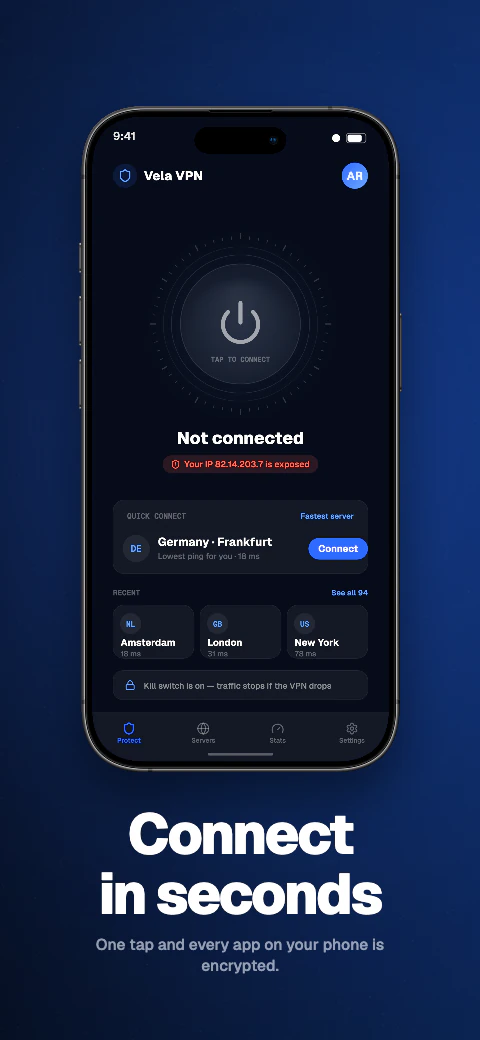
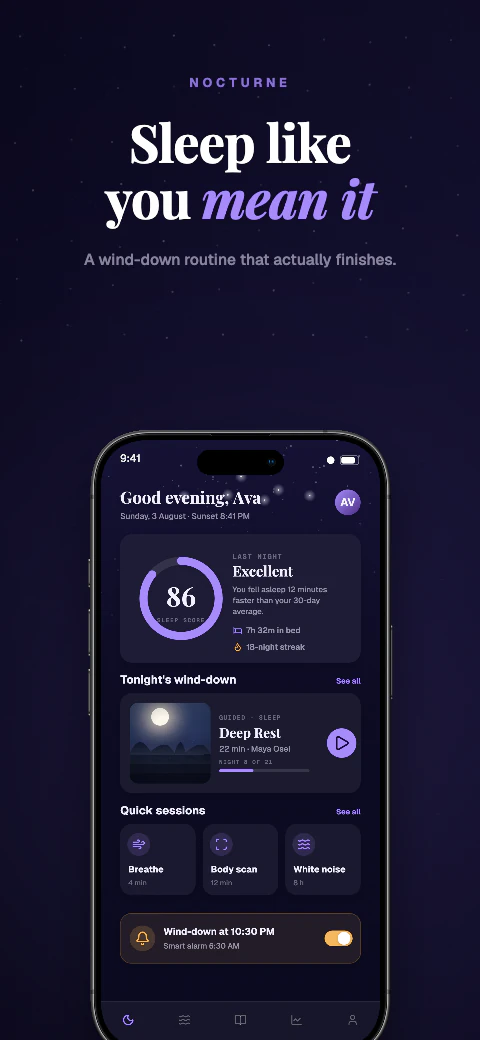
Choose a template, add your screens, and download responsive App Store files without rebuilding each canvas.
Template library
Choose from 223 unique template sets covering 1,784 pages, replace the sample screens and captions, then adapt the same design across supported export targets.
iPhone 6.9-inch, iPhone 6.5-inch and iPad 13-inch exports
Choose a template, add your screens, and download responsive App Store files without rebuilding each canvas.
Add your app metadata to begin.
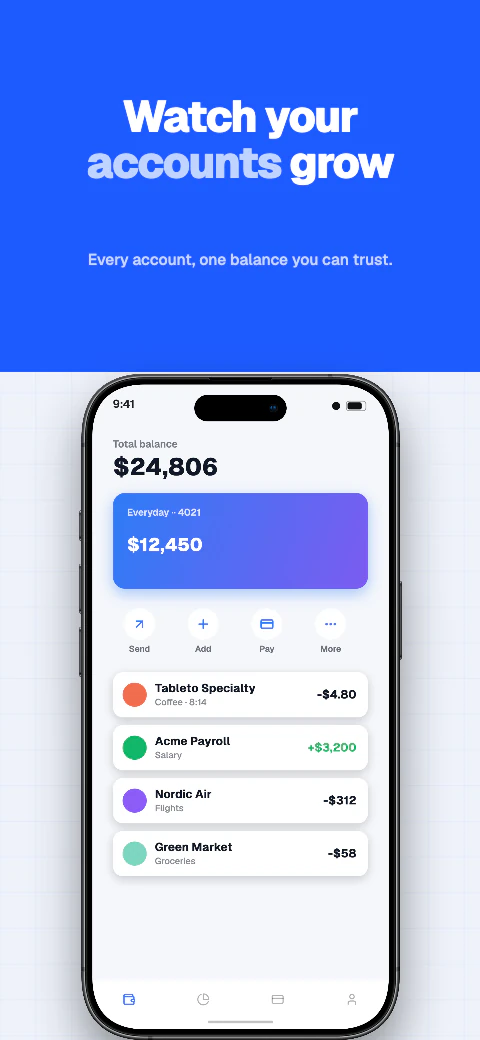 App StoreSelect your app
The store rules, verified
What a screenshot generator has to get right before any design work matters: the store rules the files must pass, and how Shipshot's generator handles them.
Apple accepts screenshots only at exact pixel dimensions per display class: 1290×2796, 1260×2736, or 1320×2868 for iPhone 6.9-inch; 1284×2778 or 1242×2688 for iPhone 6.5-inch; 2064×2752 or 2048×2732 for iPad 13-inch. Google Play is more flexible on dimensions — any size from 320px to 3840px per side — but caps the aspect ratio: the longest side may be no more than twice the shortest. That makes 1080×2400, the native resolution of many Android phones, invalid.
Both stores reject transparency. Apple states that images can't include alpha channels or transparencies; Google specifies JPEG or 24-bit PNG with no alpha. A default PNG export from most design tools fails both rules.
Apple's own specification, not the Shipshot target list. Shipshot exports the 6.9-inch, 6.5-inch and iPad 13-inch classes; the 6.3-inch class is one Apple scales for you, so there is no separate Shipshot target for it.
| Display class | Accepted pixel sizes (portrait) | When Apple requires it |
|---|---|---|
| iPhone 6.9-inch class | 1290×2796, 1260×2736, or 1320×2868 | Required when the app runs on iPhone |
| iPhone 6.5-inch class | 1284×2778 or 1242×2688 | Required when the app runs on iPhone and no 6.9-inch set is provided |
| iPhone 6.3-inch class | 1179×2556 or 1206×2622 | Optional — Apple scales the 6.5-inch set down |
| iPad 13-inch class | 2064×2752 or 2048×2732 | Required when the app runs on iPad |
Shipshot generates 17 named export targets from one responsive design. Five are the core store screenshots — iPhone 6.9-inch, iPhone 6.5-inch, iPad 13-inch, Android phone, and Android 10-inch tablet — and the other twelve cover the Play feature graphic, Apple Watch and Watch Ultra, MacBook Air, Studio Display, Desktop 16:9 and 16:10, Huawei AppGallery, Amazon Fire Tablet and Fire TV, Microsoft Store, and Chrome Web Store. Custom canvases from 200 to 7680 px per side are available too. Choose from 223 template sets covering 1,784 pages, replace the sample screens with your own, edit captions, and preview every selected target before exporting.
Exports are flattened PNG or JPEG files with no alpha channel and an embedded sRGB profile, named and organized per target. You upload the files yourself in App Store Connect or Play Console. Pro and Scale can also push a saved ZIP into a listing version.
The free plan covers a first set with watermarked exports for all 17 store targets, limited to 5 screenshots. Paid plans remove the watermark and add templates, projects, and locales — not extra export sizes, because every plan already reaches all 17. Pro is $24.99/month or $99/year; Scale is $44.99/month or $180/year. Annual billing saves about 67%.
Adapt one design across all 17 named export targets in 7 stores, plus custom canvases from 200 to 7680 px per side.
Qwen translates missing editable captions across all 85 caption languages, with 8 curated core languages featured in the editor; review and edit every result before export. Translation and non-English preview need Pro or Scale; free projects stay in English.
Use real device frames, frameless screens, soft clay renders, and angled poses.
Export store-ready files for manual upload to App Store Connect and Google Play Console. Pro and Scale can also push a saved ZIP into those listing versions.
Write and refine benefit-led captions for each supported preview language.
Basic includes 1 project, up to 5 screenshots per size, and watermarked exports for all 17 store targets. Pro includes 10 projects, 10 screenshots per size, and English + 5 additional locales (6 total). Scale includes unlimited projects, 25 screenshots per size, all 85 caption languages, and an extended licence. Every plan exports the same 17 store targets for manual upload.
Frequently asked questions
At minimum the required classes: iPhone 6.9-inch (1290×2796) and, for iPad apps, iPad 13-inch (2064×2752). Apple scales those down for smaller devices. Shipshot also exports iPhone 6.5-inch so text-heavy designs render at native resolution there.
Yes on Pro and Scale. Save store keys on Integrations, then push a saved ZIP into the listing version. ZIP download stays on every plan.
The most common cause is an alpha channel. Apple rejects any image with an alpha channel or transparency, and most design tools export PNGs with one. Shipshot exports are flattened with no alpha channel.
Yes. Free exports cover all 17 store targets with a watermark, limited to 5 screenshots. Paid plans remove the watermark and add templates, projects, and locales — not extra sizes, because the 17 targets are on every plan. Pro is $24.99/month or $99/year; Scale is $44.99/month or $180/year.
Yes. Qwen translates missing editable captions when you select a language. You can review and edit every result, preview any of the 85 languages your plan includes, and use real Arabic right-to-left layout.
Yes. One responsive design adapts across all 17 export targets, with per-target overrides when a layout needs manual adjustment.