
Responsive layouts
Adapt one design across all 17 named export targets in 7 stores, plus custom canvases from 200 to 7680 px per side.

223 unique template sets
Choose from 223 unique template sets covering 1,784 pages, customize screens and captions, then download store-ready files for the supported export targets.
223 unique template sets
Choose a Shipshot-owned layout, replace the sample screens, update captions, and export the supported targets from one responsive design.
Template library
Choose from 223 unique template sets covering 1,784 pages, replace the sample screens and captions, then adapt the same design across supported export targets.
223 unique template sets223 unique template sets
Choose a Shipshot-owned layout, replace the sample screens, update captions, and export the supported targets from one responsive design.
Add your app metadata to begin.
 App StoreSelect your app
The store rules, verified
What is actually inside the Shipshot template library — how many sets, how they are grouped, what each one contains — and the store rules a template still has to satisfy once you have chosen one.
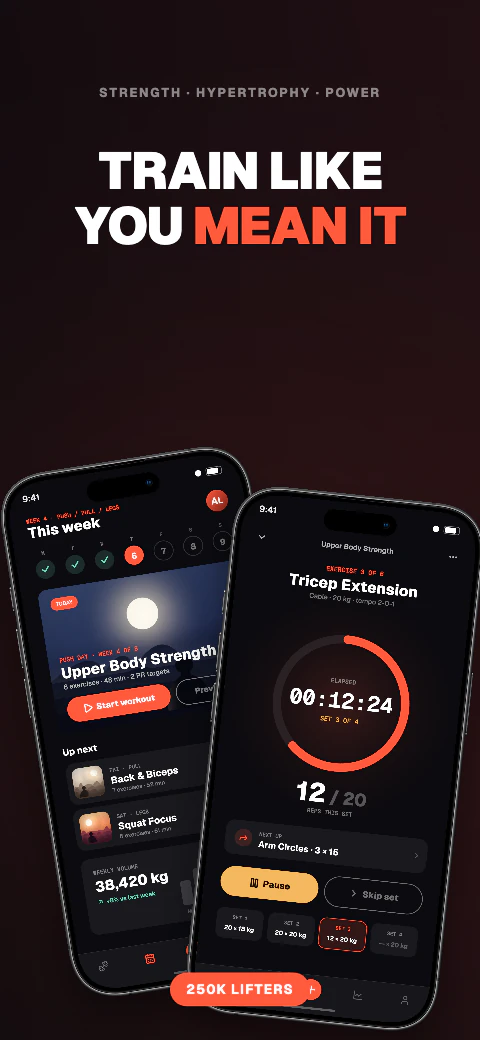
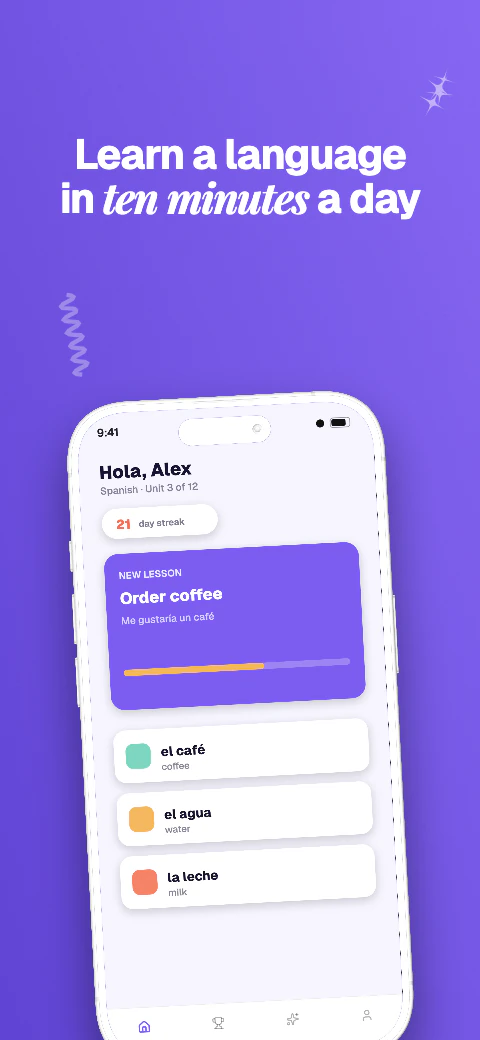
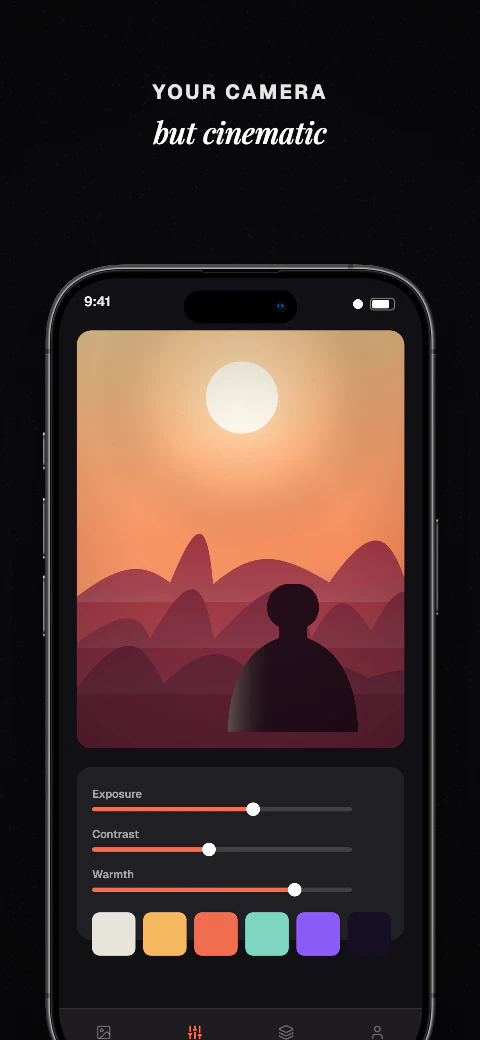
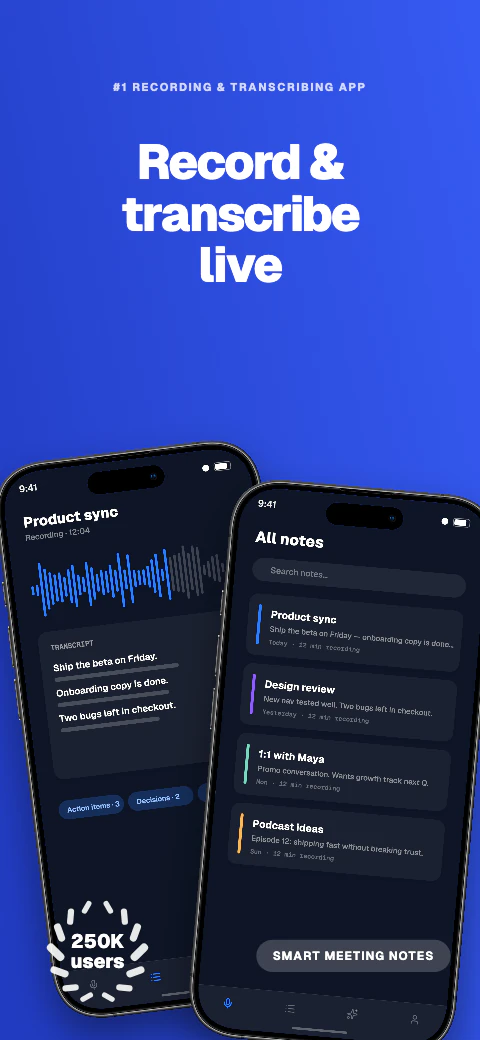
Every Shipshot template is a set of eight pages in a fixed order, not eight interchangeable variations: an opening hook, the middle that carries the product, and a closing page that asks for the install. 223 sets at eight pages each is 1,784 editable pages.
Eight is deliberate. Apple accepts up to 10 screenshots per display class and Google up to 8 per device type, so a set of eight fits both stores without being trimmed.
Each set belongs to exactly one art direction, so these counts add up to the full library.
| Art direction | Sets | How it reads in a store listing |
|---|---|---|
| Editorial | 56 | Type-led, magazine pacing — suits apps explained with words |
| Playful | 40 | High colour and movement — suits consumer and social apps |
| Clean | 38 | Generous space, one idea per page — suits utilities and tools |
| Bold | 34 | Large statements and hard contrast — suits a single strong claim |
| Dark | 31 | Dark surfaces throughout — suits media, finance and developer apps |
| Calm | 24 | Muted palette and soft pacing — suits health and wellbeing apps |
A layout is only useful if the file it produces is one the store will accept, so these rules survive whichever set you pick.
By surface treatment the library is 101 light sets, 74 colourful and 48 dark. Six of the 223 sets are open on the free plan; the remaining 217 need Pro or Scale. Every device frame and every design tool is on every plan, so what a paid plan adds here is reach into the rest of the library, alongside unwatermarked exports, more projects and more caption locales.
Opening a set puts the whole thing under your control: the eight sample screens are replaced by yours, captions are rewritten, and layout, colour, type and device presentation stay editable. Nothing is baked into the template as an image.
One set adapts across all 17 export targets rather than being rebuilt per device, and exports arrive flattened with no alpha channel and an embedded sRGB profile at exactly the dimensions each store lists. You upload them yourself in App Store Connect or Play Console. Pro and Scale can also push a saved ZIP into a listing version.
Adapt one design across all 17 named export targets in 7 stores, plus custom canvases from 200 to 7680 px per side.
Qwen translates missing editable captions across all 85 caption languages, with 8 curated core languages featured in the editor; review and edit every result before export. Translation and non-English preview need Pro or Scale; free projects stay in English.
Use real device frames, frameless screens, soft clay renders, and angled poses.
Export store-ready files for manual upload to App Store Connect and Google Play Console. Pro and Scale can also push a saved ZIP into those listing versions.
Write and refine benefit-led captions for each supported preview language.
Basic includes 1 project, up to 5 screenshots per size, and watermarked exports for all 17 store targets. Pro includes 10 projects, 10 screenshots per size, and English + 5 additional locales (6 total). Scale includes unlimited projects, 25 screenshots per size, all 85 caption languages, and an extended licence. Every plan exports the same 17 store targets for manual upload.
Frequently asked questions
223 template sets of eight ordered pages each — 1,784 editable pages in total, grouped into six art directions.
Six of the 223 sets are free, and every device frame is on every plan. The free plan exports all 17 store targets with a Shipshot watermark and is limited to 5 screenshots in 1 project; Pro and Scale remove the watermark, open the other 217 sets, and add projects and caption locales.
Everything is editable — layout, colour, type, device presentation and the app screens themselves. The template is a starting point, not a locked image.
Yes. Any set exports iPhone 6.9-inch at 1290×2796, iPhone 6.5-inch at 1284×2778 and iPad 13-inch at 2064×2752, plus the two Android targets.
No. One set adapts across all 17 export targets, with per-target overrides where a layout needs manual adjustment.
Match the reading effort your listing needs: Editorial and Clean carry explanation, Bold and Playful carry a single claim, Dark and Calm carry a mood. All six export identically.