
Responsive layouts
Adapt one design across all 17 named export targets in 7 stores, plus custom canvases from 200 to 7680 px per side.

Supported iPhone and iPad export targets
See Shipshot's supported Apple screenshot export targets: iPhone 6.9-inch, iPhone 6.5-inch, iPad 13-inch, Apple Watch, and Apple Watch Ultra.
Supported iPhone and iPad export targets
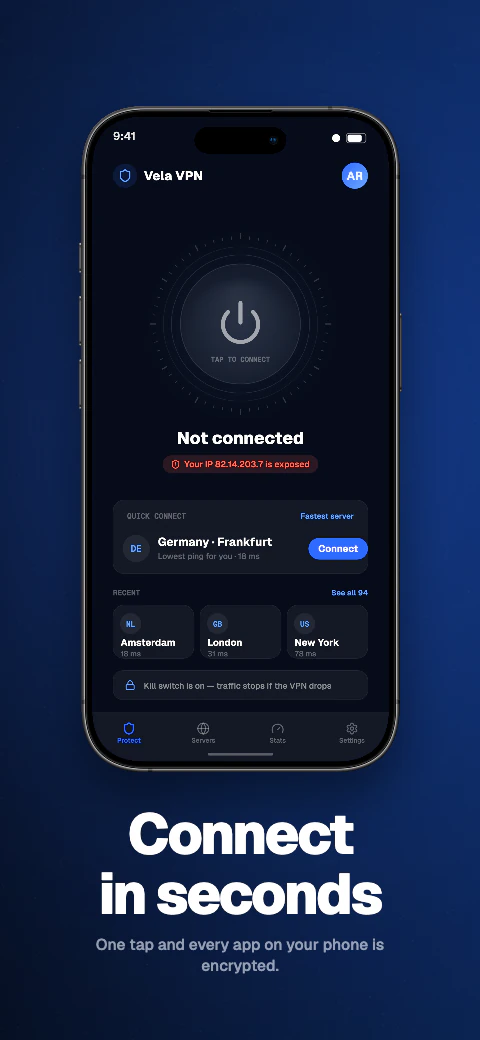
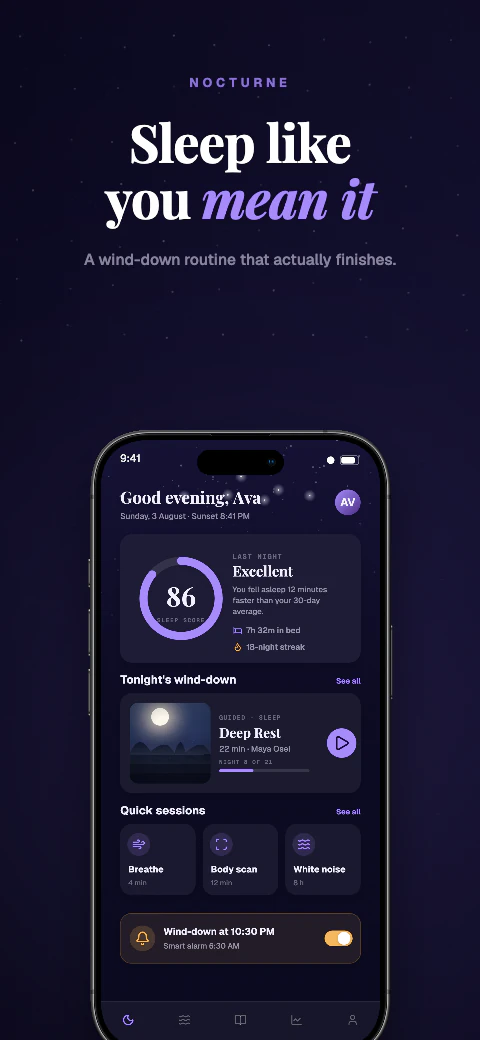
Preview iPhone 6.9-inch, iPhone 6.5-inch, iPad 13-inch, Apple Watch, and Apple Watch Ultra before downloading store-ready files for manual upload.
Supported export targets
See Shipshot's supported Apple screenshot export targets: iPhone 6.9-inch, iPhone 6.5-inch, iPad 13-inch, Apple Watch, and Apple Watch Ultra.
Create screenshots fast| Export target |
|---|
| iPhone 6.9-inch |
| iPhone 6.5-inch |
| iPad 13-inch |
| Apple Watch |
| Apple Watch Ultra |
Supported iPhone and iPad export targets
Preview iPhone 6.9-inch, iPhone 6.5-inch, iPad 13-inch, Apple Watch, and Apple Watch Ultra before downloading store-ready files for manual upload.
Add your app metadata to begin.
App StoreSelect your appThe store rules, verified
The complete Apple App Store screenshot specification, checked against Apple's own documentation: exact pixel sizes, the alpha-channel rule that causes most upload rejections, and which sizes Apple scales for you. Check the current requirements before export because Apple can change them.
Apple measures screenshots in pixels and accepts only the exact dimensions listed for each display class. A 6.9-inch iPhone screenshot must be 1290×2796, 1260×2736, or 1320×2868 pixels. A 6.5-inch iPhone screenshot must be 1284×2778 or 1242×2688. An iPad 13-inch screenshot must be 2064×2752 or 2048×2732. Apple's 6.3-inch display class takes 1179×2556 or 1206×2622.
Portrait and landscape are both accepted — swap the two numbers for landscape. Files must be PNG or JPEG.
| Display class | Accepted pixel sizes (portrait) | When Apple requires it |
|---|---|---|
| iPhone 6.9-inch class | 1290×2796, 1260×2736, or 1320×2868 | Required when the app runs on iPhone |
| iPhone 6.5-inch class | 1284×2778 or 1242×2688 | Required when the app runs on iPhone and no 6.9-inch set is provided |
| iPhone 6.3-inch class | 1179×2556 or 1206×2622 | Optional — Apple scales the 6.5-inch set down |
| iPad 13-inch class | 2064×2752 or 2048×2732 | Required when the app runs on iPad |
Most App Store Connect rejections at upload time come from three rules.
Apple accepts 1 to 10 screenshots per display class, per localization. Screenshots appear in App Store search results, so the opening frames of the set carry the most weight.
Only two iPhone and iPad sizes are strictly required: the 6.9-inch iPhone set when the app runs on iPhone, and the 13-inch iPad set when the app runs on iPad. Every smaller class falls back to scaled versions of the next larger set you did supply — 6.5-inch and 6.3-inch iPhones show scaled 6.9-inch screenshots, and smaller iPads show scaled 13-inch screenshots.
Scaling is safe for full-bleed designs but softens text baked into the image. If captions are part of the screenshot, export the 6.5-inch set too so the iPhone Pro Max class renders at native resolution.
Shipshot exports iPhone 6.9-inch, iPhone 6.5-inch, and iPad 13-inch at exactly the pixel dimensions Apple lists. Every export is flattened with no alpha channel and an embedded sRGB profile, so the files pass App Store Connect validation as downloaded. You upload them yourself in App Store Connect, or on Pro and Scale push a saved ZIP into the listing version.
Adapt one design across all 17 named export targets in 7 stores, plus custom canvases from 200 to 7680 px per side.
Qwen translates missing editable captions across all 85 caption languages, with 8 curated core languages featured in the editor; review and edit every result before export. Translation and non-English preview need Pro or Scale; free projects stay in English.
Use real device frames, frameless screens, soft clay renders, and angled poses.
Export store-ready files for manual upload to App Store Connect and Google Play Console. Pro and Scale can also push a saved ZIP into those listing versions.
Write and refine benefit-led captions for each supported preview language.
Basic includes 1 project, up to 5 screenshots per size, and watermarked exports for all 17 store targets. Pro includes 10 projects, 10 screenshots per size, and English + 5 additional locales (6 total). Scale includes unlimited projects, 25 screenshots per size, all 85 caption languages, and an extended licence. Every plan exports the same 17 store targets for manual upload.
Frequently asked questions
For iPhone, 1290×2796 (6.9-inch class) or 1284×2778 (6.5-inch class). For iPad, 2064×2752 (13-inch class). Apple also accepts a small set of alternatives per class — 1260×2736 and 1320×2868 for 6.9-inch, 1242×2688 for 6.5-inch, 2048×2732 for 13-inch iPad.
No. Apple states that images can't include alpha channels or transparencies. PNGs from most design tools include an alpha channel and are rejected at upload. Shipshot exports are flattened with no alpha channel.
Between 1 and 10 per display class, per localization.
No. Supply the 6.9-inch set and Apple scales it for 6.5-inch, 6.3-inch, and smaller classes. Supply the 13-inch set and Apple scales it for smaller iPads. Export the 6.5-inch set as well if you want text-heavy screenshots at native resolution on that class.
Both are accepted. PNG keeps text crisp; JPEG makes smaller files. Either way the image must not contain an alpha channel or transparency.
App Store Connect rejects the upload. The file must match one of the accepted pixel dimensions for its display class exactly.