
Responsive layouts
Adapt one design across all 17 named export targets in 7 stores, plus custom canvases from 200 to 7680 px per side.

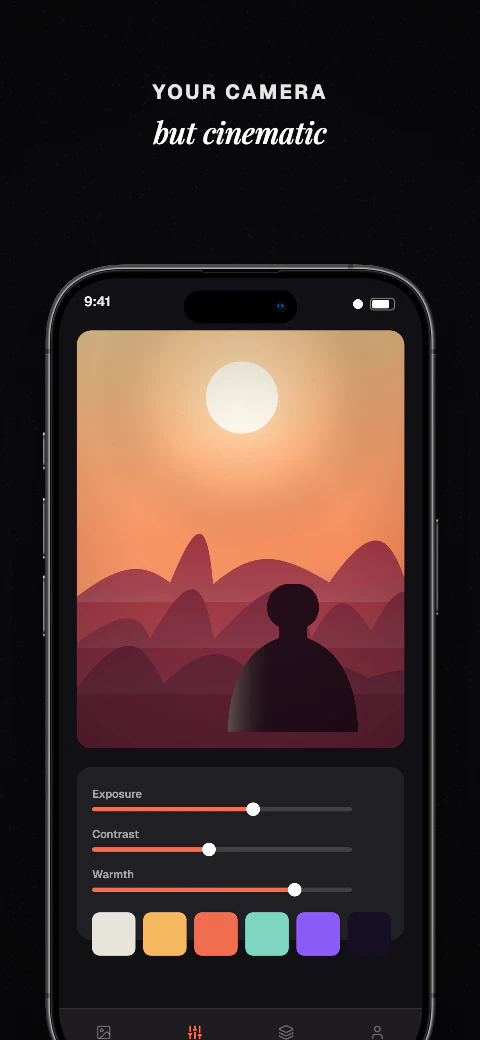
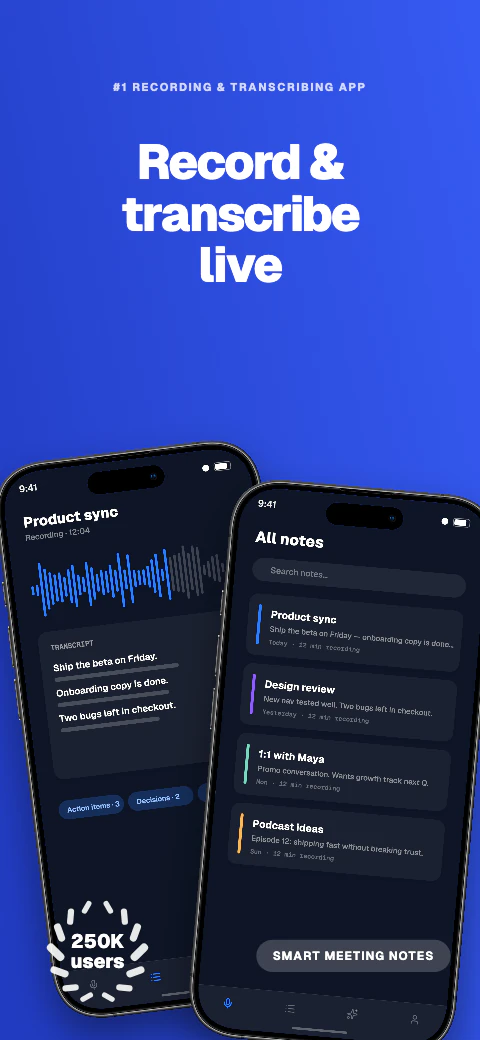
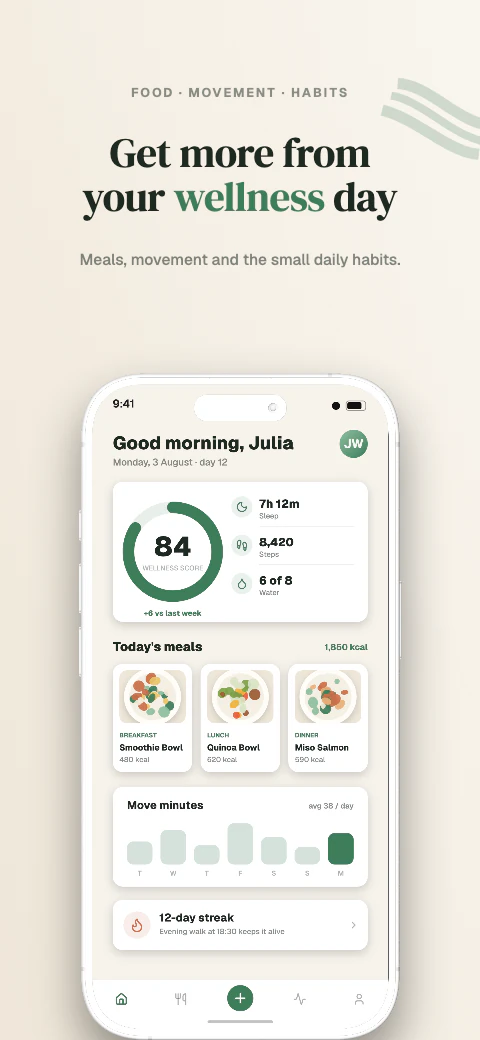
Screenshot variations for your store listing
Create screenshot sets for different messages or audiences, preview 85 languages on a paid plan, and download store-ready files for manual upload.
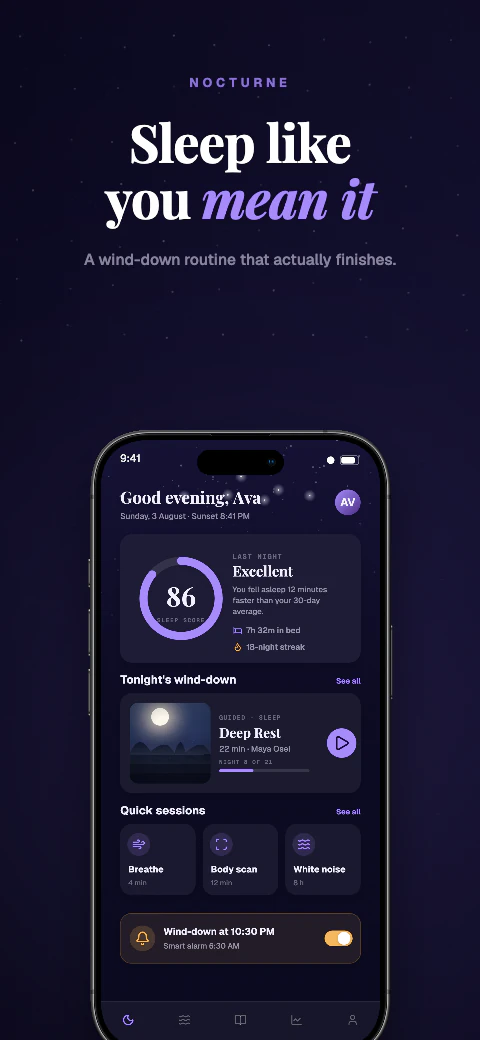
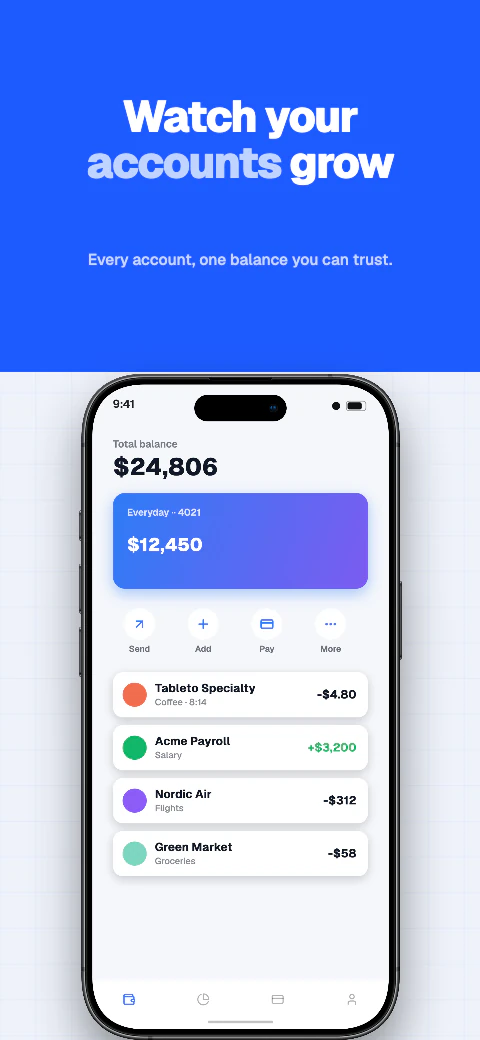
Screenshot variations for your store listing
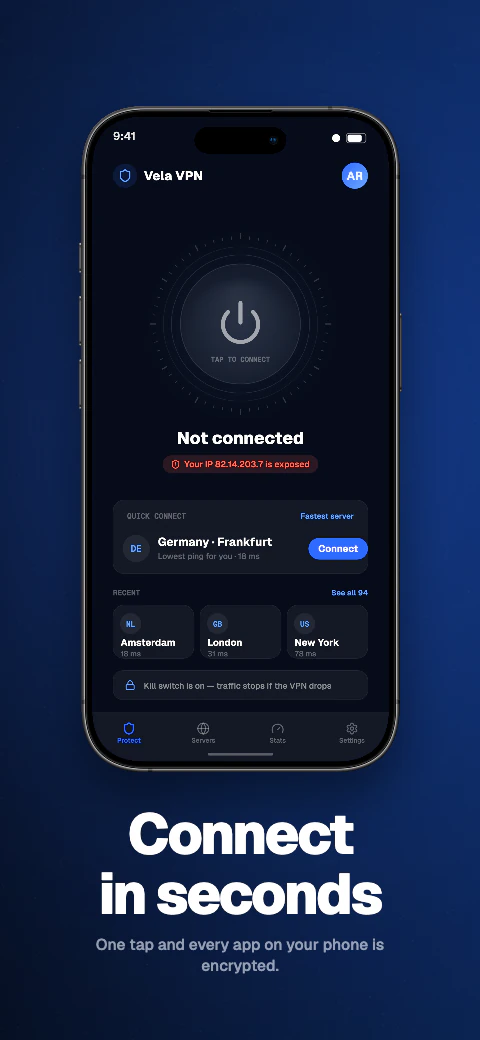
Keep the base layout consistent while adapting captions, screens, and visual hierarchy for each set.
Template library
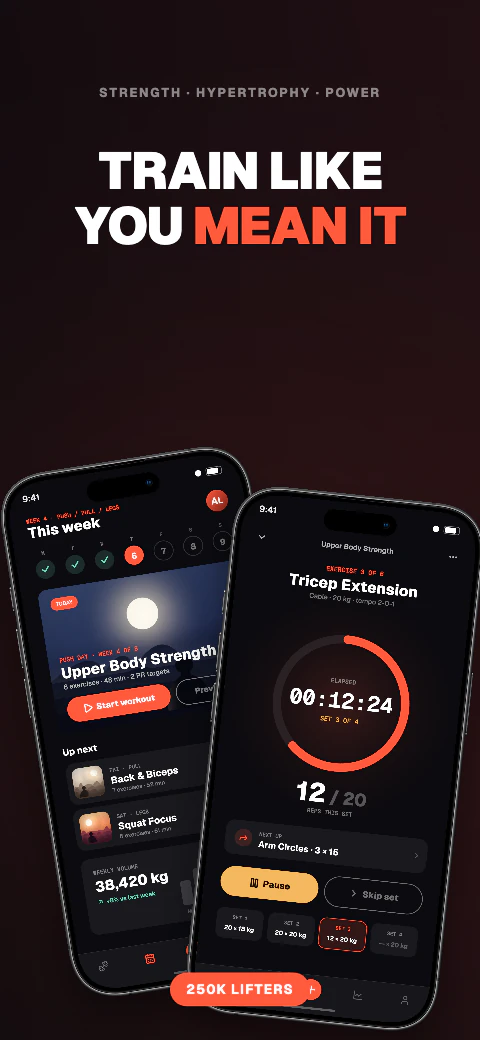
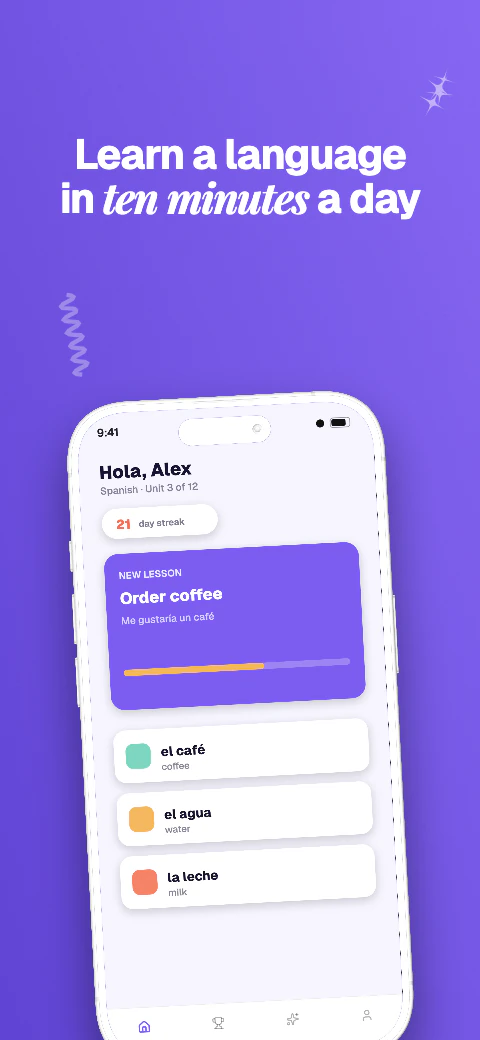
Choose from 223 unique template sets covering 1,784 pages, replace the sample screens and captions, then adapt the same design across supported export targets.
Screenshot variations for your store listing
Keep the base layout consistent while adapting captions, screens, and visual hierarchy for each set.
Add your app metadata to begin.
App StoreSelect your appThe store rules, verified
Apple gives you two different ways to run a second set of screenshots, and they are often confused: product page optimization tests treatments against your live page, custom product pages are extra pages you send traffic to. They have different limits and produce different numbers of files. Check Apple's current rules before planning a test.
The choice decides who sees the variant and what you learn from it.
| Aspect | Product page optimization | Custom product pages |
|---|---|---|
| What it is | A test of up to three treatments against your original product page | Up to 70 additional product pages, each with its own URL |
| Who sees it | A share of App Store visitors, assigned by Apple | Only people who arrive through that page's link |
| What you can vary | App icon, screenshots and app previews | Screenshots, app previews and promotional text |
| How long it runs | Up to 90 days per test | Live until you remove it |
| What you get back | Per-treatment results reported by Apple | No split test — you compare campaign performance yourself |
A treatment or a custom page is a complete screenshot set, per display class, per localization. Three treatments on an app that ships iPhone and iPad screenshots in four languages is not three extra files; it is three extra sets across two display classes and four languages.
That arithmetic is why variant work stalls. The idea takes an afternoon and the export takes a week, so teams test one thing instead of three and learn less than they planned to.
A treatment is a store upload like any other and is validated the same way.
Duplicate a design inside one project and change only the thing you are testing — the caption argument, the opening screen, the visual treatment — so the comparison stays honest. The same responsive layout covers all 17 export targets, so a variant costs one edit rather than seventeen.
For localized treatments, select a language and Qwen translates the editable captions that are missing one; review each result and check text expansion before export. Exports arrive flattened, with no alpha channel and an embedded sRGB profile, organised per target and per language for manual upload.
Adapt one design across all 17 named export targets in 7 stores, plus custom canvases from 200 to 7680 px per side.
Qwen translates missing editable captions across all 85 caption languages, with 8 curated core languages featured in the editor; review and edit every result before export. Translation and non-English preview need Pro or Scale; free projects stay in English.
Use real device frames, frameless screens, soft clay renders, and angled poses.
Export store-ready files for manual upload to App Store Connect and Google Play Console. Pro and Scale can also push a saved ZIP into those listing versions.
Write and refine benefit-led captions for each supported preview language.
Basic includes 1 project, up to 5 screenshots per size, and watermarked exports for all 17 store targets. Pro includes 10 projects, 10 screenshots per size, and English + 5 additional locales (6 total). Scale includes unlimited projects, 25 screenshots per size, all 85 caption languages, and an extended licence. Every plan exports the same 17 store targets for manual upload.
Frequently asked questions
Product page optimization tests up to three treatments against your live page and Apple reports which performed better. A custom product page is an extra page with its own URL that only people following that link see, so it is a targeting tool rather than a test.
Up to 70, each with its own URL, and each able to carry its own screenshots, app previews and promotional text.
Up to 90 days, testing up to three treatments against the original.
Yes. A treatment is a full screenshot set per display class per localization, at the same exact pixel sizes and with no alpha channel.
Google Play has its own store listing experiments, run in Play Console. The screenshots must follow Google's rules instead of Apple's — no alpha, 320–3840px, and a longest side no more than twice the shortest.
No. Shipshot produces the variant files; Apple runs the test and reports the result in App Store Connect.