
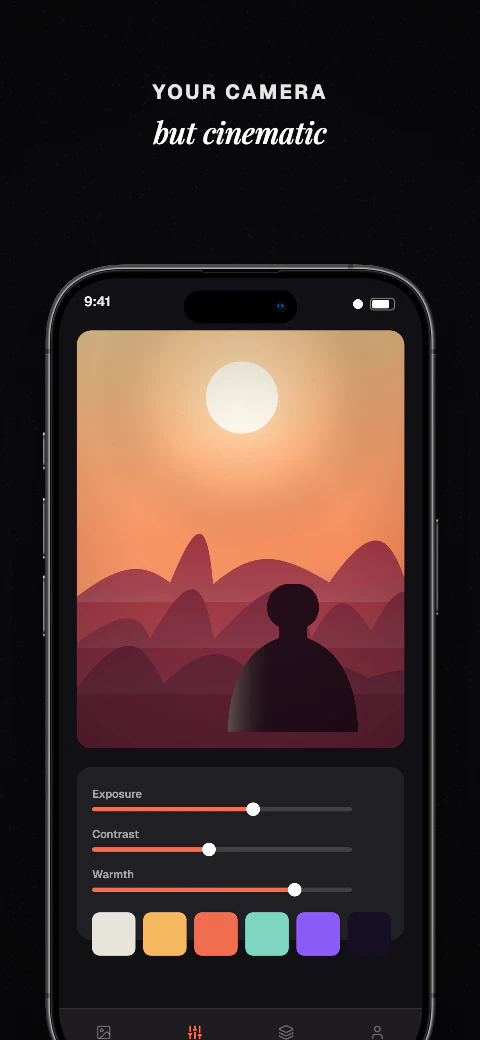
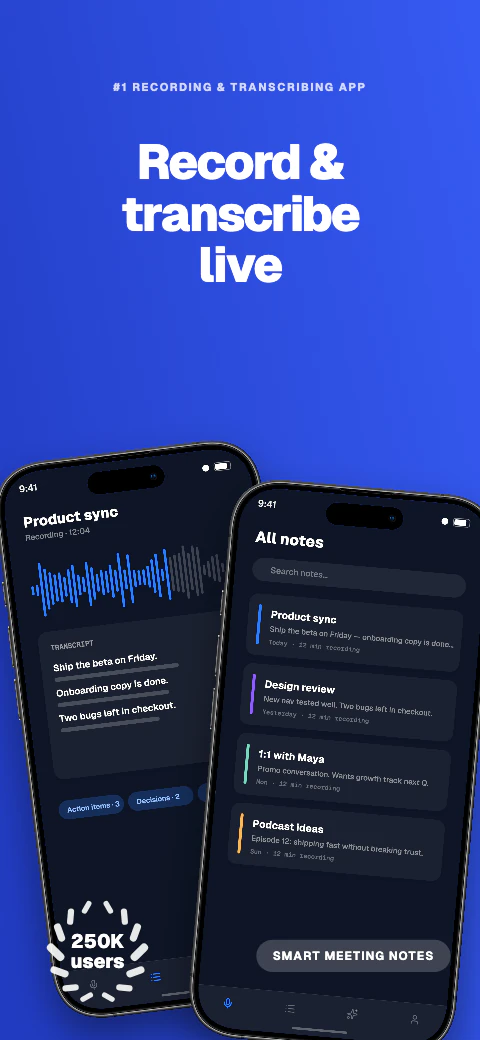
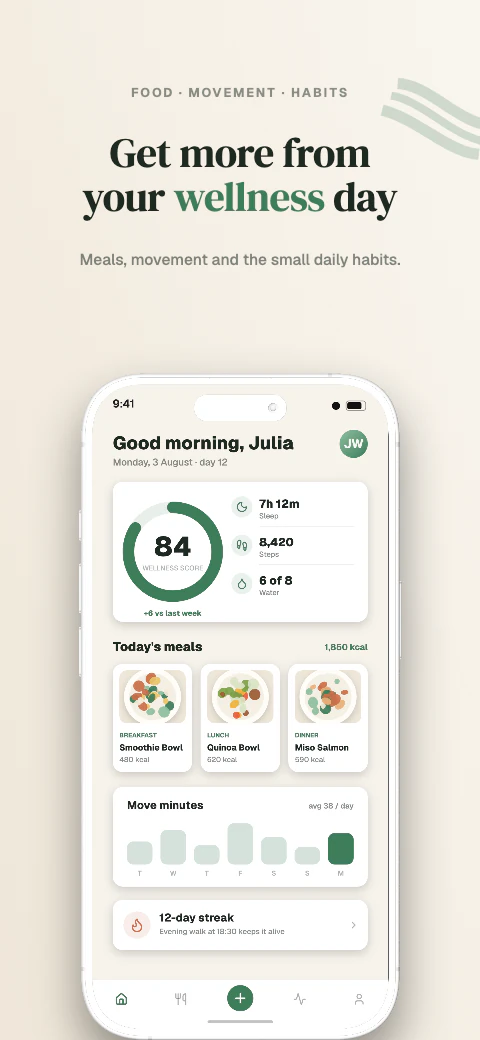
Responsive layouts
Adapt one design across all 17 named export targets in 7 stores, plus custom canvases from 200 to 7680 px per side.
Screenshot variations for supported export targets
Create screenshot variations for supported Apple and Google export targets without rebuilding each canvas by hand.
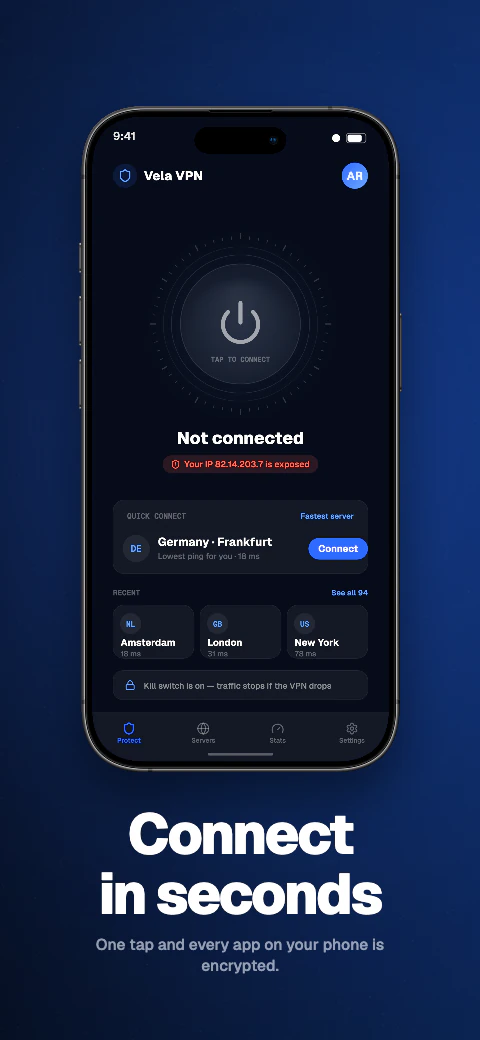
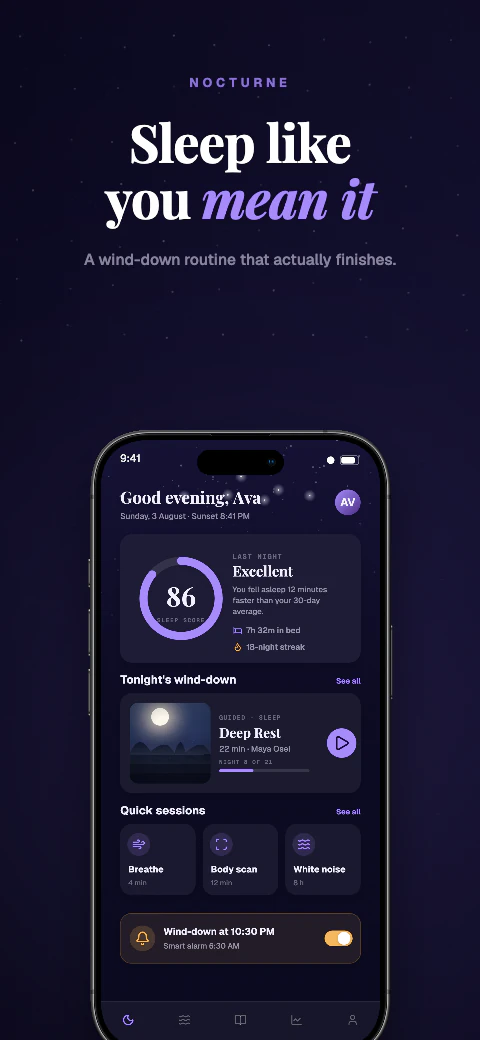
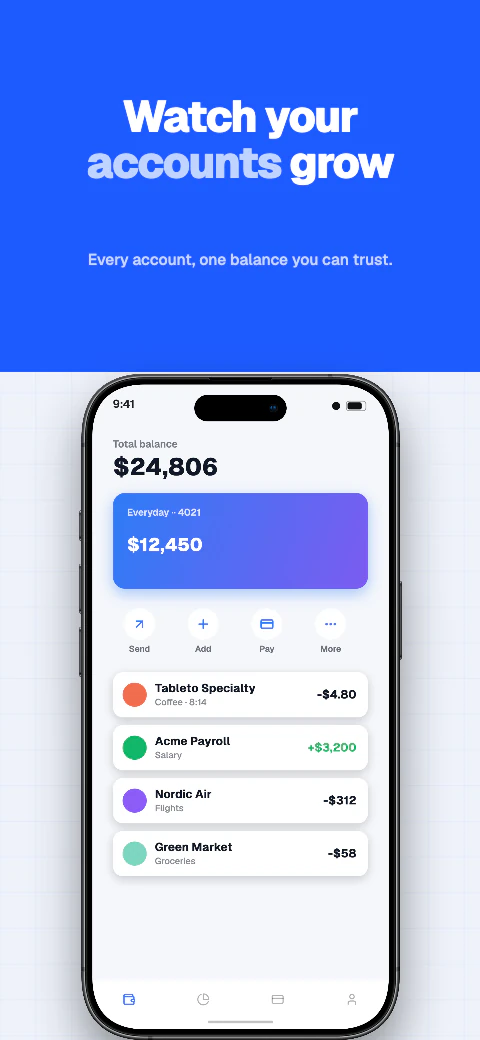
Screenshot variations for supported export targets
Duplicate a design, change the message or visual treatment, and download store-ready files for manual upload.
Template library
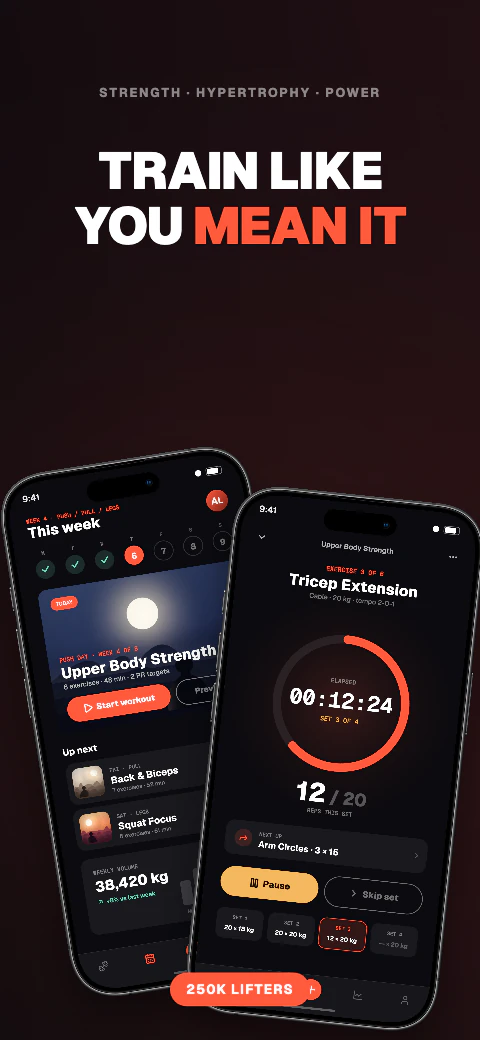
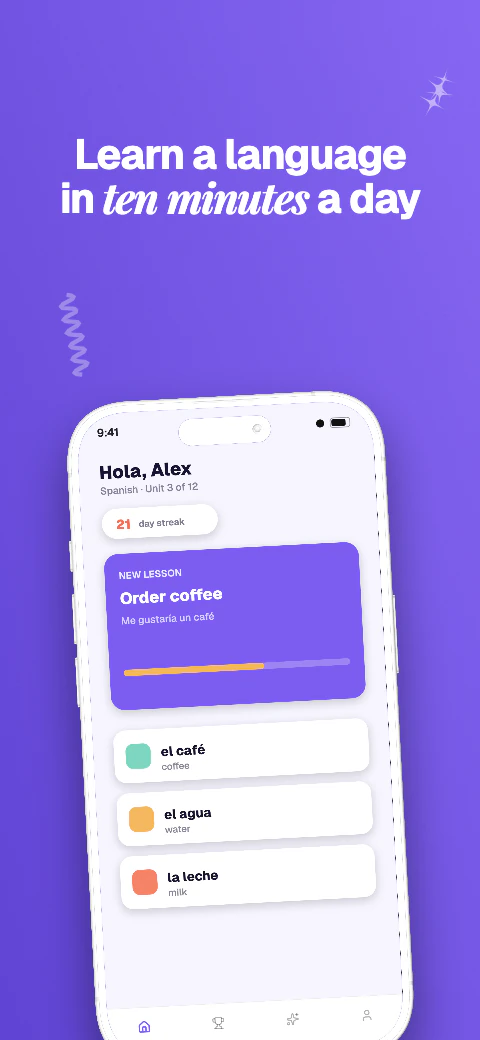
Choose from 223 unique template sets covering 1,784 pages, replace the sample screens and captions, then adapt the same design across supported export targets.
Screenshot variations for supported export targets
Duplicate a design, change the message or visual treatment, and download store-ready files for manual upload.
Add your app metadata to begin.
App StoreSelect your appThe store rules, verified
The store rules that shape screenshot optimization: how many slots you have, which sizes you must cover, and the file rules that apply no matter how good the design is.
Apple accepts 1 to 10 screenshots per display class per localization, and screenshots appear in App Store search results. Google Play allows up to 8 per device type and requires a minimum of two screenshots total to publish. Each localization is its own set on both stores, so a localized listing is a full second set of screenshots, not a toggle.
These hold no matter which message or layout you test.
Duplicate a design inside one project and change the message, screens, or visual treatment per variant. The same responsive layout adapts across all 17 export targets, so a variant set costs one edit, not seventeen. Exports are flattened files with no alpha channel and an embedded sRGB profile, ready for manual upload.
For localizations, select a language to translate missing editable captions with Qwen, review the result with per-locale editing, and check text expansion before export. Arabic renders with genuine right-to-left layout.
Adapt one design across all 17 named export targets in 7 stores, plus custom canvases from 200 to 7680 px per side.
Qwen translates missing editable captions across all 85 caption languages, with 8 curated core languages featured in the editor; review and edit every result before export. Translation and non-English preview need Pro or Scale; free projects stay in English.
Use real device frames, frameless screens, soft clay renders, and angled poses.
Export store-ready files for manual upload to App Store Connect and Google Play Console. Pro and Scale can also push a saved ZIP into those listing versions.
Write and refine benefit-led captions for each supported preview language.
Basic includes 1 project, up to 5 screenshots per size, and watermarked exports for all 17 store targets. Pro includes 10 projects, 10 screenshots per size, and English + 5 additional locales (6 total). Scale includes unlimited projects, 25 screenshots per size, all 85 caption languages, and an extended licence. Every plan exports the same 17 store targets for manual upload.
Frequently asked questions
Up to 10 per display class per localization. Each localized listing accepts its own set of 10.
The first ones. Apple shows screenshots in App Store search results, so the opening frames of the set carry the listing.
Yes. Both stores treat each localization as its own screenshot set. In Shipshot you translate or edit each language's captions in the same project and export organized folders per language.
Every variant must follow the same current store rules. Check Apple and Google's current requirements before export; Shipshot applies the supported size, aspect-ratio, and no-alpha rules described here.
ZIP download is on every plan. Pro and Scale can also push a saved ZIP into App Store Connect or Play Console listings.