Shipshot guide
How to Localize Store Screenshots Without Breaking the Layout
A localized screenshot set is more than swapping words. Decide what belongs in captions, what stays product-owned, and how each language changes the composition. Shipshot lets you edit captions per locale and preview 85 languages, including a genuine Arabic right-to-left layout; you write and review each language's caption.
Separate caption copy from product UI
Translate the text you add around the product screen, then check the language shown inside the app itself. If the product UI is not localized for a market, do not make the surrounding caption imply that it is. The screenshot should describe the product state that is actually visible.
- Mark every text layer as caption copy, product UI, brand text, or an identifier.
- Give the translator the screenshot context and the product action each caption describes.
- Compare the localized caption with the visible UI before changing the layout.
Know what to translate and what to preserve
Translate explanatory captions, labels, and action descriptions when they are meant for the reader in that market. Preserve product names, trademarks, URLs, identifiers, code, or other terms that are intentionally product-owned, and confirm the convention with the person reviewing that language. Do not translate a term merely because it is visible; first decide what role it plays.
- Create a short keep-as-is list for product names, marks, URLs, and identifiers.
- Translate the message around those terms instead of changing the product's identity.
- Ask a language reviewer to check tone, terminology, and any market-specific convention.
Allow expansion and different line breaks
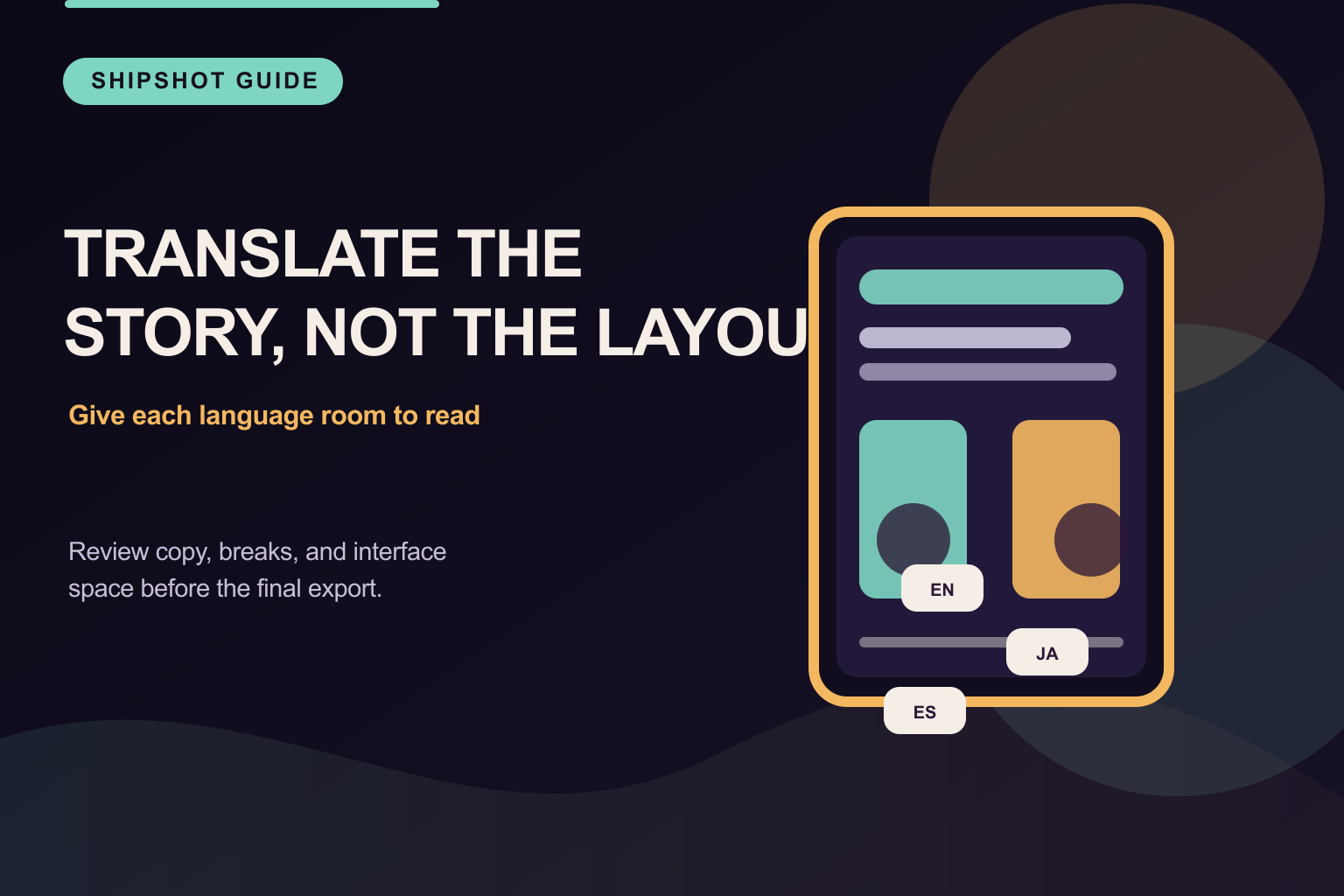
A translated caption can need a different line break or more room than the source caption. Do not paste it into the original box and assume the composition still works. Check clipping, overlap, hierarchy, and the size of the smallest text; shorten or recompose only when the meaning remains accurate.
- Preview the longest caption in the space available for that frame.
- Adjust line breaks, text-box height, alignment, and nearby product-screen spacing.
- Keep the text readable instead of shrinking it until the source layout technically fits.
Treat right-to-left as part of the layout
Arabic reads right-to-left, so a correct Arabic composition may need different alignment, ordering, and visual emphasis. Review the reading path rather than mirroring every decorative element by default. Shipshot includes a genuine Arabic right-to-left layout for this review.
- Check caption alignment and reading order in the Arabic version.
- Keep product UI direction consistent with the actual app state you are showing.
- Inspect punctuation, numbers, URLs, and mixed-direction text for awkward breaks.
Review each locale before export
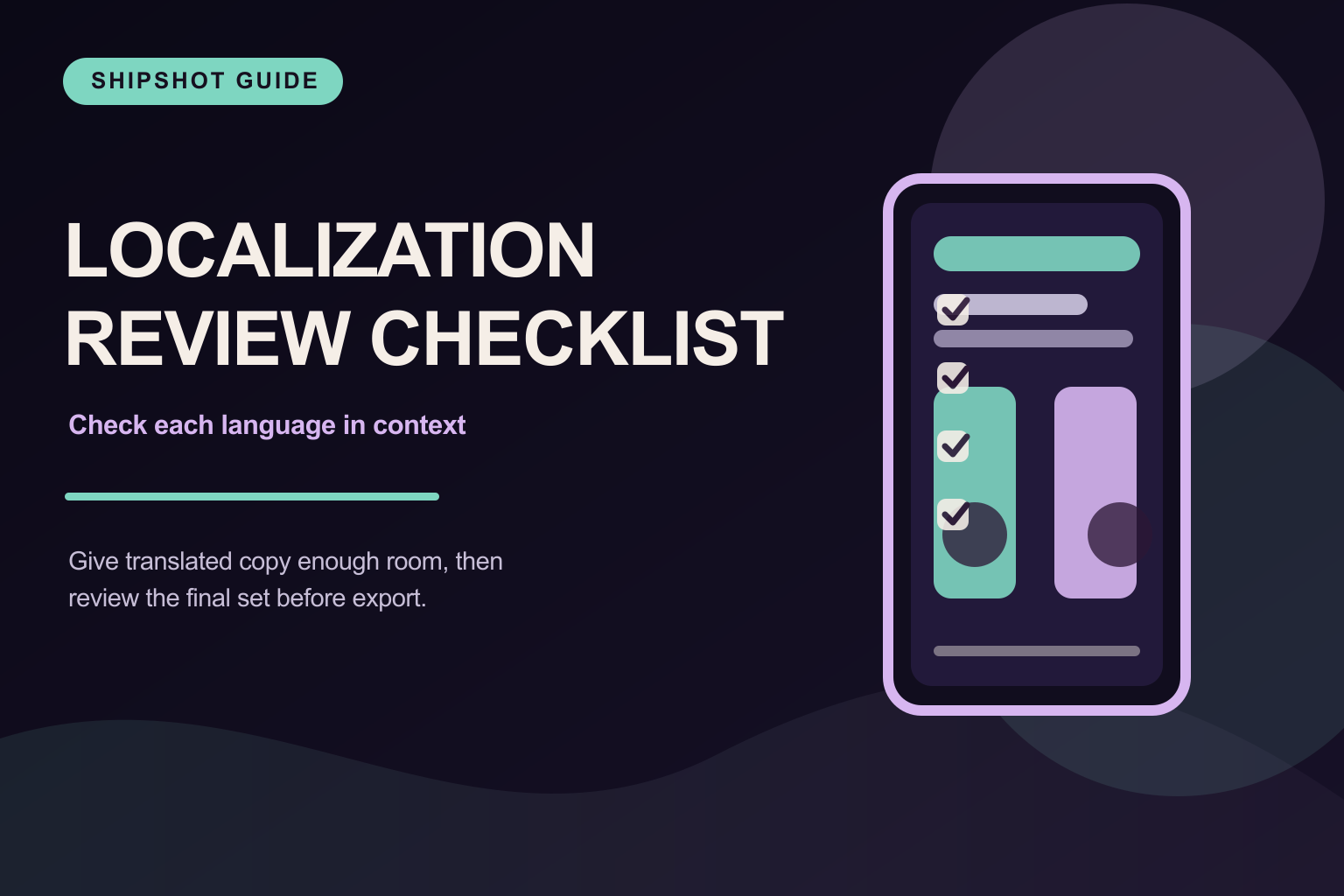
Shipshot provides 85 language previews and per-locale caption editing. Qwen translates missing editable captions when you select a language, while keeping every result reviewable. Use the previews to check the same product claim, the same target dimensions, and the absence of leftover source-language text or overflow.
- Open every locale needed for the release and read the caption in context.
- Check the target crop, product UI, line breaks, and reading direction for each version.
- Export only after the language reviewer signs off on the wording and composition.
Review checklist
Questions to ask before handoff
Does Shipshot translate captions automatically?
Yes, on Pro and Scale. Select a language and Qwen translates missing editable captions while preserving existing translations; review and edit every result before export.
Should every locale use the same line breaks?
No. Keep the product message consistent, then adjust line breaks, spacing, and emphasis so each language remains readable.
What if the app UI is not localized?
Keep the screenshot truthful. Localize the surrounding caption where useful, but do not imply that the visible product UI is in a language it does not show.
How many language previews does Shipshot provide?
Shipshot provides 85 language previews, with per-locale caption editing and a genuine Arabic right-to-left layout.