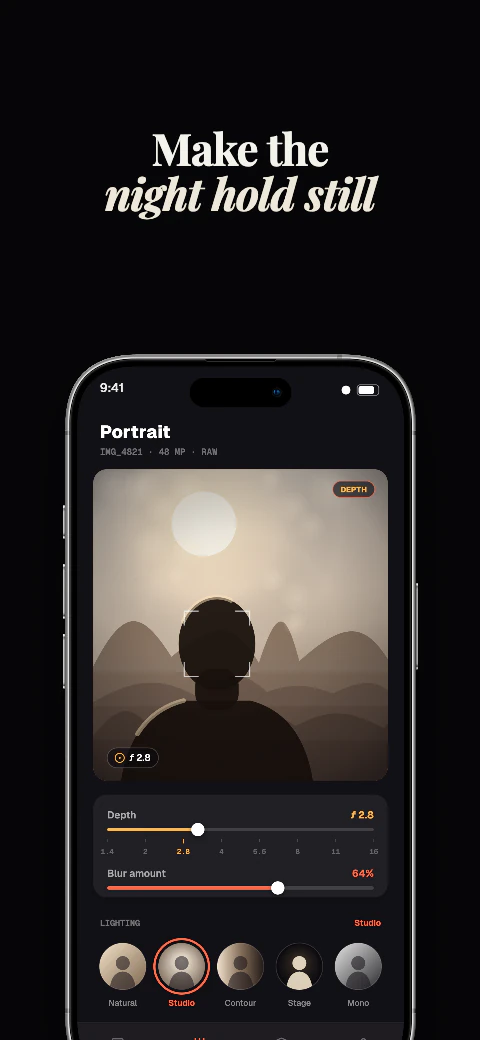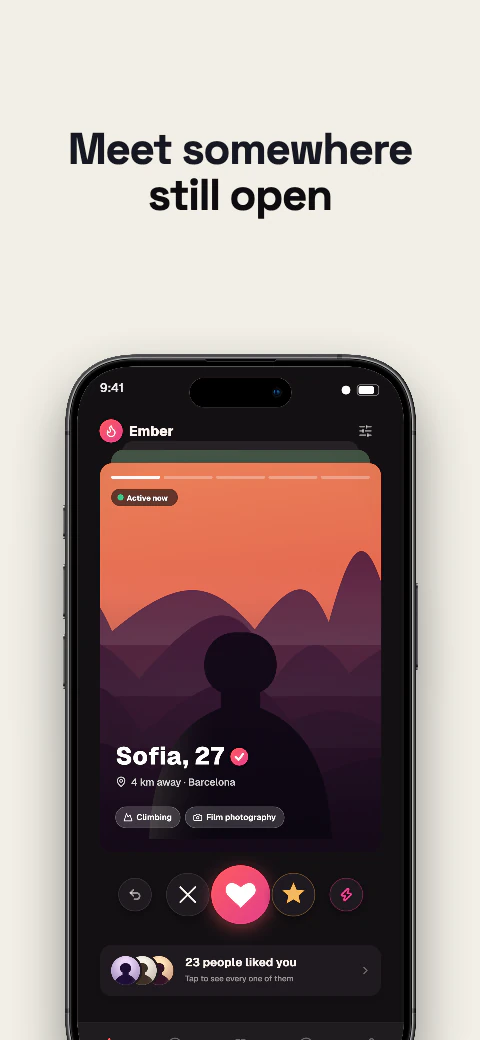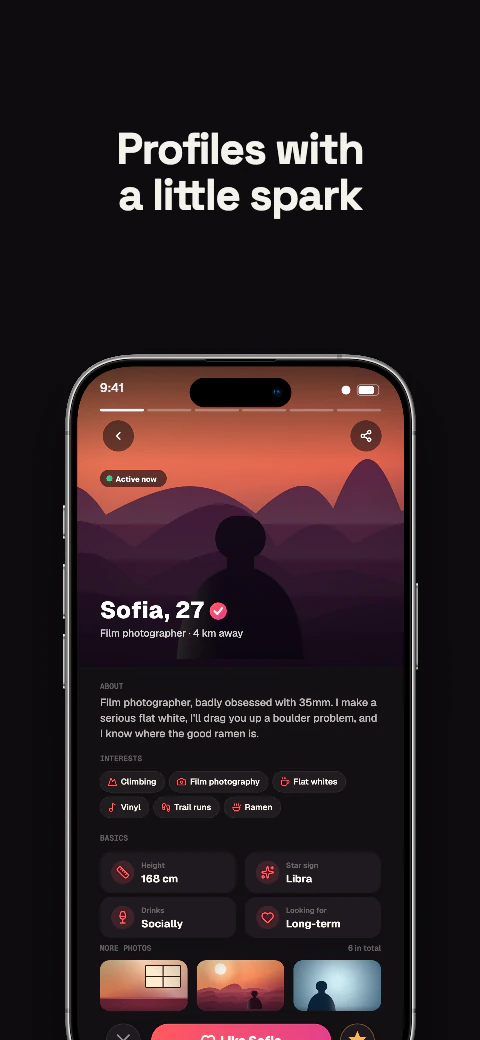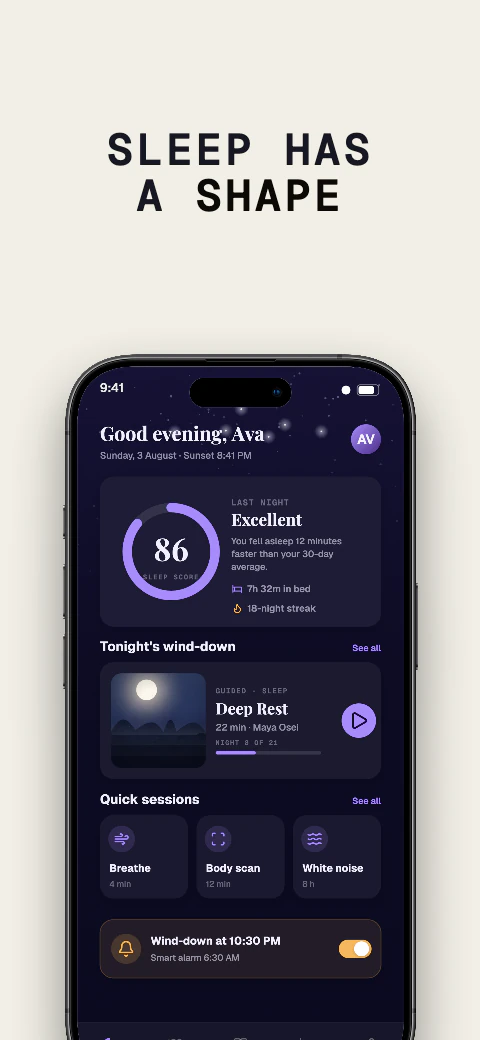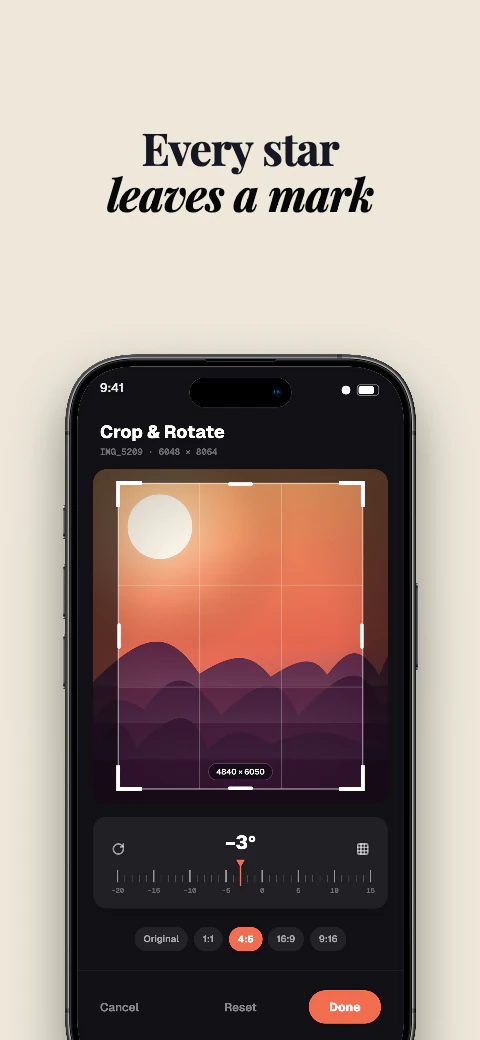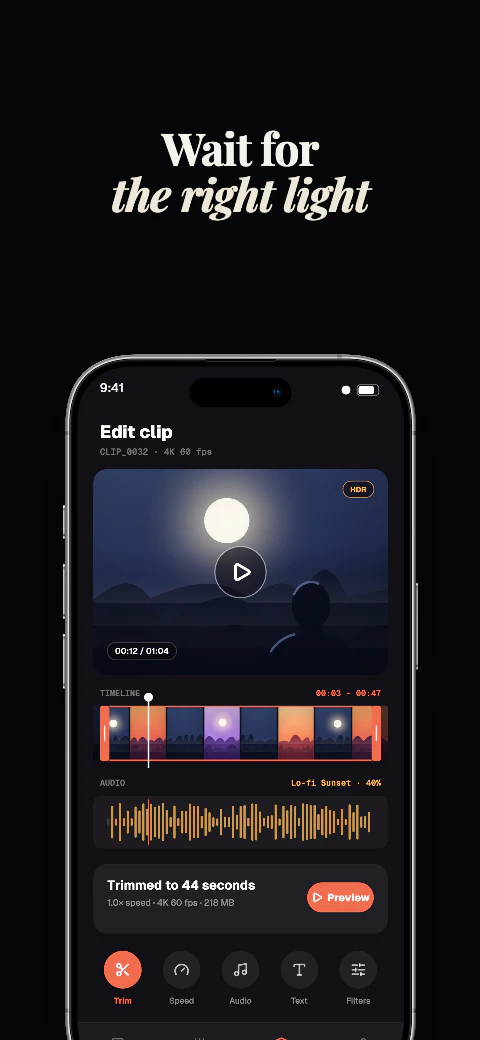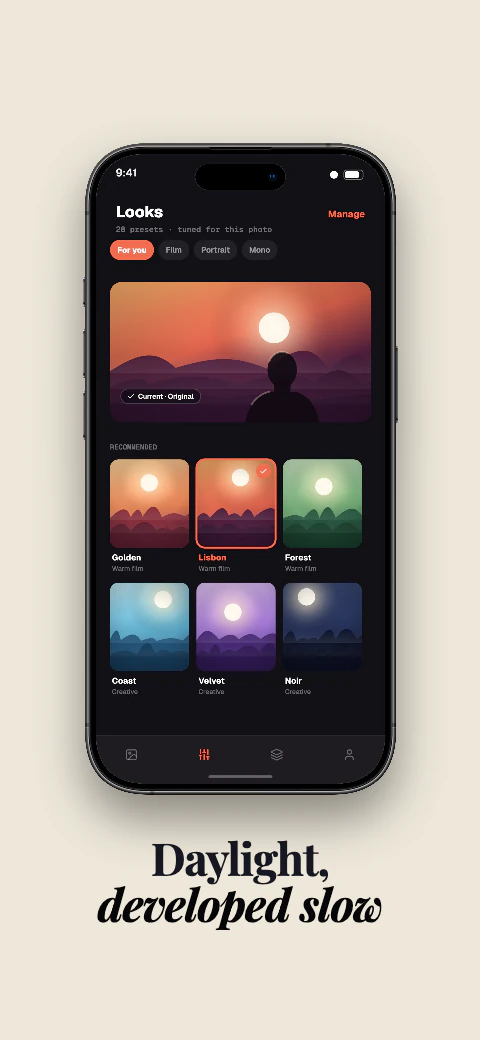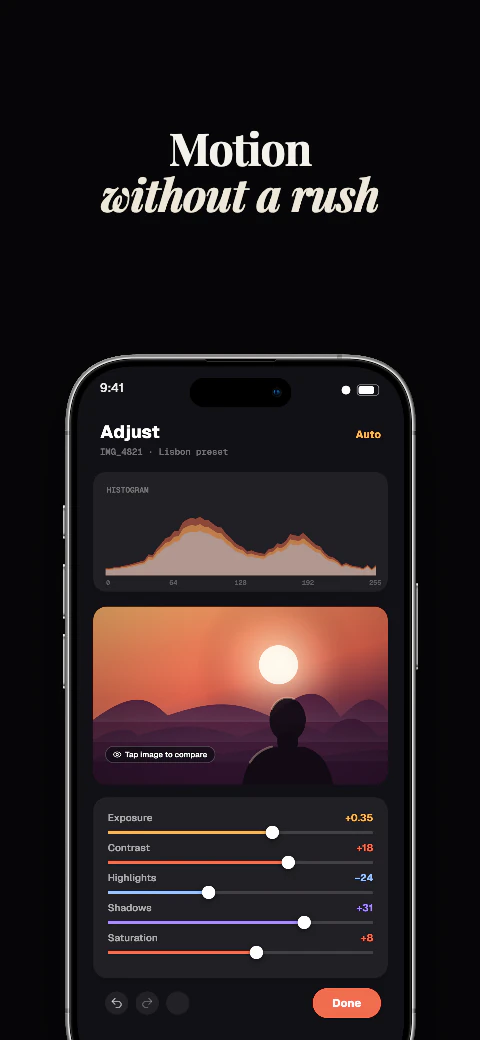
Shipshot template library

Dark App Screenshot Templates

Browse dark eight-page screenshot stories, then make the set your own in Shipshot Studio.

Browse story sets Auto-frame my screenshots
  1. 01Eight ordered pagesA beginning, middle and finish for your listing.
  2. 02Editable in StudioMake the layout, copy and app screens your own.
  3. 0317 export targetsiPhone, iPad, Android, Mac, watch and more — across 7 stores.
Smart Auto-FramePNG · JPG · WebP

Drop your screenshots instead

A folder or one image is enough. We pick the phone, apply a layout, and write the headlines — then you edit.

Auto-detects phone & tabletWrites matching headlinesUp to 5 screens on the free plan
Open the drop desk

The library

Browse dark stories

31 story sets with eight editable pages each. 6 of the 223 sets are free to use; the other 217 open on a Pro or Scale plan.

Art direction
Theme
Dark · 8 pagesFree
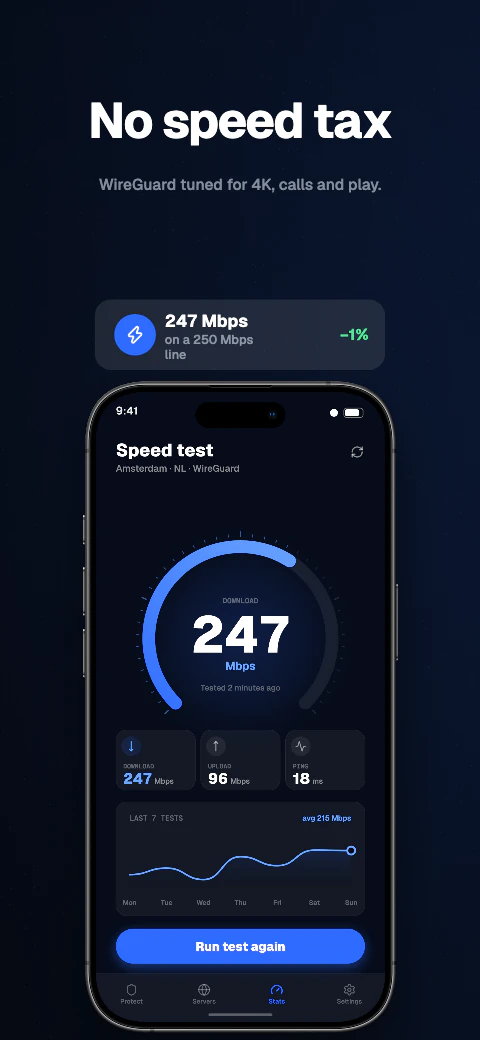
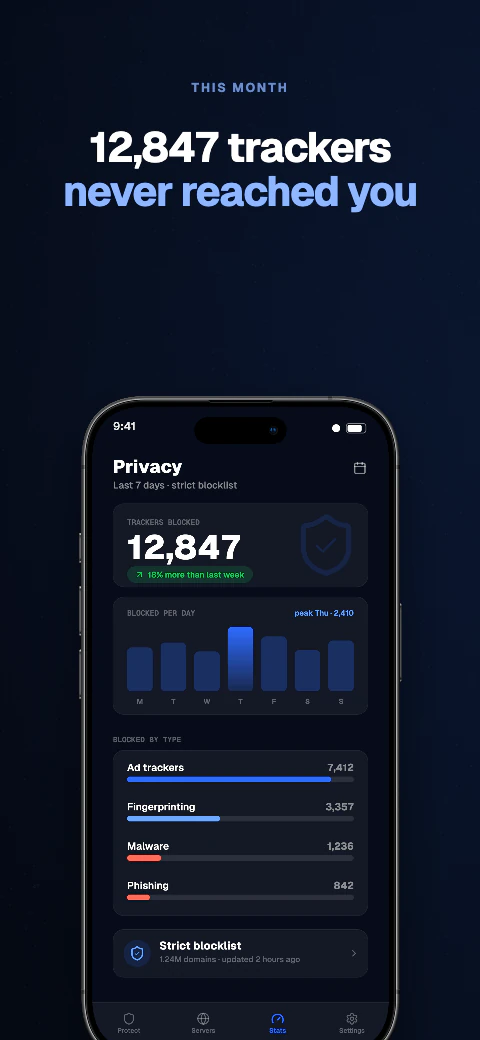
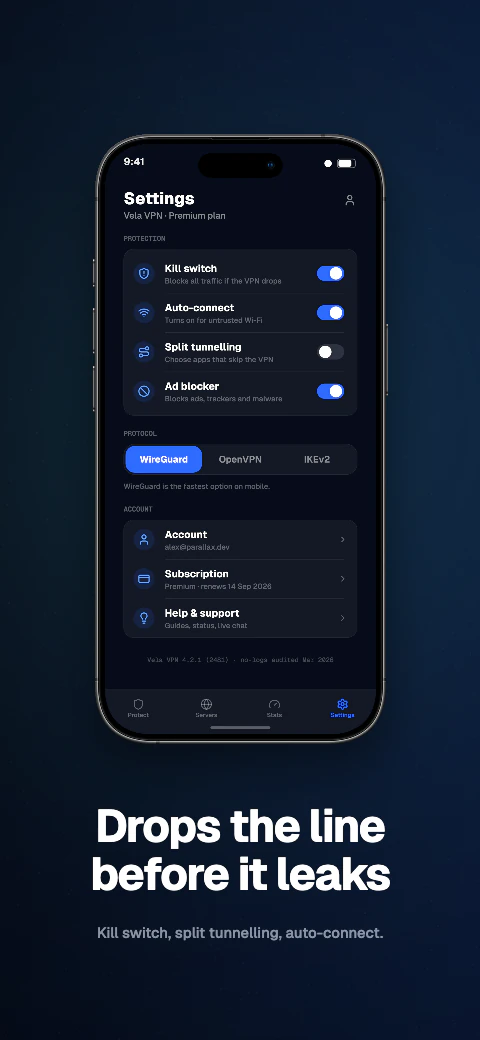
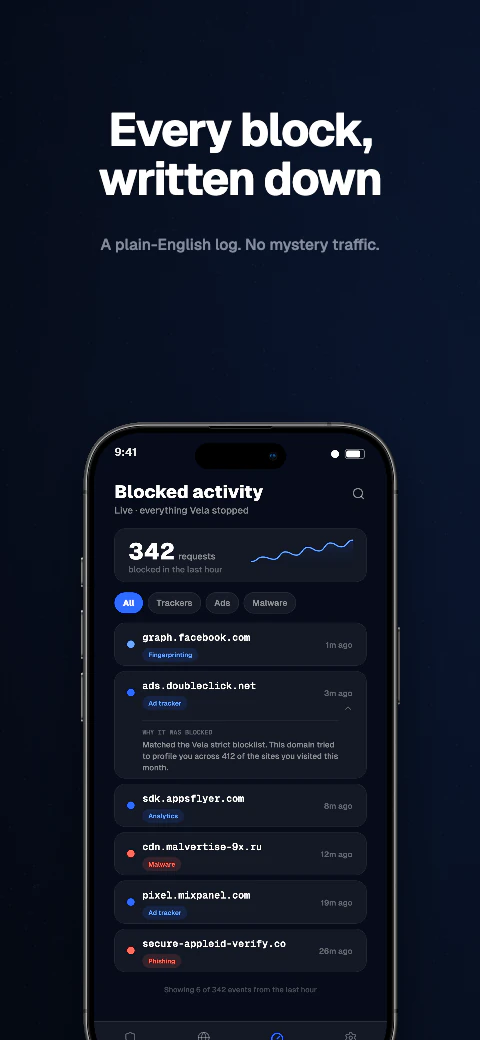
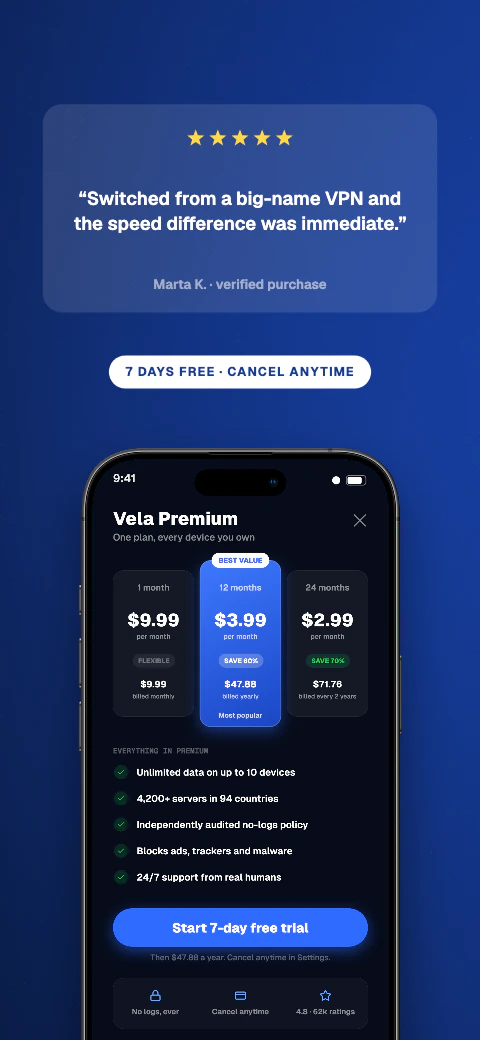
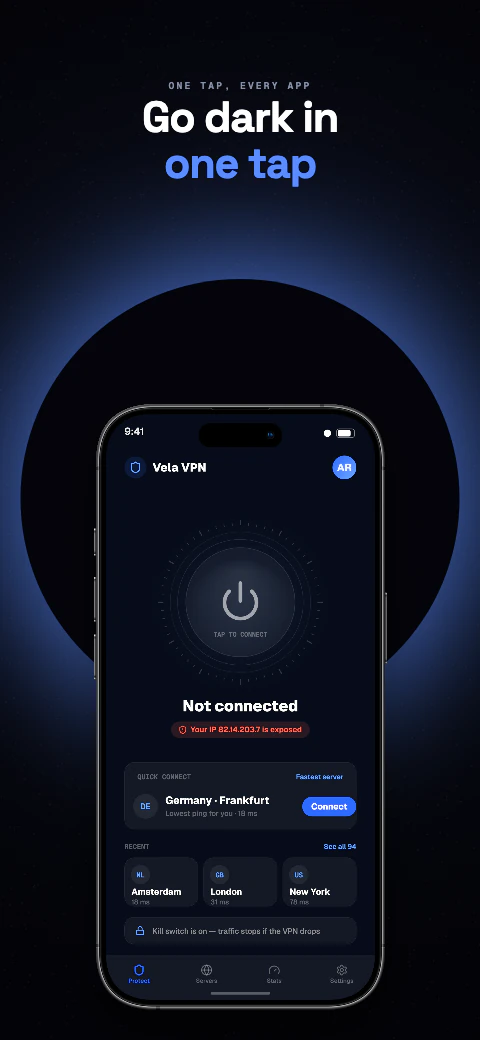
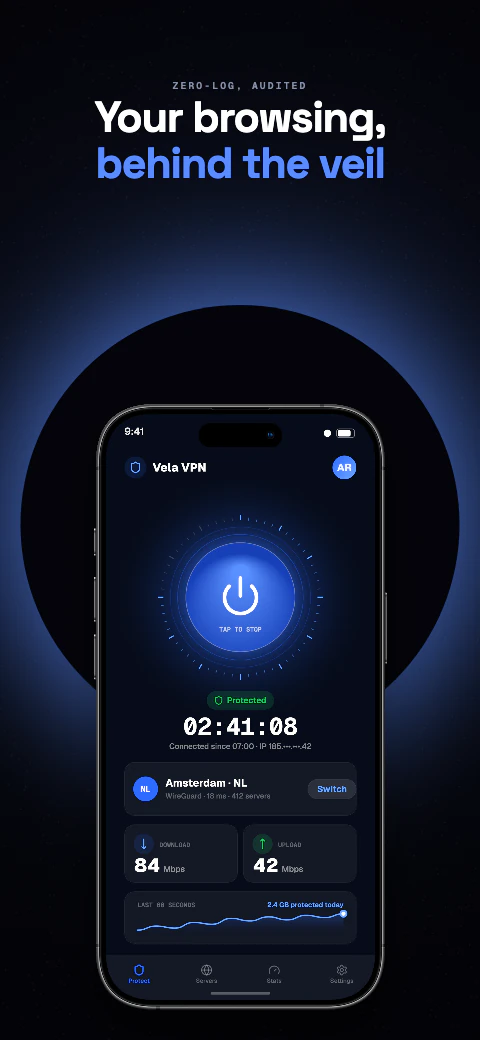
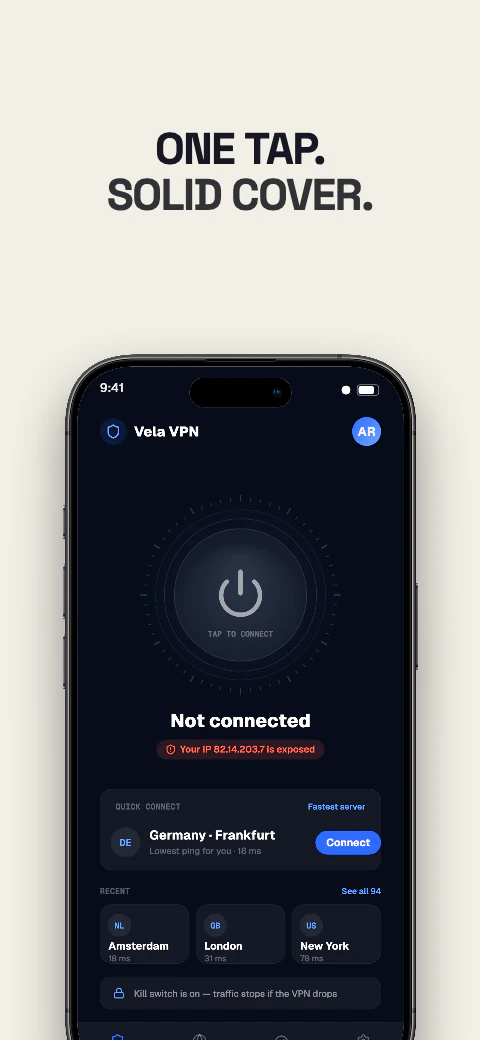
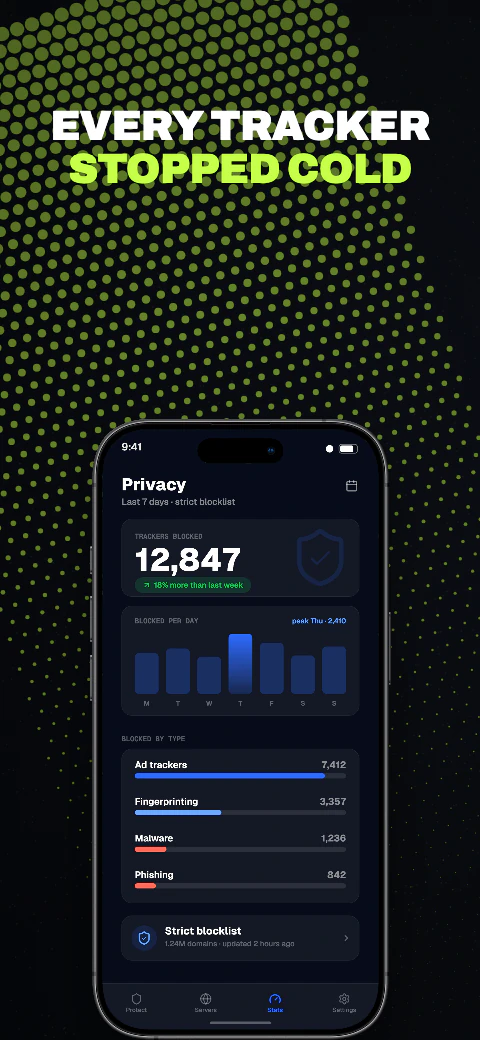
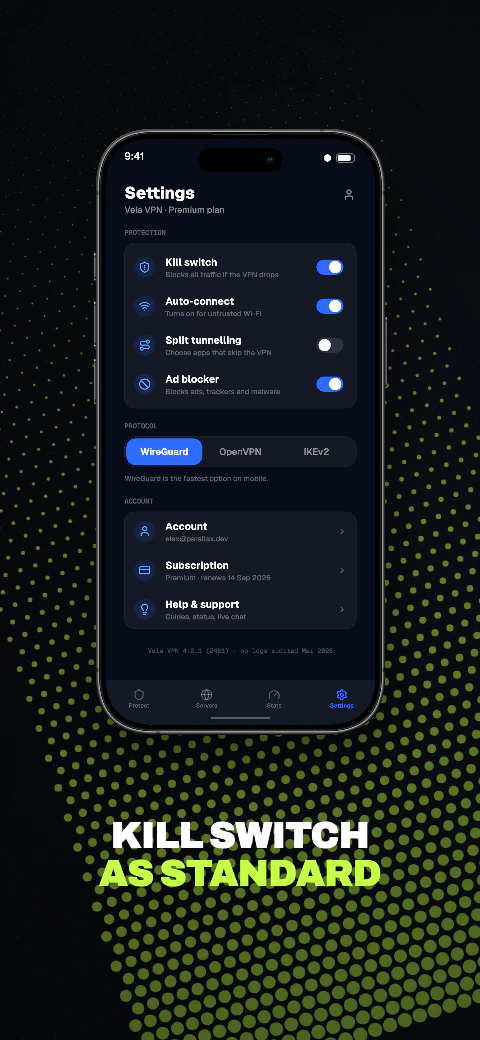
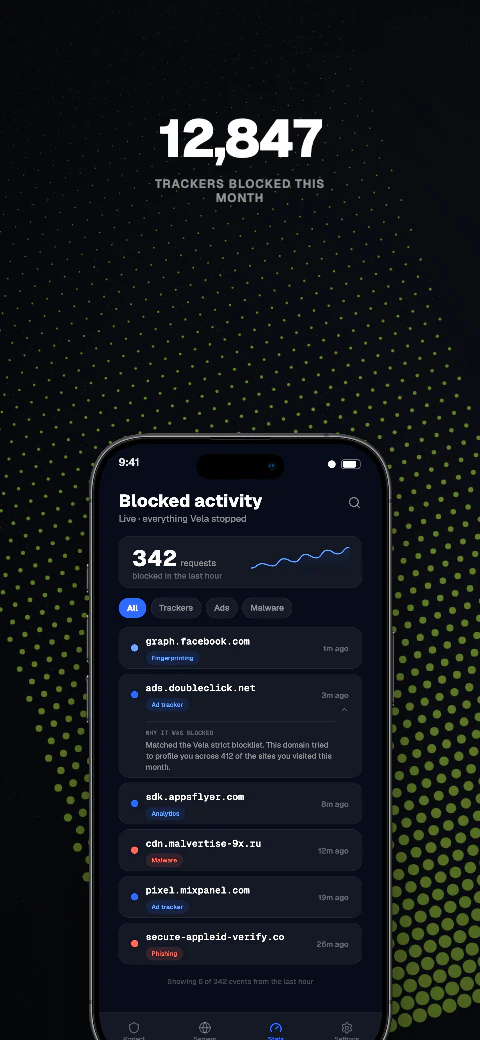
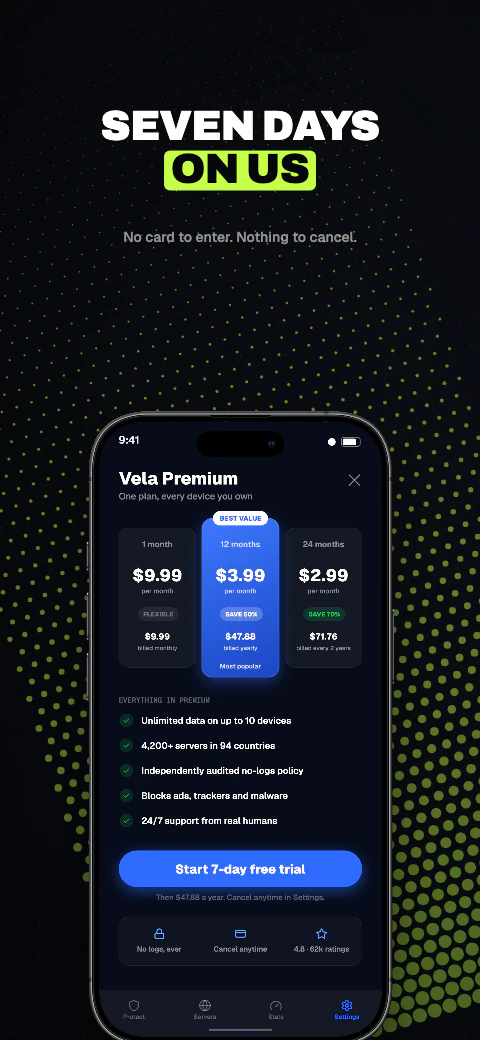
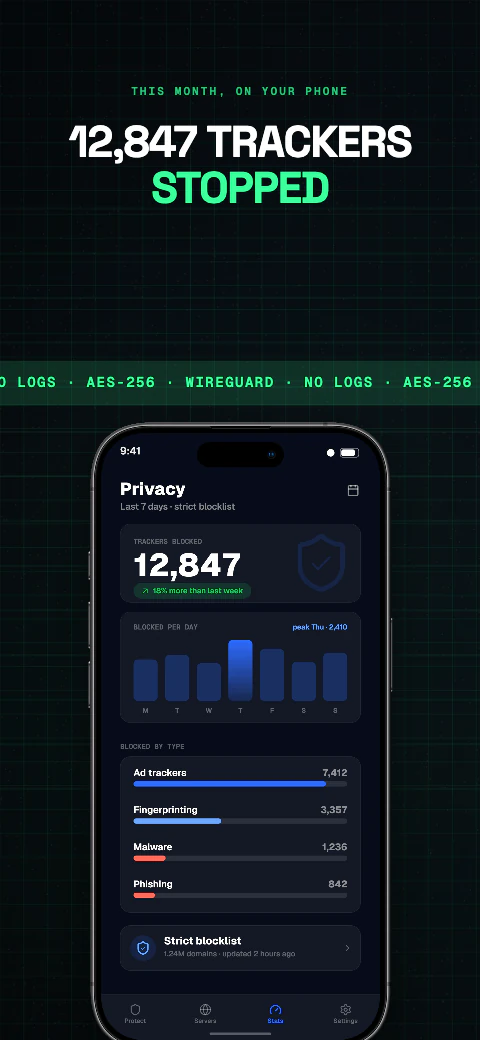
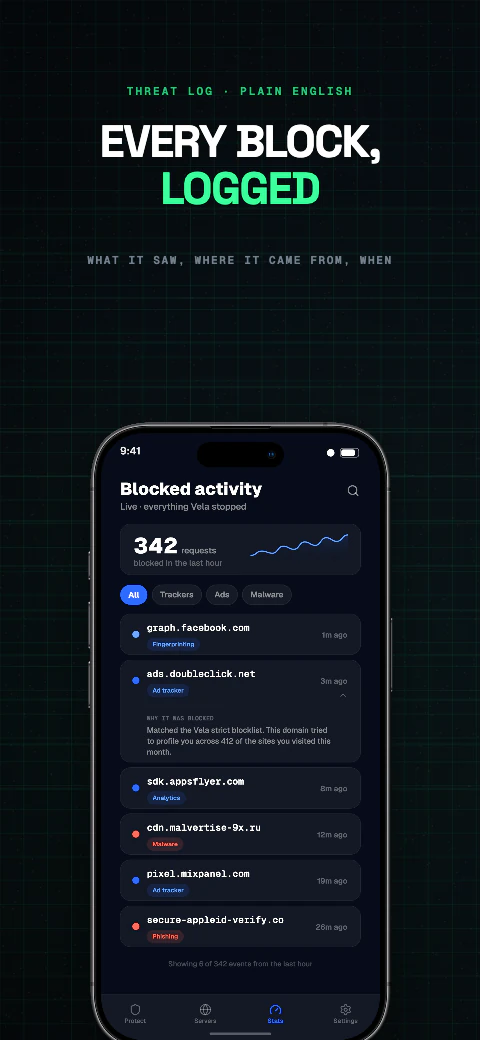
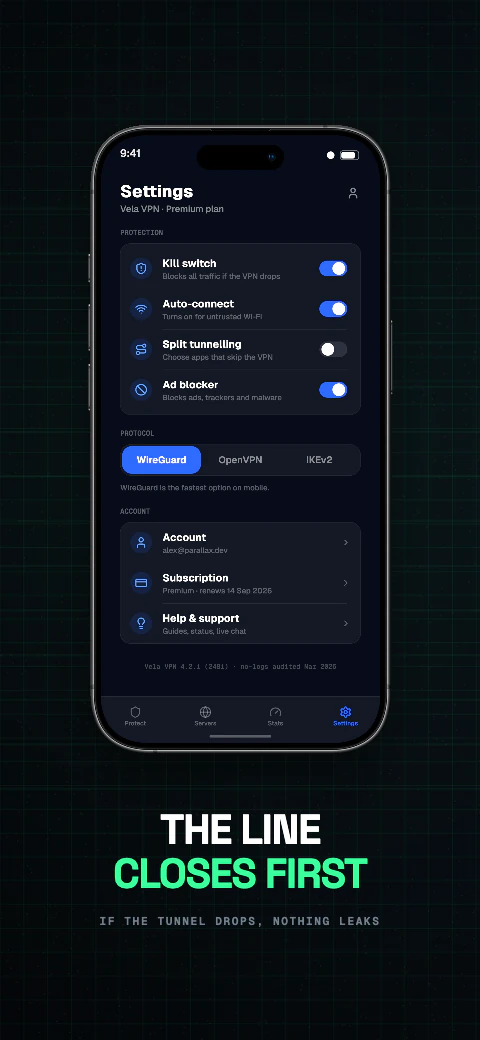
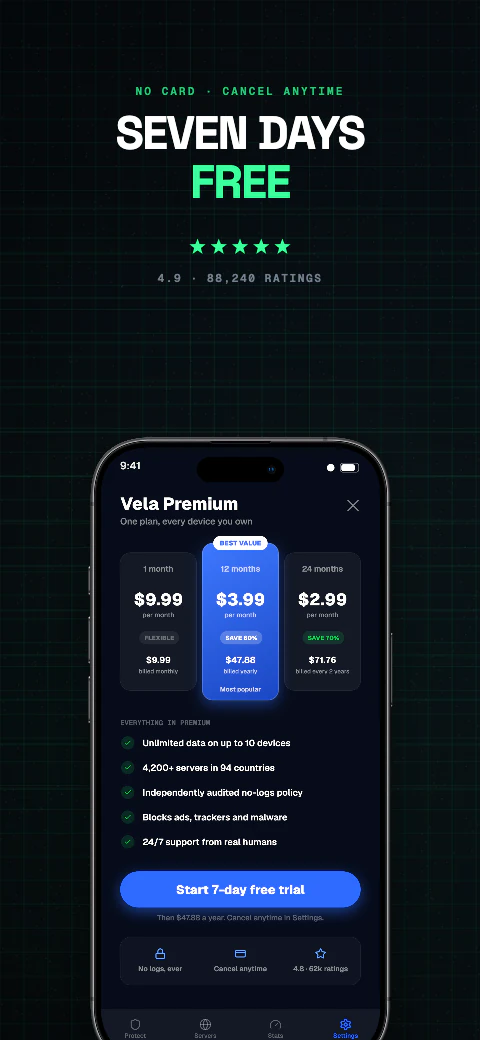
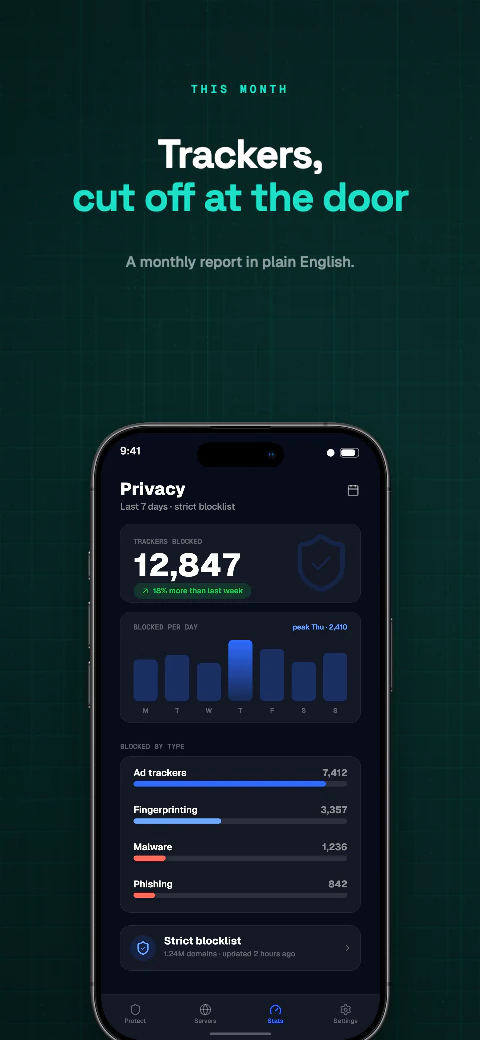
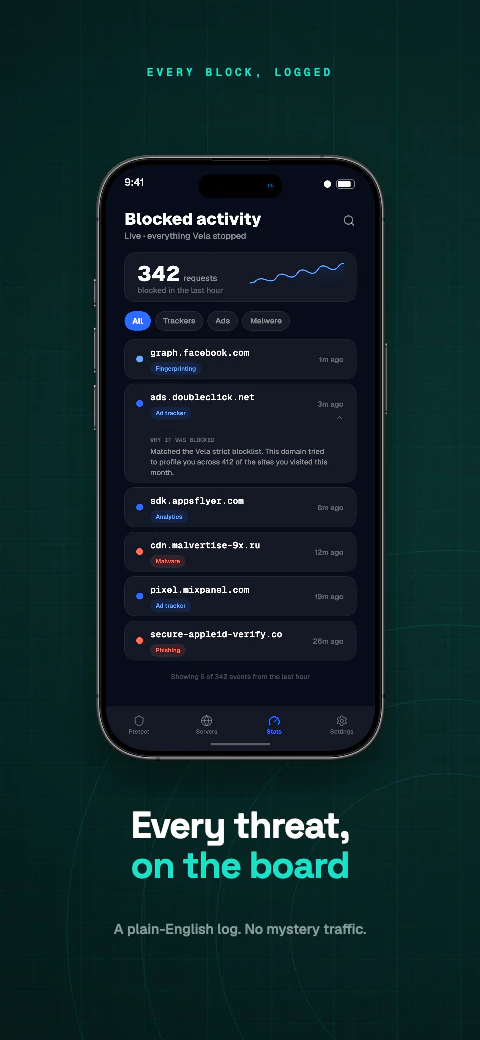
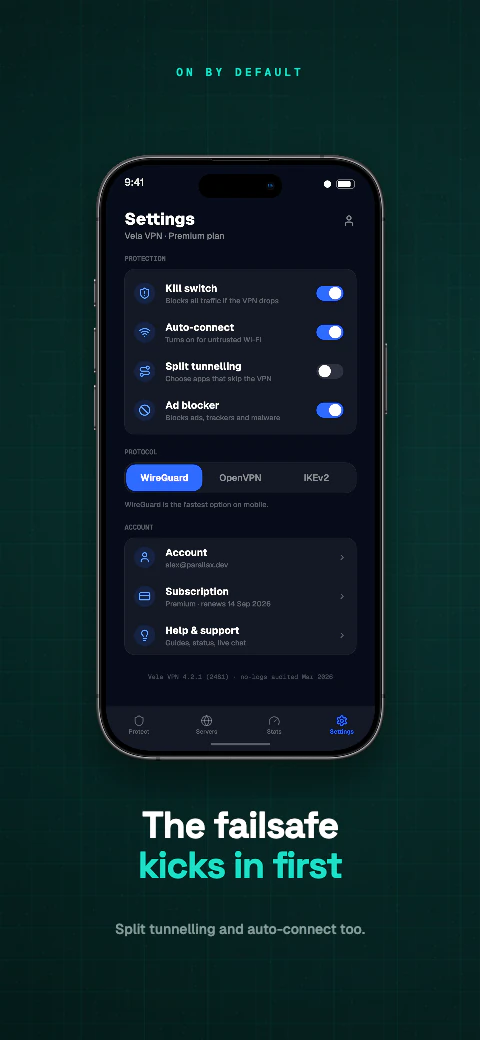
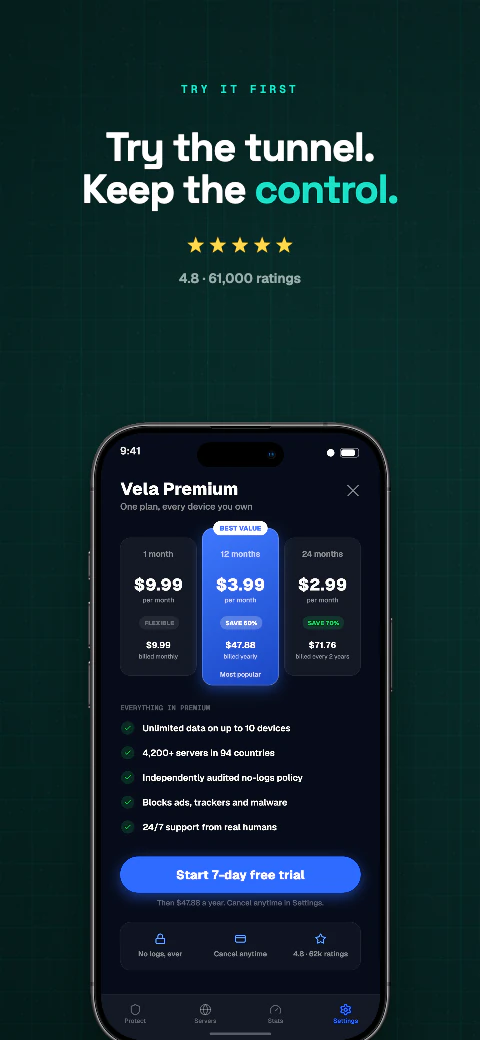
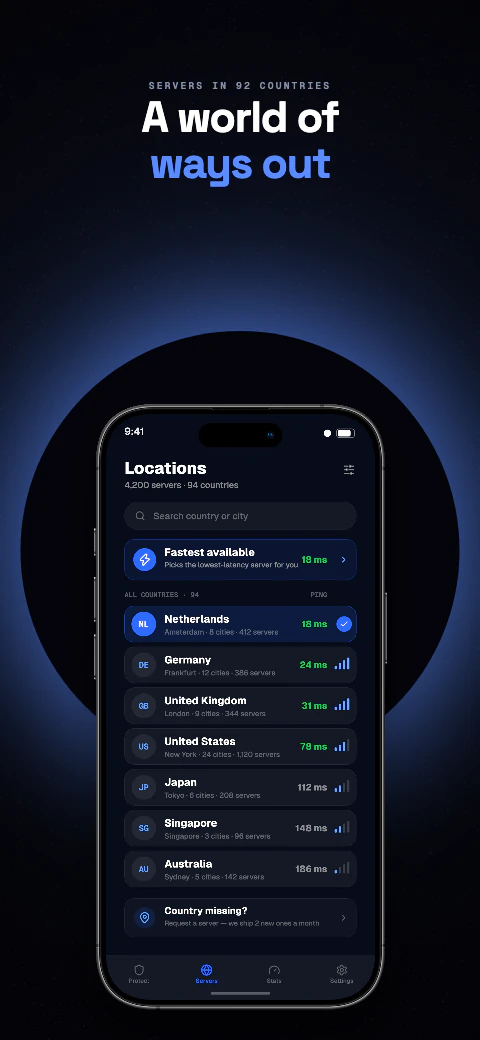
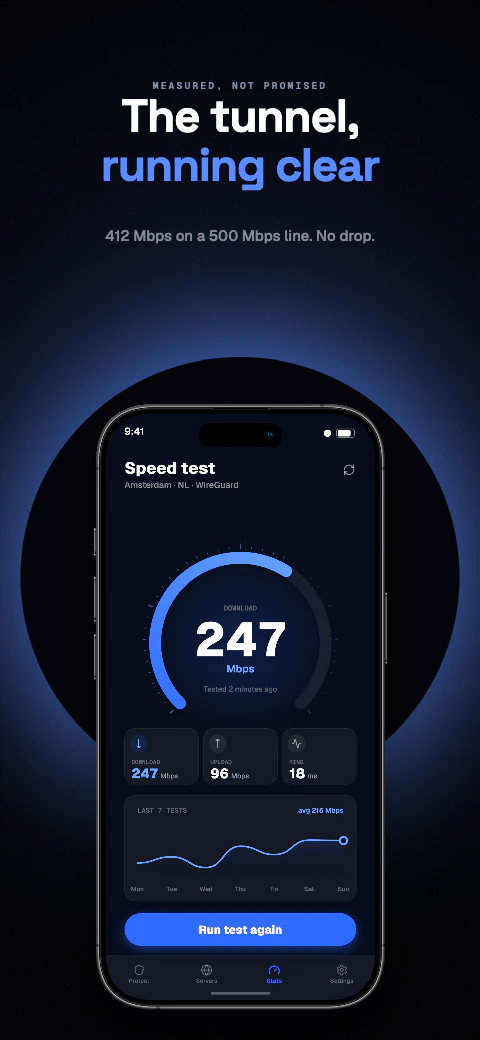
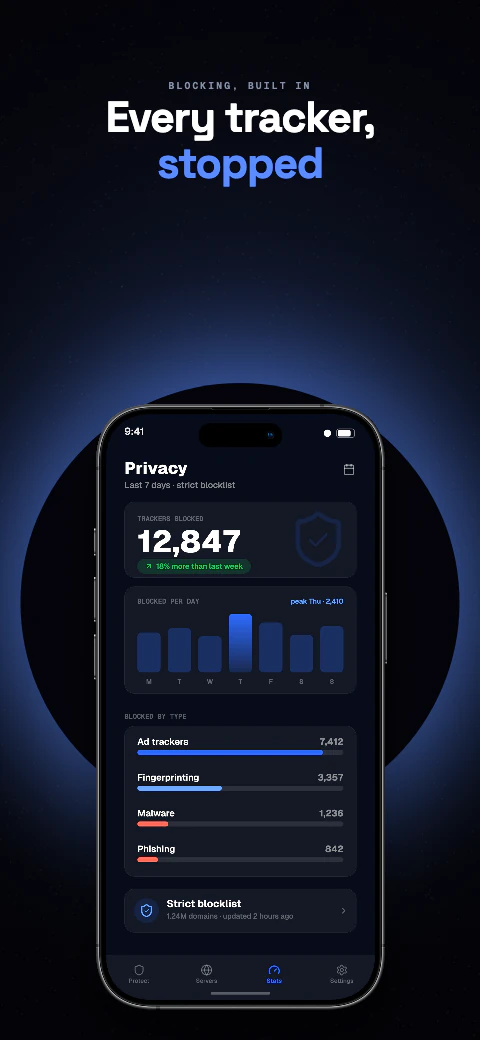
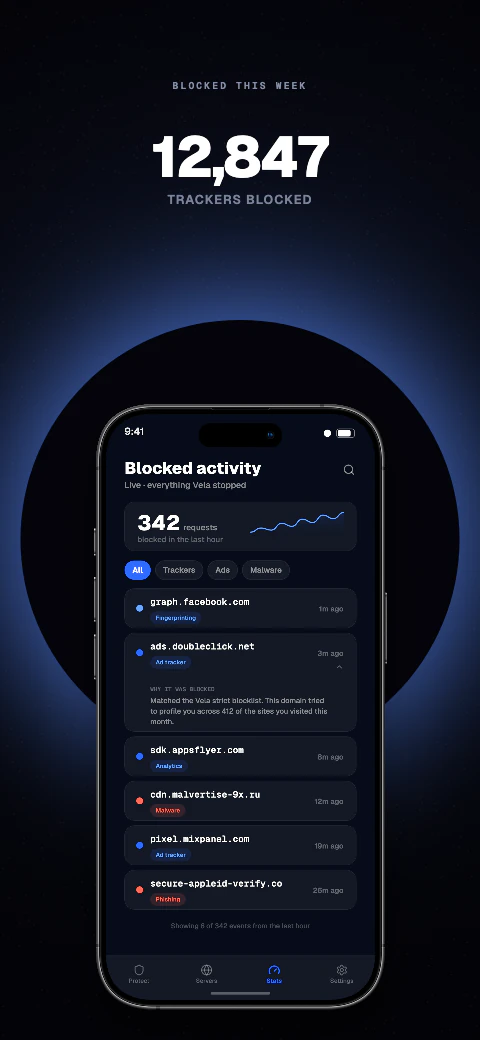
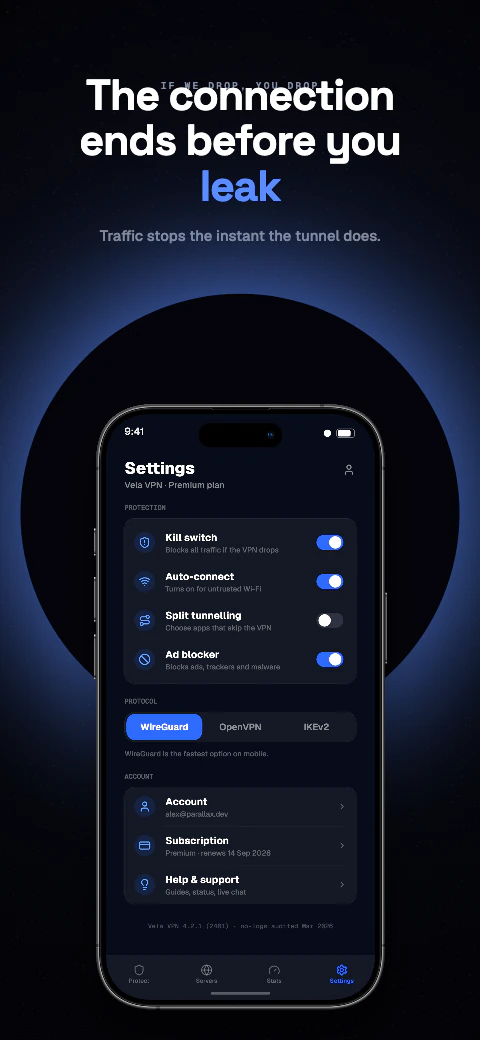
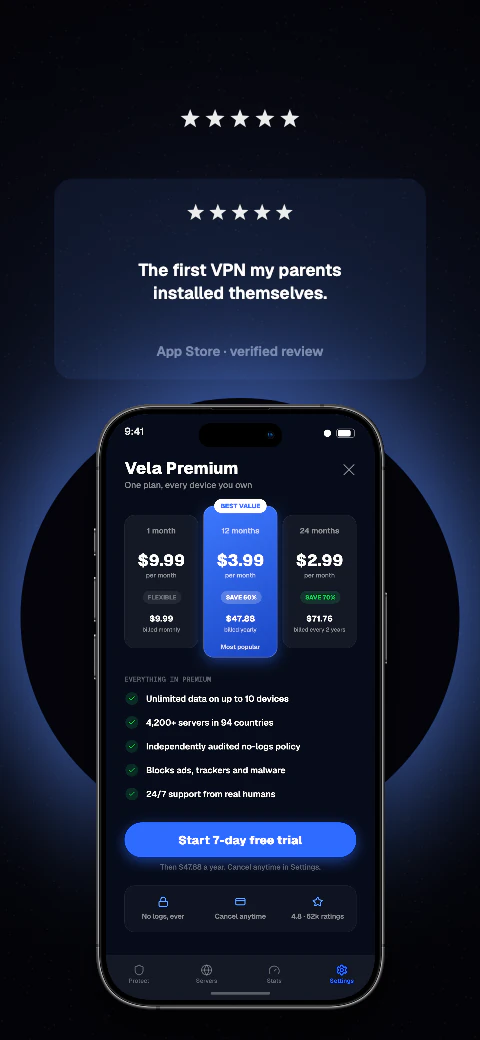
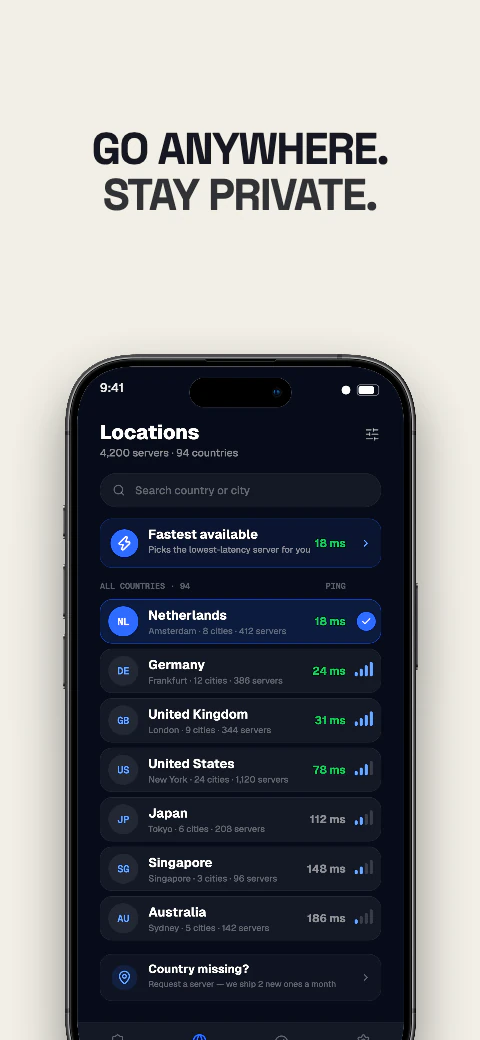
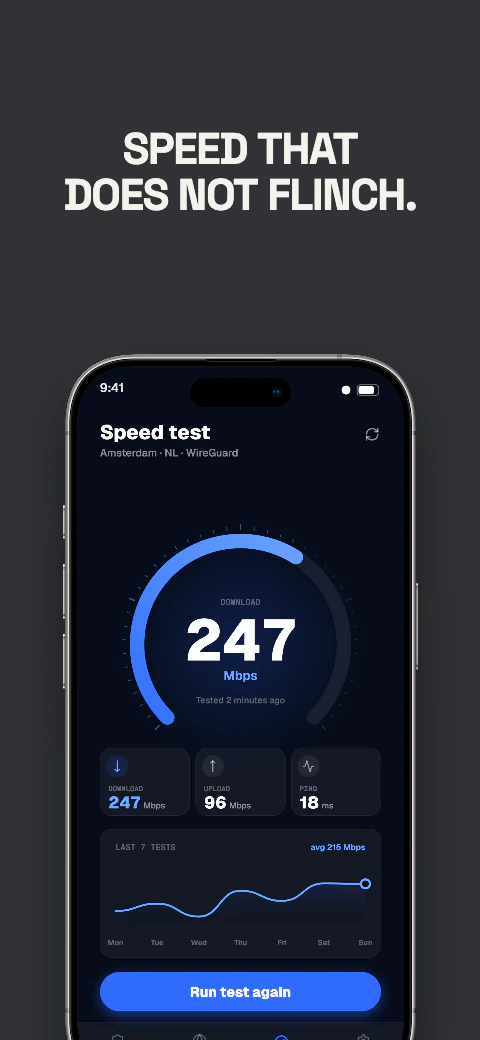
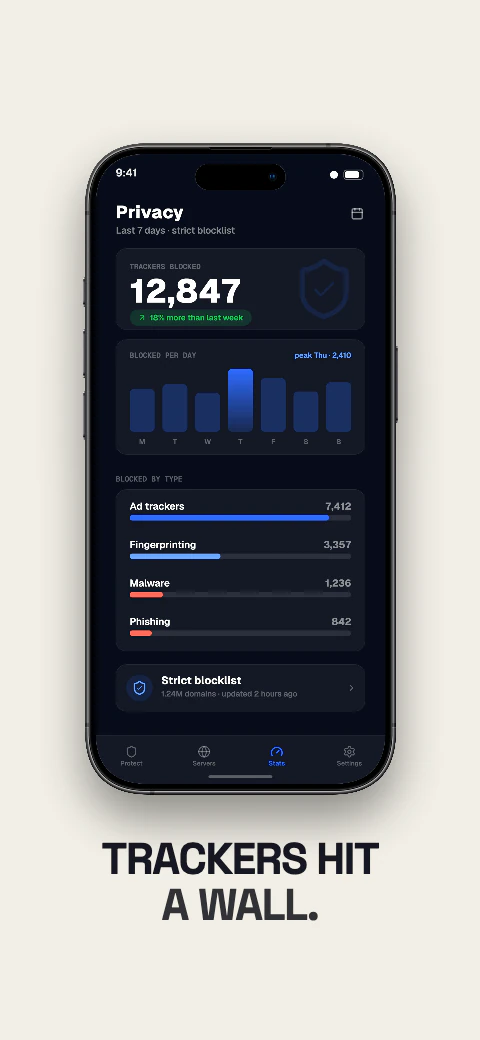
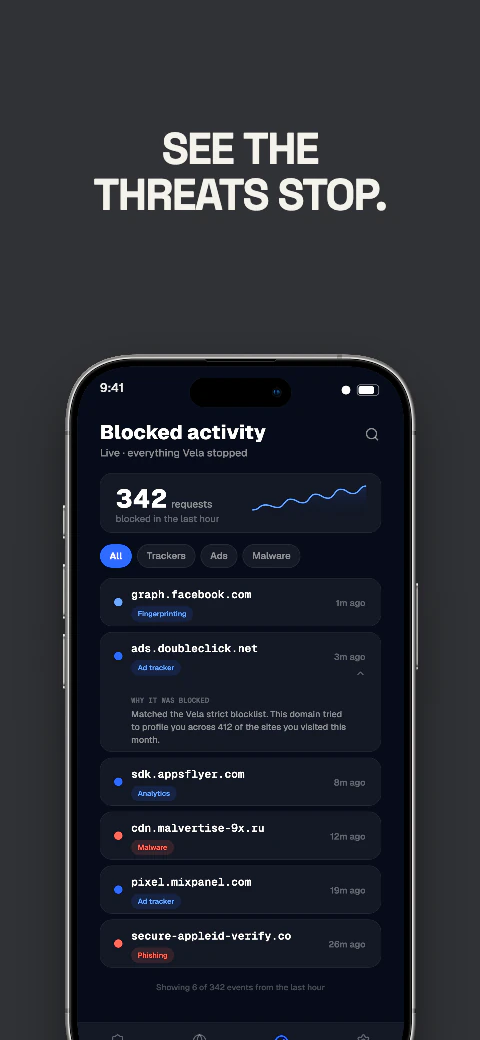
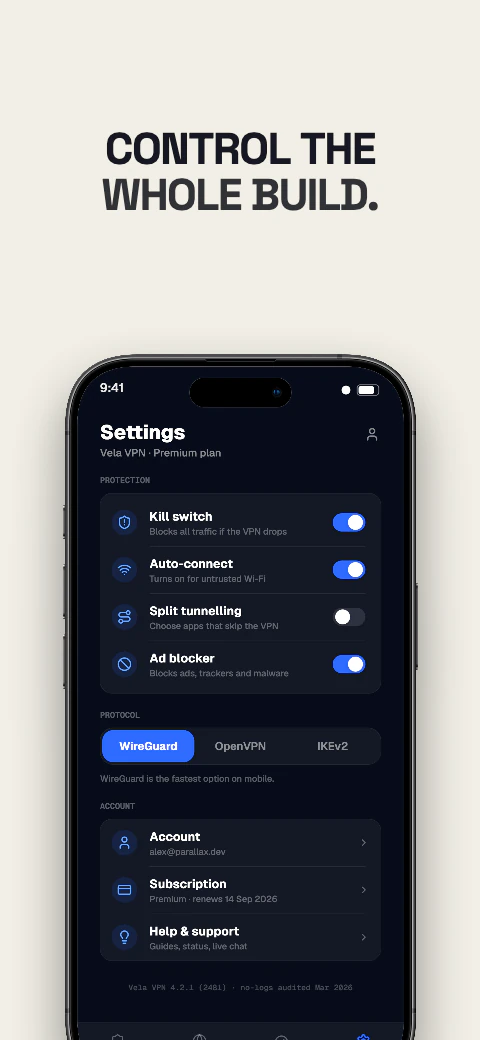
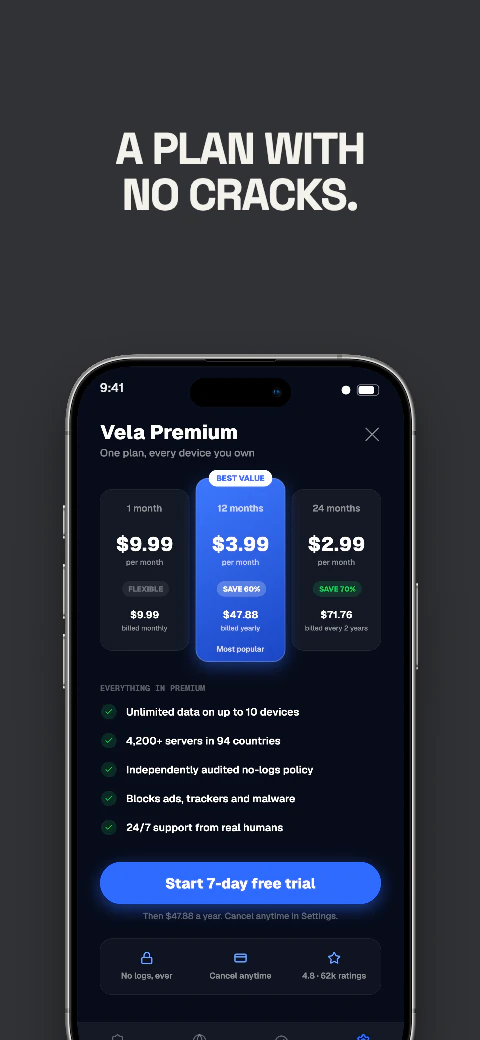
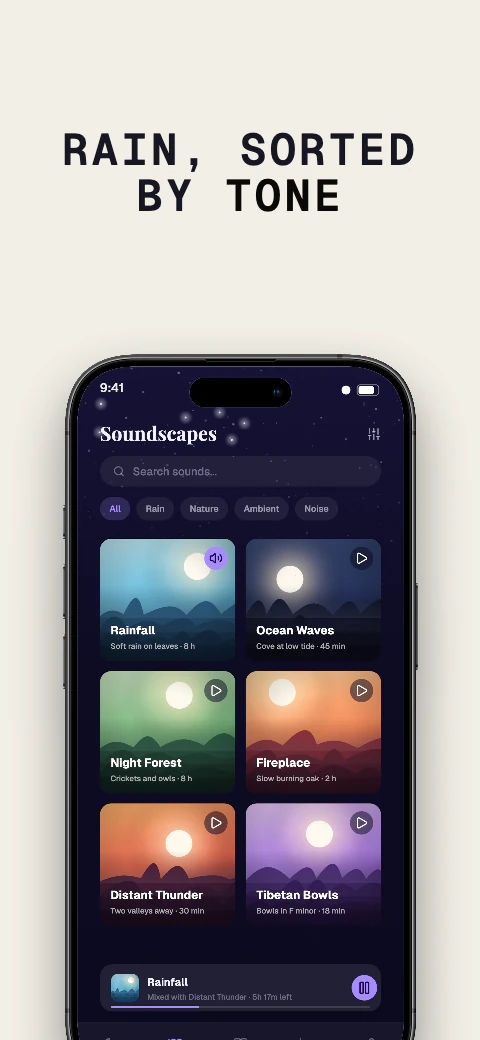
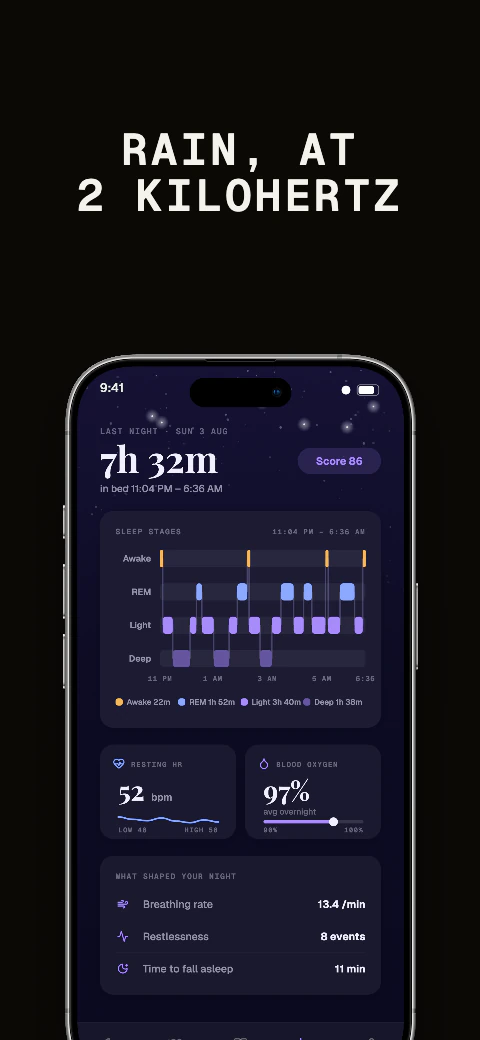
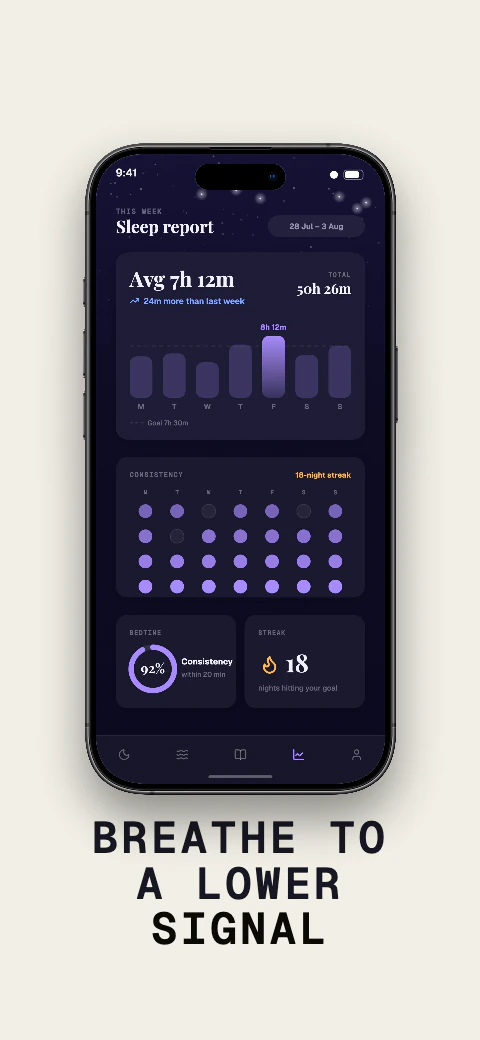
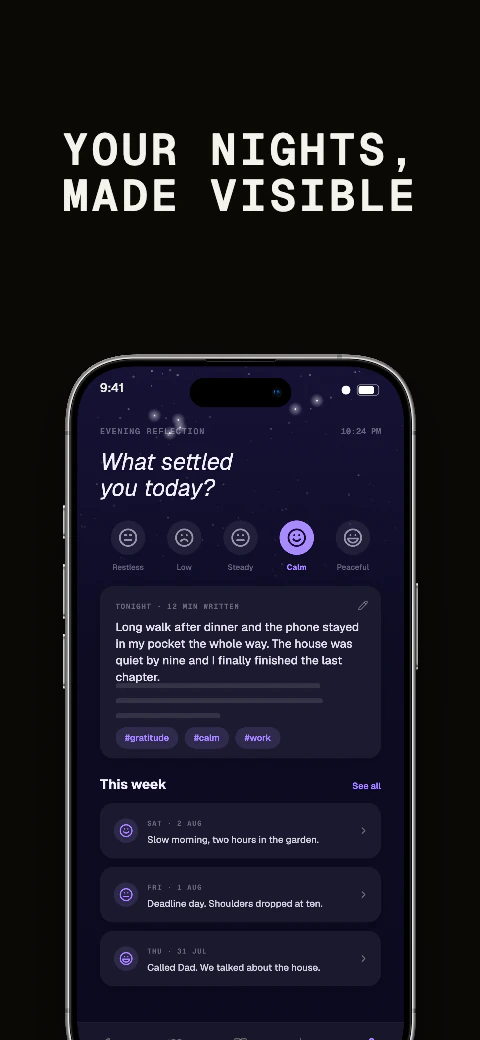
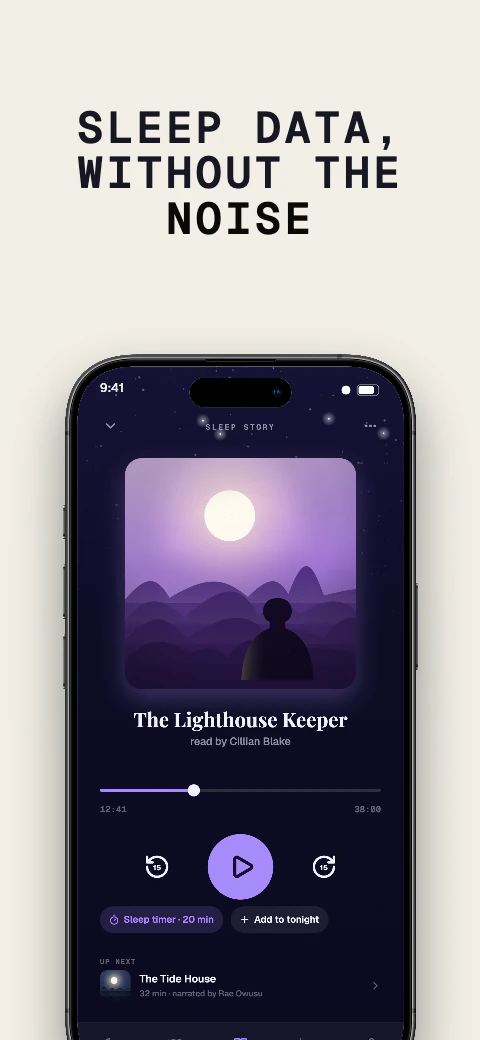
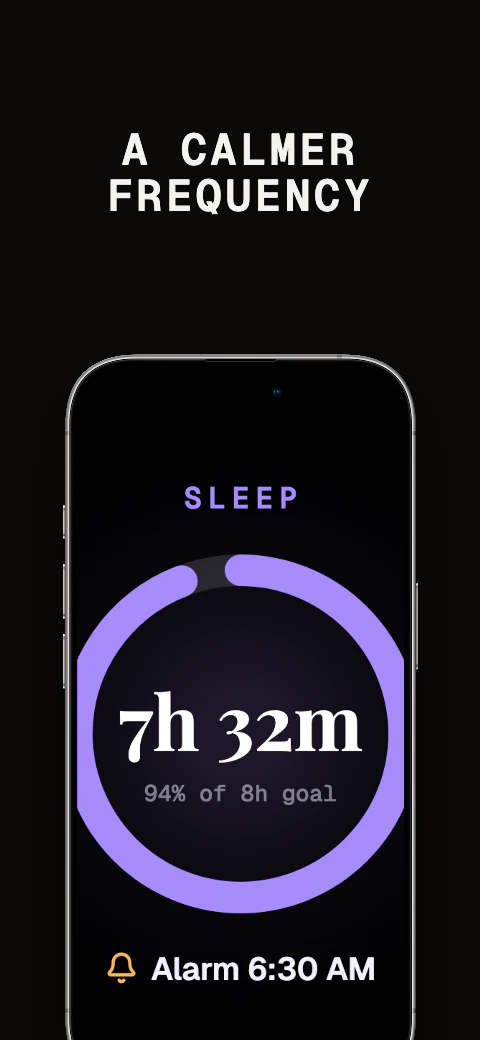
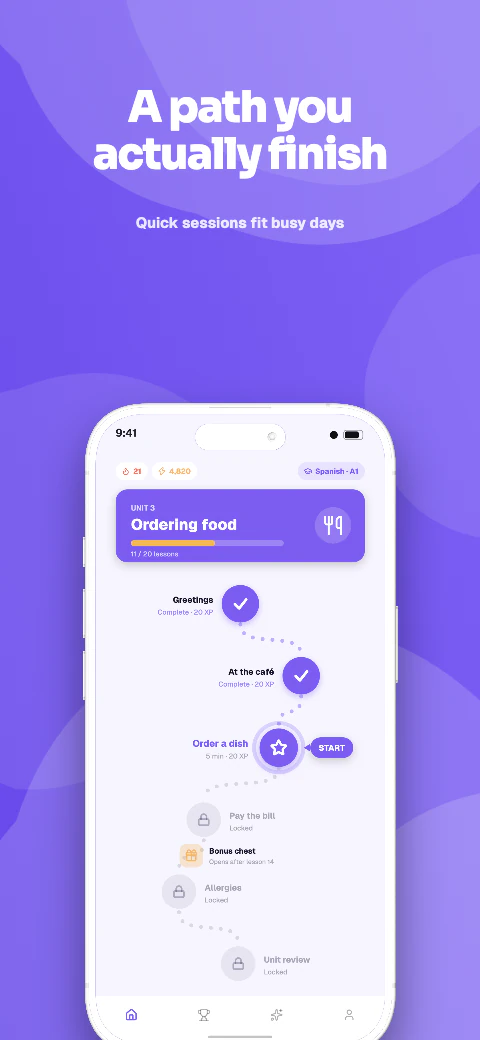
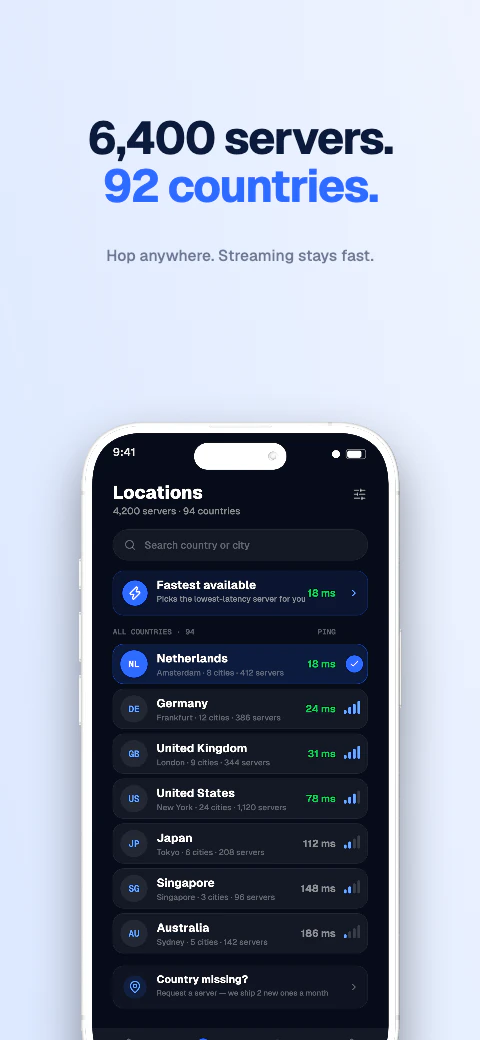
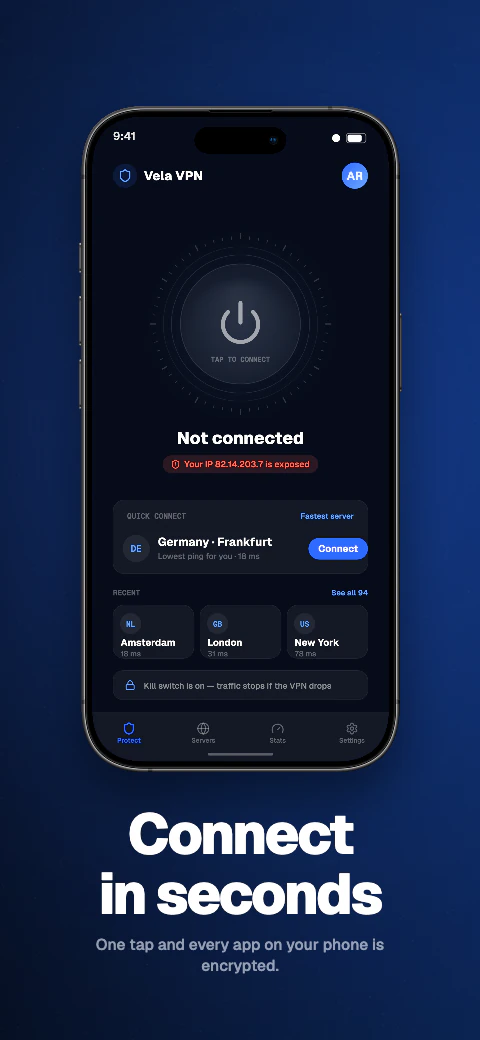
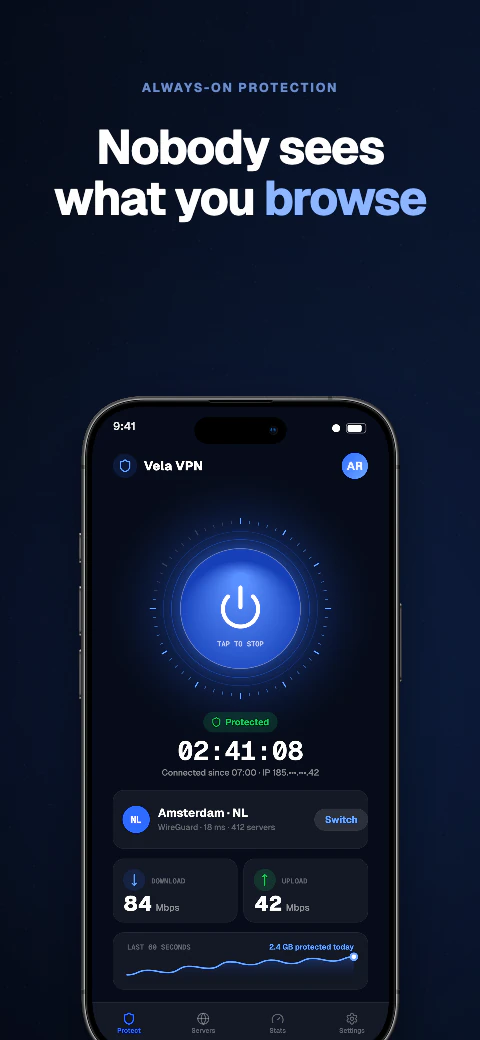
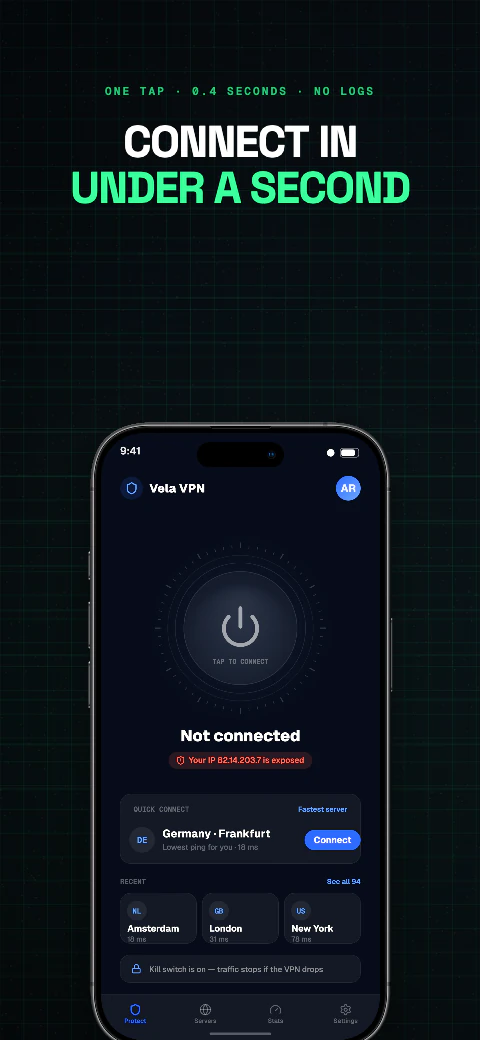
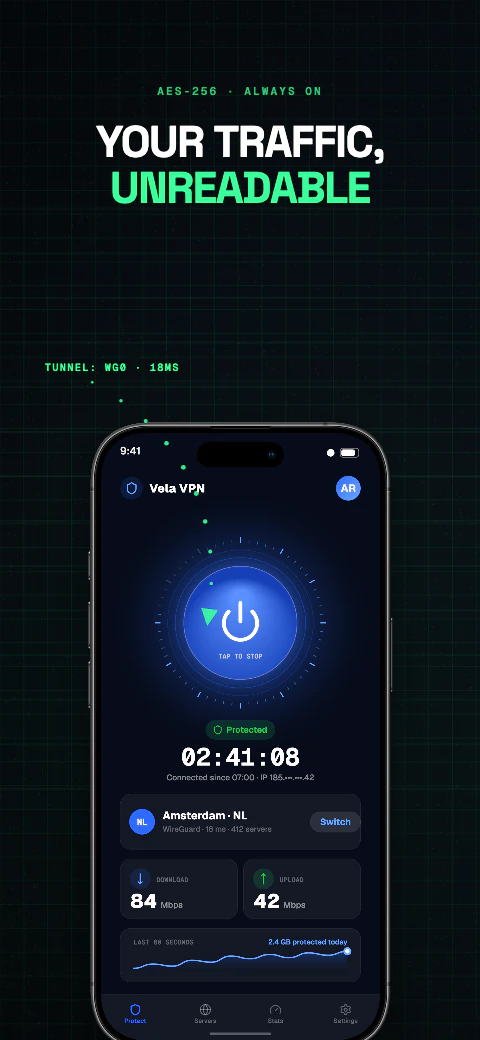
Vela app screenshot template coverVela second store screenshotOpen story
  1. Connect
  2. Protected
  3. Servers
  4. Speed
  5. Blocked
  6. Kill switch
  7. Threats
  8. Try free

Shipshot story set

Vela

Deep backgrounds with glowing accents, built for apps that live in dark mode.
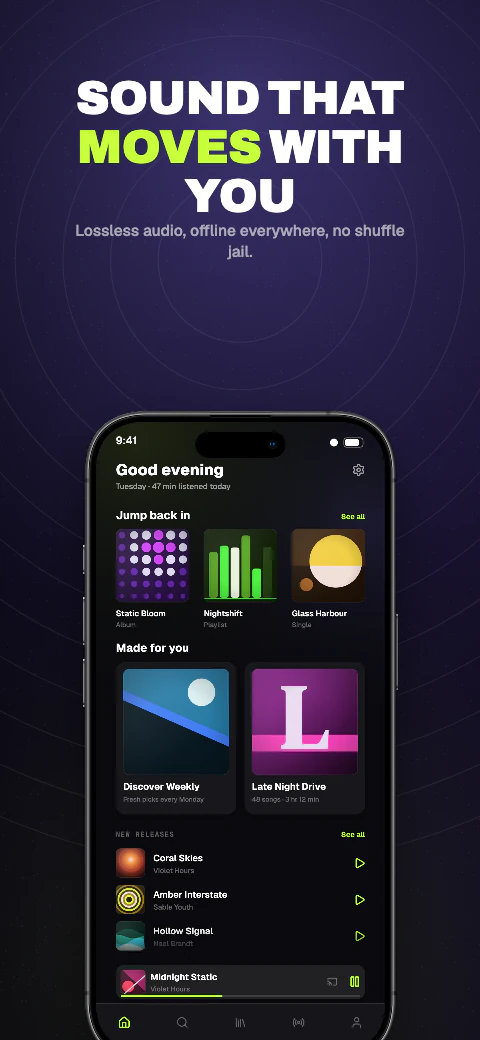
Use this template View story
Dark · 8 pagesPro
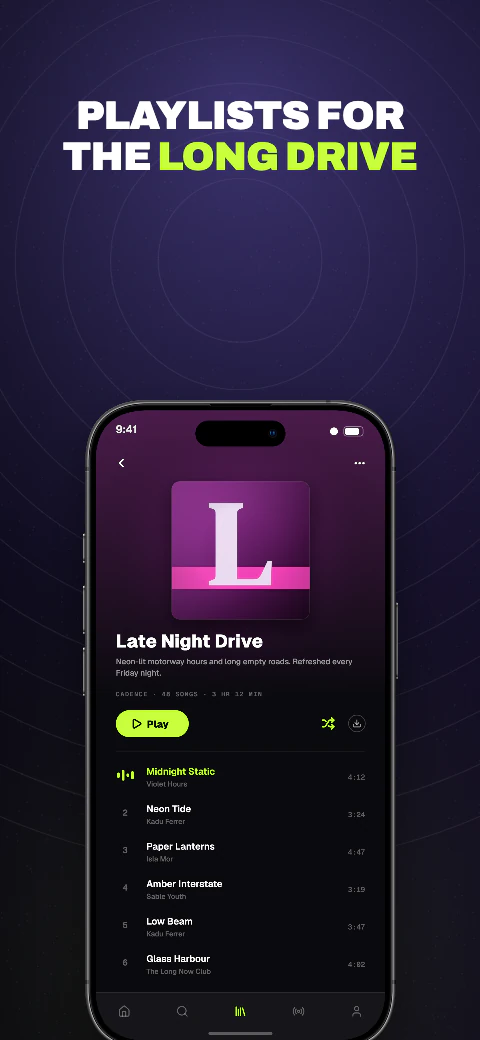
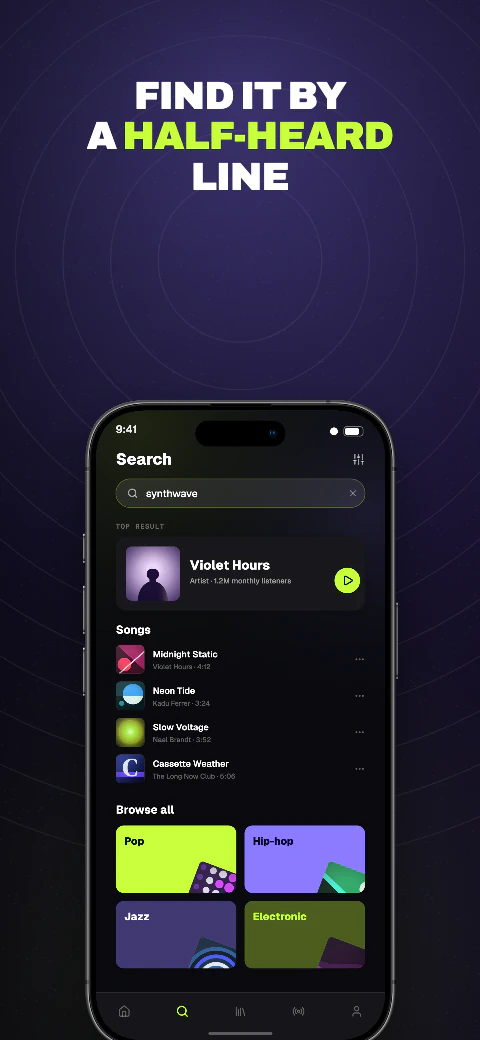
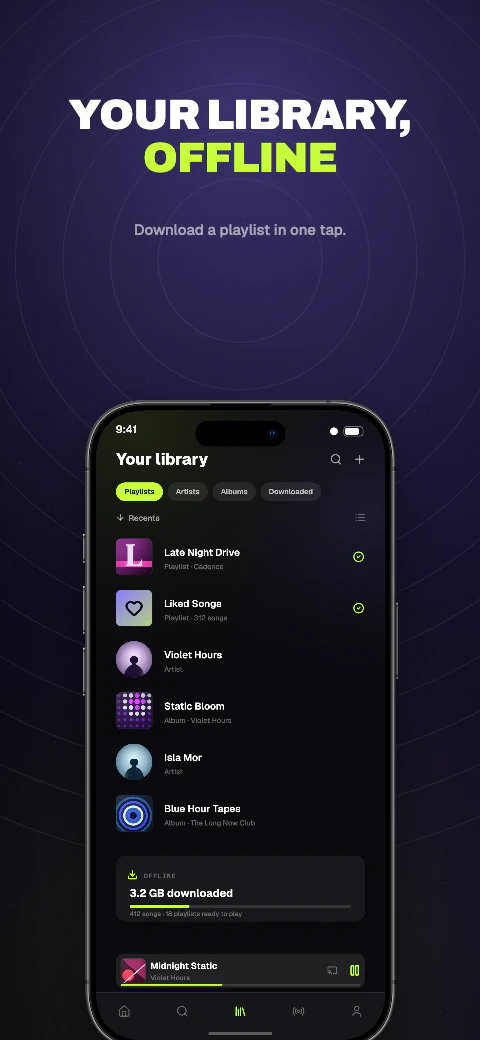
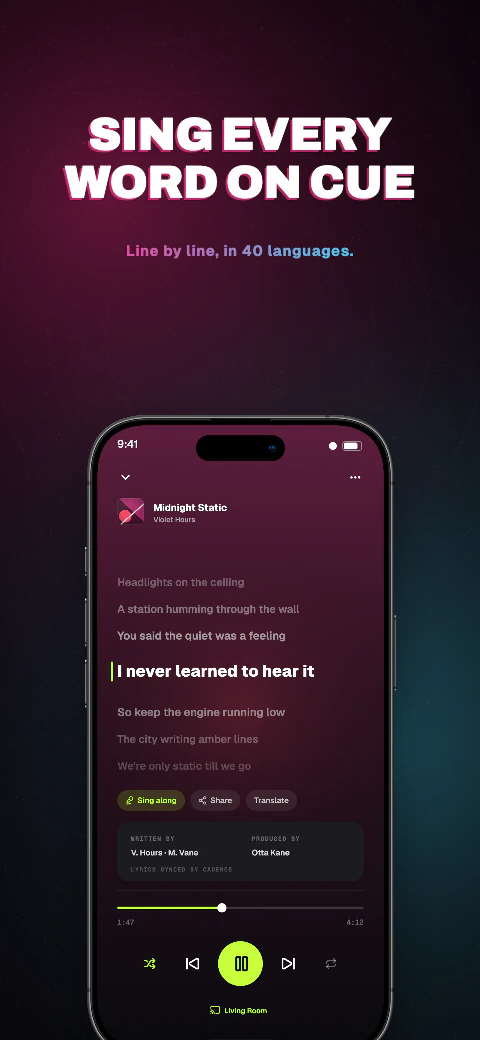
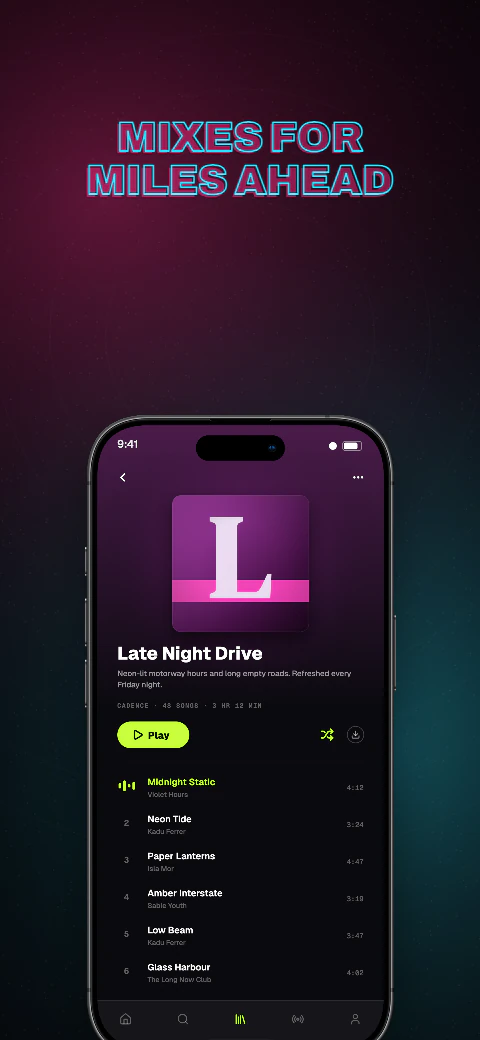
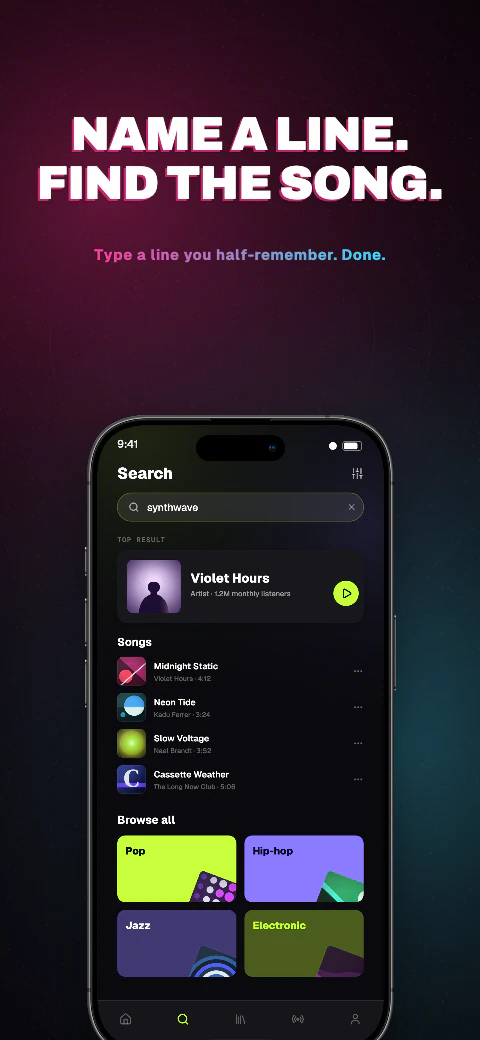
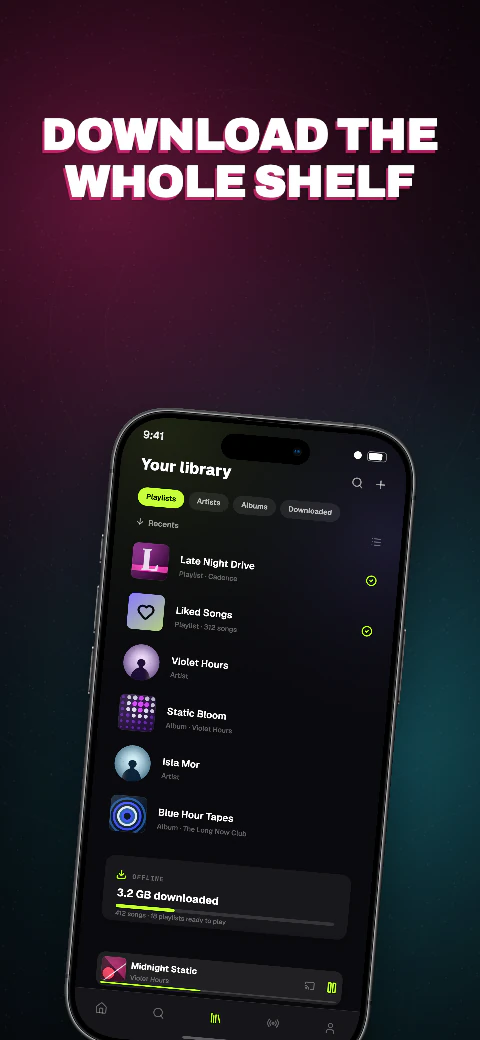
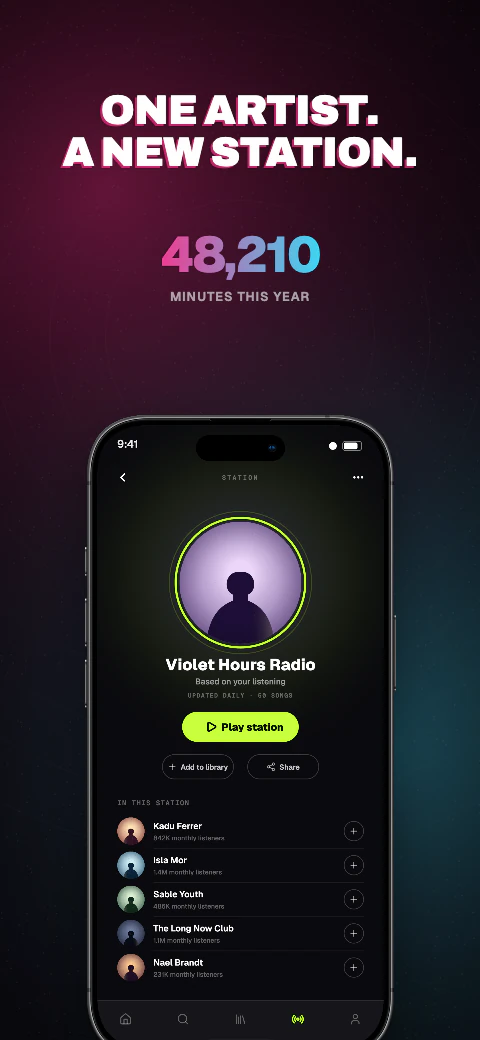
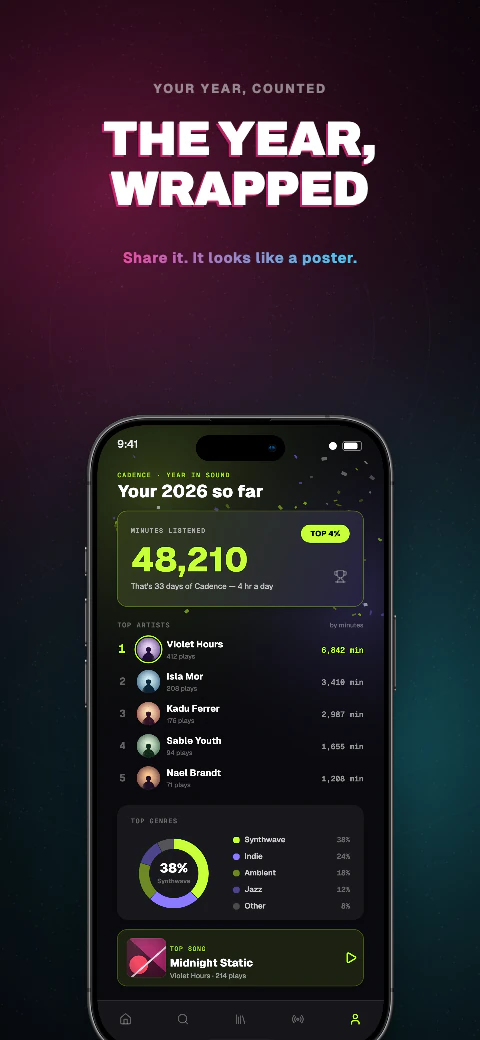
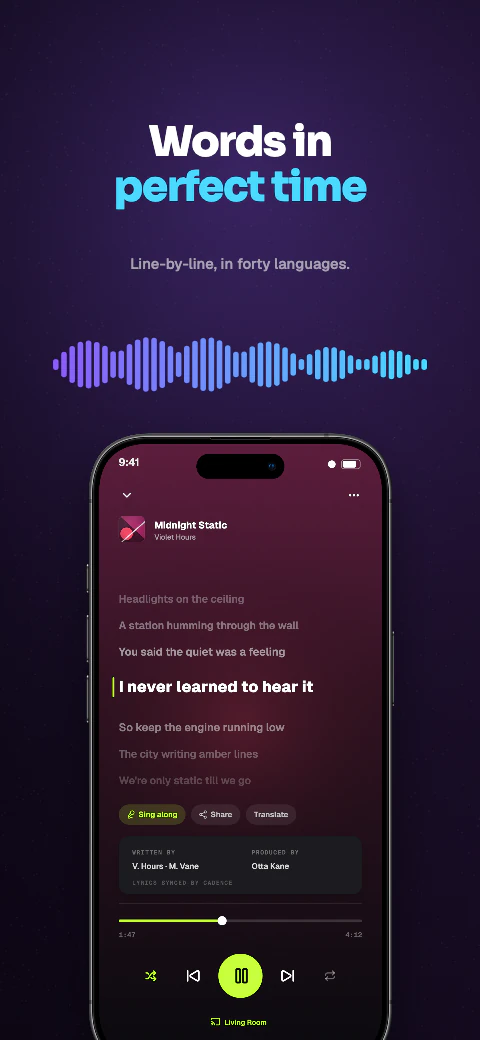
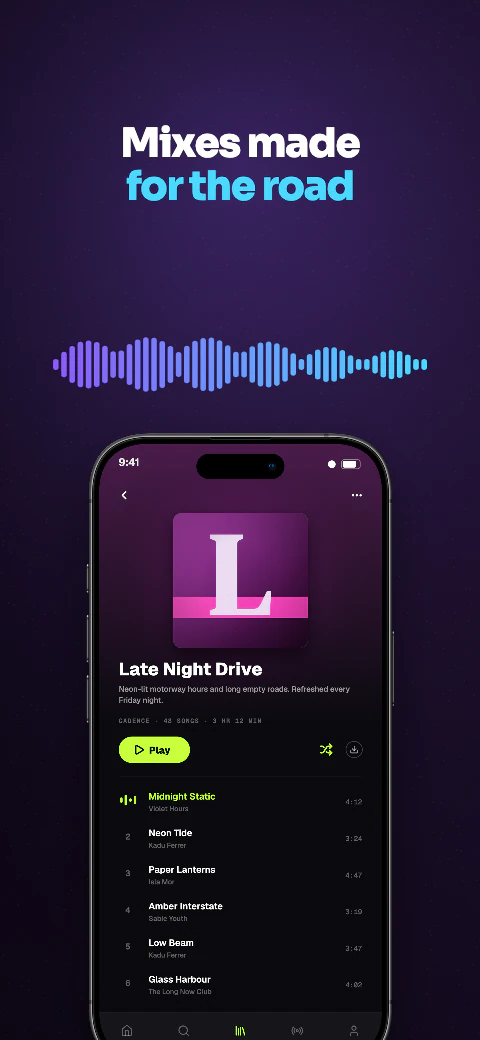
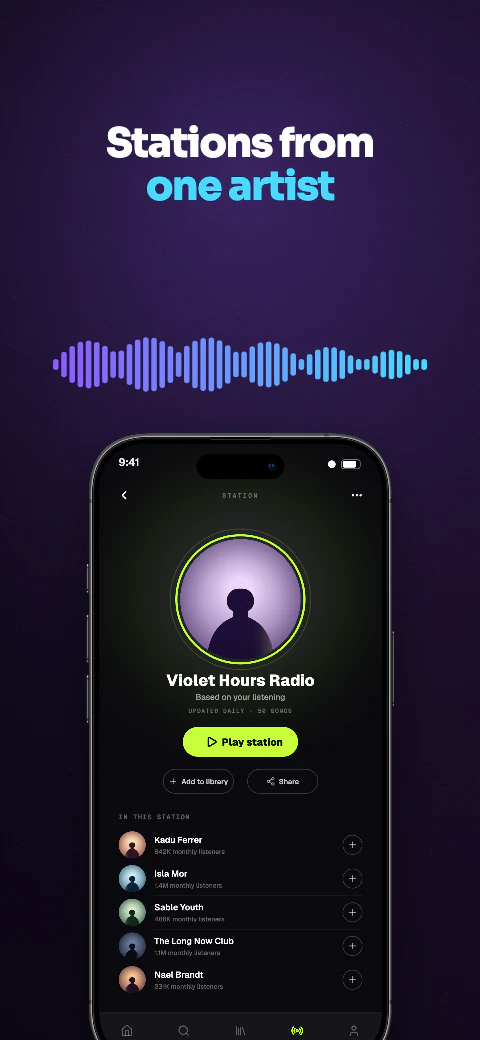
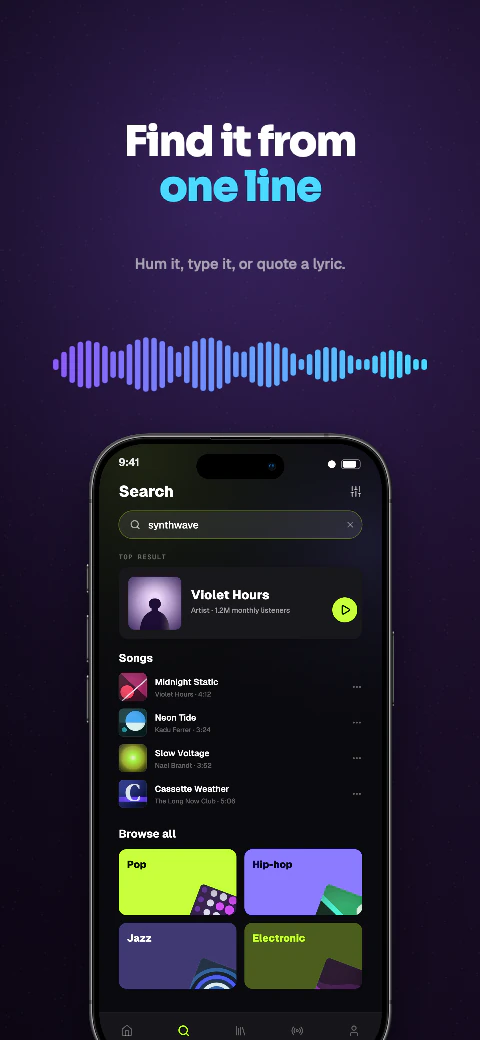
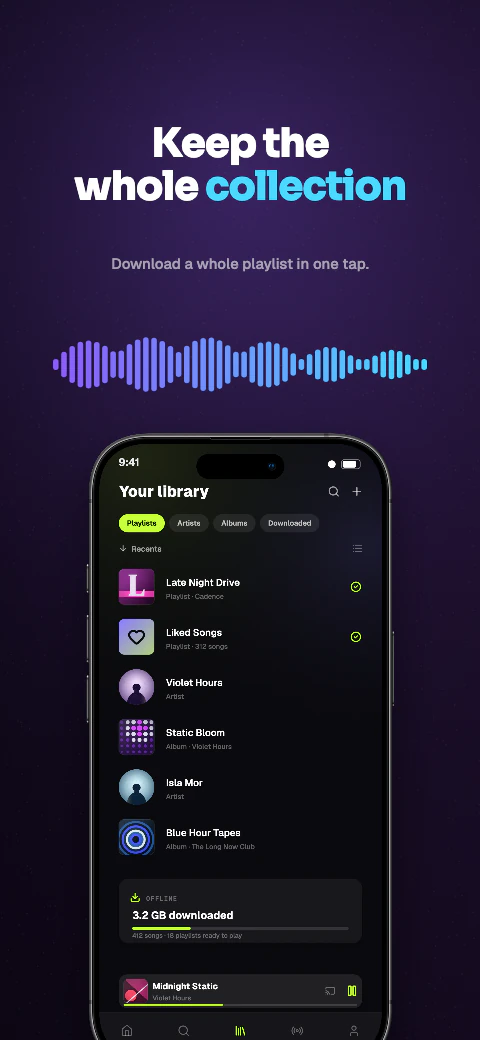
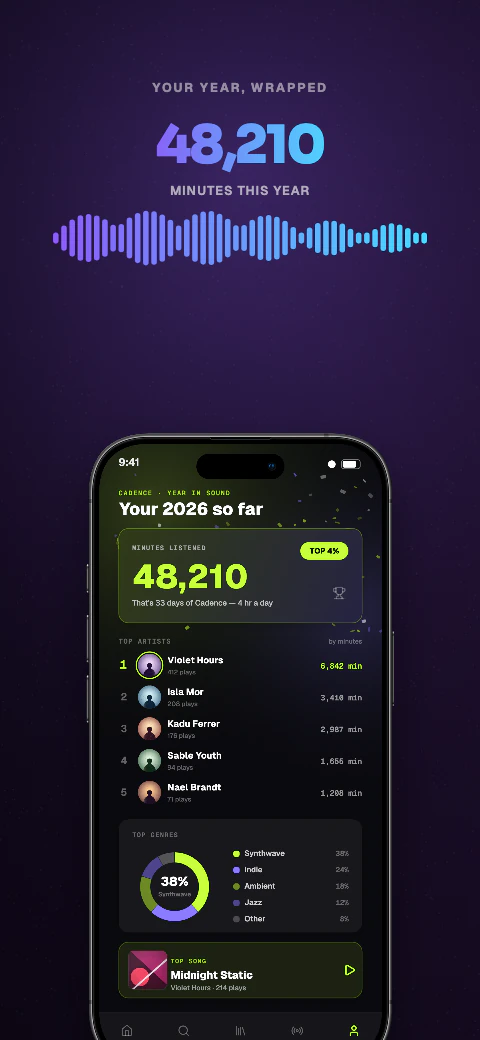
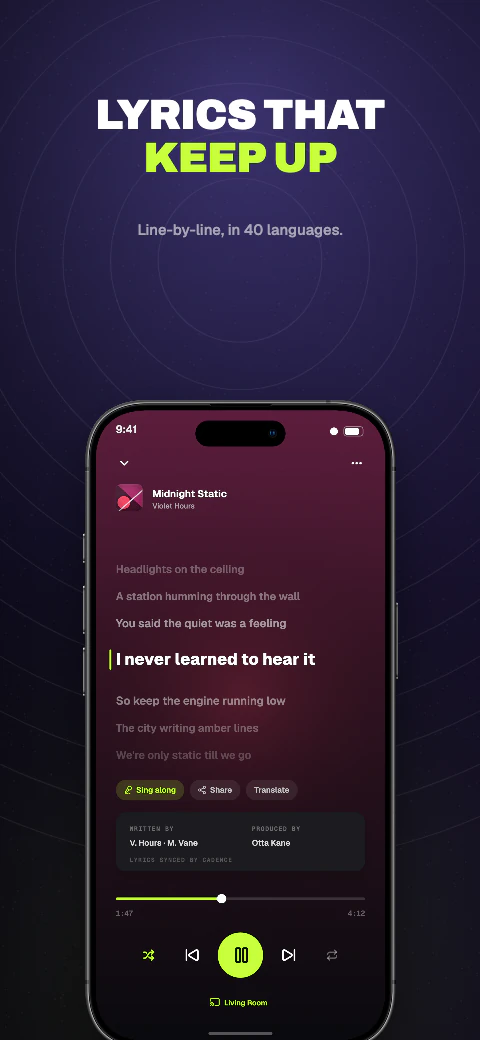
Cadence app screenshot template coverCadence second store screenshotOpen story
  1. Hook
  2. Player
  3. Lyrics
  4. Playlists
  5. Search
  6. Library
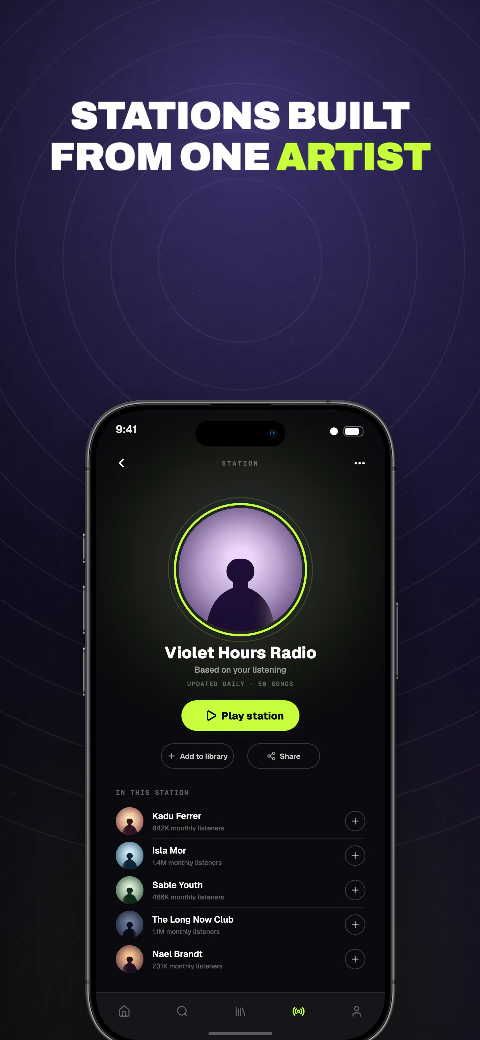
  7. Radio
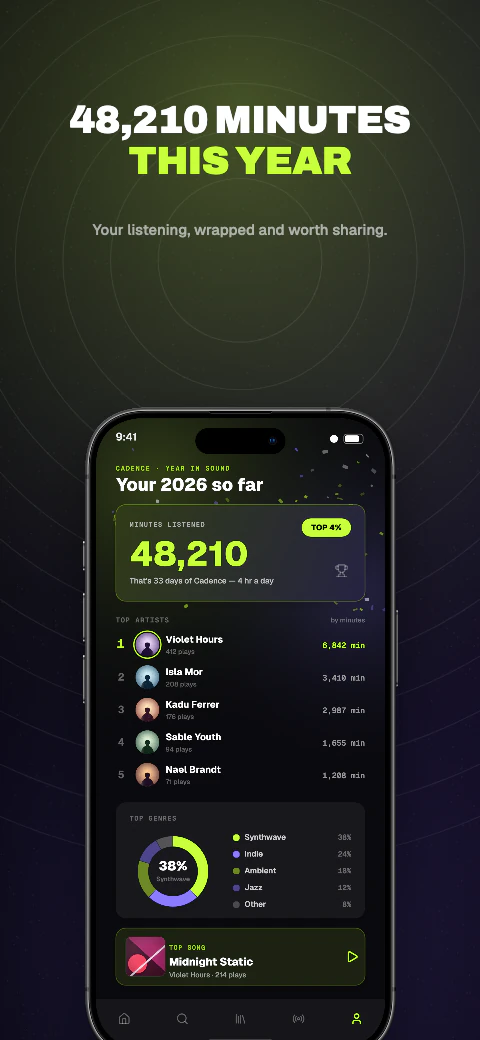
  8. Wrapped

Shipshot story set

Cadence

Deep backgrounds with glowing accents, built for apps that live in dark mode.
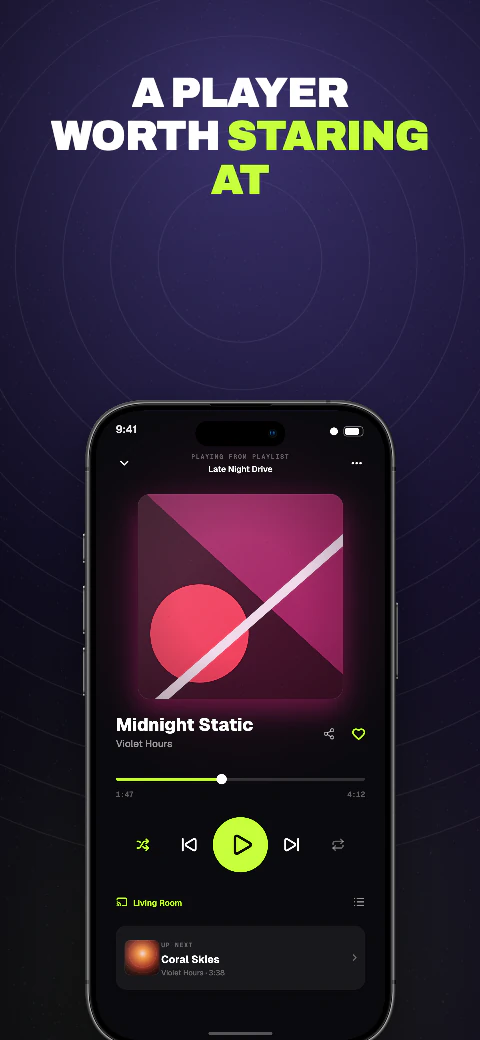
View story
Dark · 8 pagesPro
Halide app screenshot template coverHalide second store screenshotOpen story
  1. Tap
  2. Covered
  3. Network
  4. Speed
  5. Blocked
  6. Switch
  7. Proof
  8. Free week

Shipshot story set

Halide

Deep backgrounds with glowing accents, built for apps that live in dark mode.
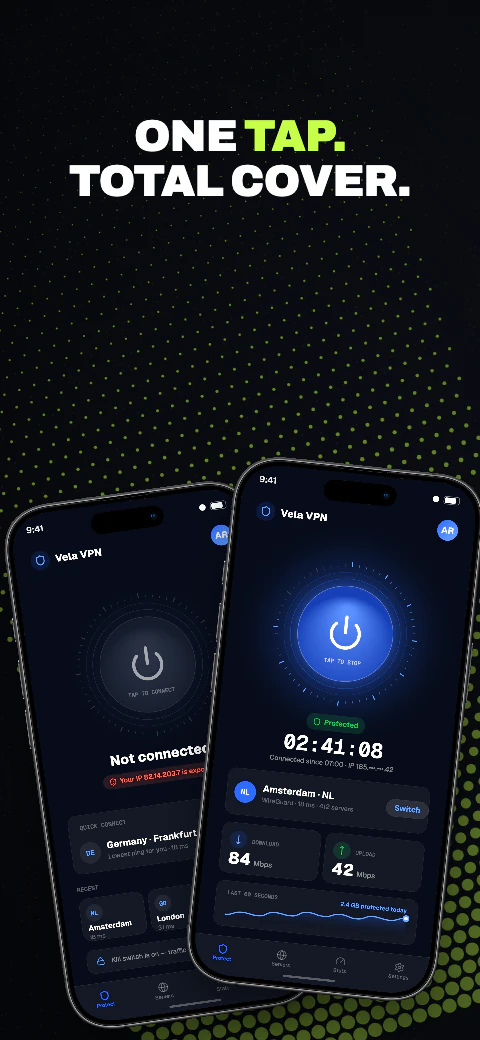
View story
Dark · 8 pagesPro
Neon app screenshot template coverNeon second store screenshotOpen story
  1. Hook
  2. Player
  3. Lyrics
  4. Playlists
  5. Search
  6. Offline
  7. Radio
  8. Wrapped

Shipshot story set

Neon

Deep backgrounds with glowing accents, built for apps that live in dark mode.
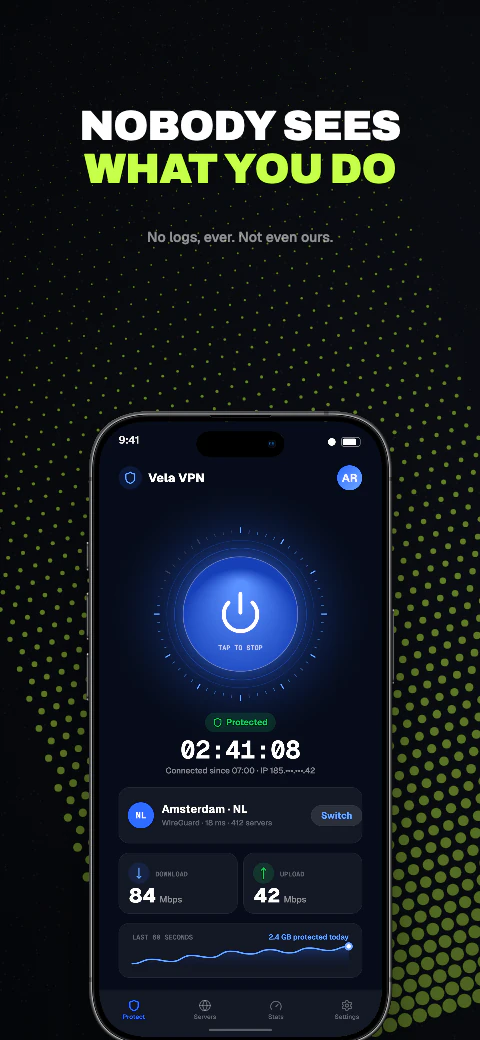
View story
Dark · 8 pagesPro
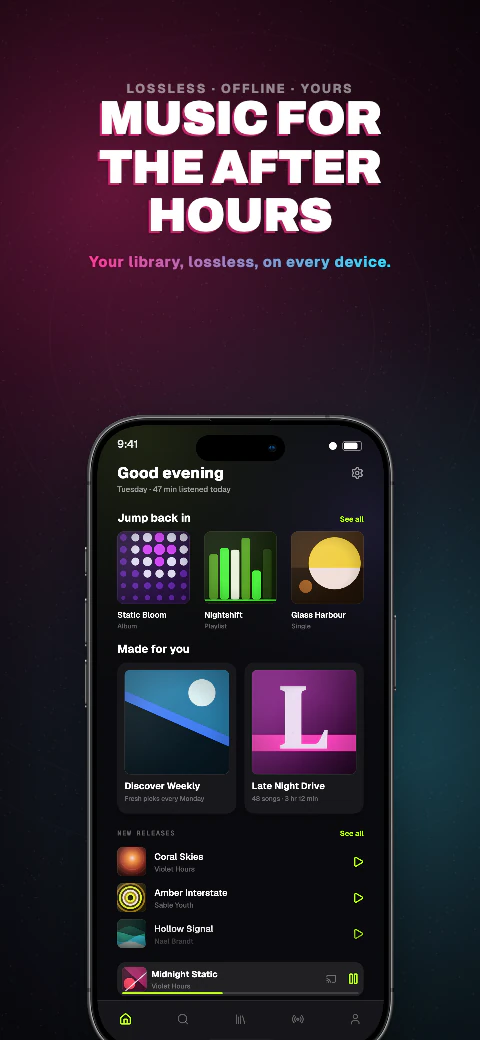
Cyber app screenshot template coverCyber second store screenshotOpen story
  1. Hook
  2. Encrypted
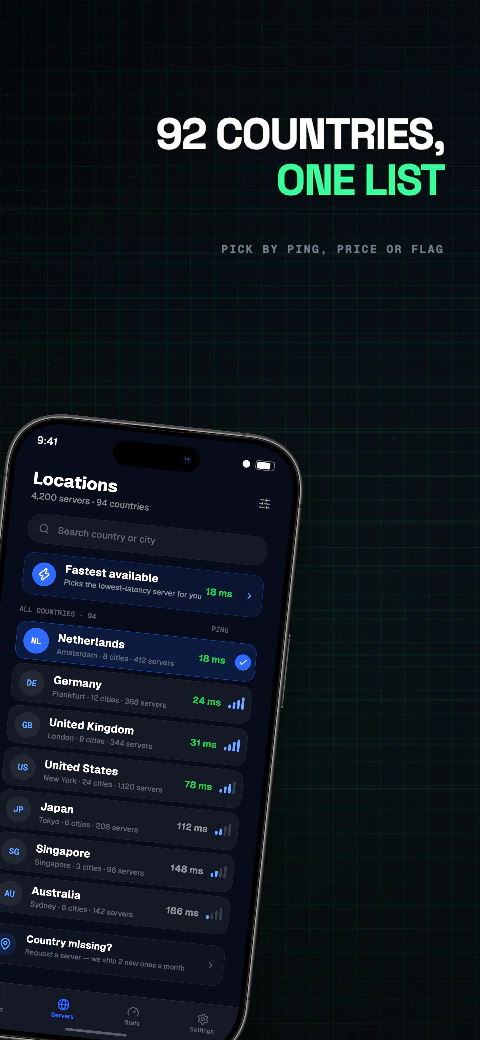
  3. Countries
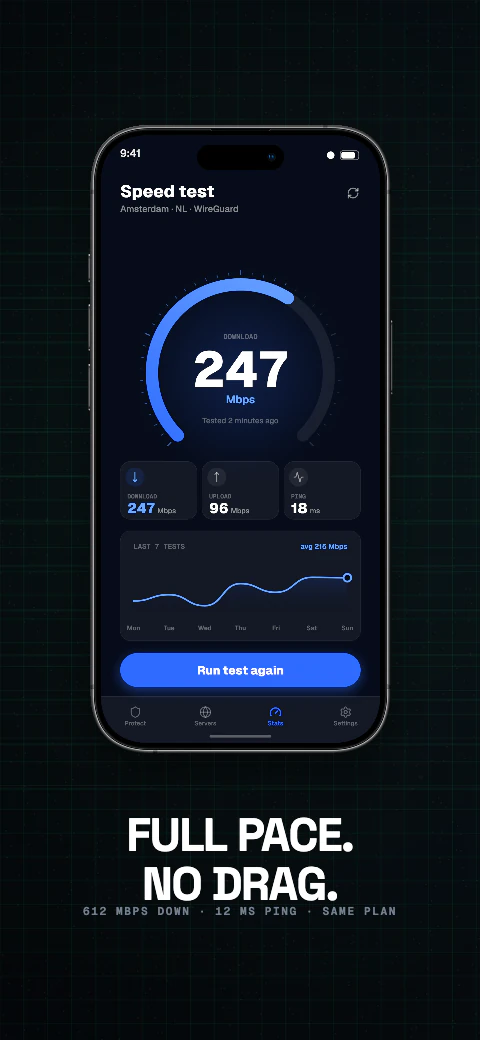
  4. Speed
  5. Blocked
  6. Log
  7. Kill switch
  8. Trial

Shipshot story set

Cyber

Deep backgrounds with glowing accents, built for apps that live in dark mode.
View story
Dark · 8 pagesPro
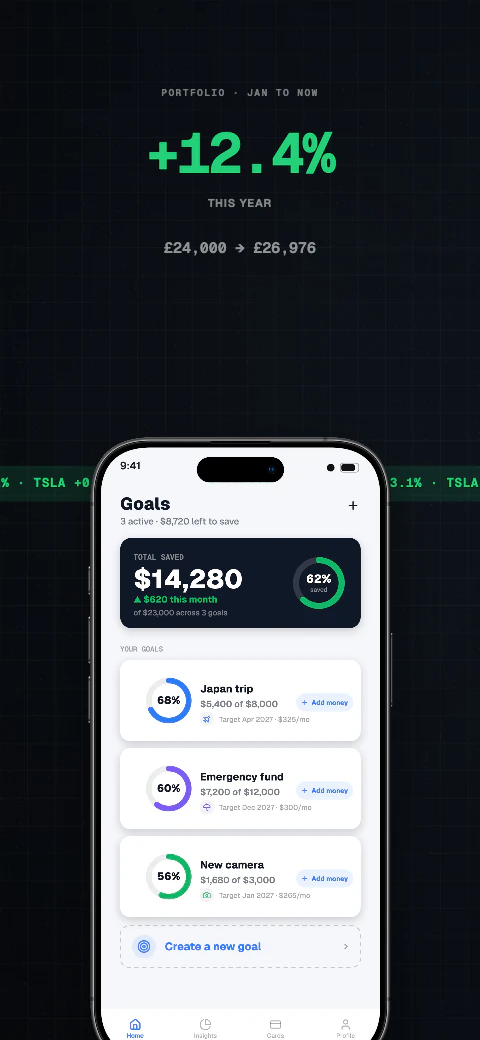
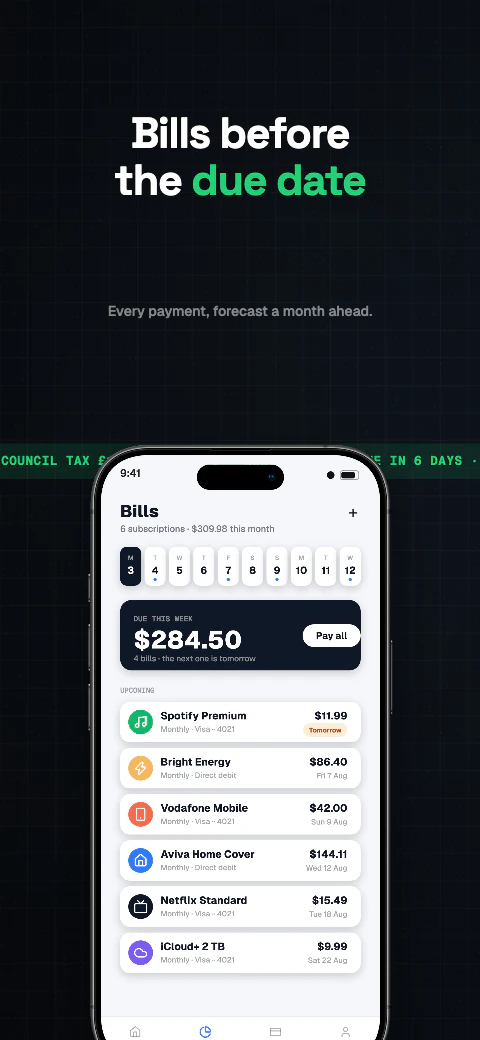
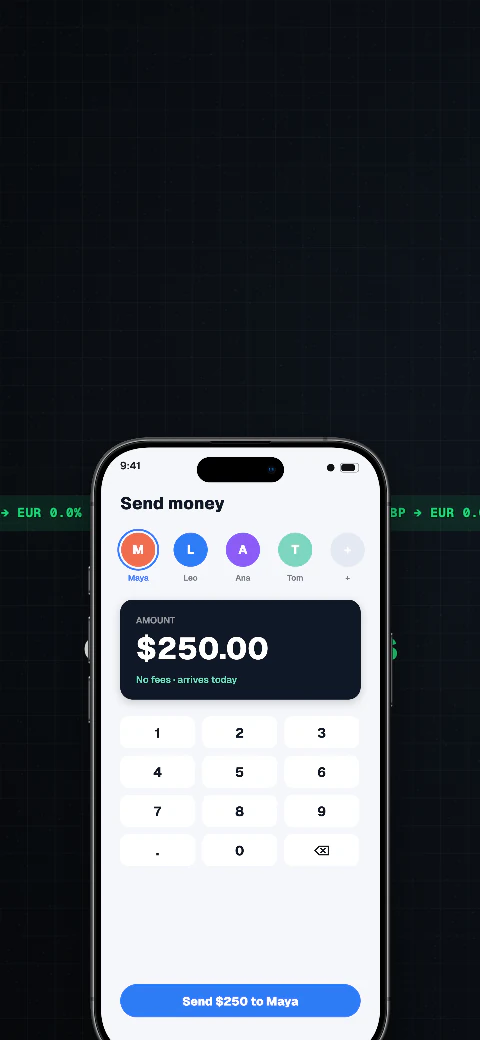
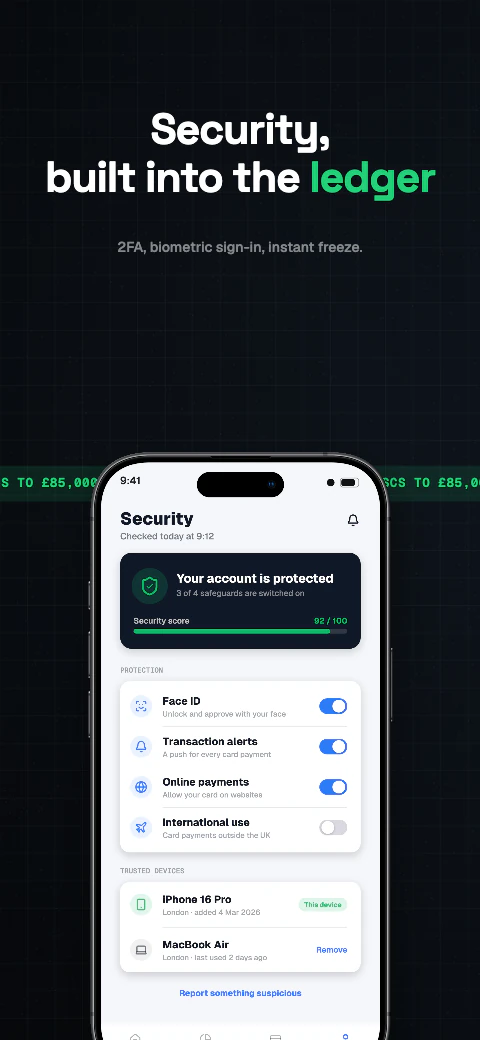
Obsidian app screenshot template coverObsidian second store screenshotOpen story
  1. Balance
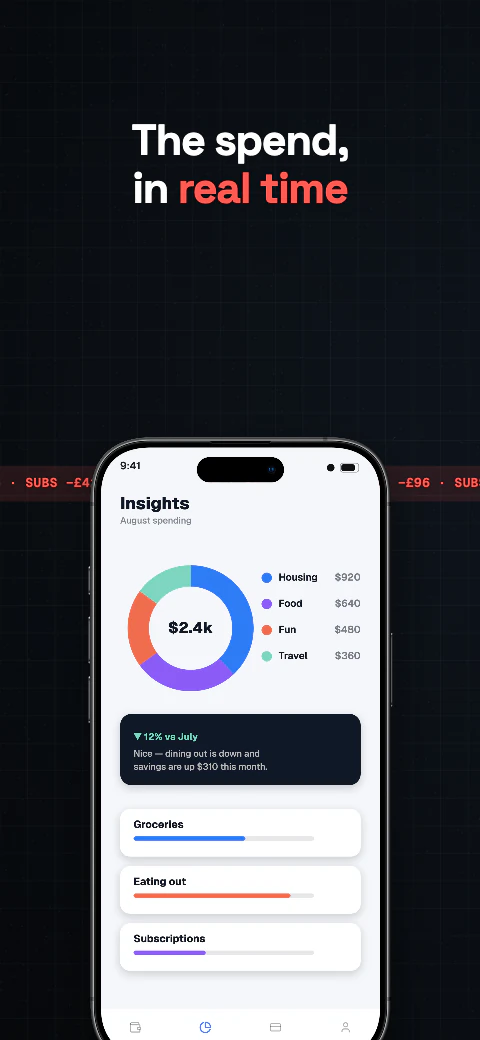
  2. Insights
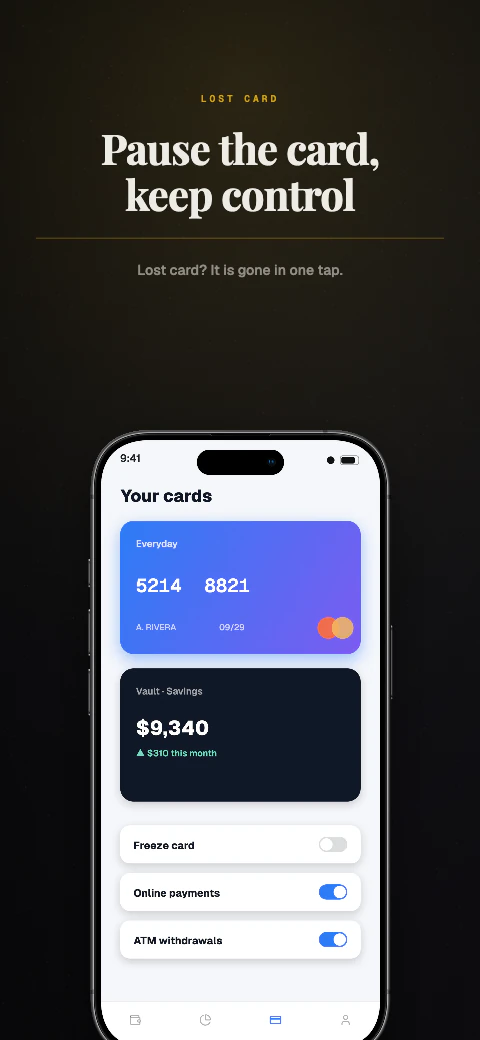
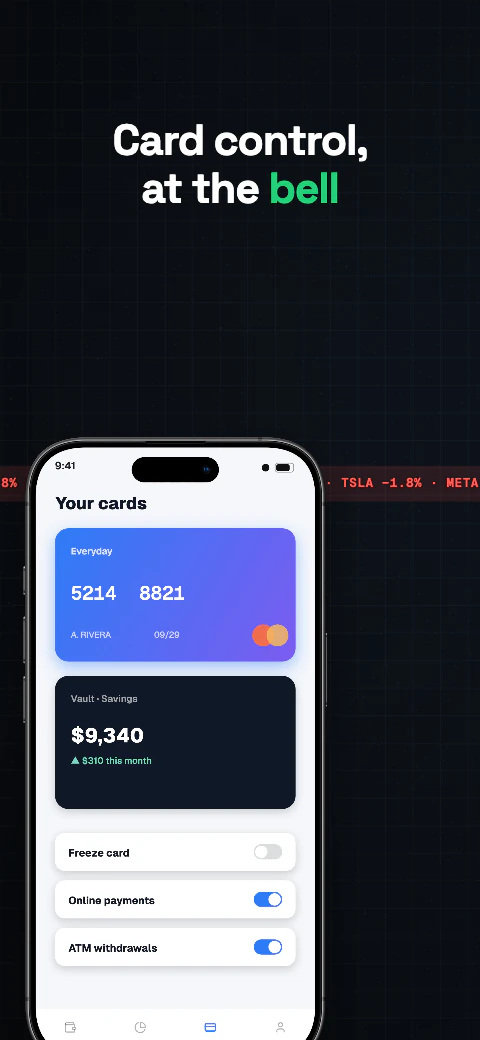
  3. Cards
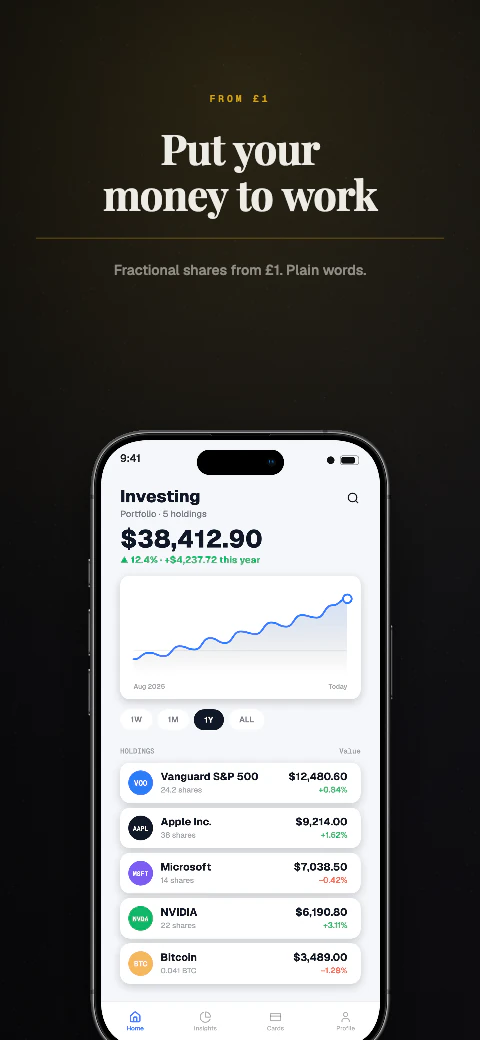
  4. Invest
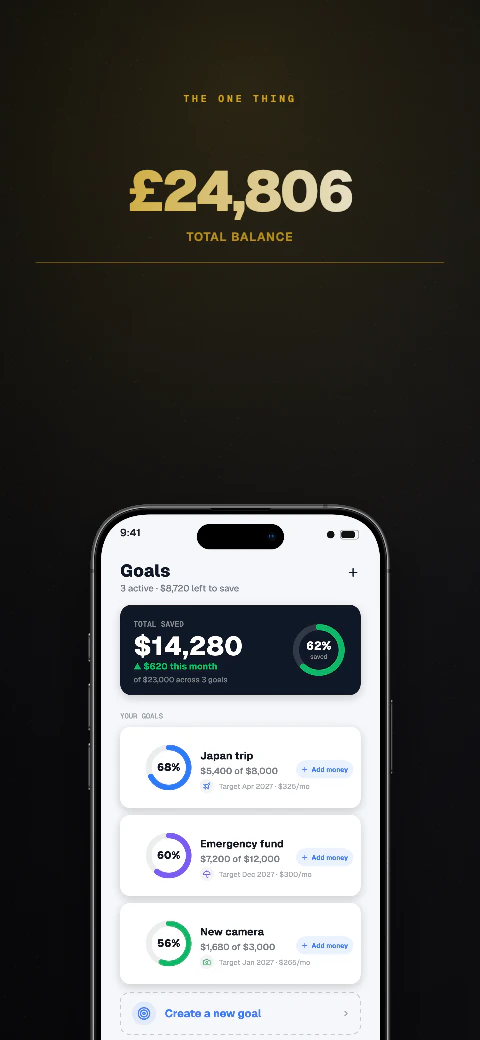
  5. Goals
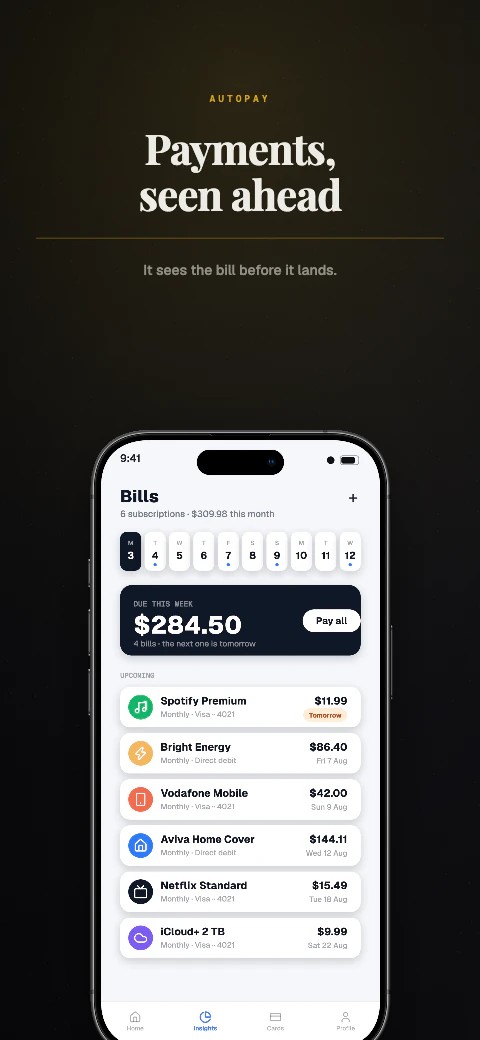
  6. Bills
  7. Send
  8. Security

Shipshot story set

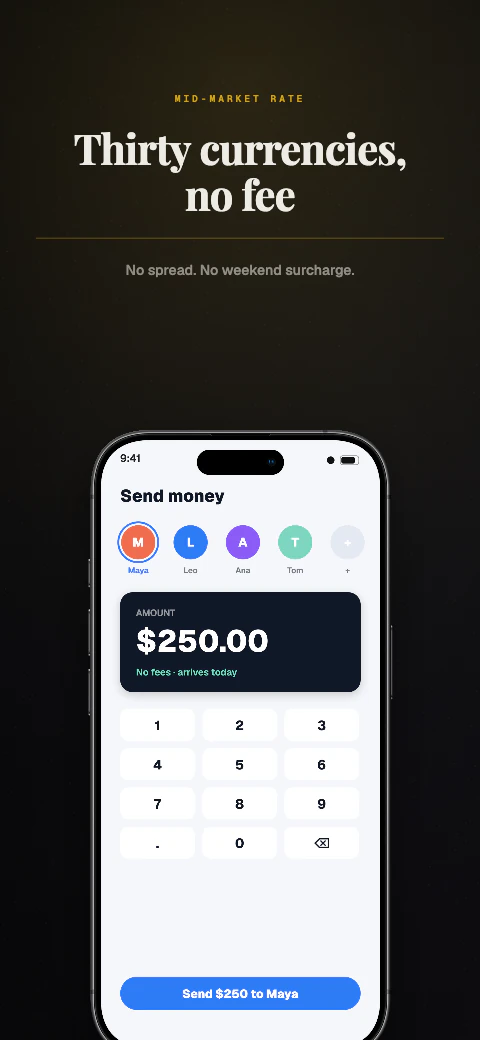
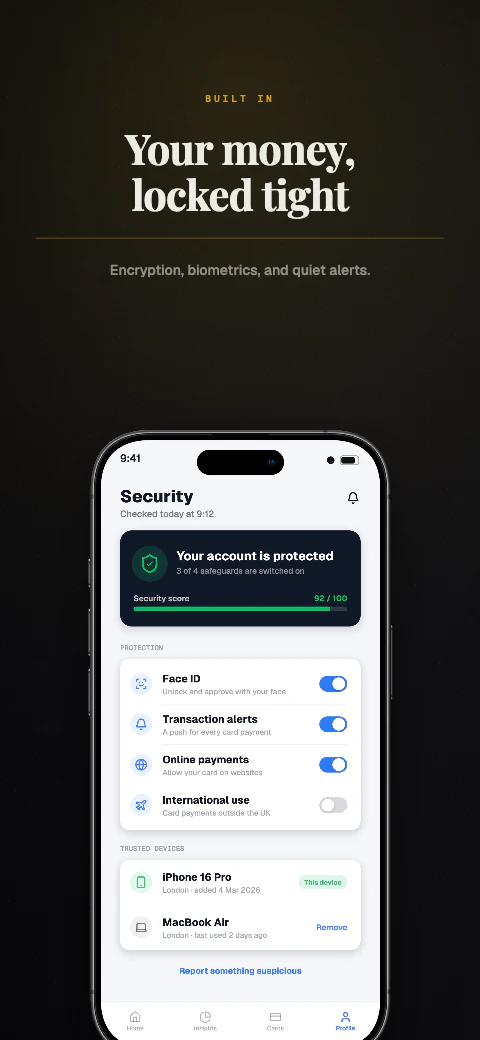
Obsidian

Deep backgrounds with glowing accents, built for apps that live in dark mode.
View story
Dark · 8 pagesPro
Circuit app screenshot template coverCircuit second store screenshotOpen story
  1. Hook
  2. Private
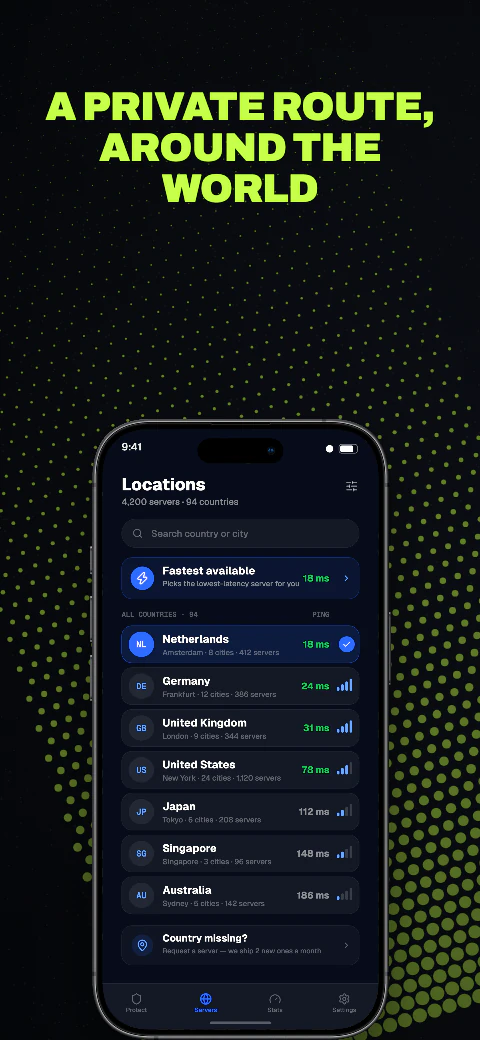
  3. Locations
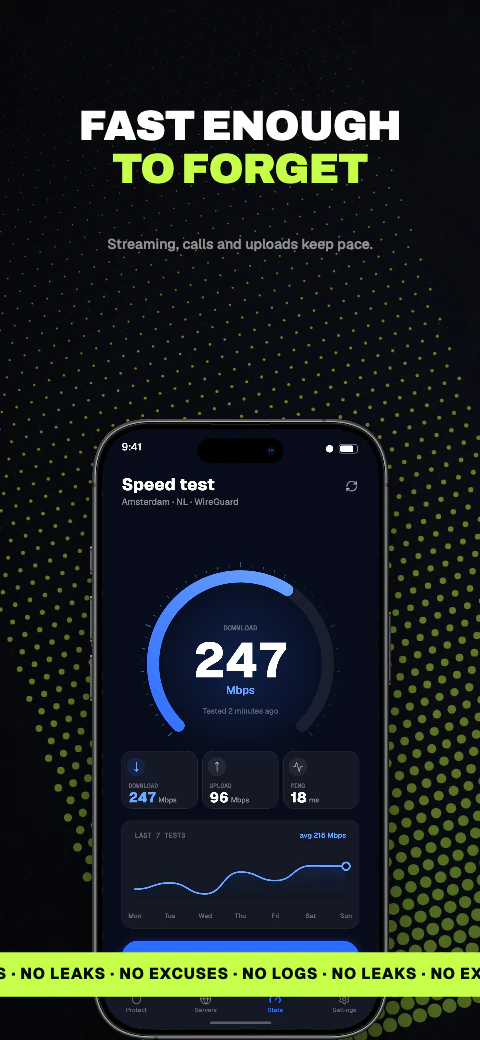
  4. Speed
  5. Blocked
  6. Log
  7. Kill switch
  8. Plans

Shipshot story set

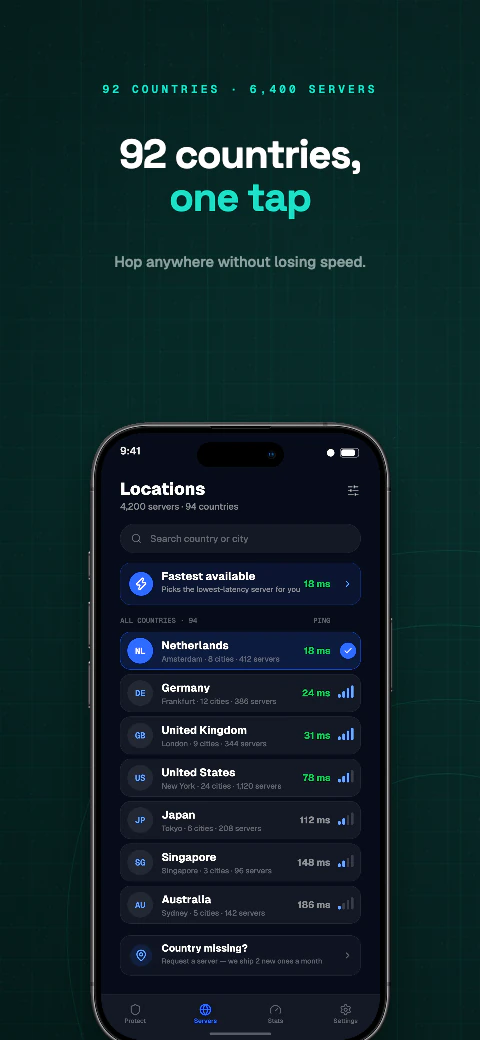
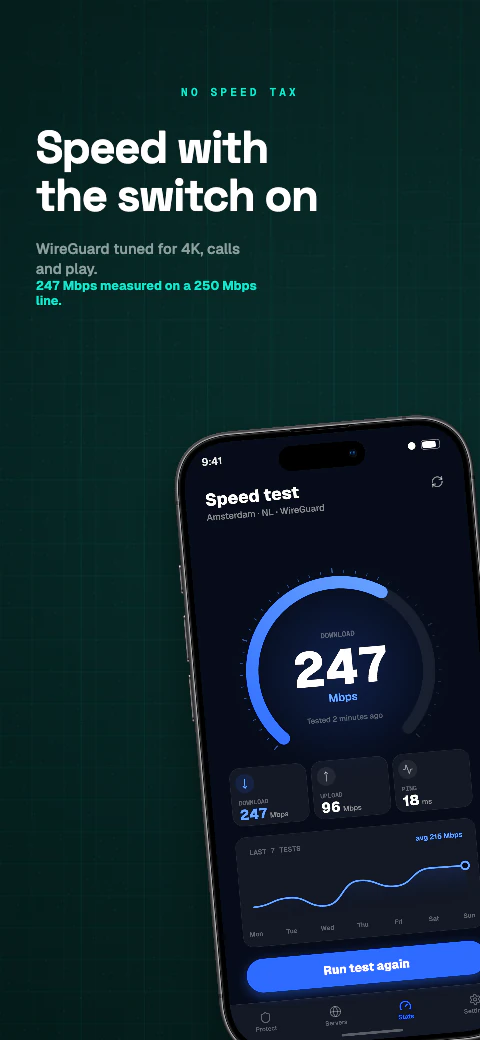
Circuit

Deep backgrounds with glowing accents, built for apps that live in dark mode.
View story
Dark · 8 pagesPro
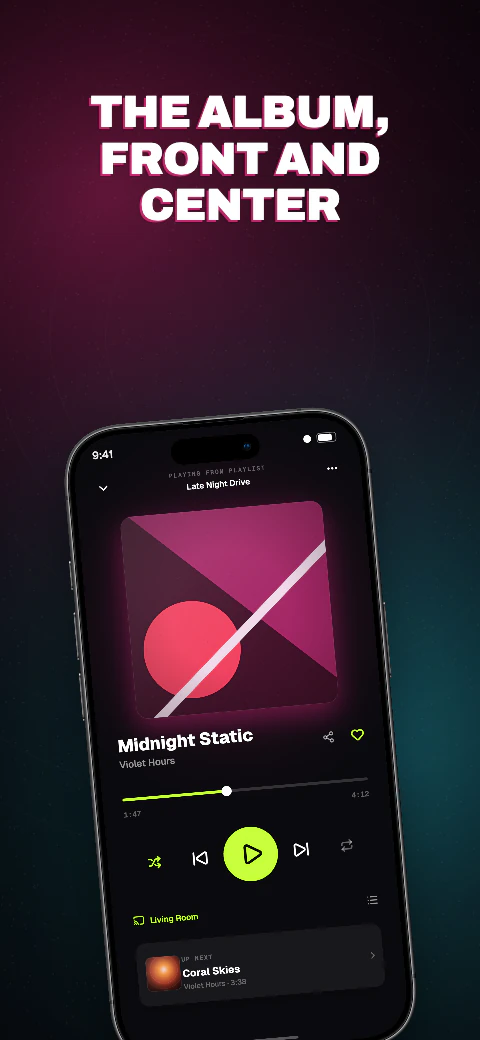
Waveform app screenshot template coverWaveform second store screenshotOpen story
  1. Hook
  2. Player
  3. Lyrics
  4. Playlists
  5. Radio
  6. Search
  7. Library
  8. Wrapped

Shipshot story set

Waveform

Deep backgrounds with glowing accents, built for apps that live in dark mode.
View story
Dark · 8 pagesPro
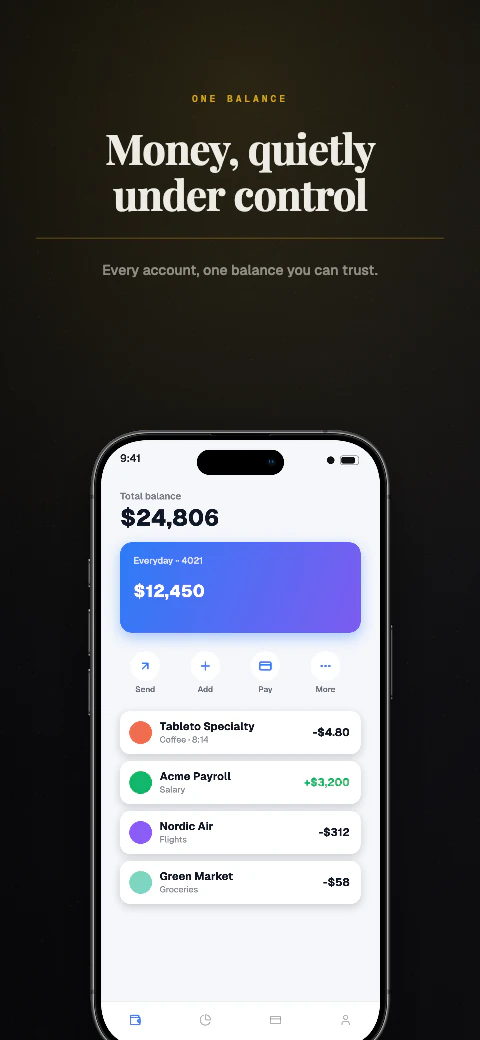
Ticker app screenshot template coverTicker second store screenshotOpen story
  1. Hook
  2. Invest
  3. Insights
  4. Cards
  5. Year
  6. Bills
  7. Send
  8. Security

Shipshot story set

Ticker

Deep backgrounds with glowing accents, built for apps that live in dark mode.
View story
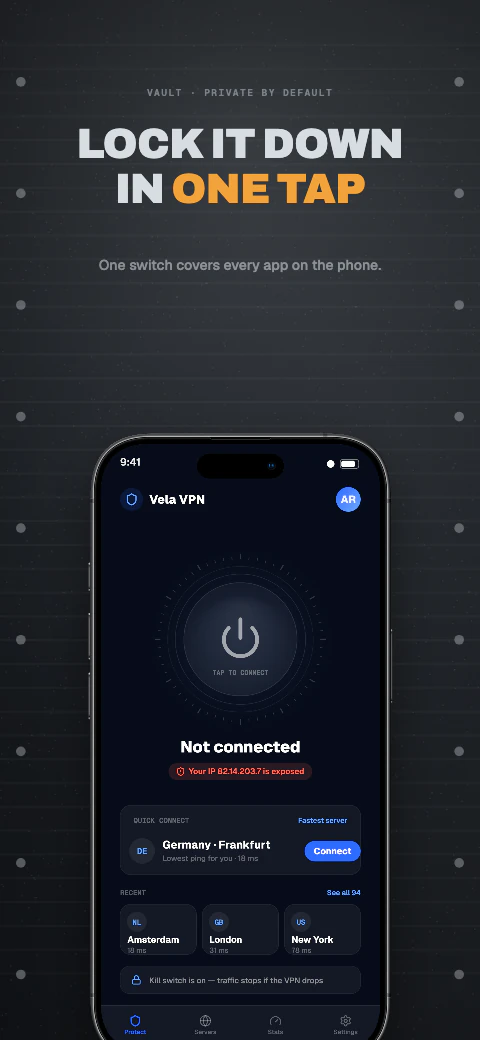
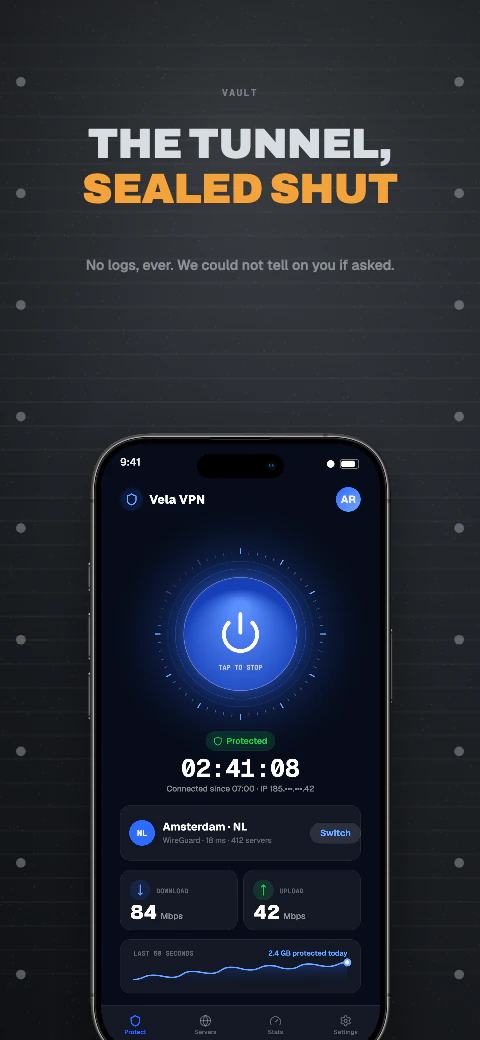
Dark · 8 pagesPro
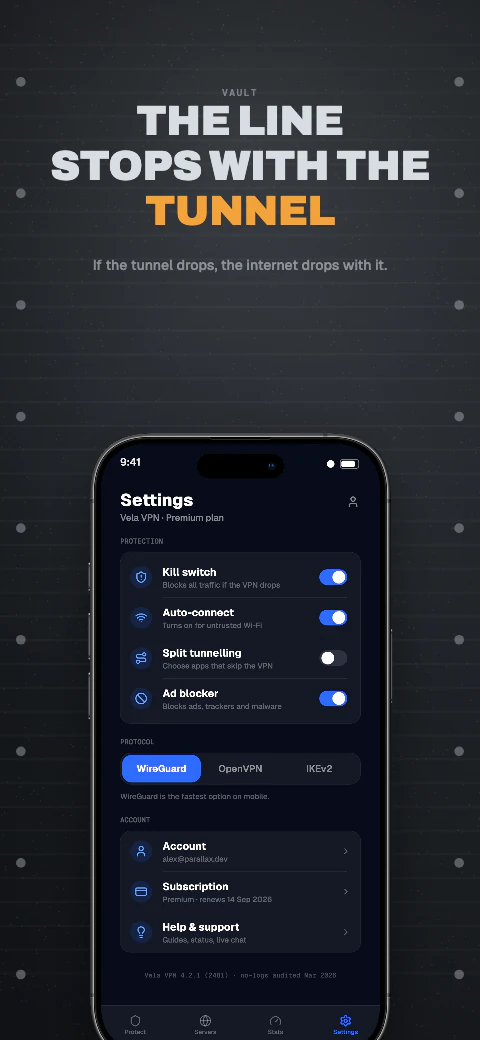
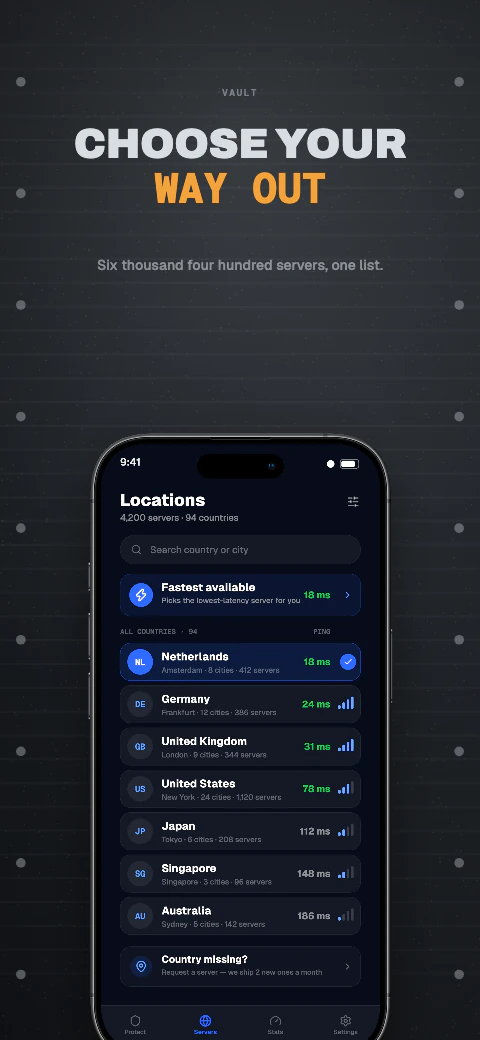
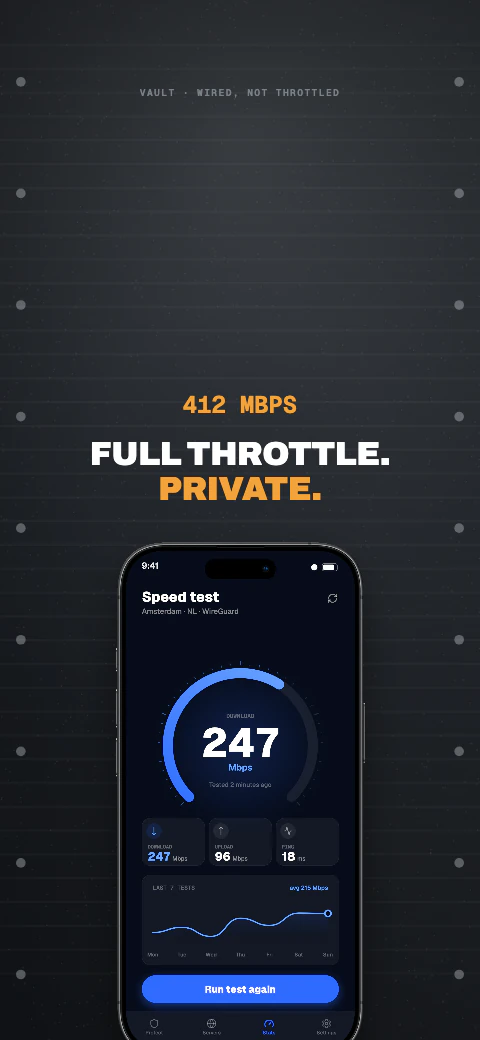
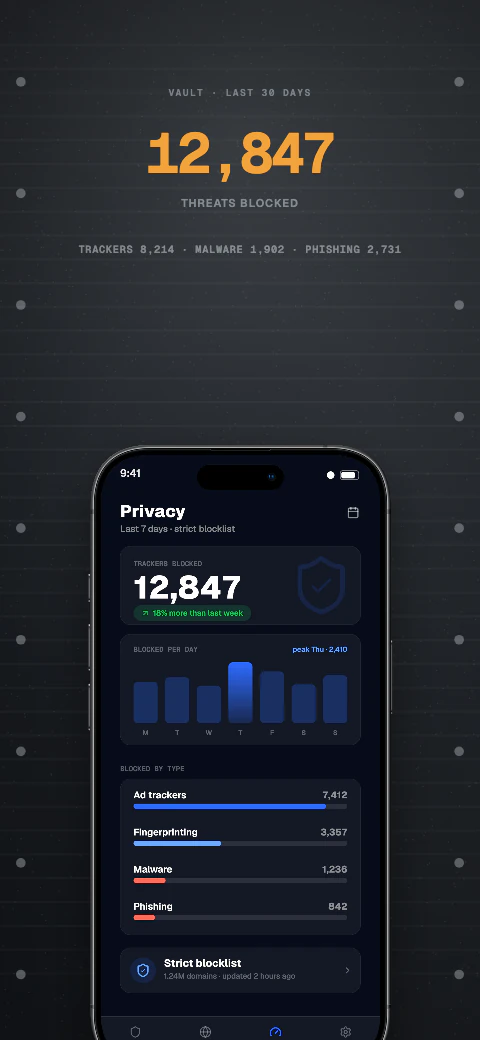
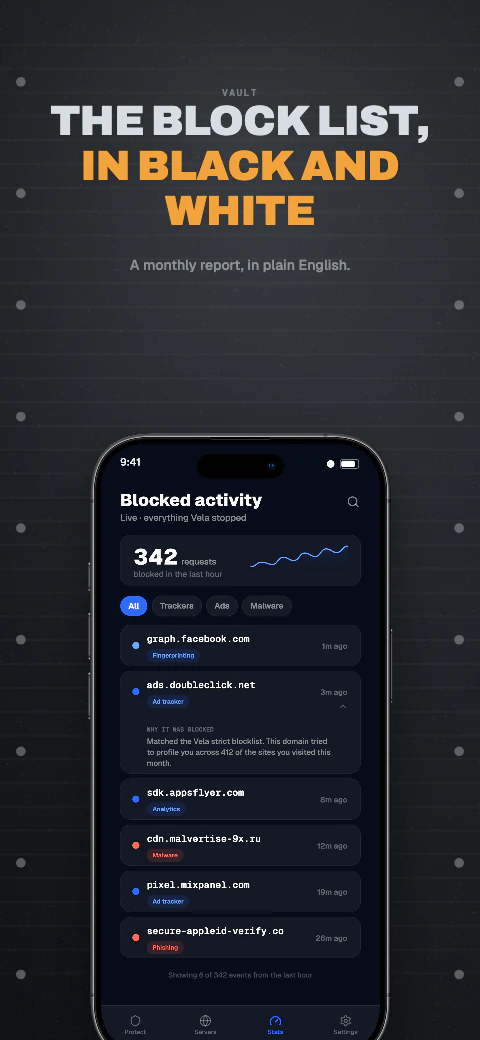
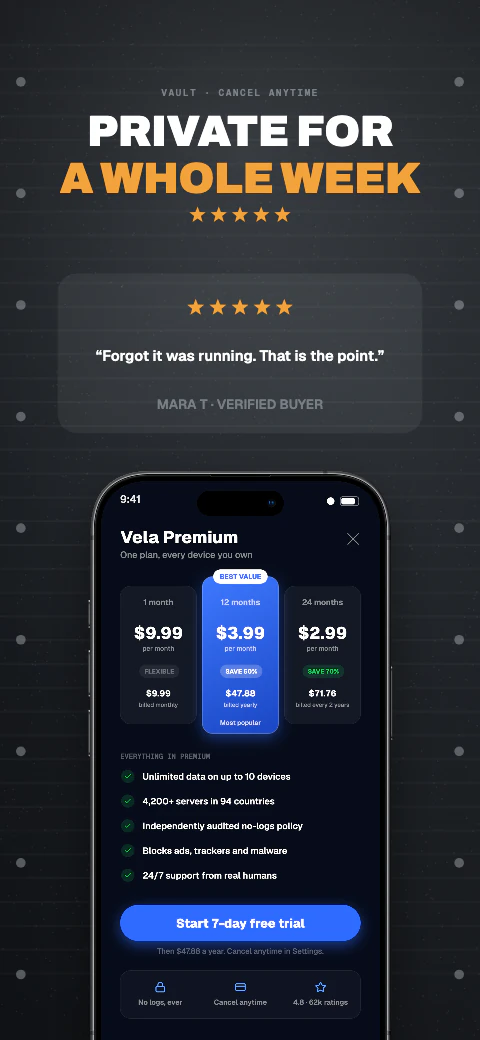
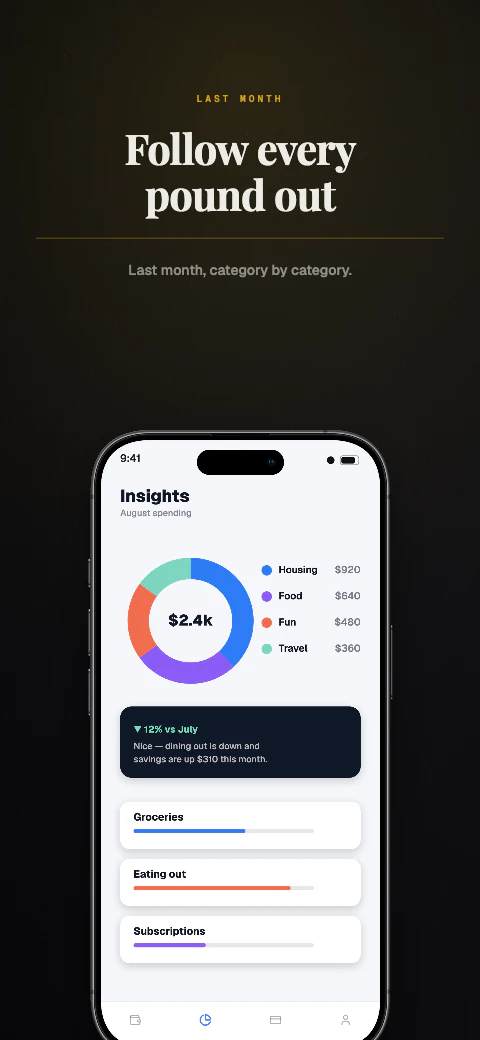
Vault app screenshot template coverVault second store screenshotOpen story
  1. Hook
  2. Connected
  3. Switch
  4. Countries
  5. Speed
  6. Blocked
  7. Log
  8. Trial

Shipshot story set

Vault

Deep backgrounds with glowing accents, built for apps that live in dark mode.
View story
Dark · 8 pagesPro
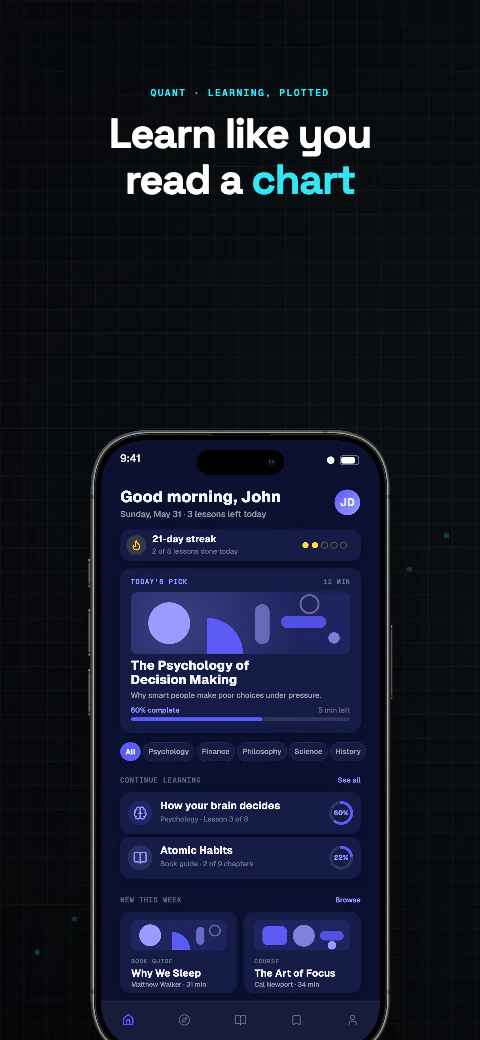
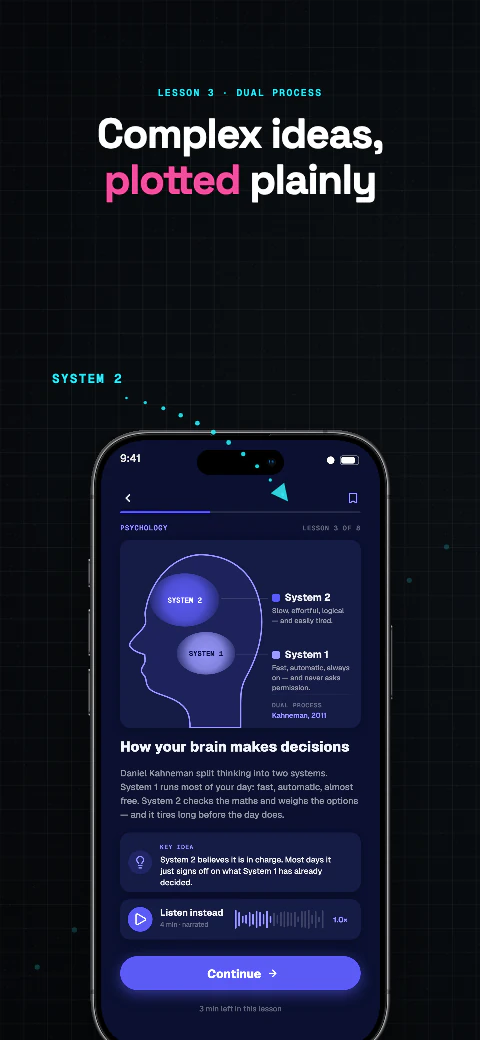
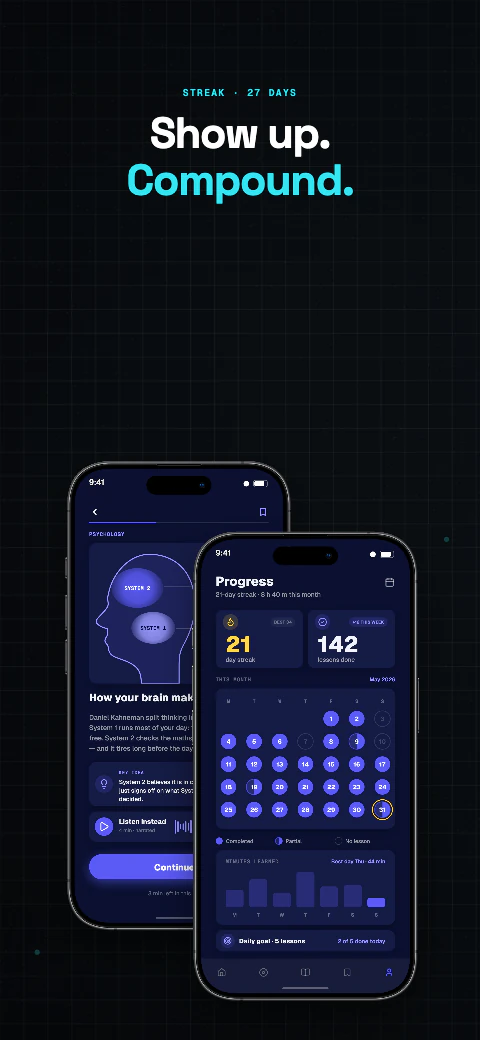
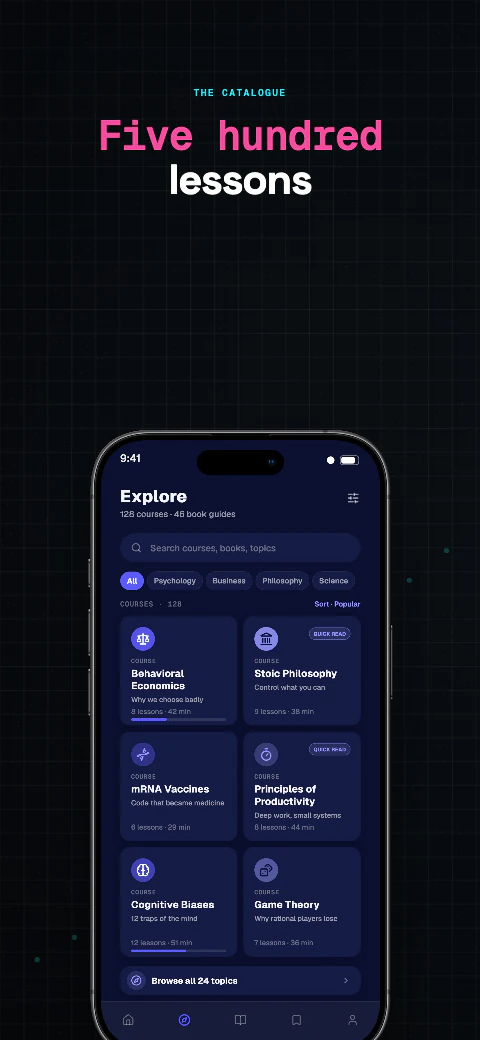
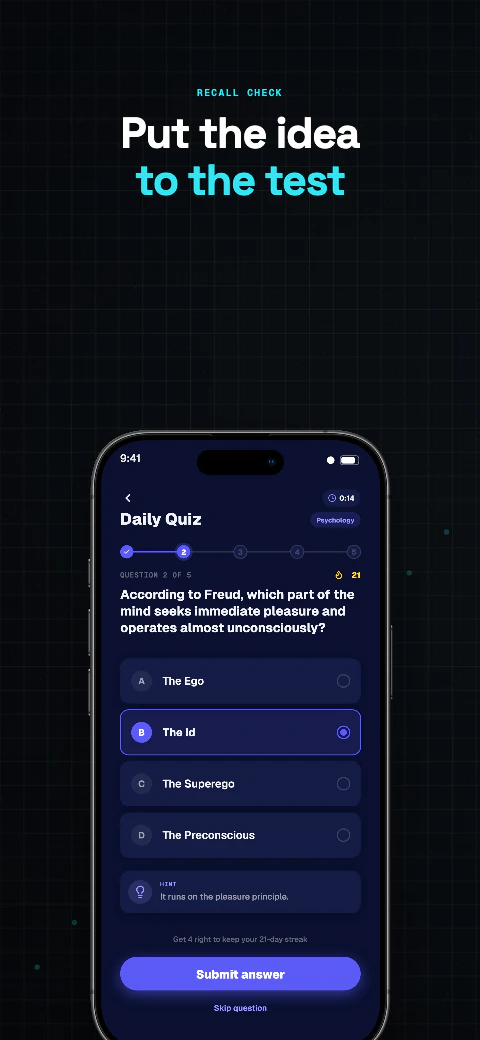
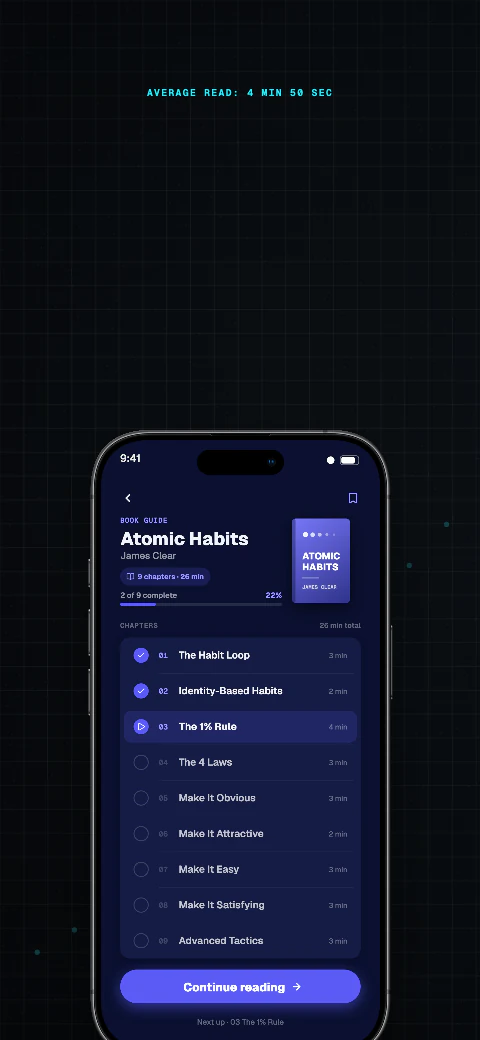
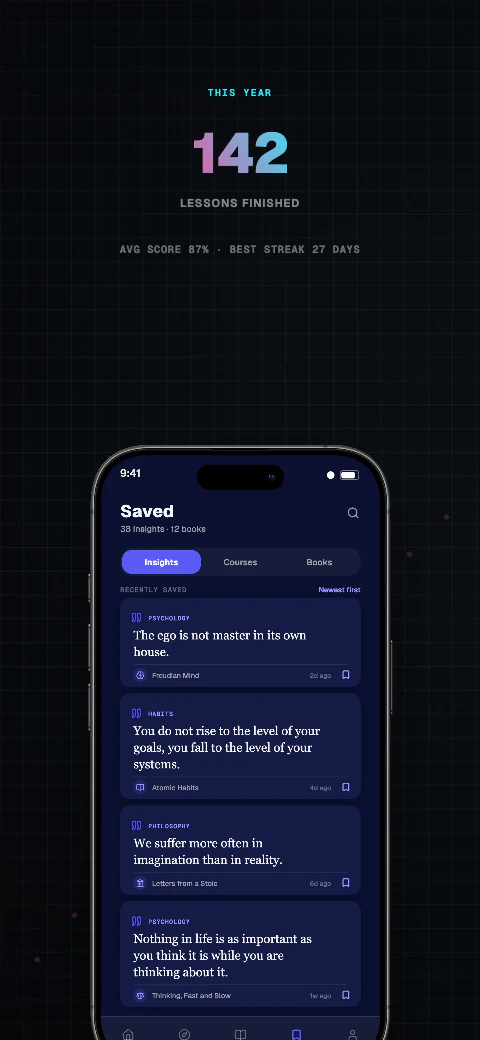
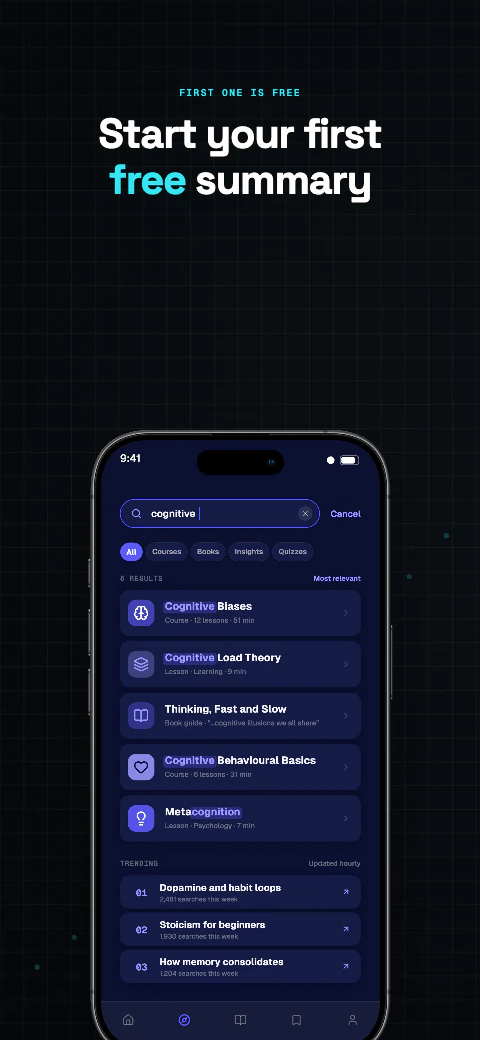
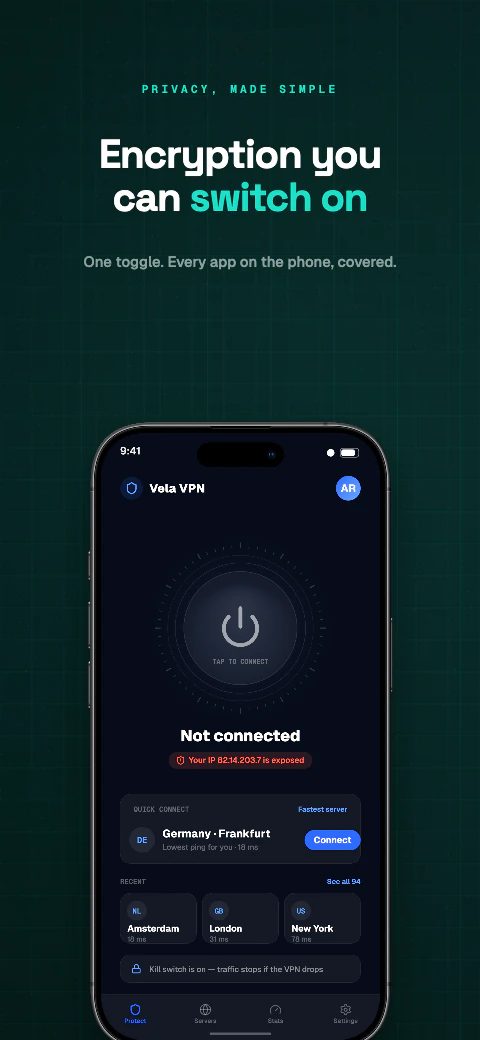
Quant app screenshot template coverQuant second store screenshotOpen story
  1. Hook
  2. Plotted
  3. Compound
  4. Library
  5. Quiz
  6. Book
  7. Lessons
  8. Start

Shipshot story set

Quant

Deep backgrounds with glowing accents, built for apps that live in dark mode.
View story
Dark · 8 pagesPro
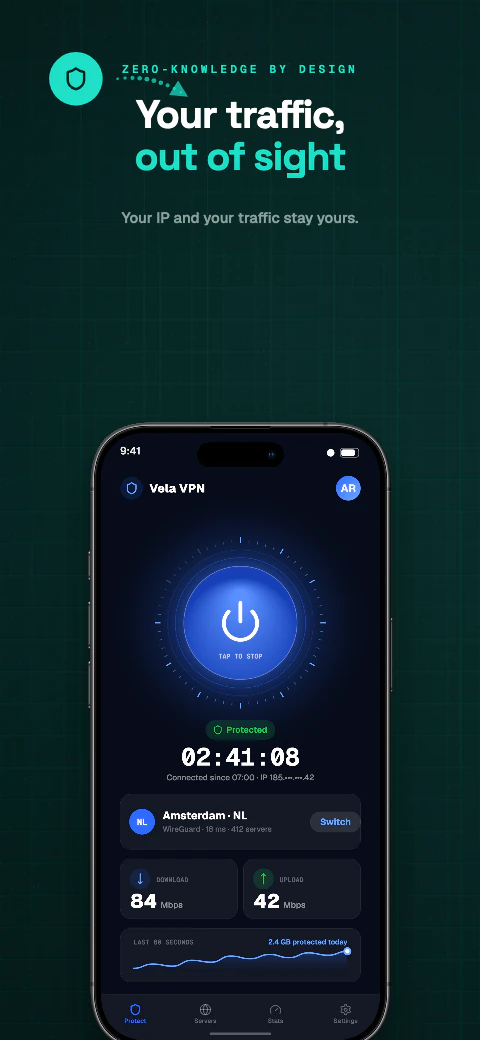
Eclipse app screenshot template coverEclipse second store screenshotOpen story
  1. Dark
  2. Hidden
  3. Countries
  4. Speed
  5. Blocked
  6. Count
  7. Kill switch
  8. Free

Shipshot story set

Eclipse

Deep backgrounds with glowing accents, built for apps that live in dark mode.
View story
Dark · 8 pagesPro
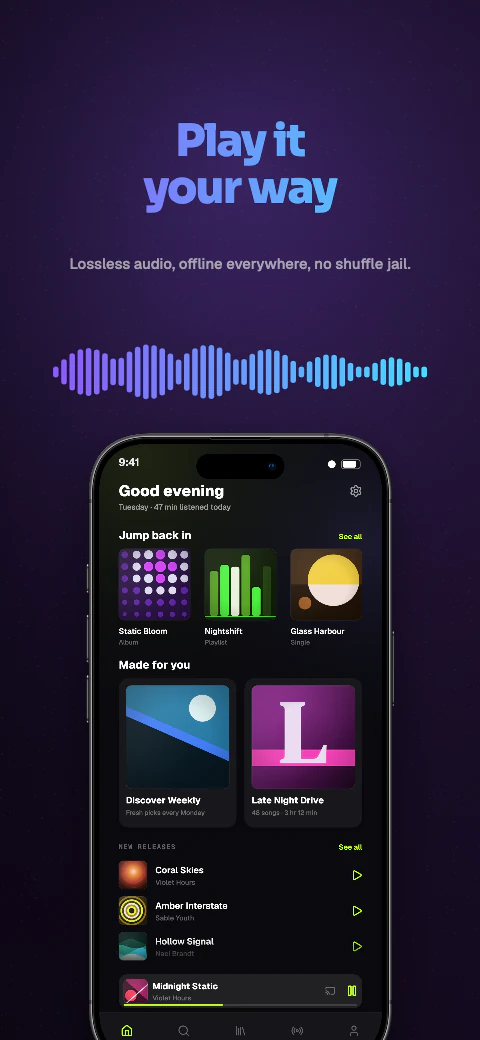
Concrete app screenshot template coverConcrete second store screenshotOpen story
  1. Home
  2. Connected
  3. Locations
  4. Speed
  5. Privacy
  6. Threats
  7. Settings
  8. Plans

Shipshot story set

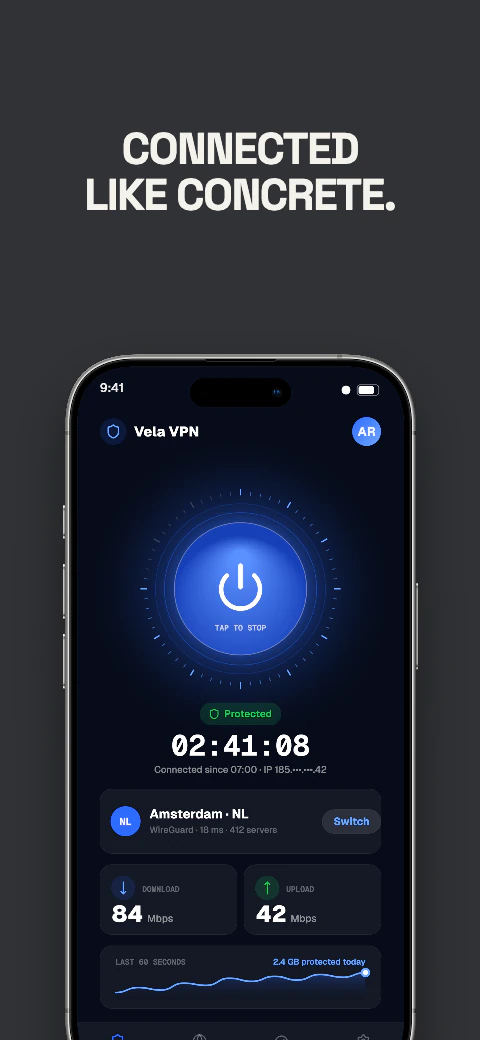
Concrete

Deep backgrounds with glowing accents, built for apps that live in dark mode.
View story
Dark · 8 pagesPro
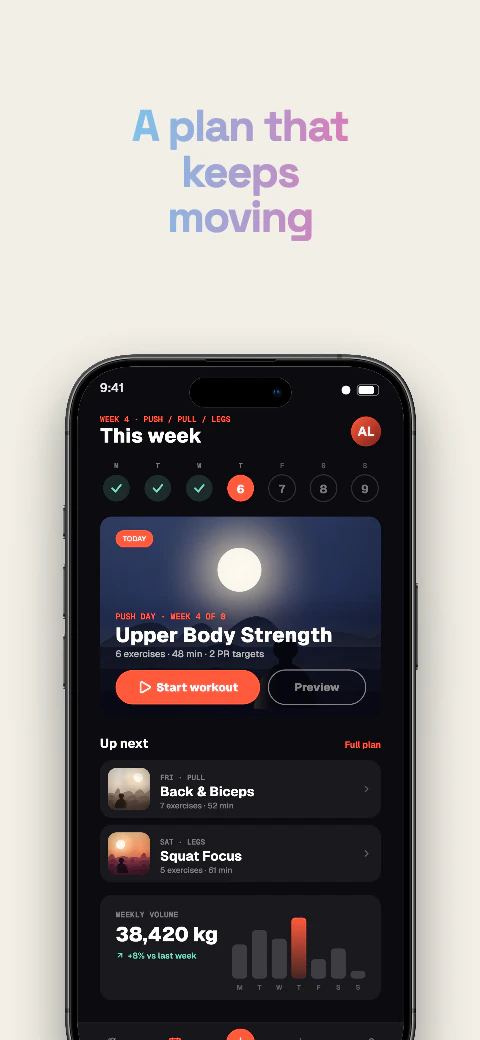
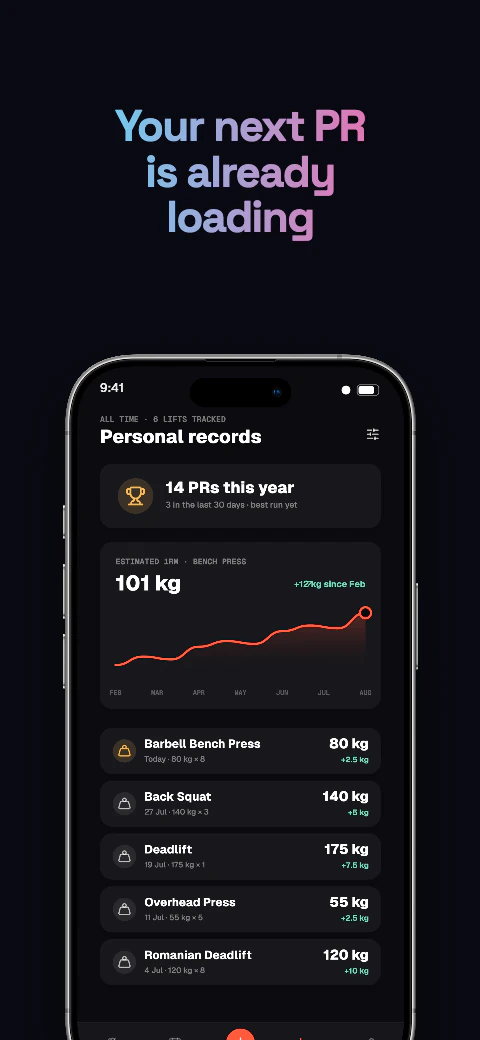
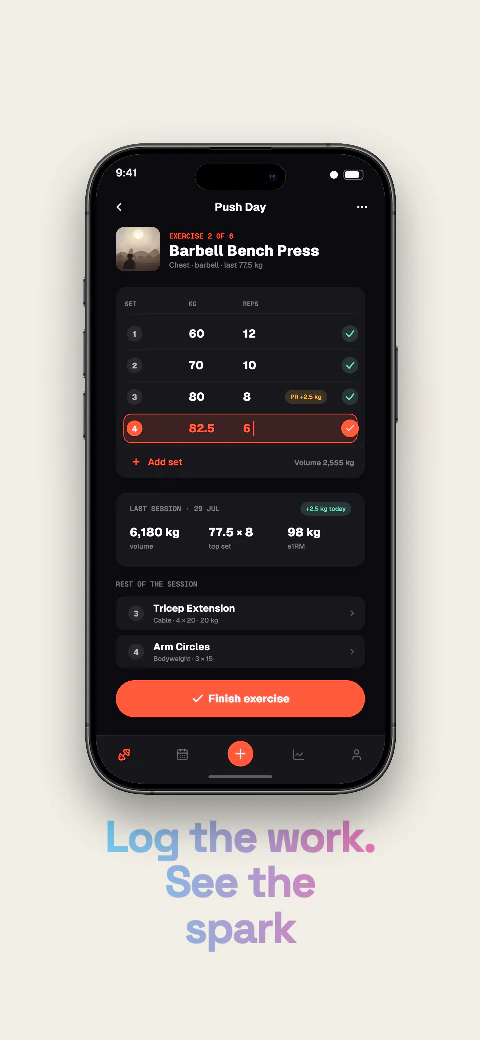
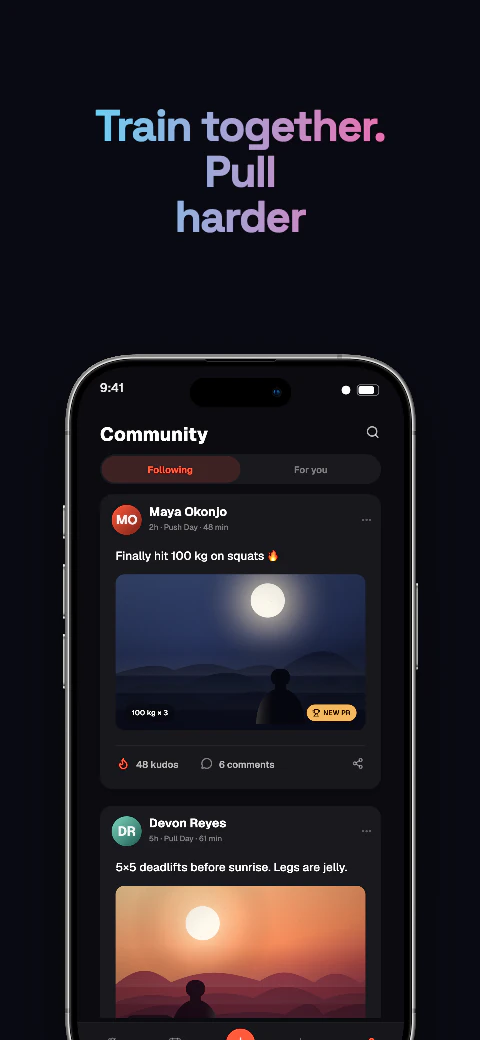
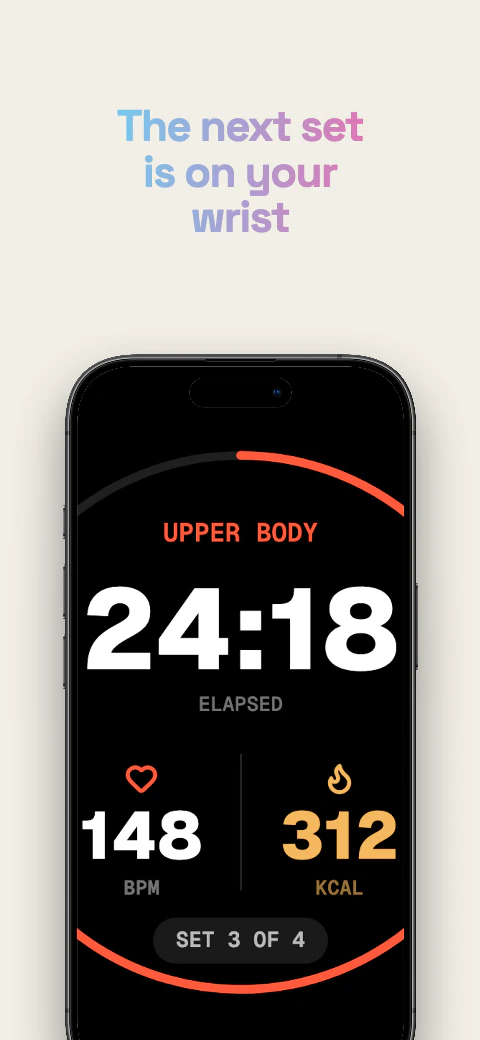
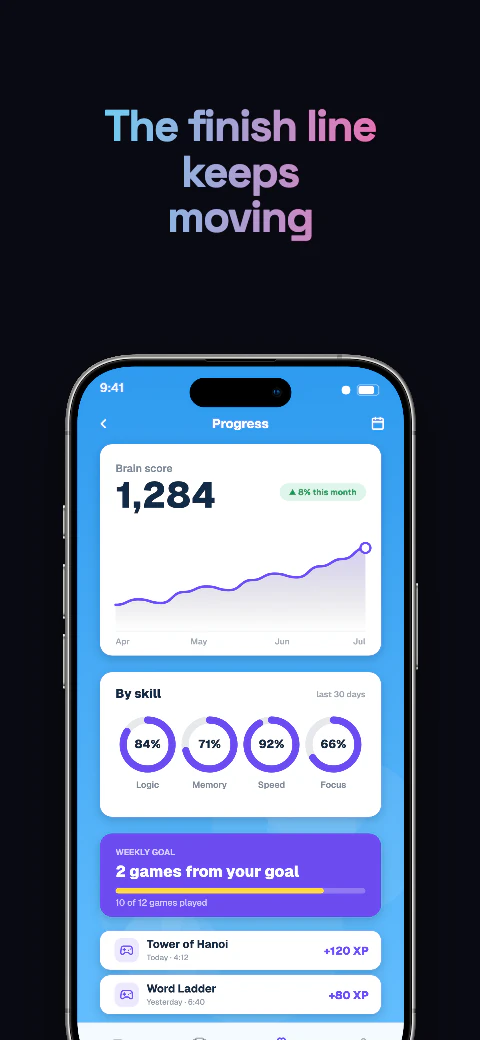
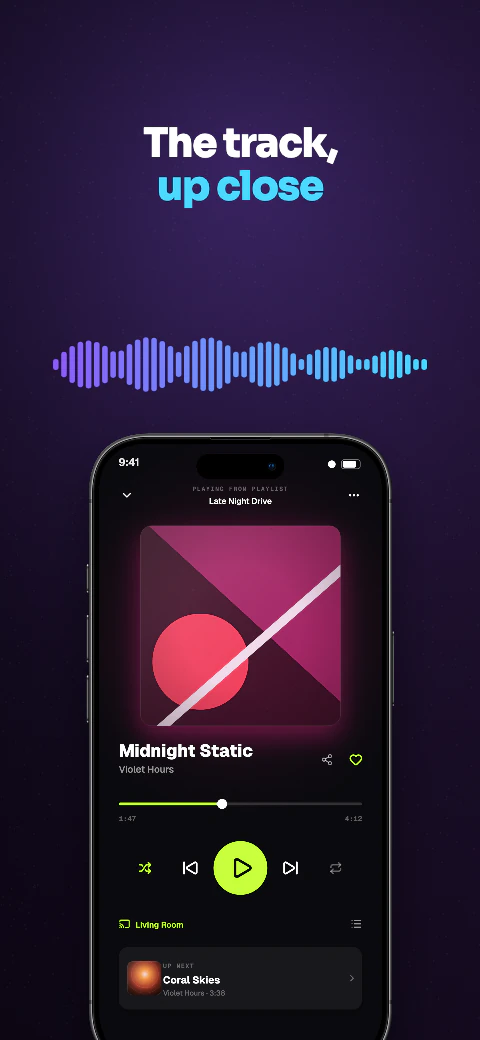
Lumen app screenshot template coverLumen second store screenshotOpen story
  1. Velocity
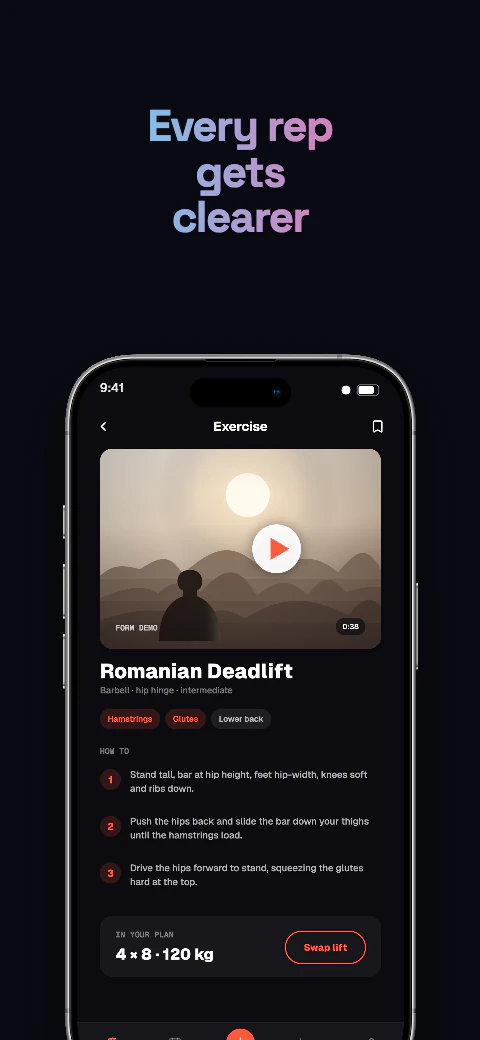
  2. Form
  3. Plan
  4. PRs
  5. Log
  6. Crew
  7. Wrist
  8. Finish

Shipshot story set

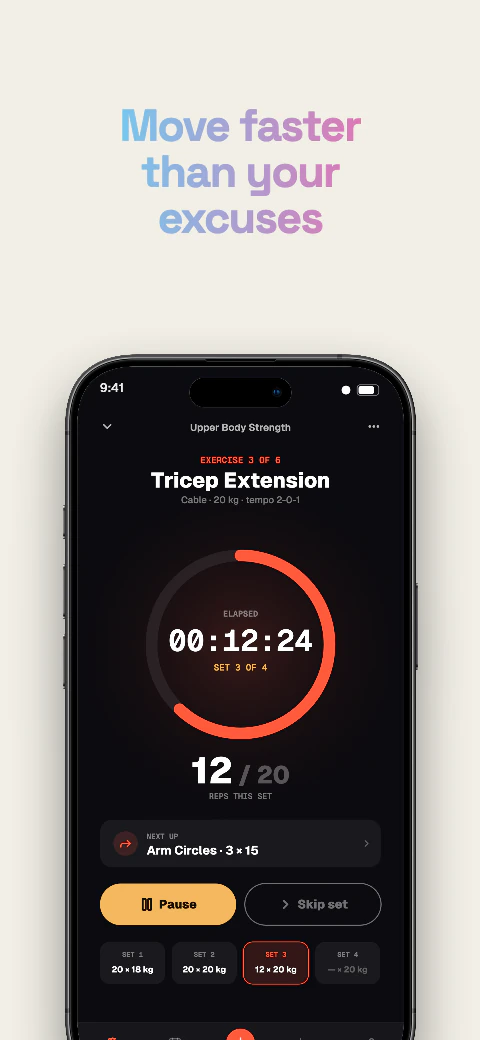
Lumen

Deep backgrounds with glowing accents, built for apps that live in dark mode.
View story
Dark · 8 pagesPro
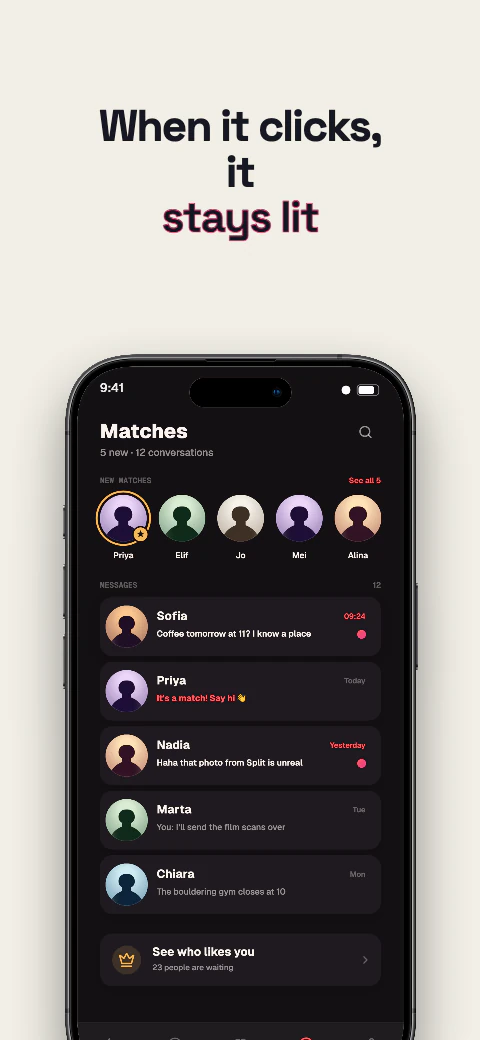
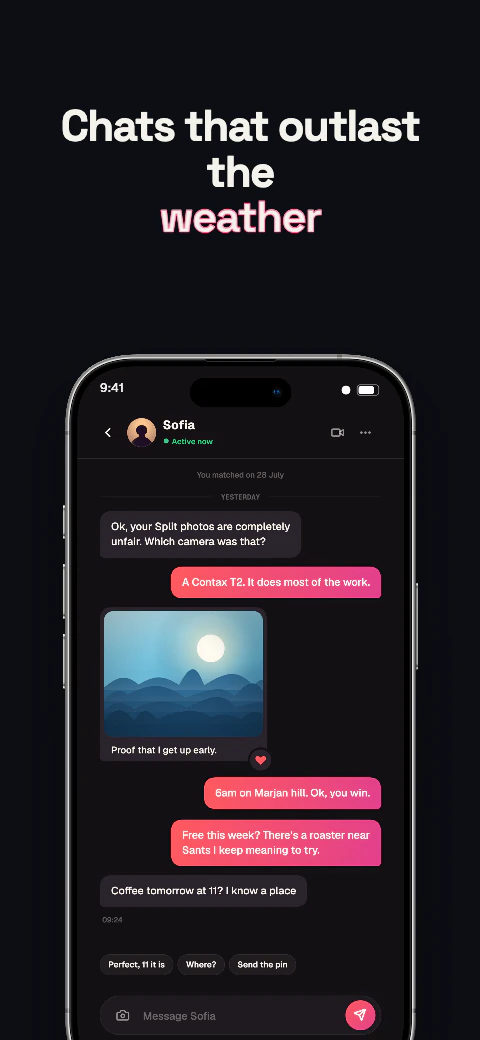
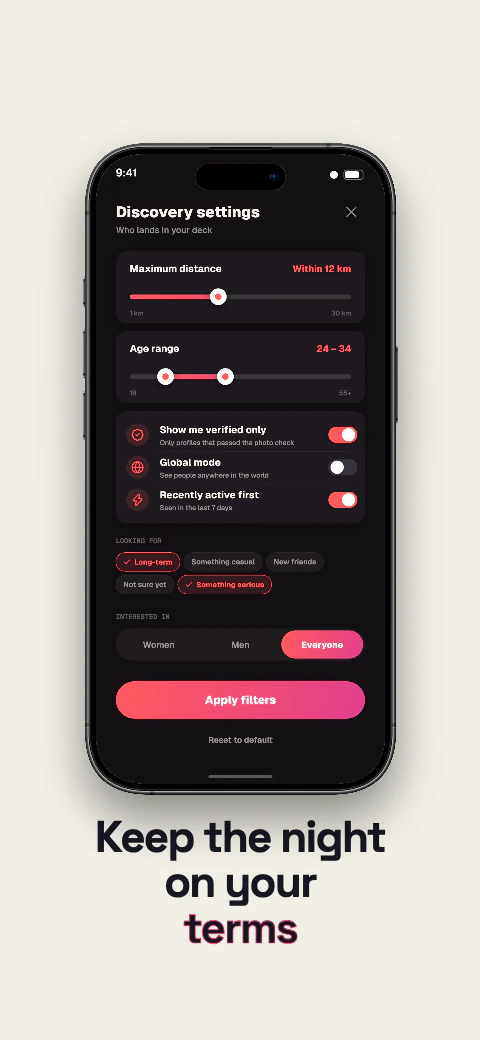
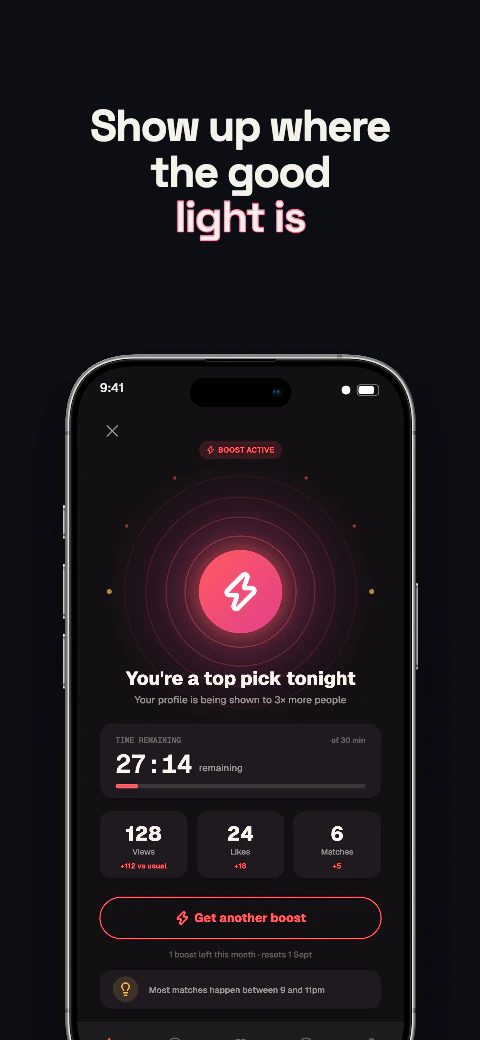
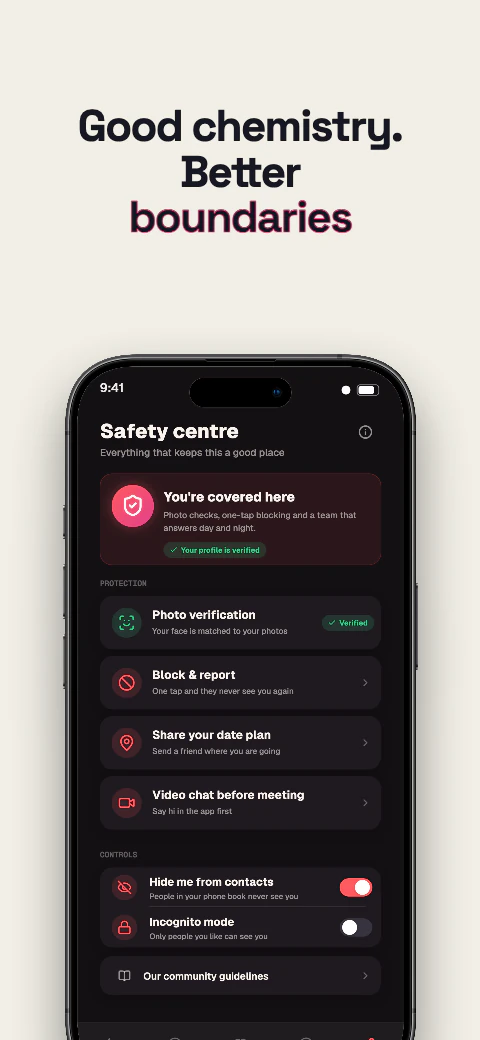
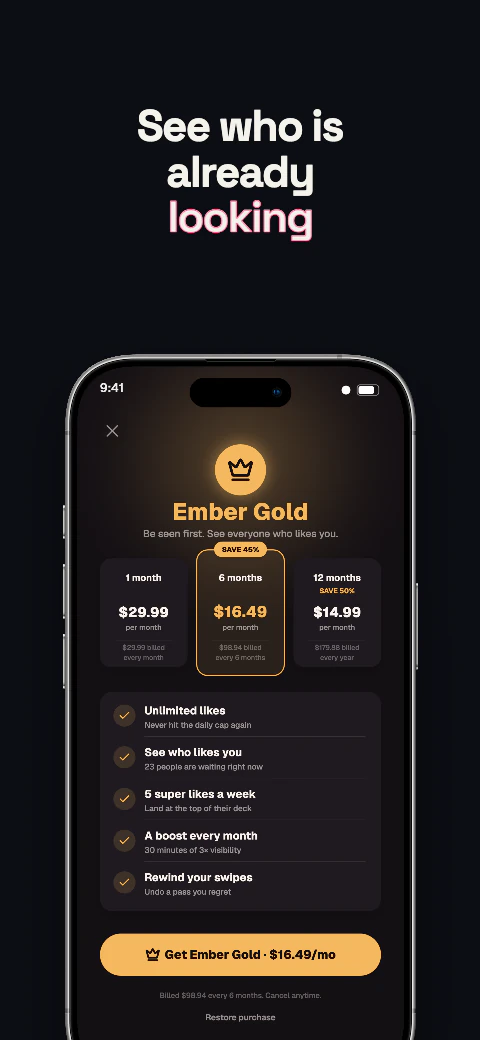
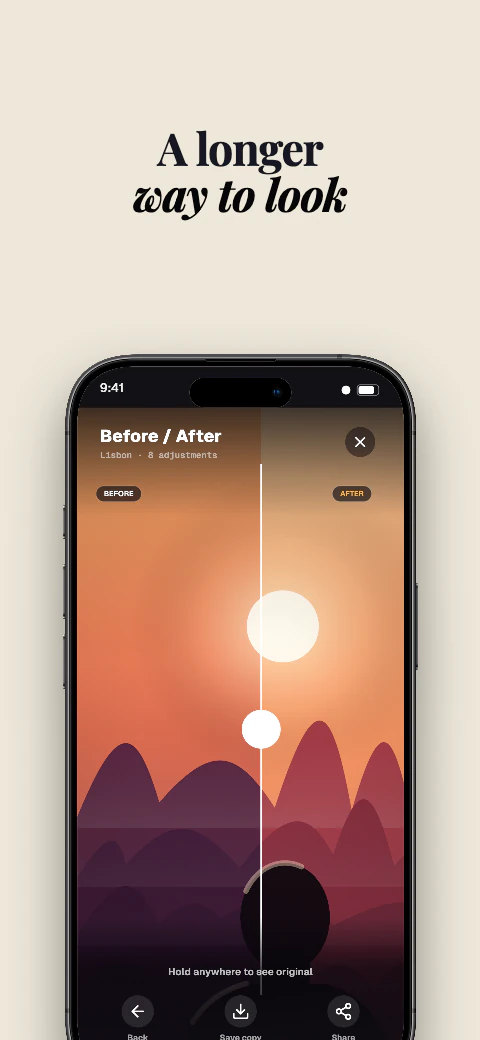
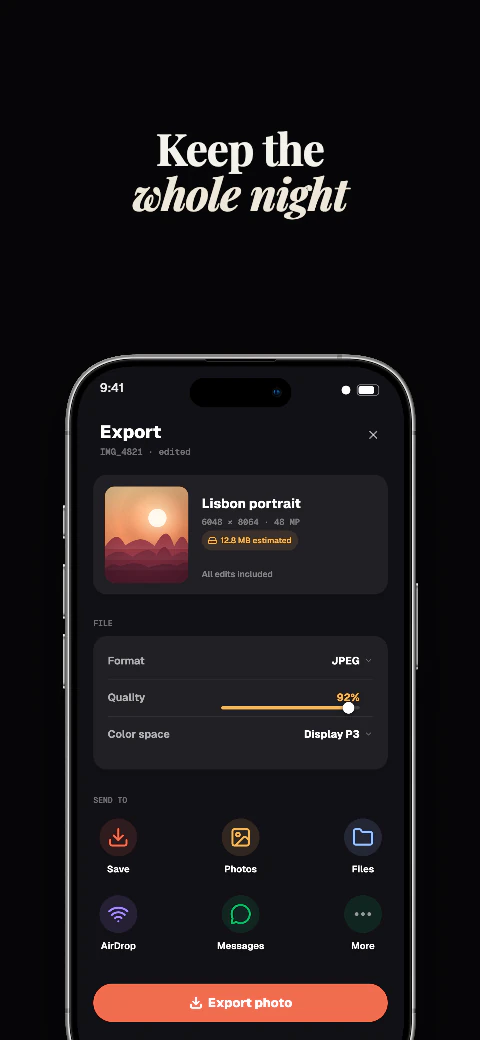
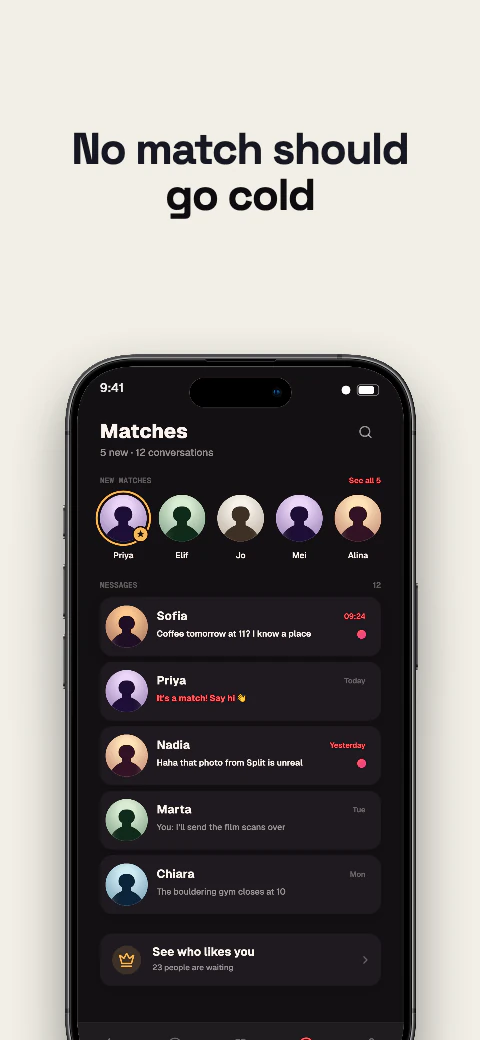
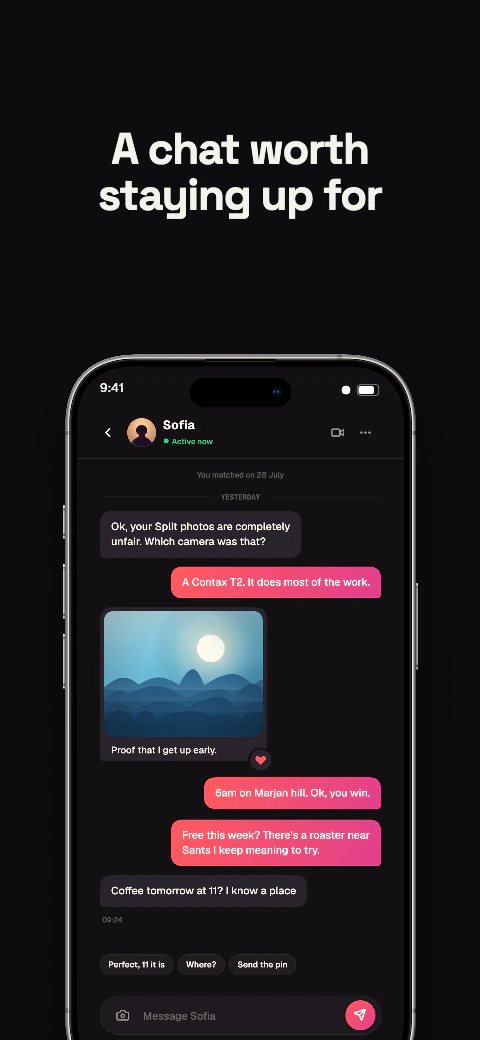
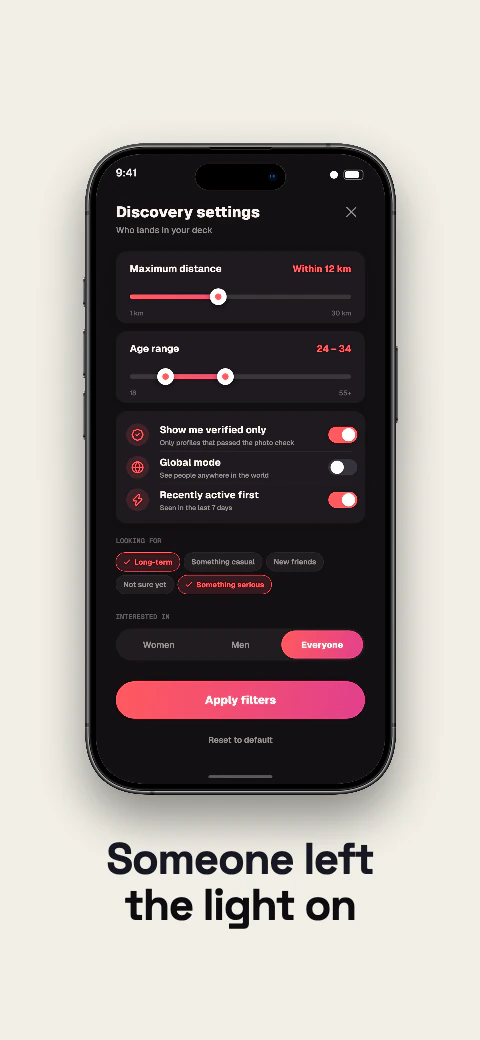
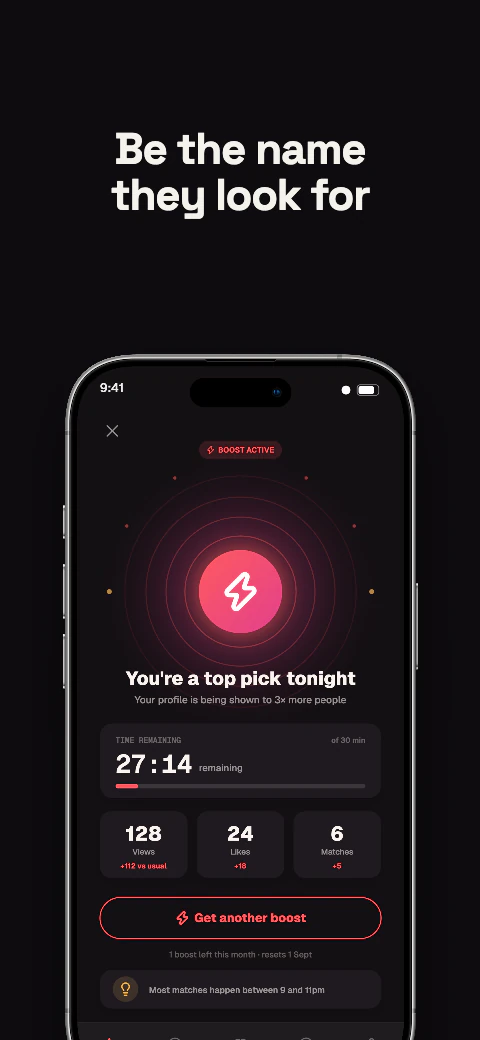
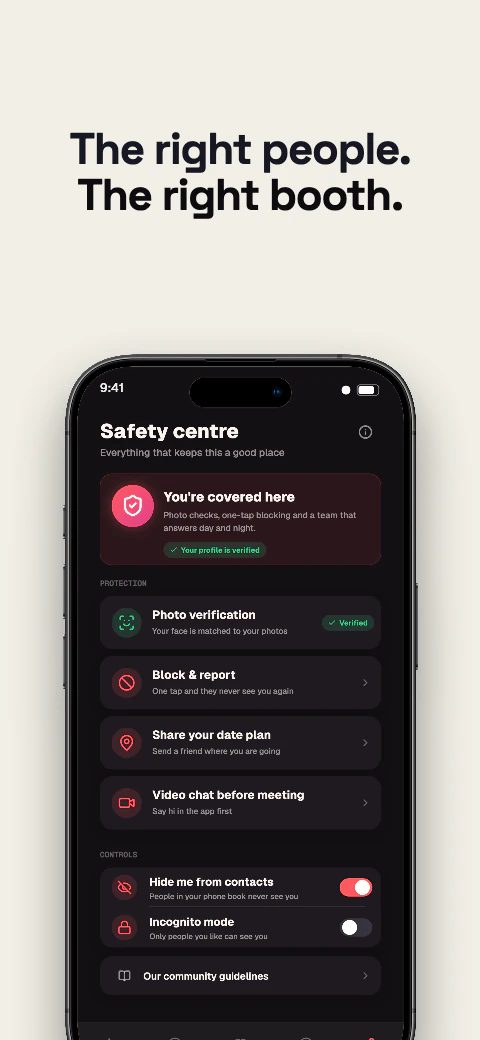
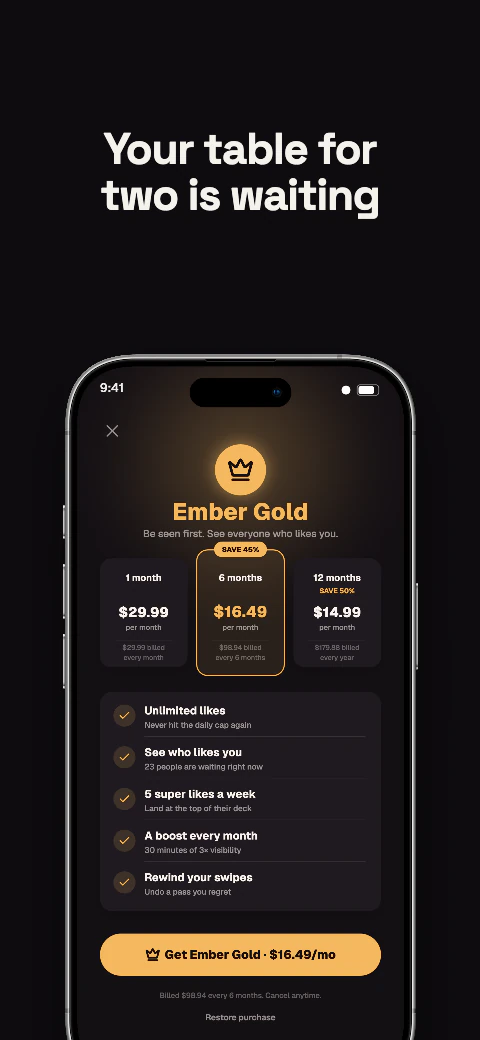
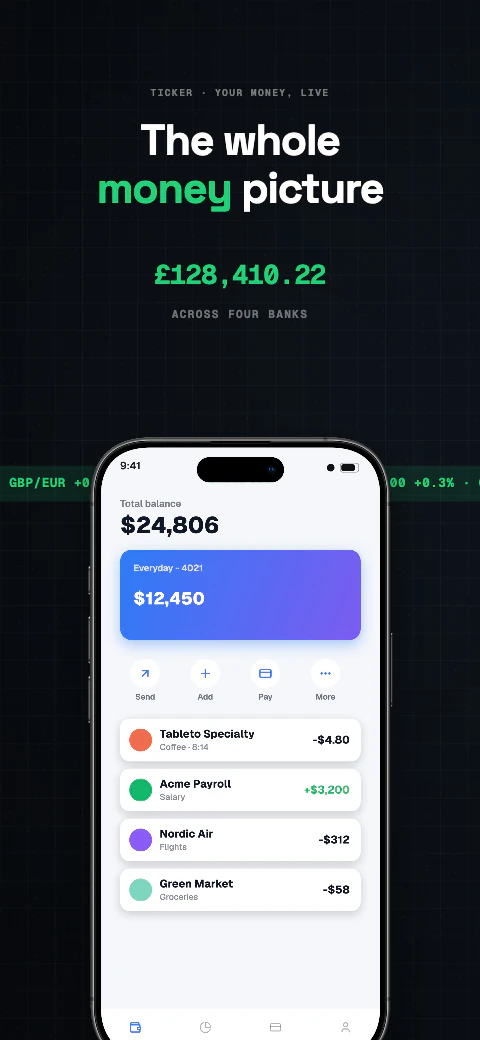
Neonoir app screenshot template coverNeonoir second store screenshotOpen story
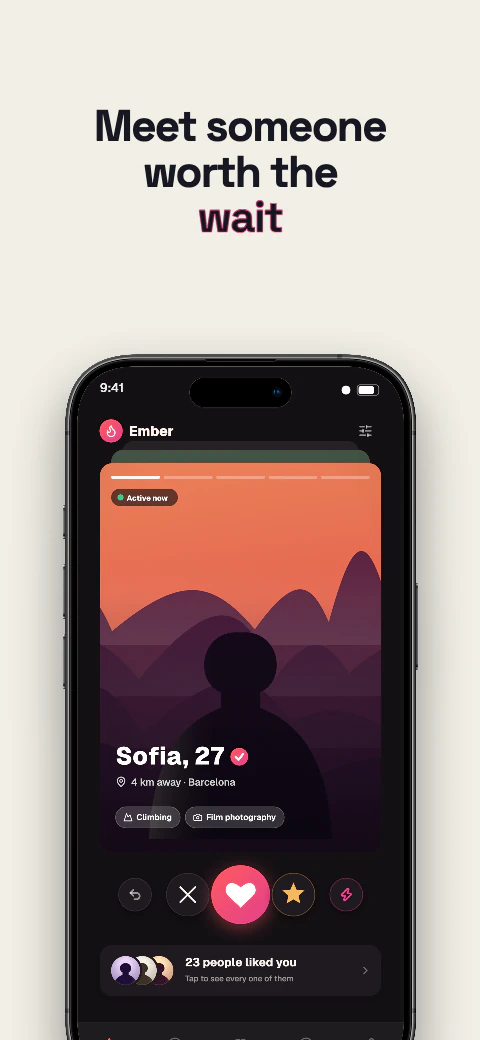
  1. First light
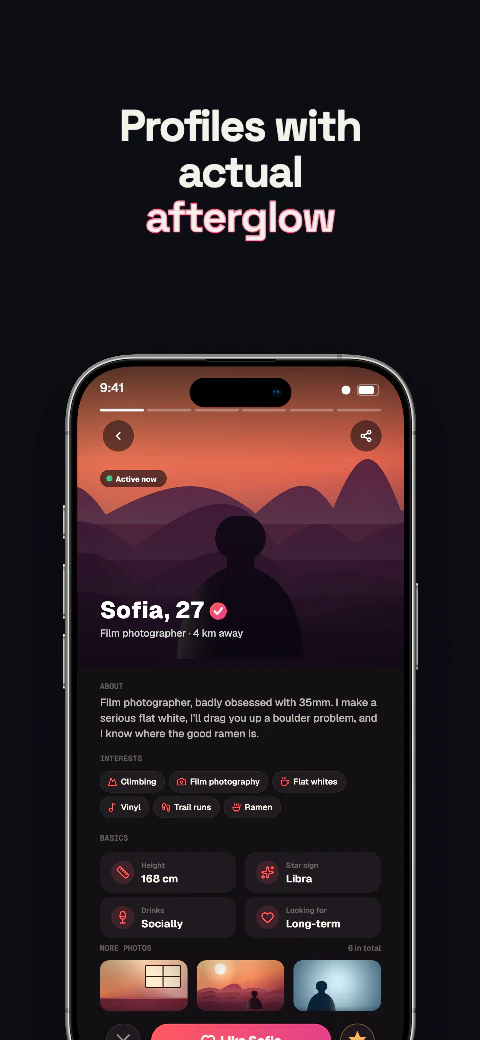
  2. Profile
  3. Matches
  4. Chat
  5. Filters
  6. Boost
  7. Safety
  8. Gold

Shipshot story set

Neonoir

Deep backgrounds with glowing accents, built for apps that live in dark mode.
View story
Dark · 8 pagesPro
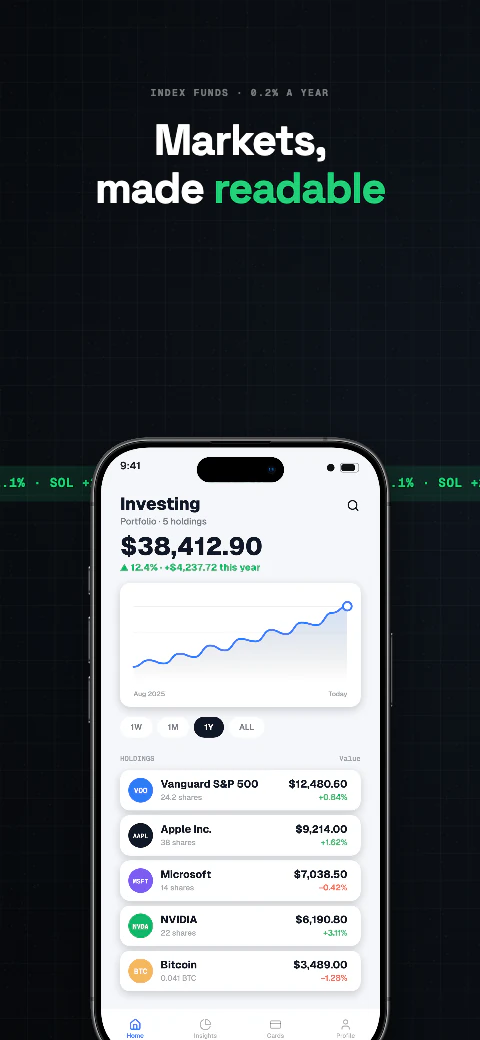
Shutterdrift app screenshot template coverShutterdrift second store screenshotOpen story
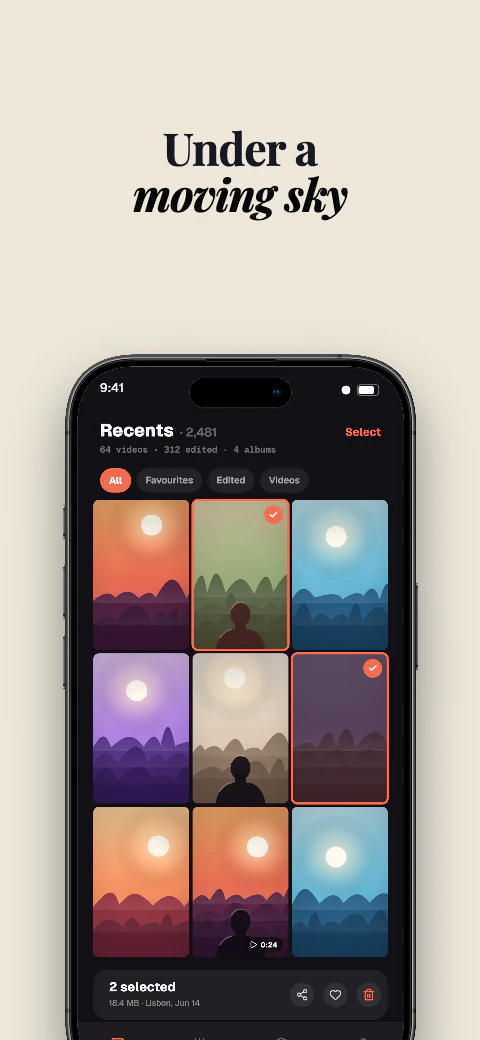
  1. Exposure 1
  2. Exposure 2
  3. Exposure 3
  4. Exposure 4
  5. Exposure 5
  6. Exposure 6
  7. Exposure 7
  8. Exposure 8

Shipshot story set

Shutterdrift

Deep backgrounds with glowing accents, built for apps that live in dark mode.
View story
Dark · 8 pagesPro
Dinersign app screenshot template coverDinersign second store screenshotOpen story
  1. Open
  2. Eat
  3. Hours
  4. Pie
  5. Flicker
  6. Booth
  7. Safe
  8. Last call

Shipshot story set

Dinersign

Deep backgrounds with glowing accents, built for apps that live in dark mode.
View story
Dark · 8 pagesPro
Spectro app screenshot template coverSpectro second store screenshotOpen story
  1. Band 1
  2. Band 2
  3. Band 3
  4. Band 4
  5. Band 5
  6. Band 6
  7. Band 7
  8. Band 8

Shipshot story set

Spectro

Deep backgrounds with glowing accents, built for apps that live in dark mode.
View story

A story, not a style sheet

The eight-page rhythm

Use the page roles as a practical starting point. Change the content, keep the momentum.

  1. 01Hook

    Make the reason to care visible immediately.

  2. 02–06Proof

    Show the useful moments, one clear point at a time.

  3. 07–08Finish

    Close with confidence, outcome or the next step.

Questions

Before you open Studio

Everything in a story set is a starting point, ready for your app and your words.

What is a screenshot story?

A story is an ordered set of eight store screenshots. Each page has a role, from the first hook through the final call to action.

Can I replace the example app screens?

Yes. Open a set in Shipshot Studio to replace screens, captions, colours and device frames while keeping the layout editable.

Which devices can I export?

Shipshot supports iPhone 6.9-inch and 6.5-inch, iPad 13-inch, Android phone and Android 10-inch tablet output sizes.

Are there free templates?

Yes — 6 of the 223 sets. Every card here is marked Free or Pro, and the Free filter narrows the library to those 6. The other 217 open on a Pro or Scale plan; the editor, every device frame and every design tool are on the free plan either way.

Need a different direction?
Tell us the story your app needs.